
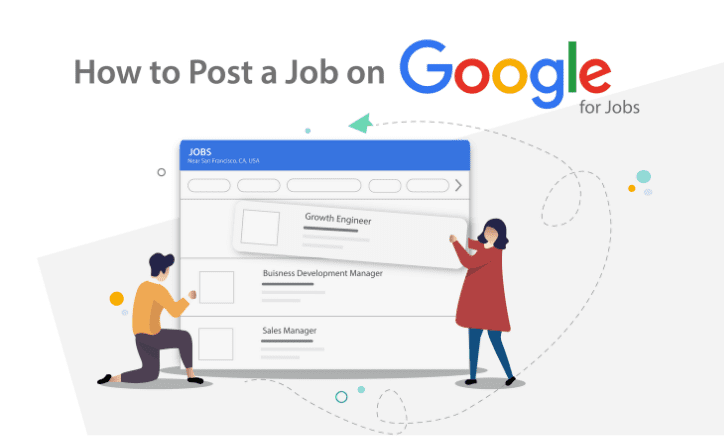


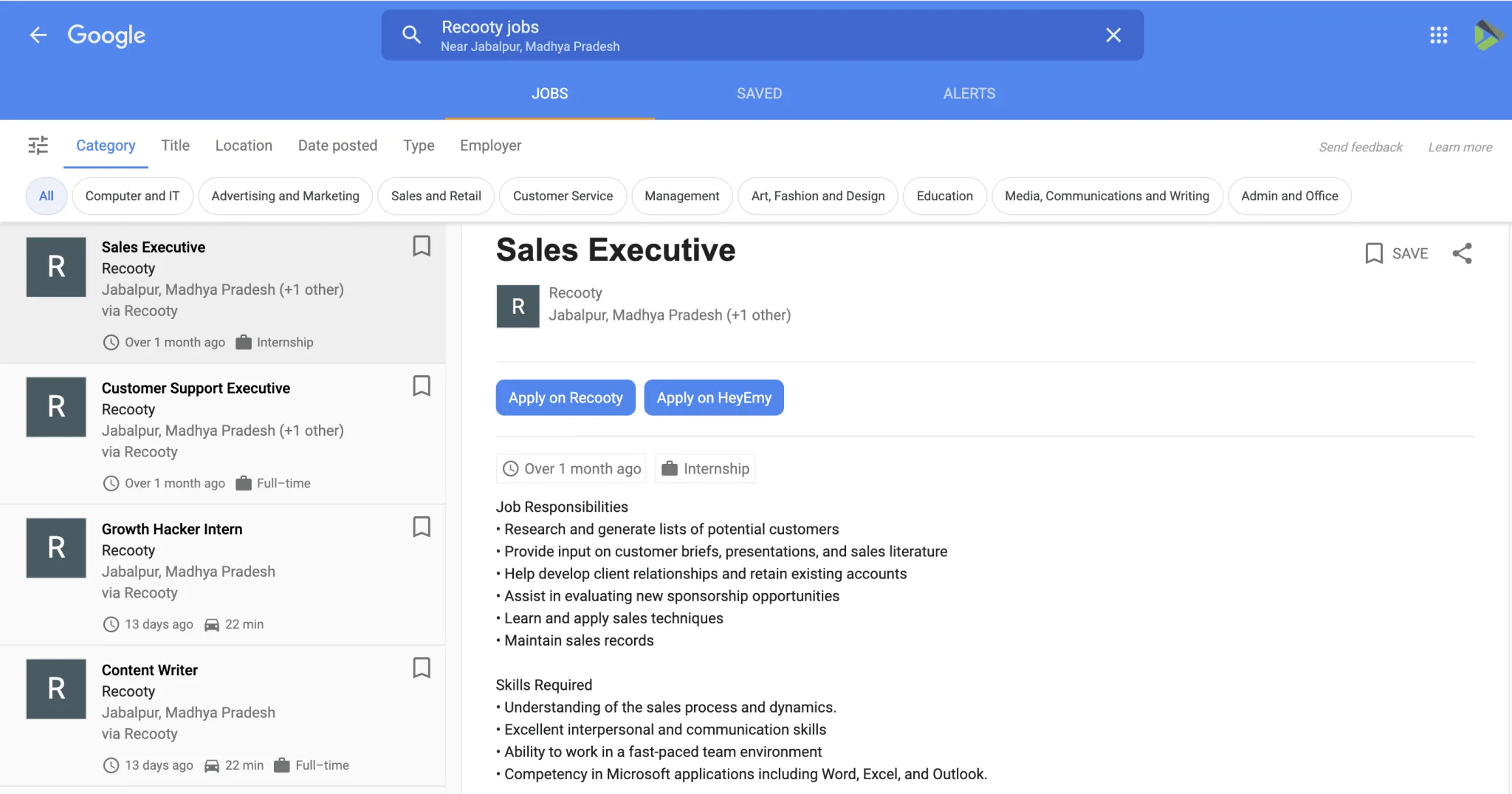
Google for Jobs is a search experience, not an employer dashboard where you upload a vacancy. To appear there, publish an eligible job page on your careers site or use a job board or recruitment software provider that publishes the required job data. Google then crawls the page and decides whether it meets its technical and content policies.
The direct route needs one crawlable page for each open role and matching JobPosting structured data. The visible page and the markup must describe the same job. If you do not have the time or technical support to maintain that setup, an ATS or eligible job board can handle more of the publishing workflow while your team keeps the job details accurate.
Key takeaways
- Google for Jobs is free for eligible organic listings, but Google does not guarantee indexing, a rich result, a ranking, or a fixed number of applications.
- Use a dedicated job page, readable title, accurate location or remote rules, current salary and employment details, and valid expiry information.
- Add
JobPostingstructured data to the individual job page, not to a careers index or search-results page. - Validate the rendered page, keep the sitemap current, and remove or close the listing when the role is filled.
- Use recruitment software when you need a branded careers page, job-board distribution, applicant tracking, and expiry controls in one workflow.

How to post a job on Google for Jobs
Option 1: Publish a job page on your own site
Create a public page for one open role. Include the title, employer, description, location, employment type, date posted, application method, and any salary details you can disclose. The page should be usable without a login and should send applicants to a working application route.
Add JobPosting JSON-LD that matches the visible content. Follow Google’s JobPosting structured-data documentation, then test the rendered page with the Rich Results Test. A schema template that contains a different title, salary, location, or closing date from the page can make the listing misleading.
Example structure:
{
  "@context": "https://schema.org/",
  "@type": "JobPosting",
  "title": "Customer Support Specialist",
  "description": "Help customers by email and chat and document recurring issues.",
  "datePosted": "2026-10-01",
  "validThrough": "2026-11-01",
  "employmentType": "FULL_TIME",
  "hiringOrganization": {
    "@type": "Organization",
    "name": "Example Company",
    "sameAs": "https://www.example.com",
    "logo": "https://www.example.com/logo.png"
  },
  "jobLocation": {
    "@type": "Place",
    "address": {
      "@type": "PostalAddress",
      "addressLocality": "Austin",
      "addressRegion": "TX",
      "addressCountry": "US"
    }
  }
}
For a remote role, describe who may apply and use the appropriate remote fields. For a hybrid role, show the physical location and remote arrangement in both the page and the markup.
Option 2: Use a job board or recruitment software provider
If you publish through a job board, confirm that it sends eligible job data to Google and that you can control the title, location, salary, application link, and closing status. The provider may handle structured data and feeds, but your team still owns the accuracy of the source job.
An ATS can provide a branded careers page, application tracking, job-board distribution, and a single record for updates. The Recooty applicant tracking system and AI recruitment software pages describe the product route.
If the team is comparing platforms, this list of AI recruiting software can help narrow the shortlist. You can also review the applicant tracking system page without a trailing slash. Ask which URL is canonical, where the markup is rendered, how closed jobs are removed, and whether the sitemap is updated automatically.
Prepare the job page for Google and applicants
Use a standard title such as “Warehouse Supervisor” rather than a slogan or internal code. Put responsibilities, must-have qualifications, pay or pay range, location, work pattern, employment type, and benefits where candidates can find them.
A job description generator can turn responsibilities and requirements into a clear first draft. Avoid keyword stuffing and claims that the role cannot support.
The application path should work on a phone and should not ask for unrelated personal information. If you use a site builder such as Wix or Squarespace, the website-builder guidance may help with page setup, but still validate the final rendered page and structured data.
Keep listings current after publication
Google can show a job only while the underlying page remains useful and eligible. Review the title, salary, location, employment type, application form, and validThrough date when the hiring request changes. When the role is filled, close the application route, update or remove the JobPosting data, and update the sitemap. Do not leave an expired vacancy presented as open.
Use Google’s URL inspection tools to review the page and any structured-data errors. A submitted URL is not a promise that Google will index or display the listing.
What to measure after a job appears in Google for Jobs
Track impressions and clicks in Google’s reporting alongside applications in your ATS or analytics system. The useful hiring measures are completed applications, qualified applications, screen-to-interview rate, interview-to-offer rate, source-to-hire conversion, and cost per qualified applicant when you pay for the publishing tool.
If a job gets impressions but few clicks, check whether the title, location, salary, and opening description answer the candidate’s first questions. If it gets clicks but few completed applications, test the apply route and form length before rewriting the entire job page.
Google for Jobs and recruitment software: choose the right publishing route
| Route | What you control | Best fit | Main risk |
|---|---|---|---|
| Own careers page | HTML, JobPosting JSON-LD, sitemap, expiry, and apply flow | Teams with developer or SEO support | A schema error or stale page can make the listing ineligible |
| Job board | Listing content and board settings | Occasional hiring or teams without a careers site | Less control over canonical URLs, markup, and candidate data |
| Recruitment software or ATS | Job record, distribution, career page, applicant stages, and reporting | Repeated hiring across several channels | Assuming the ATS handles every policy, location, or expiry requirement automatically |
| Hybrid workflow | ATS as source of truth plus a company careers page | Employers that need brand control and multi-board reach | Duplicate or conflicting job pages can split signals and confuse applicants |
The practical choice is the workflow your team can keep accurate. A direct implementation gives more control but requires ownership of markup, crawlability, expiry, and page changes. A provider can reduce the technical work, but someone still needs to check that the title, pay, location, remote rules, and application route match the approved role. Use how to create a career page that converts for the candidate-facing page and how to find good candidates faster for sourcing and follow-up.
Conclusion: publish an accurate, current job page
You cannot upload a vacancy directly to Google for Jobs. Publish a clear, crawlable job page yourself or use a provider that supports the required data, then keep the visible job and structured data aligned throughout the hiring lifecycle. That approach gives candidates a reliable application path and gives your team a fair way to measure the source.
Additional Resources on Job Posting
- Free job posting sites
- Google for Jobs results
- How to post a job on Monster
- How to post a job on CareerBuilder
- How to Post a Job on LinkedIn
- How to Post a Job On Craigslist
- How to Post a Job on ZipRecruiter
- How to Post a Job on Dice
- How to Post a Job on Indeed
- How to Post a Job on Snagajob
- How to Post a Job on Dribbble
- How to Post a Job on Seek
- How to Post a Job on JobServe
- How to post a job on Glassdoor
- How to Post a Job on Trovit
- How to post a job on Jooble
- How to Post Jobs on Juju.com
- How to Post a Job on TotalJobs
- How to post a job on Behance
- How to Post A Job on AngelList Talent (now Wellfound)
- How to Post a Job on JobSquare
- Juju.com
Source: https://recooty.com/blog/how-to-post-a-job-on-google-free-job-listing/
Frequently Asked Questions
No. Google for Jobs is a search feature rather than an employer upload form. Publish a crawlable job page on your site or use a job board or recruitment software provider that sends eligible job data to Google.
Google does not charge an employer to make an eligible page available in its organic job-search experience. You may still pay an ATS, job board, developer, or sponsored distribution channel for the tools or reach used to create and promote the listing.
No. Structured data makes a page eligible; it does not guarantee indexing, a rich result, a position, or applications. The page must also meet Google’s technical guidelines, job-posting content policies, and general search spam policies. See Google’s job posting content policies for the current requirements.
There is no reliable universal time. A crawlable page with accurate markup, a discoverable URL, and a current sitemap may be found sooner, but indexing and display depend on Google’s systems. Use Google’s reporting and application analytics to confirm visibility rather than promising a fixed launch time.
Close the application route, remove or update the JobPosting data, set the correct expiry where applicable, and update the sitemap. If the URL will continue serving useful employer or related-job content, keep it useful without presenting the old vacancy as open.
Jump To Section
Author's Profile

Hardik Vishwakarma


Hardik Vishwakarma – AI Recruitment Strategist | HR Automation Expert | Applicant Tracking Software Specialist Hardik Vishwakarma is a recognized leader in HR automation and...
View Full Profile →