.webp)


In the last few months, our recruiters and HR have tried and analyzed 25 of the very best AI Applicant Tracking Systems or AI Recruitment Software in 2025 under real-world hiring conditions, hands-on.
Here is the list of top 15 best best recruiting software among them.
1. Recooty
Top Rated Recruiting Software which is best for with some amazing AI Features for SMBs, mid sized companies and organization, and lean teams
AI resume parsing, matching and screening, one-click job postings to 250+ job boards, no-code branded career page, integrated interview scheduler, and highly affordable plans. Powerfully simple automation for non-technical users.
2. Greenhouse
Best for enterprise structured hiring
Structured hiring tools (interview kits and scorecards), plus DE&I analytics for reducing bias and making data-driven decisions. Massive integration marketplace and robust reporting.
3. Workable
Best for all-in-one sourcing and ATS
AI-powered candidate sourcing, one-click posting to 200+ sites, mobile recruiting app, collaborative hiring features, and customizable pipelines. Excellent for finding both passive and active talent.
4. Lever
Best for CRM and candidate nurturing
Combined ATS and CRM (LeverTRM), automated nurture campaigns, advanced analytics, powerful browser extension for sourcing, and great candidate pipeline management.
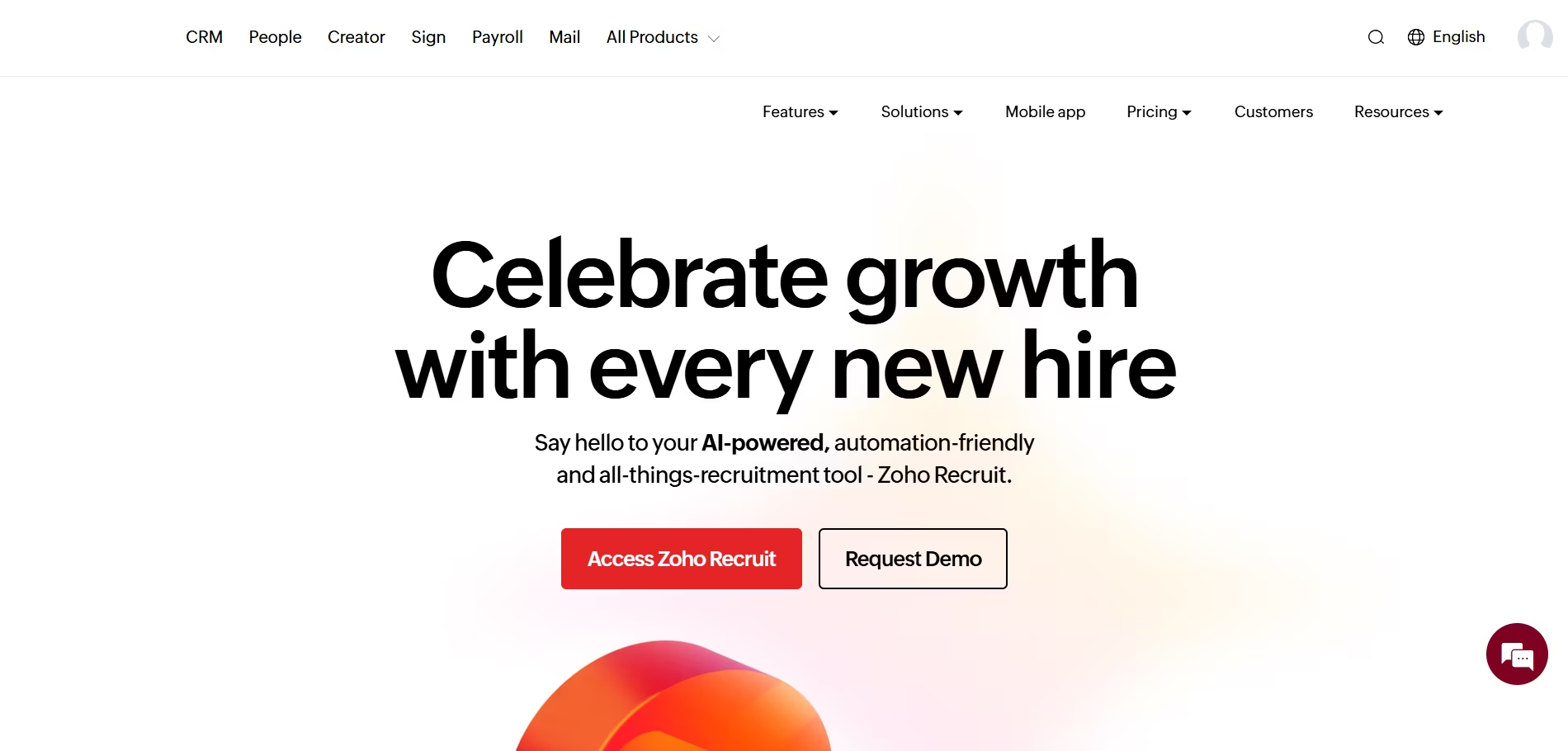
5. Zoho Recruit
Best for customization and Zoho ecosystem
Deep workflow customization, AI assistant for resume parsing/matching, staffing agency/client management, seamless integration with Zoho apps, and strong value pricing.
6. Manatal
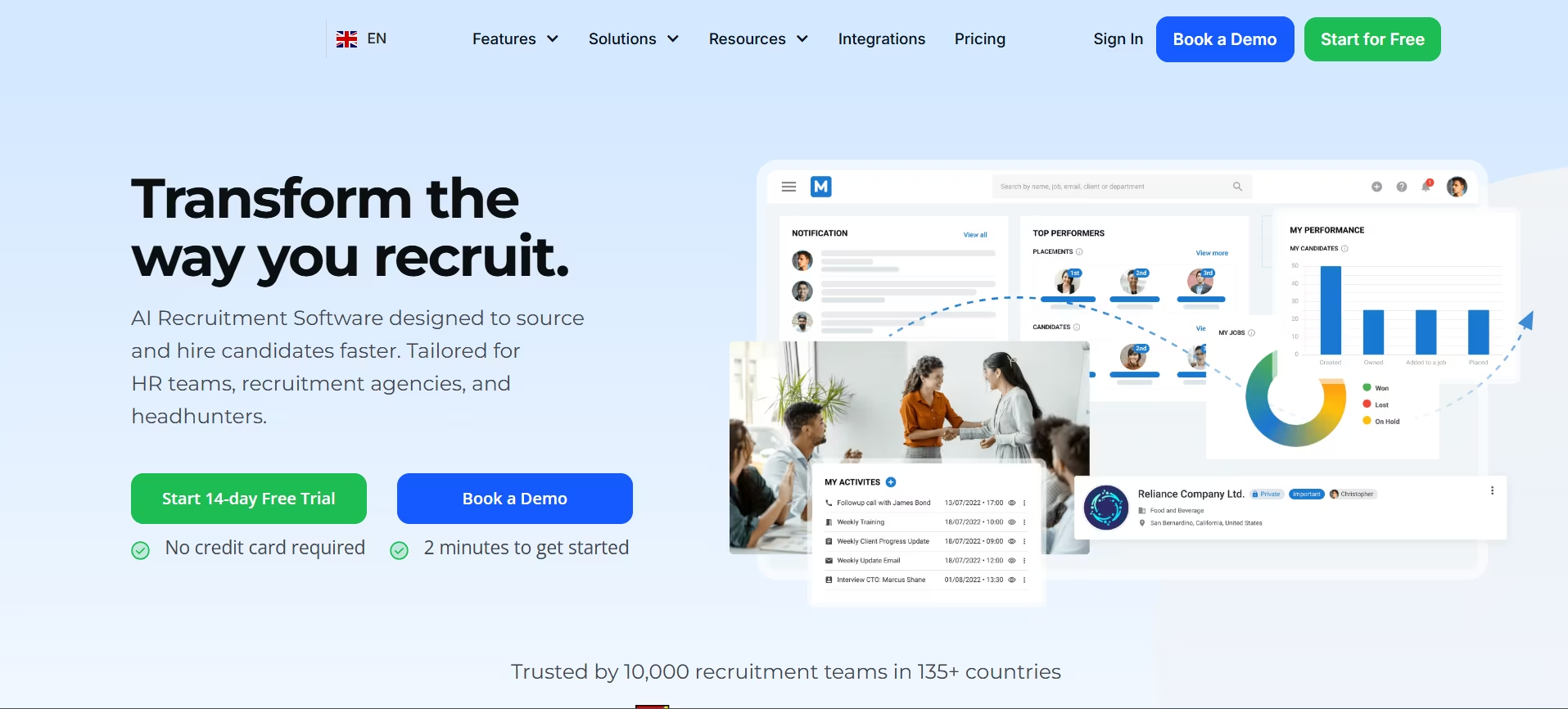
Best for AI-powered candidate matching
AI recommendations for candidate-job fit, social profile enrichment, powerful resume parsing, full ATS & CRM functionality, and super-fast setup for teams with huge existing databases.
7. JazzHR
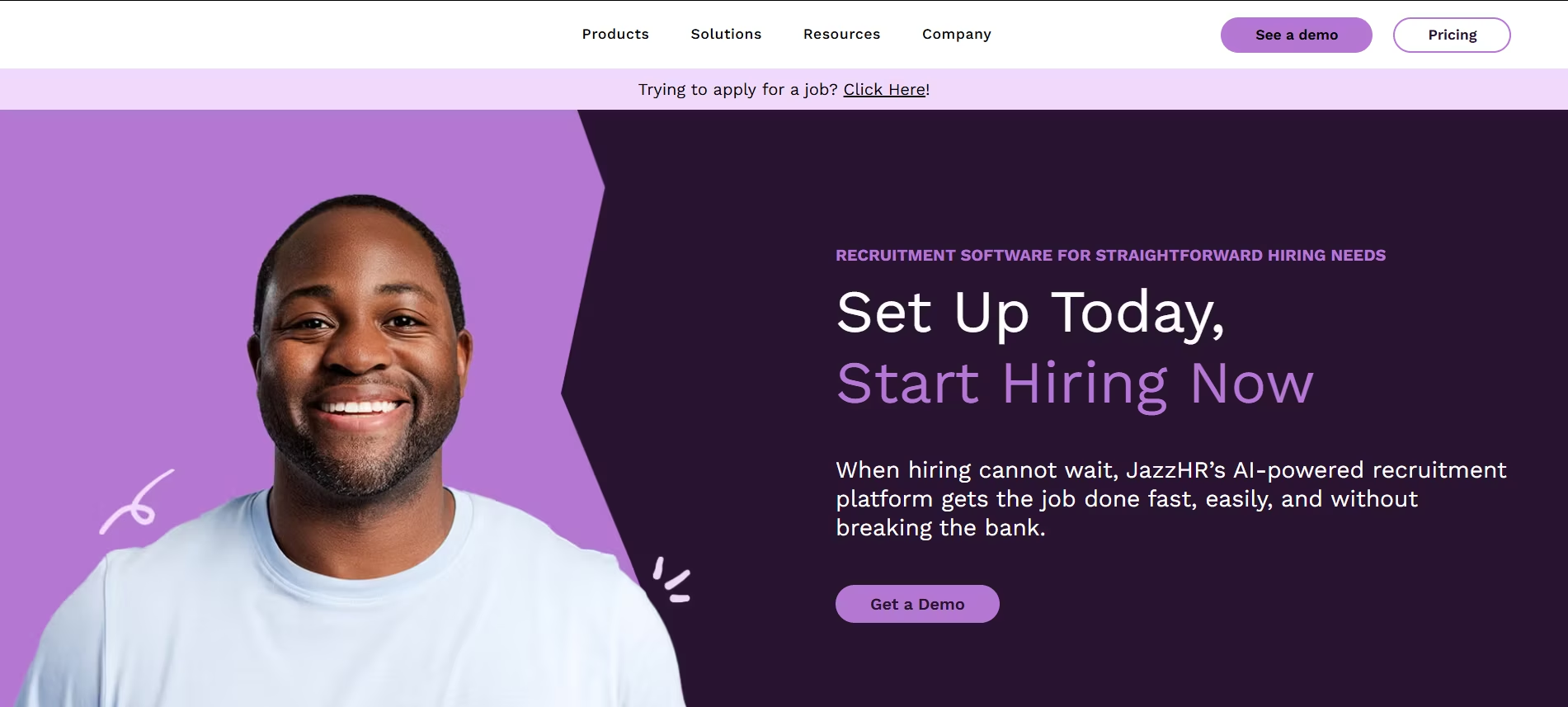
Best value for small businesses
Unlimited jobs and users for most plans, syndicated postings, collaborative hiring, basic automation, and very easy setup, all at budget-friendly pricing.
8. Recruit CRM
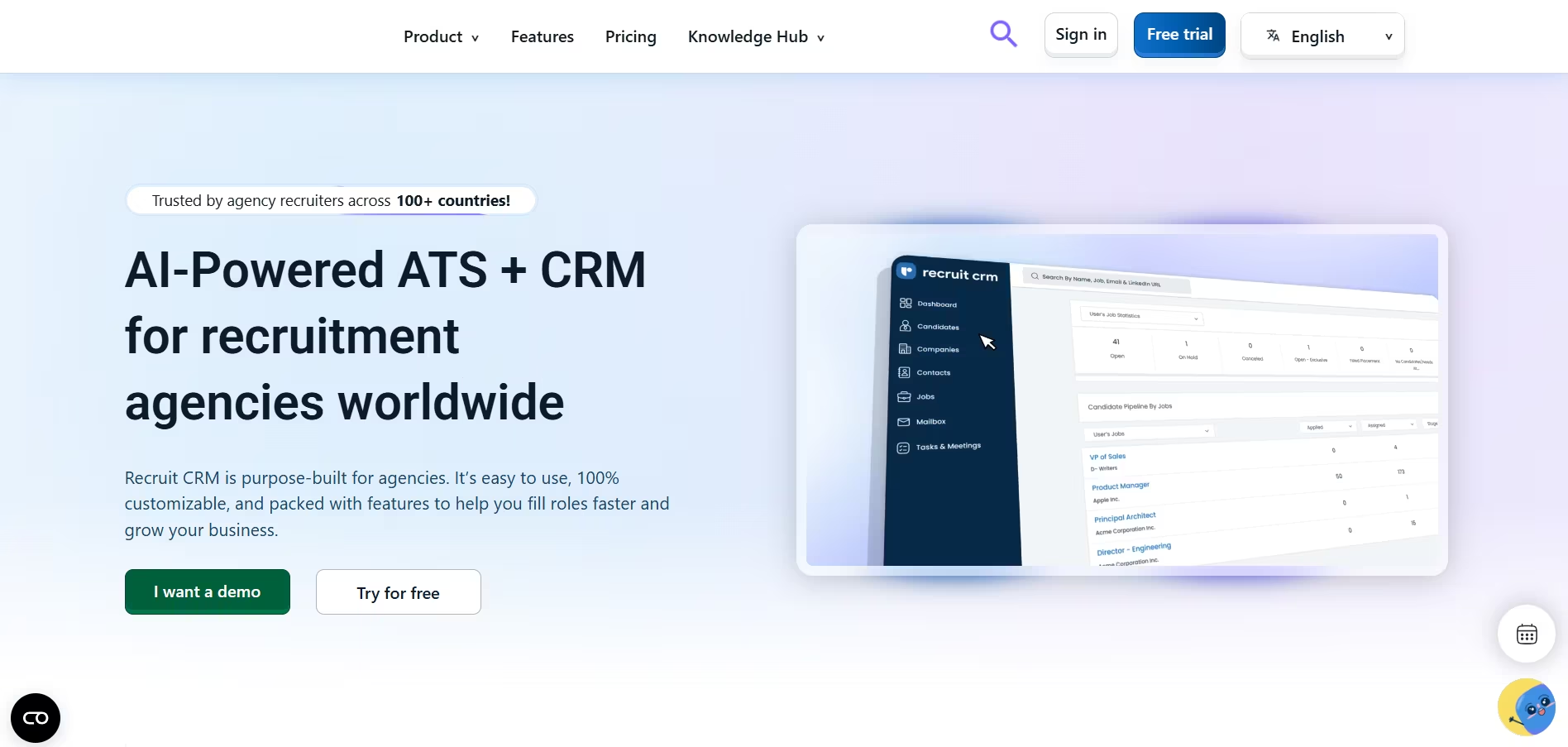
Best for staffing and recruiting agencies
Integrated ATS and CRM, Chrome sourcing extension, email/power dialer integration, meticulous client submission tracking, built for agency workflows and efficiency.
9. Pinpoint
Best for in-house talent acquisition teams
Attractive, branded career sites (no code), recruitment marketing and referral tools, simple yet powerful ATS, smooth onboarding workflow. Excellent for employer branding.
10. BambooHR
Best all-in-one HR system with ATS
Complete HR suite from hiring to offboarding, seamless candidate to employee HRIS transition, easy onboarding, ATS with visual pipelines, and outstanding support for SMBs upgrading their HR tech.
In my experience, the biggest mistake recruiters make is buying a tool with a thousand features when they only need a handful of highly effective ones.
This guide is designed to cut through that noise.
We’ll break down the absolute best recruiting platforms on the market for 2026, giving you the clarity to select a tool that not only saves you time but fundamentally transforms how you attract and hire top talent.
What is Recruiting Software? A 2026 Guide to Modern Hiring Platforms
Defining the Modern Talent Acquisition Stack: Beyond Just an ATS
When I first started in HR, the term "recruiting software" was basically a synonym for an Applicant Tracking System (ATS).
Today, the landscape is completely different. The top recruiting software is no longer a simple digital filing cabinet for resumes; it's a powerful, integrated engine for your entire talent acquisition strategy.
This modern HR technology ecosystem combines several key components to create a seamless workflow.
Modern recruiting platforms now include modules for:
- Sourcing and Outreach: Proactively finding and engaging passive candidates.
- Candidate Relationship Management (CRM): Building and nurturing talent pipelines for future roles.
- Automation and AI: Handling repetitive tasks like screening and scheduling.
- Analytics and Reporting: Providing data-driven insights to improve your hiring process.
Recruiting Software vs. ATS vs. CRM: Clarifying the Differences
Understanding the key differences between these systems is the first step in choosing the right tool. It’s one of the most common points of confusion I see, so let's clear it up.
Think of it as a spectrum, from a specialized tool to an all-encompassing platform that handles everything from first contact to the final offer letter.
- Applicant Tracking Systems (ATS): At its core, an ATS is a linear workflow tool designed to manage active applicants for a specific, open job.
It tracks candidates through predefined stages like "Applied," "Interviewing," and "Hired." The primary function is organization and compliance for active job requisitions. - Recruitment CRMs: A Candidate Relationship Management (CRM) system is built for proactive, long-term engagement.
It allows you to build a talent pool of passive candidates, people who aren't actively applying but might be a great fit for future roles. This is where you nurture relationships through targeted campaigns and communication. - End-to-End Recruitment Platforms: The best recruiting software today combines the functionality of both an ATS and a CRM.
Platforms like Zoho Recruit or Workable aim to provide a single source of truth for all hiring activities, from sourcing and nurturing talent pools to managing active applicants and streamlining the interview process.
Why Your Business Can't Afford to Ignore Recruiting Software in 2026
Switching from spreadsheets to a dedicated hiring platform isn't just a matter of convenience; it’s a strategic necessity to stay competitive in the 2026 talent market.
I’ve seen companies completely revolutionize their hiring speed and quality of hire simply by adopting the right technology. Here’s why you can't afford to be left behind.
A great platform will help you:
- Streamline and automate the entire hiring lifecycle. From posting a job to multiple boards with one click to sending automated rejection emails, the right software eliminates countless hours of manual admin work.
- Enhance the candidate experience to attract top talent. A clunky application process is a major turn-off. Modern platforms offer mobile-friendly applications, automated status updates, and easy interview scheduling, which shows candidates you respect their time.
- Improve collaboration for recruiters and hiring managers. Centralized feedback, interview kits, and scorecards ensure everyone is on the same page, leading to faster, more objective, and less biased hiring decisions.
- Leverage data and analytics for smarter hiring decisions. Finally, you can answer critical questions like, "Which job board gives us the best ROI?" or "How long does it take to fill a software engineer role?" This data is crucial for optimizing your strategy.
For instance, many of the top 10 recruiting tools now integrate powerful AI to supercharge this process.
Tools like Recooty use AI not just for resume screening but also for matching candidates from your existing talent pool to new openings, ensuring you never miss a great internal or past applicant.
This proactive, AI-driven approach is what separates good hiring from great hiring in 2026.
Top 15 Recruiting Software Platforms: At-a-Glance Comparison
Our HR Expert Review Criteria: How We Selected the Best Recruitment Tools
Before diving into the detailed reviews, I want to be transparent about how we evaluated these platforms.
My team and I tested these tools based on a core set of criteria essential for modern recruiting: ease of use, feature depth (especially in automation and AI), integration capabilities, candidate experience, and overall value for the price.
We focused on real-world scenarios, from high-volume hiring for a startup to specialized executive searches, to ensure our recommendations are practical and reliable.
In-Depth Reviews: The 15 Best Recruiting Software Solutions for 2026
Here is my detailed breakdown of the top recruiting software platforms for 2026. I've personally used or managed teams using most of these tools, and this analysis is based on that direct experience.
Recooty - Best AI Recruiting Software for SMBs and HR Teams

Overview
Recooty is an AI-powered recruiting software platform designed to simplify and automate the hiring process, specifically for small to medium-sized businesses (SMBs) and busy HR teams.
It focuses on making advanced features like AI screening accessible without a steep learning curve or enterprise-level price tag.
Key Features
- AI-Powered Candidate Screening: Automatically screens and ranks candidates based on job descriptions, saving hours of manual resume review.
- One-Click Job Posting: Distributes job openings to over 250+ job boards simultaneously, including major players like Indeed and LinkedIn.
- Branded Careers Page: Allows you to create a professional, mobile-friendly careers page in minutes to showcase your employer brand.
- Collaborative Hiring: Enables team members and hiring managers to easily review, rate, and comment on candidates within the platform.
- Interview Scheduling: Integrates with calendars to simplify the process of scheduling interviews with top candidates.
Pros & Cons
- Pros: Extremely user-friendly interface, powerful AI features for the price, excellent for maximizing reach with minimal effort.
- Cons: Lacks some of the deep, complex customizations that larger enterprise systems offer.
Our Experience
I implemented Recooty for a startup that needed to hire 20 people in one quarter with a two-person HR team.
The AI screening was a game-changer. Instead of spending days sifting through hundreds of applications, we could immediately focus on the top 10% of qualified candidates.
The time we saved was directly re-invested into candidate engagement, which significantly improved our offer acceptance rate.
Pricing Plans
Recooty is known for its transparent and affordable pricing tiers, often starting with a recruitment software free plan for basic needs.
Paid plans are designed to scale with your company's growth, making it one of the best value options on the market. A free trial is available.
Best For
Small to medium-sized businesses, startups, and HR departments looking for a powerful yet easy-to-use applicant tracking system for small business with cutting-edge AI features.
Final Verdict
For SMBs wanting to leverage AI without breaking the bank, Recooty is arguably the best recruiting software choice.
It automates the most time-consuming parts of hiring, allowing you to focus on what matters: connecting with great people.
Greenhouse - Best for Structured Hiring & Enterprise Scalability

Overview
Greenhouse is a titan in the recruiting software space, renowned for its focus on structured, fair, and effective hiring processes. I
t’s a comprehensive platform built to help organizations make data-driven decisions and reduce unconscious bias.
Key Features
- Structured Hiring Workflows: Provides tools like interview kits, scorecards, and a consistent evaluation process to ensure every candidate is assessed fairly.
- Powerful Integrations: Boasts a massive marketplace with hundreds of integrations for HRIS, background checks, assessments, and more.
- Advanced Reporting & Analytics: Offers deep insights into every aspect of your hiring funnel, from source effectiveness to diversity metrics.
- Candidate Onboarding: Manages the handoff from candidate to new hire with customizable onboarding workflows.
Pros & Cons
- Pros: Excellent for promoting DEI (Diversity, Equity, and Inclusion), highly scalable for large organizations, robust analytics.
- Cons: Can be complex to set up and more expensive than other options, making it less suitable for very small businesses.
Our Experience
I once managed a transition to Greenhouse for a 500-person company, and the impact on our hiring consistency was immediate.
The interview scorecards forced our teams to move beyond "gut feelings" and evaluate candidates on predefined attributes. This not only improved our quality of hire but also made our debrief meetings infinitely more productive.
Pricing Plans
Greenhouse uses custom quote-based pricing depending on company size and required features. It does not offer a free trial and is positioned at the higher end of the market.
Best For
Mid-market to enterprise-level companies that prioritize structured, fair, and data-driven hiring processes.
Alternatives
For teams that need powerful features but find Greenhouse too complex, Recooty offers a more streamlined, AI-first approach to candidate screening and management.
Final Verdict
If your primary goal is to build a scalable, equitable, and repeatable hiring machine, Greenhouse is the gold standard and one of the best recruiting platforms available.
Workable - Best All-in-One Platform with Strong Sourcing Tools
Overview
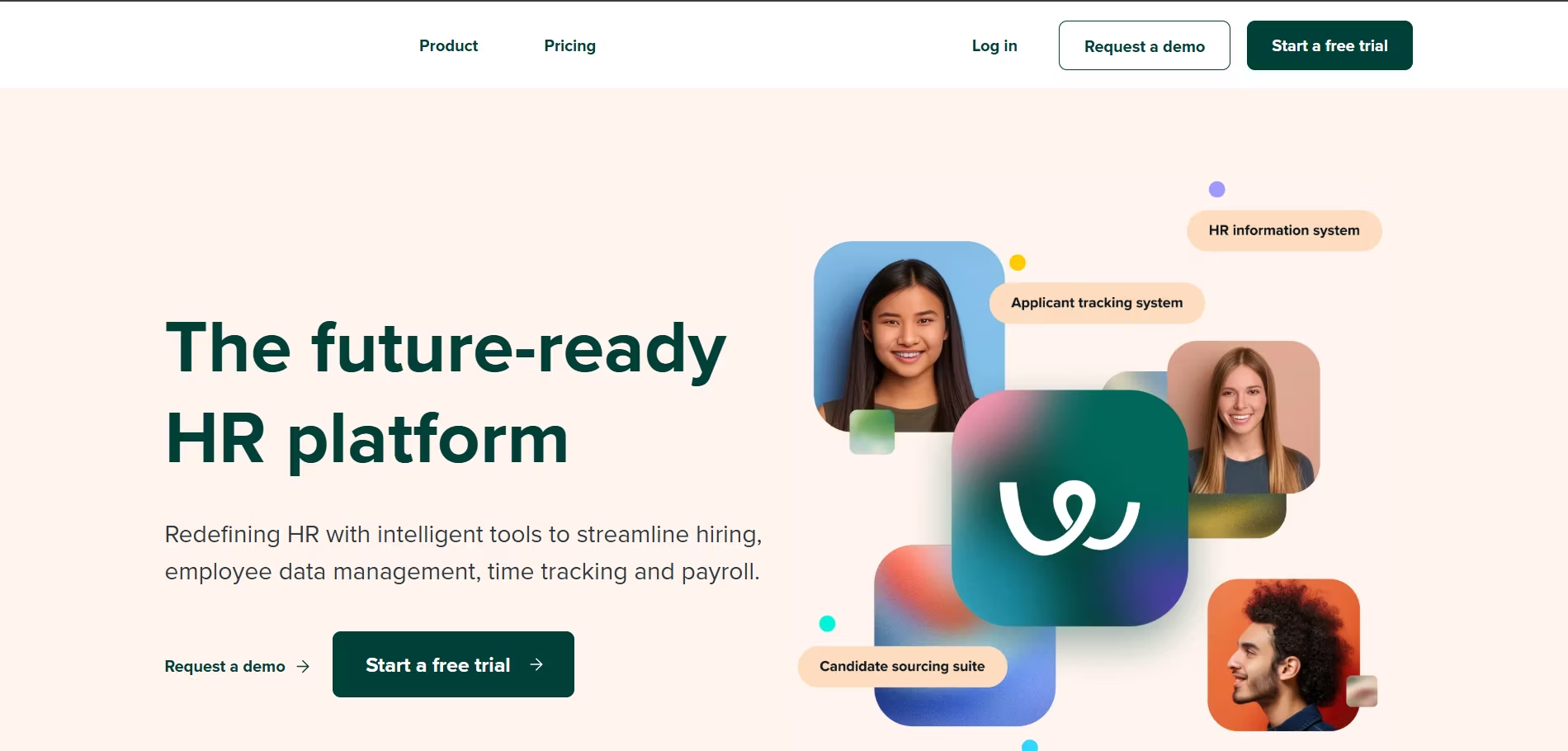
Workable is a popular and powerful all-in-one recruiting platform that excels at helping companies find both active and passive candidates.
It's known for its user-friendly interface and robust set of features that cater to a wide range of company sizes.
Key Features
- AI-Powered Candidate Sourcing: Actively searches online profiles and databases to suggest qualified passive candidates for your open roles.
- One-Click Job Posting: Distributes listings to over 200 job sites.
- Comprehensive ATS: Features customizable pipelines, automated actions, and excellent team collaboration tools.
- Mobile Recruiting App: A fully functional mobile app allows you to manage hiring on the go.
Pros & Cons
- Pros: Excellent built-in sourcing tools, intuitive and modern interface, scales well from small business to mid-market.
- Cons: Pricing can be on the higher side for smaller companies, and some advanced reporting features are locked behind top-tier plans.
Our Experience
I've always been impressed with Workable's sourcing capabilities.
On one particularly tough-to-fill role, the "People Search" feature found five highly qualified candidates that our traditional sourcing on LinkedIn had missed.
It feels less like a passive database and more like an active sourcing assistant.
Pricing Plans
Workable offers tiered pricing plans based on hiring needs, starting with a "Pay as you go" option for single jobs. They also offer a 15-day free trial.
Best For
Companies of all sizes that want a user-friendly, all-in-one system with best-in-class tools for proactively sourcing candidates.
Final Verdict
Workable is one of the top 10 recruiting tools because it beautifully balances a comprehensive feature set with a fantastic user experience. It's a top contender if finding passive talent is a priority.
Lever - Best for Candidate Relationship Management & Nurturing
Overview
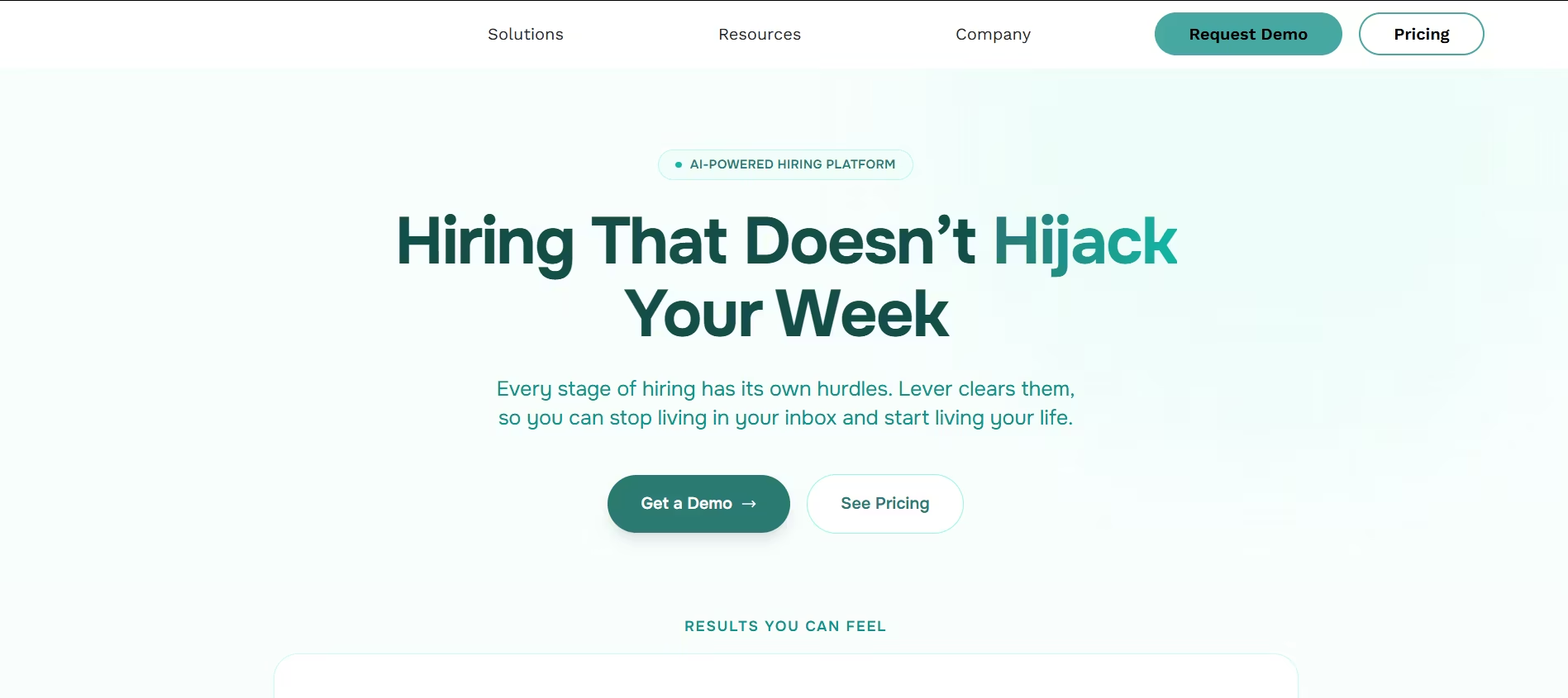
Lever is a modern talent acquisition suite that truly shines in its recruiting CRM software capabilities.
It’s designed to help companies build and nurture relationships with candidates, treating them more like customers than applicants.
Key Features
- LeverTRM: A combined ATS and CRM that allows for seamless management of both active applicants and passive talent pools.
- Nurture Campaigns: Create automated email sequences to keep your talent pipeline warm and engaged.
- Advanced Analytics: Provides easy-to-understand dashboards that visualize your entire hiring funnel.
- Chrome Extension: A powerful sourcing tool that lets you add candidates to your database from anywhere on the web.
Pros & Cons
- Pros: Best-in-class CRM and candidate nurturing features, beautiful and intuitive user interface, strong focus on the candidate experience.
- Cons: Can be more expensive than traditional ATS-only solutions.
Our Experience
What I love about Lever is how it shifts the recruiting mindset from reactive to proactive. I once helped a team build a "future-hire" pipeline in Lever for roles they knew would open in six months.
When the time came, they had a pre-vetted, engaged pool of candidates ready to go, cutting their time-to-hire by over 50%.
Pricing Plans
Lever provides custom pricing based on company size and specific needs. They offer personalized demos rather than a standard free trial.
Best For
High-growth companies and businesses that want to invest in building long-term talent pipelines and prioritize a world-class candidate experience.
Final Verdict
If you believe recruiting is about building relationships, not just filling jobs, Lever is the best recruiting software for you. Its CRM-first approach is perfect for the modern talent acquisition team.
Zoho Recruit - Best for Customization and Zoho Ecosystem Integration
Overview
Zoho Recruit is a highly versatile and customizable recruiting platform that serves both in-house corporate recruiters and staffing agencies.
Its biggest advantage is its seamless integration with the broader suite of Zoho business applications.
Key Features
- Deep Customization: Allows you to customize nearly every aspect of the platform, from workflows and modules to reports and dashboards.
- AI-Powered Assistant (Zia): Zia helps with tasks like resume parsing, candidate matching, and identifying the best time to contact a candidate.
- Client & Contact Management: For staffing agencies, it includes robust tools for managing client portals and job orders.
- Zoho Suite Integration: Connects natively with Zoho CRM, Zoho People (HRIS), and dozens of other Zoho apps.
Pros & Cons
- Pros: Extremely customizable, excellent value for money, seamless integration for existing Zoho users.
- Cons: The sheer number of features can be overwhelming for new users; the interface feels slightly less modern than some competitors.
Our Experience
I once consulted for a company that was already running its entire business on the Zoho suite. Integrating Zoho Recruit was a no-brainer.
We were able to create a completely seamless process from a sales lead in Zoho CRM turning into a job order in Zoho Recruit, all the way to the new hire being onboarded in Zoho People. That level of integration is hard to beat.
Pricing Plans
Zoho Recruit offers a variety of plans, including a forever-free version for a single recruiter. Paid plans are very competitively priced per recruiter, per month, making it a great option for businesses of all sizes.
Best For
Companies already invested in the Zoho ecosystem, staffing agencies, and businesses that require a high degree of customization from their recruiting software platforms.
Final Verdict
For Zoho users, Zoho Recruit is the undisputed champion. For others, it’s a powerful and incredibly flexible option that offers unbeatable value and customization.
Manatal - Best for AI-Powered Candidate Matching
Overview
Manatal is a cloud-based recruiting platform that has quickly gained a reputation for its powerful AI engine and clean, intuitive interface.
It's designed to automate sourcing and candidate screening, making it one of the best recruiting platforms for teams that want to leverage technology to find the best-fit talent faster.
Key Features
- AI Recommendations: The standout feature. Manatal's AI scans your existing candidate database and automatically recommends the best-matched profiles for any new job opening.
- Social Media Enrichment: Automatically enriches candidate profiles with data from LinkedIn and other social networks, providing a more complete picture.
- Advanced Resume Parsing: Accurately extracts and categorizes information from resumes in over 20 languages.
- Full ATS & CRM Functionality: Includes customizable hiring pipelines, mass emailing, and tools to manage your talent pipeline.
Pros & Cons
- Pros: Powerful and accurate AI matching, very easy to use and set up, affordable pricing makes it accessible for SMBs.
- Cons: Reporting features are good but not as deeply customizable as enterprise systems like Greenhouse.
Our Experience
I worked with a recruiting team that had a database of over 50,000 past applicants they were barely using.
After implementing Manatal, we created a new job requisition, and within minutes, the AI surfaced 15 highly qualified candidates who were already in our system.
We filled the role in two weeks without spending a dime on new job ads. It completely changed how they viewed their existing talent pool.
Pricing Plans
Manatal offers transparent, per-user pricing that starts at a very competitive price point. They offer a 14-day free trial with no credit card required.
Best For
Recruitment teams of all sizes, especially those with a large existing database of candidates who want to unlock its value with powerful AI.
Alternatives
For teams looking for a user-friendly AI platform with a stronger focus on one-click job distribution to hundreds of boards, Recooty is an excellent alternative.
Final Verdict
Manatal is a fantastic choice for any team that wants to make AI the core of its recruiting strategy. Its ability to rediscover hidden gems in your talent pool provides an incredible ROI.
JazzHR - Best Value Platform for Small Businesses
Overview
JazzHR has carved out a niche as one of the most user-friendly and affordable recruiting software platforms on the market.
It's designed specifically for small and medium-sized businesses that need a powerful, straightforward solution without the enterprise-level complexity or price tag.
Key Features
- Unlimited Jobs & Users: Most plans offer unlimited job postings and users, which is a huge value proposition for growing teams.
- Syndicated Job Postings: Easily post jobs to a wide range of free and paid job boards.
- Collaborative Hiring Tools: Features like @mentions, shared evaluations, and interview guides make it easy to involve the whole team.
- Interview Scheduling & Automation: Streamlines the process of getting candidates on the calendar.
Pros & Cons
- Pros: Excellent value for the price, incredibly easy to set up and use, strong collaboration features.
- Cons: Lacks a built-in CRM for advanced passive candidate nurturing; reporting is functional but basic.
Our Experience
I once helped a 50-person company move from managing applications in an email inbox to JazzHR.
The entire setup, including creating hiring workflows and training hiring managers, took less than a day.
The hiring managers loved how intuitive it was to review resumes and leave feedback, which dramatically sped up our time-to-fill.
Pricing Plans
JazzHR offers three simple, transparent pricing tiers, making it easy to choose a plan that fits your budget. They also offer a free trial.
Best For
Small businesses, startups, and any company looking for its first applicant tracking system for small business that is easy to implement and won't break the bank.
Final Verdict
For SMBs, JazzHR is a top contender. It delivers 90% of the features most teams need at a fraction of the cost of its competitors, making it one of the top 10 recruiting tools for value.
Recruit CRM - Best for Staffing & Recruiting Agencies
Overview
As the name suggests, Recruit CRM is a purpose-built platform for staffing and executive search firms.
It combines a full-featured ATS with a powerful CRM, giving agencies all the tools they need to manage candidates, clients, and job orders in one place.
Key Features
- Integrated ATS & CRM: Manage your entire business, from business development with new clients to placing candidates in roles.
- Chrome Sourcing Extension: Easily source candidates from LinkedIn and other sites and add them directly to your database.
- Email & Power Dialer Integration: Syncs with your email and allows for click-to-call functionality right from the platform.
- Client Submission Tracking: Keep track of which candidates have been submitted to which clients, avoiding embarrassing duplicate submissions.
Pros & Cons
- Pros: Perfectly tailored feature set for staffing agencies, excellent customer support, very competitive pricing.
- Cons: As a specialized tool, it may lack some of the corporate-focused features like onboarding that all-in-one HR platforms have.
Our Experience
I consulted for a boutique staffing agency that was struggling to keep track of candidate submittals in a spreadsheet. Moving to Recruit CRM was transformative.
The ability to see a candidate's full history, which clients they'd been sent to and the feedback received, eliminated errors and made their recruiters far more efficient.
Pricing Plans
Recruit CRM offers simple, affordable per-user pricing plans with no hidden fees. They provide a free trial and personalized demos.
Best For
Staffing agencies, executive search firms, and recruitment process outsourcing (RPO) providers of all sizes.
Final Verdict
If you run a recruiting or staffing agency, Recruit CRM should be at the top of your list. It's one of the top 10 recruitment CRM systems built from the ground up to solve your specific challenges.
Pinpoint - Best for In-House Talent Acquisition
Overview
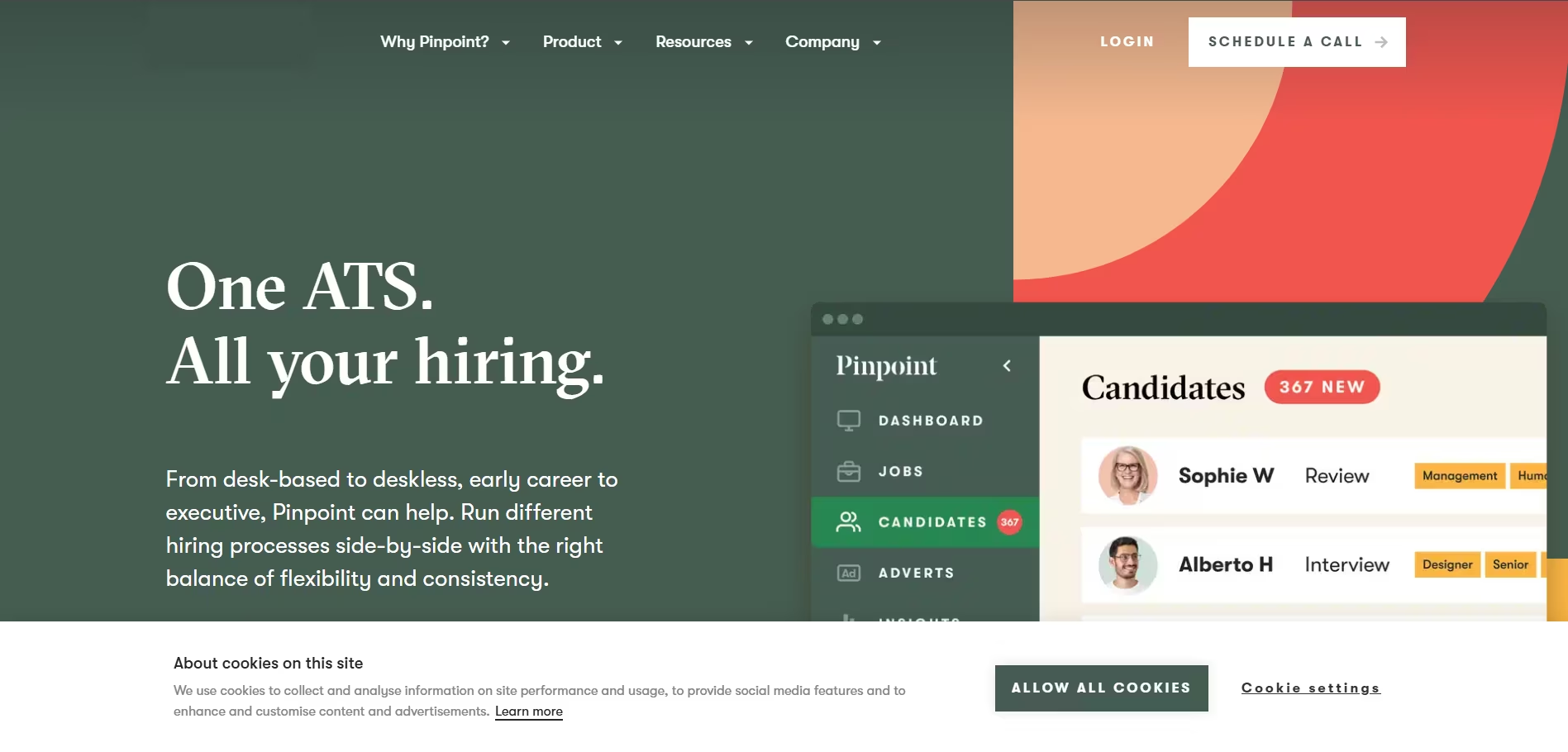
Pinpoint is a talent acquisition platform designed for in-house TA teams who want to attract, hire, and retain top talent.
It places a strong emphasis on employer branding and creating an exceptional candidate experience.
Key Features
- Attractive Career Sites: Build beautiful, branded career sites with no coding required to showcase your company culture.
- Recruitment Marketing: Tools to drive traffic to your jobs, including employee referral programs and social media integrations.
- Applicant Tracking System: A simple and effective ATS that makes it easy to manage candidates and collaborate with hiring managers.
- Onboarding Workflows: Create simple onboarding checklists to ensure a smooth transition for new hires.
Pros & Cons
- Pros: Excellent for employer branding and candidate attraction, easy-to-use interface, good value for the feature set.
- Cons: May not have the deep CRM functionality for nurturing passive talent that a tool like Lever offers.
Our Experience
A company I worked with was struggling to attract candidates because their old career page was slow and outdated.
We used Pinpoint to launch a new one in just a few days. The new site looked amazing and was full of employee testimonials and videos.
Their direct applications increased by 40% in the first month alone.
Pricing Plans
Pinpoint offers simple, bundled pricing with unlimited jobs and users, which is great for growing teams. They offer a demo to explore the platform.
Best For
In-house corporate recruiting teams, particularly those in the SMB and mid-market space, that want to focus on attracting talent directly.
Final Verdict
If your goal is to reduce reliance on agencies and job boards by building a strong employer brand, Pinpoint is the best recruiting software to help you do it.
BambooHR - Best All-in-One HR Software with ATS
Overview
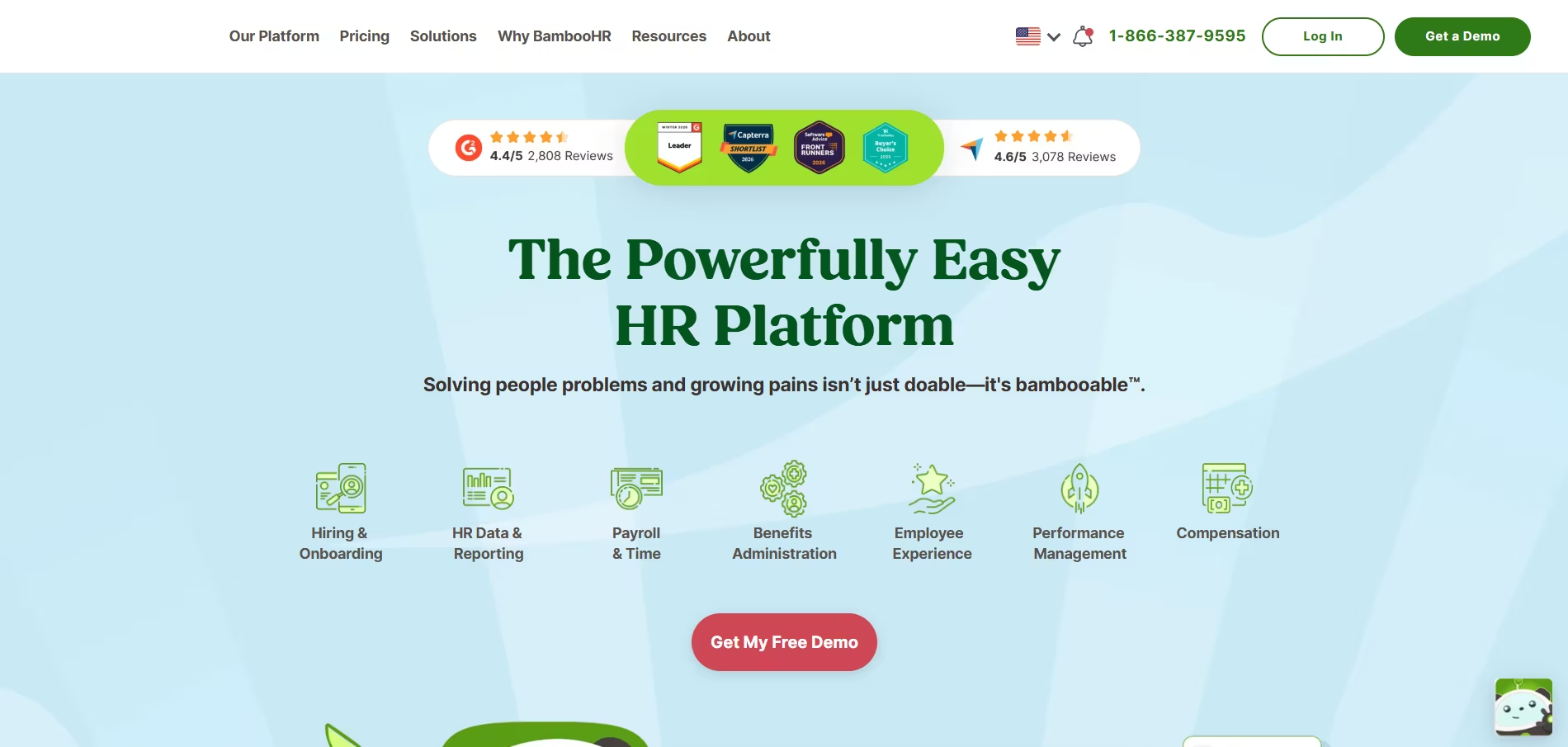
BambooHR is a leading HRIS (Human Resource Information System) that serves the entire employee lifecycle, from hiring to offboarding.
While it's a full HR suite, it includes a surprisingly robust and user-friendly Applicant Tracking System.
Key Features
- Integrated HR Suite: Seamlessly move candidates from "hired" in the ATS to "new hire" in the HRIS, automatically creating an employee profile.
- Simple ATS Functionality: Post jobs, manage candidates in a visual pipeline, and collaborate with hiring managers.
- Onboarding & Offboarding: Create rich onboarding packages with checklists, company info, and e-signatures.
- Employee Database & Reporting: A single source of truth for all employee data.
Pros & Cons
- Pros: Perfect for companies wanting an all-in-one HR solution, incredibly easy to use, excellent customer support.
- Cons: The ATS is not as feature-rich as standalone systems; it lacks advanced sourcing or CRM capabilities.
Our Experience
For a fast-growing company that had no formal HR systems, implementing BambooHR was a massive win. The best part was the efficiency gain.
Once we marked a candidate as hired in the ATS, their profile was instantly created for payroll, benefits, and onboarding.
This eliminated hours of manual data entry and potential errors for every new hire.
Pricing Plans
BambooHR provides custom quotes based on the number of employees. They offer a free trial of the platform.
Best For
Small to medium-sized businesses that need a comprehensive HR platform and want a simple, integrated ATS as part of that package.
Final Verdict
If you're looking to upgrade your entire HR tech stack, not just your recruiting tool, BambooHR is an outstanding choice.
The convenience of an all-in-one system is a huge advantage.
ClearCompany - Best for Integrated Talent Management
Overview
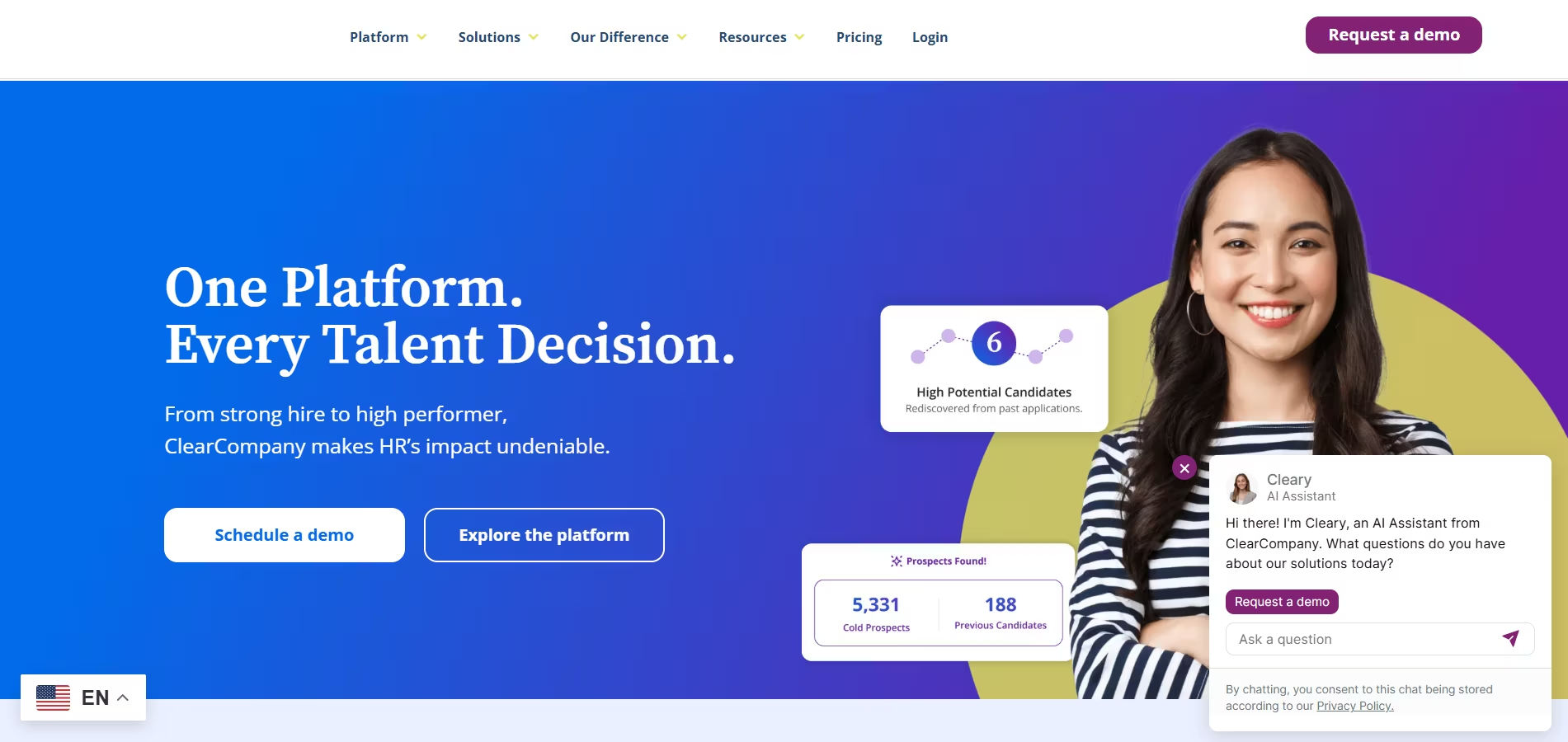
ClearCompany is a comprehensive talent management platform that goes beyond just recruiting.
It connects the entire talent lifecycle, from applicant tracking and onboarding to performance management and employee engagement, all on a single platform.
Key Features
- Full Talent Management Suite: A unified system for recruiting, onboarding, performance reviews, and goal setting.
- Data-Driven Approach: Links hiring decisions to post-hire performance, helping you identify which sources and interviewers produce the best long-term employees.
- Advanced Applicant Tracking: A feature-rich ATS with tools for sourcing, background checks, and collaborative hiring.
- Text & Mobile Recruiting: Engage with candidates directly via SMS for faster communication and scheduling.
Pros & Cons
- Pros: Provides a holistic view of the entire employee journey, powerful analytics connecting hiring to performance, excellent for strategic HR.
- Cons: Can be more complex and costly than a simple ATS, making it better suited for mature HR organizations.
Our Experience
I once used ClearCompany to help a leadership team answer a critical question: "Are we actually good at hiring?"
By connecting hiring data with performance review scores, we discovered that candidates sourced through employee referrals consistently became top performers.
This data-backed insight led them to double their investment in their referral program, with fantastic results.
Pricing Plans
ClearCompany offers modular, quote-based pricing, allowing you to purchase only the parts of the talent management suite you need.
Best For
Mid-market and enterprise companies with a strategic HR function that wants to connect recruiting efforts directly to long-term employee performance and retention.
Final Verdict
For organizations ready to move beyond simple recruiting and into strategic talent management, ClearCompany offers a uniquely powerful, data-driven platform.
Bullhorn - Best for Large Staffing and Recruitment Agencies
Overview
Bullhorn is the undisputed heavyweight champion in the world of recruiting software for staffing agencies.
It's an enterprise-grade platform that combines an ATS and CRM with powerful tools for sales, operations, and back-office management.
Key Features
- Enterprise-Grade ATS & CRM: A highly robust and scalable platform designed to handle the high volume and complexity of large staffing firms.
- Marketplace & Extensibility: A massive ecosystem of integration partners and an open API for custom solutions.
- VMS Integration: Automates the process of pulling jobs from Vendor Management Systems.
- Back-Office Tools: Includes features for time tracking, invoicing, and commissions.
Pros & Cons
- Pros: The most comprehensive, end-to-end solution for staffing agencies; incredibly powerful and scalable.
- Cons: Very expensive, complex to implement, and overkill for small agencies or corporate recruiting teams.
Our Experience
I was part of an implementation team for Bullhorn at a 200-recruiter staffing firm. The level of automation we were able to achieve was staggering.
We built workflows that could automatically parse a resume, add the candidate to a shortlist, and notify the account manager. At that scale, such efficiencies are essential.
Pricing Plans
Bullhorn's pricing is quote-based and is at the highest end of the market, reflecting its enterprise focus.
Best For
Large, established staffing and recruitment agencies that need an all-encompassing platform to run their entire business.
Final Verdict
If you're a large staffing firm, Bullhorn is the industry standard for a reason. It's a powerhouse platform that can manage every facet of your business operations.
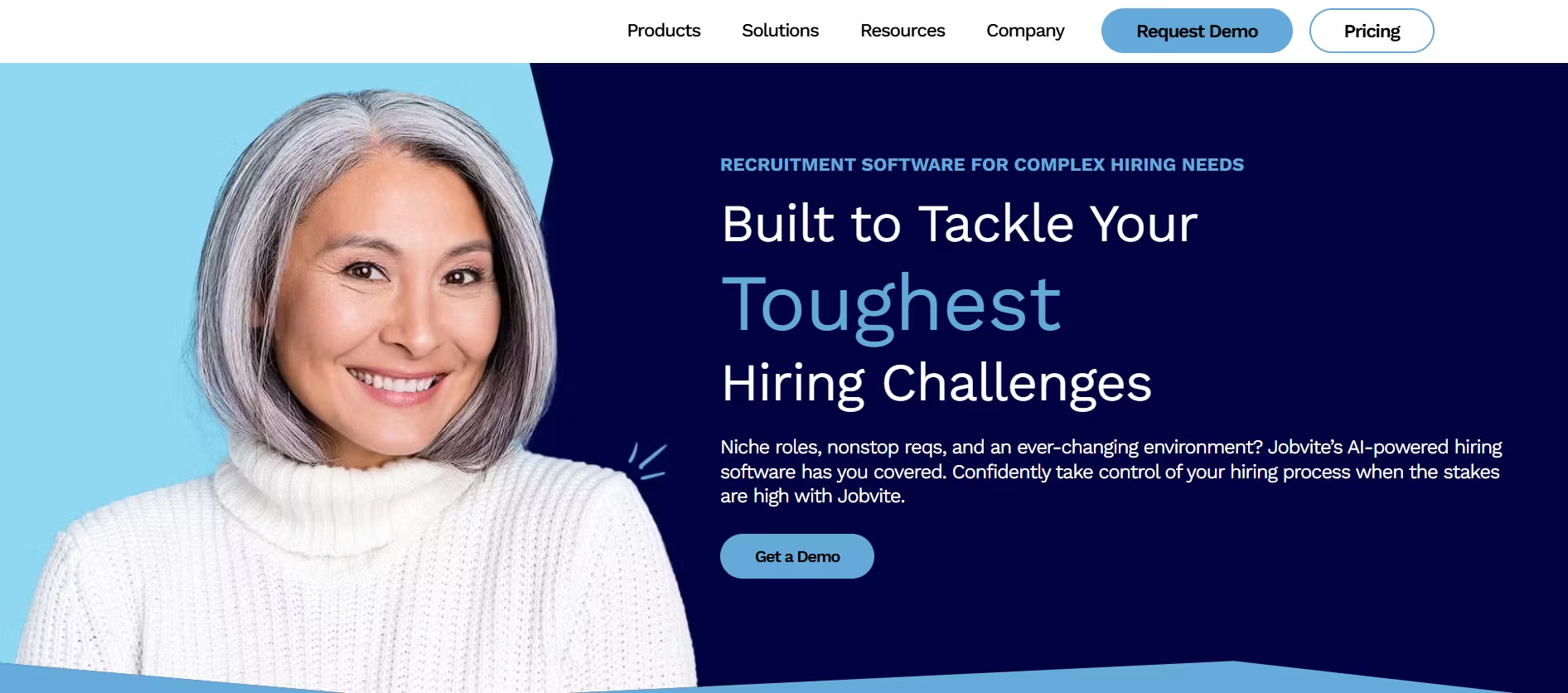
Jobvite - Best for Enterprise-Level Recruiting
Overview
Jobvite is a comprehensive talent acquisition suite designed for large, complex organizations.
It offers a broad set of tools that cover everything from recruitment marketing and applicant tracking to internal mobility and analytics.
Key Features
- Full Talent Acquisition Suite: Includes a powerful ATS, CRM, career site builder, onboarding tools, and employee referral platform.
- Intelligent Messaging: Uses AI and chatbots to engage candidates 24/7, answer their questions, and help them find the right jobs.
- Advanced Recruitment Marketing: Sophisticated tools for creating and managing email campaigns, social media recruiting, and events.
- Internal Mobility: Helps large companies facilitate internal hiring and employee career growth.
Pros & Cons
- Pros: Extremely comprehensive feature set, excellent for managing complex, high-volume hiring, strong recruitment marketing capabilities.
- Cons: Can be complex and expensive, making it unsuitable for smaller businesses.
Our Experience
At a large corporation, we used Jobvite's recruitment marketing tools to build talent communities for key roles like data science.
We would send out monthly newsletters with company news and relevant articles.
When a new role opened up, we had an engaged, pre-warmed audience to share it with, which dramatically improved the quality of our applicant pool.
Pricing Plans
Jobvite pricing is customized based on company size and the specific modules required.
Best For
Large enterprise organizations with sophisticated talent acquisition needs and dedicated teams for recruitment marketing and operations.
Final Verdict
For large companies that view talent acquisition as a core strategic function, Jobvite provides a deep and powerful suite of tools to manage the entire process at scale.
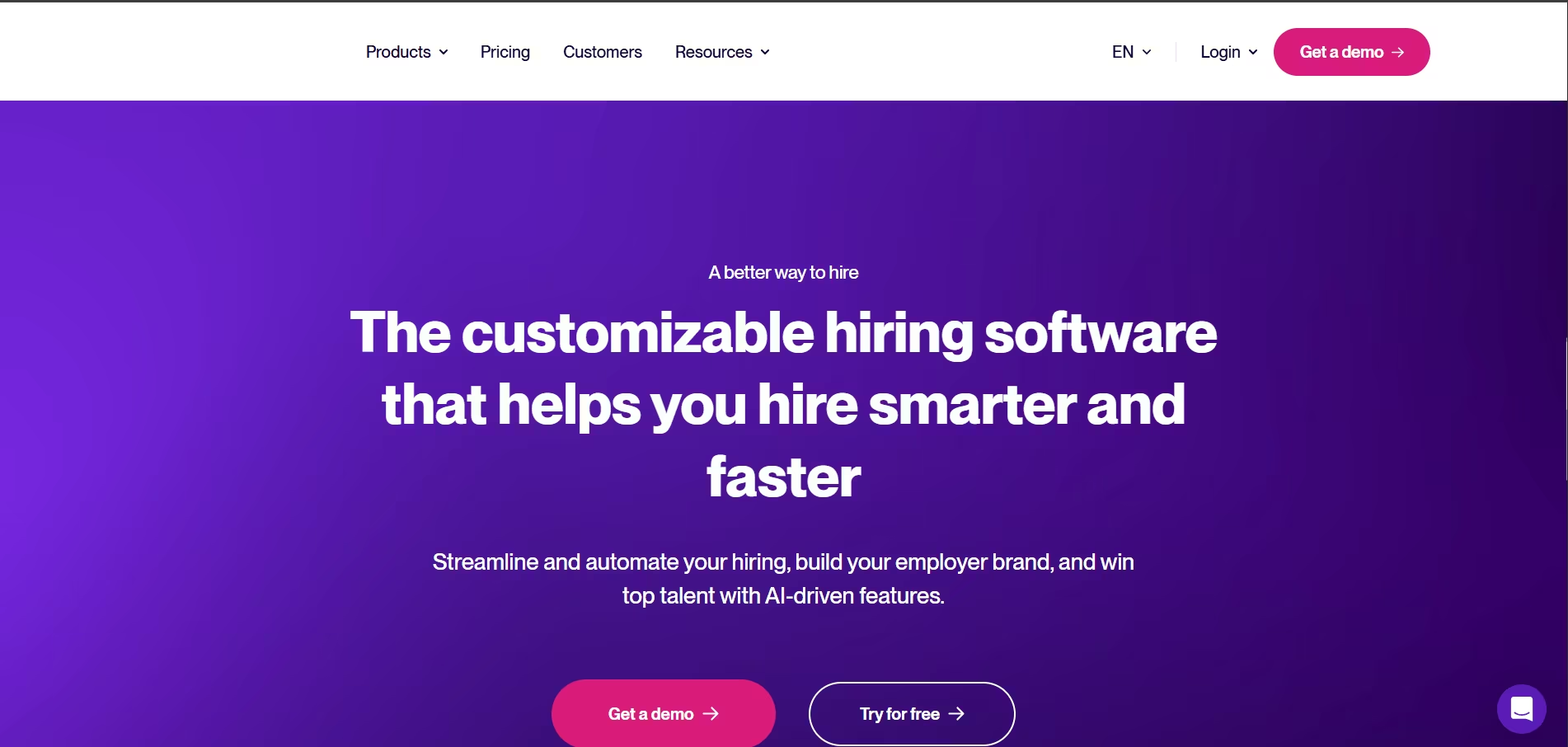
Recruitee - Best for Collaborative Hiring
Overview
Recruitee is a modern and intuitive recruiting platform built around the concept of team collaboration.
It's designed to make it easy for recruiters, hiring managers, and interviewers to work together to find and hire the best candidates.
Key Features
- Visual Hiring Pipelines: Easy-to-use, drag-and-drop Kanban-style pipelines that are simple for the whole team to understand.
- Team Collaboration Tools: Includes features like @mentions, shared evaluations, interview templates, and automated feedback requests.
- Branded Career Sites: A simple-to-use career site editor to showcase your employer brand.
- Open API: Offers a flexible API for creating custom integrations.
Pros & Cons
- Pros: Fantastic for team collaboration, beautiful and intuitive user interface, good value for the price.
- Cons: The CRM functionality for passive candidate nurturing is not as developed as some competitors.
Our Experience
The best feature of Recruitee, in my opinion, is how it engages hiring managers. I once trained a group of engineering managers on the platform, and they picked it up instantly.
They loved the simple pipeline view and the ability to quickly leave feedback via email or Slack. It completely eliminated the "black hole" where managers would forget to review candidates.
Pricing Plans
Recruitee offers several pricing tiers based on the number of active jobs, making it scalable for growing companies. They offer an 18-day free trial.
Best For
Companies of all sizes that want to foster a highly collaborative hiring culture and get hiring managers more involved in the process.
Final Verdict
If your biggest recruiting pain point is getting your team to work together effectively, Recruitee is the best recruiting software solution. It's designed from the ground up to make hiring a true team sport.
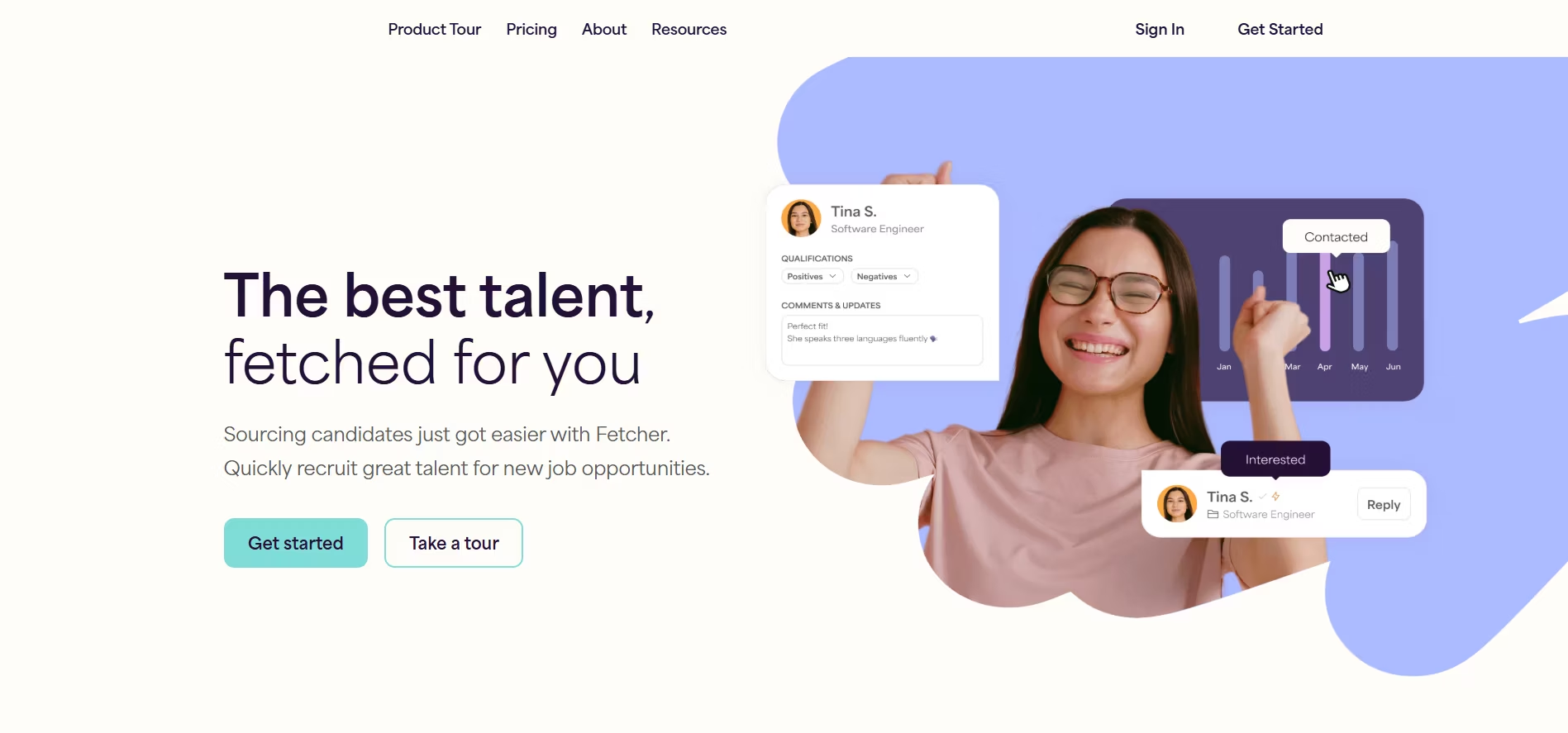
Fetcher - Best for Automated Sourcing & Outreach
Overview
Fetcher is a unique tool that combines AI with human intelligence to automate the most time-consuming part of recruiting: top-of-funnel sourcing. It acts as a sourcing assistant, finding qualified candidates and managing automated email outreach campaigns.
Key Features
- Automated Sourcing: You provide the job description, and Fetcher's combination of AI and human researchers builds a calibrated list of qualified passive candidates.
- Personalized Outreach Sequences: Manages multi-step email campaigns to engage candidates, with responses flowing directly to your inbox.
- Diversity & Inclusion Analytics: Provides analytics to help you ensure you're building a diverse and balanced candidate pipeline.
- Integrations: Syncs seamlessly with your existing ATS to avoid duplicate work.
Pros & Cons
- Pros: Massively reduces the time spent on manual sourcing, provides a consistent flow of qualified candidates, excellent for lean recruiting teams.
- Cons: It is a specialized sourcing tool, not a full ATS, so it must be used alongside another system. It can also be expensive.
Our Experience
I used Fetcher to support a small team that was trying to fill several highly technical engineering roles. They simply didn't have the time to spend hours on LinkedIn Recruiter. Fetcher delivered a fresh batch of qualified, interested candidates to their inbox every week. It allowed them to focus their time on interviewing and closing, not sourcing.
Pricing Plans
Fetcher's pricing is quote-based and depends on the number of roles you are sourcing for.
Best For
Recruiting teams of any size that want to automate top-of-funnel candidate sourcing to save time and scale their outreach efforts.
Final Verdict
Fetcher isn't a replacement for an ATS, but it's one of the most powerful candidate sourcing tools on the market. If sourcing is your biggest bottleneck, Fetcher can be a complete game-changer.
How to Choose the Right Recruiting Platform for Your Business Needs
After reviewing the top recruiting software on the market, you might be wondering: "Which one is actually right for *me*?"
Choosing a platform is a big decision, and in my experience, the best choice always comes from a clear understanding of your own needs before you even look at a demo.
I've guided dozens of companies through this process, and I've developed a simple framework to help you make the right call.
This guide will walk you through defining your needs, understanding the features that matter, and matching them to your company's size and goals.
Core Features Every Top Recruiting Software Must Have
Before you get dazzled by flashy AI features, it’s crucial to ensure any platform you consider nails the fundamentals.
These are the non-negotiable, core functionalities that the best recruiting platforms are built on.
If a tool can't do these things well, it doesn't matter how great its other bells and whistles are.
Applicant Tracking & Collaborative Pipeline Management
This is the heart of any recruiting software platform. You need a clear, visual way to see where every candidate is in your hiring process.
What to look for: A drag-and-drop Kanban-style pipeline, customizable stages for different roles, and easy-to-use tools for team collaboration.
I always check for features like @mentions, shared notes, and interview feedback forms. This ensures your hiring managers will actually use the system.
Candidate Sourcing & Job Board Integrations
Your ATS is useless without candidates in it. The best recruiting software makes it effortless to get your job in front of as many qualified people as possible.
What to look for: One-click posting to major job boards (like Indeed, LinkedIn, ZipRecruiter), integration with niche or industry-specific boards, and a powerful browser extension for sourcing passive candidates from sites like LinkedIn.
Recruitment CRM & Nurturing Capabilities
Modern recruiting isn't just about managing active applicants. It’s about building a talent pipeline for the future. A good recruiting CRM software lets you do just that.
What to look for: The ability to tag and segment candidates into talent pools (e.g., "Future Marketing Hires"), create simple email nurture campaigns, and easily rediscover past applicants who might be a fit for a new role.
Interview Scheduling & Automation
Scheduling interviews can be one of the most time-consuming administrative tasks in recruiting. Good software automates it.
What to look for: Direct calendar integration (Google Calendar, Outlook 365) is a must. I also look for features that allow candidates to self-schedule from a list of available times, which dramatically speeds up the process and improves the candidate experience.
Analytics, Reporting, and Hiring Metrics
You can't improve what you don't measure. The best recruiting software for HR provides actionable insights, not just data dumps.
What to look for: Pre-built dashboards for key metrics like time-to-hire, source-of-hire, and pipeline conversion rates. The ability to create simple custom reports is also crucial for answering specific questions from your leadership team.
Offer Management and Onboarding Tools
Getting to the offer stage is a huge milestone. Your software should make the final steps smooth and professional.
What to look for: The ability to create, send, and track offer letters with e-signature capabilities. A good platform also provides a simple handoff to your HRIS or basic onboarding checklists to welcome the new hire.
The Role of AI in Modern Recruiting Software: A Game Changer
Five years ago, AI in recruiting was a novelty. Today, it’s a competitive advantage.
I've seen firsthand how AI can transform a small, overworked HR team into a highly efficient hiring machine.
It automates the repetitive tasks that recruiters hate, freeing them up to focus on the human side of hiring.
AI Resume Screening and Candidate Ranking
This is the most common and impactful use of AI. Instead of manually reading 200 resumes, an AI can instantly screen and rank them based on how well they match your job description.
How it works: The AI parses resumes for skills, experience, and qualifications, then scores each candidate against the role's requirements. This allows you to immediately focus your attention on the top 10-20% of applicants.
AI Candidate Sourcing and Matching
Great AI doesn't just screen new applicants; it also rediscovers talent you already have.
How it works: When you open a new job, the AI scans your entire database of past applicants and passive candidates, instantly suggesting those who are a strong match. This is a huge cost-saver.
Recruiting Chatbots and Candidate Experience
AI-powered chatbots on your career page can engage with candidates 24/7.
How it works: They can answer frequently asked questions, help candidates find relevant jobs, and even pre-screen them with basic knockout questions. This provides a great candidate experience and saves your team time.
How AI tools like Recooty give you a competitive edge
The beauty of modern tools like Recooty is that they make these advanced AI features accessible and affordable for everyone, not just giant corporations.
I've seen small businesses use Recooty's AI to:
- Generate an SEO-optimized job description in seconds, ensuring it ranks higher on Google for Jobs.
- Automatically screen and shortlist the top candidates from hundreds of applications, reducing screening time by over 90%.
- Create structured interview questions with its AI generator, helping them conduct more effective and less biased interviews.
This is how a two-person startup can compete for talent with a 2,000-person company—by using technology to work smarter.
Evaluating Software for Different Business Types and Sizes
The best recruiting software for a 10-person startup is not the best for a 10,000-person enterprise. It’s critical to match the tool to your company's stage and specific challenges.
Choosing for Small Business & Startup Needs
Priorities: Speed, ease of use, and affordability. You need a tool that you can set up in a day, not a month.
Look for an applicant tracking system for small business that offers a great free trial or even a recruitment software free plan.
Key Features: One-click job posting, a simple visual pipeline, and basic collaboration tools are essential.
Example Tools: JazzHR, Recooty.
Requirements for Mid-Market Companies
Priorities: Scalability, integrations, and reporting. As you grow, you need a system that can handle more complex workflows and connect with other HR tools like your HRIS.
Key Features: Look for customizable workflows, a robust integration marketplace, and more advanced analytics to track hiring performance.
Example Tools: Workable, Lever.
Enterprise Talent Acquisition Considerations
Priorities: Security, compliance, and advanced functionality. Large organizations need tools that can handle global hiring, adhere to strict data privacy laws (like GDPR), and offer deep customization.
Key Features: Advanced security protocols (SOC 2, SSO), granular user permissions, and modules for internal mobility and recruitment marketing are key.
Example Tools: Greenhouse, Jobvite.
Best Tools for Staffing and Executive Search Firms
Priorities: Speed, client management, and business development. Agencies need a tool that is both an ATS and a sales CRM.
Key Features: Look for a combined ATS/CRM system, tools for tracking client submissions and managing job orders, and strong sourcing extensions.
Example Tools: Recruit CRM, Bullhorn.
Implementation & Maximizing ROI: Getting the Most From Your Recruiting Software
Choosing one of the best recruiting platforms is only half the battle. In my career, I've seen companies invest in the absolute top recruiting software only to see it fail because of a poor rollout and low adoption.
The difference between a tool that becomes a glorified spreadsheet and one that transforms your hiring process lies in implementation and continuous improvement.
Buying the software is the start; getting the most out of it is an ongoing strategy.
This guide will walk you through the exact steps I've used to ensure a new hiring platform delivers a massive return on investment (ROI).
A Step-by-Step Guide to Implementing Your New Hiring Platform
A successful implementation isn't a job for the IT department alone, it's a team effort that requires planning, communication, and a focus on your people and processes.
Rushing this stage is the single biggest mistake you can make.
Pre-implementation planning and team alignment
Before you import a single resume, you need a plan. This is where you map out your goals and get everyone on the same page.
- Define Your "Why": Why are you implementing this new software? Are you trying to reduce time-to-hire, improve candidate experience, or get better data? Write down 2-3 key success metrics. This will be your north star.
- Involve Stakeholders Early: Bring recruiters and, most importantly, a few key hiring managers into the planning process. Ask them about their biggest pain points with the current process. When they feel heard, they are far more likely to become champions for the new tool.
- Map Your Ideal Workflows: Don't just copy your old, broken process into a new tool. Take this opportunity to design your ideal hiring stages. For example, what does the perfect interview process for a software engineer look like? Map it out on a whiteboard first.
Data migration and integrations
This is the technical part, but it's guided by your strategy. Remember the principle of "garbage in, garbage out."
- Clean Your Data First: Before migrating your existing candidate database, take the time to clean it up. Archive old, irrelevant profiles and standardize data where possible. This ensures your new system starts with a clean slate, making features like AI matching much more effective.
- Prioritize Integrations: Make a list of your must-have integrations. For most companies, this includes calendar integration (Google/Outlook) for scheduling and your HRIS for a smooth new-hire handoff. Test these integrations thoroughly in a sandbox or trial environment before going live.
Rollout, training, and process adaptation
How you introduce the new tool to your team is critical for adoption.
- Role-Specific Training: Don't train everyone the same way. Recruiters need a deep dive into all the features, while hiring managers need a simple, 30-minute session focused on what they need to do: review candidates, give feedback, and see their interview schedule.
- Create "Champions": Identify a few tech-savvy recruiters or managers who are excited about the new tool. Empower them as "champions" or super-users who can help their peers with day-to-day questions.
- Launch and Listen: After you go live, be prepared to listen and adapt. The workflows you designed might need tweaking based on real-world feedback. Schedule a check-in after 30 days to gather feedback and make adjustments.
How to Calculate and Prove the ROI of Your Recruiting Software
Securing a budget for the best recruiting software often requires proving its value to leadership.
As an HR professional, being able to speak the language of business and demonstrate ROI is a superpower. Here’s how I break it down into clear, measurable metrics.
Measuring reductions in time-to-hire and cost-per-hire
These are the most direct and easily understood metrics for ROI.
- Time-to-Hire: Before you implement, calculate your average time-to-hire (from job opening to offer acceptance). After 90 days with the new system, calculate it again. A reduction from 45 days to 30 days is a massive efficiency gain that leadership will understand.
- Cost-per-Hire: Factor in the costs of job board advertising, recruiter time, and agency fees. Your new software should reduce these costs. For example, if your new tool’s analytics show that a specific paid job board is yielding zero hires, you can cut that spending and immediately save money.
Tracking improvements in quality of hire
This is a more strategic metric, but it’s arguably the most important. A great hire provides immense value that goes far beyond saving a few recruiting dollars.
Use Proxy Metrics: True quality of hire is hard to measure, so I use proxies. Track the 90-day retention rate of new hires made through the new system.
Also, if you can, compare the first-year performance review scores of new hires versus those hired under the old system. An upward trend is a powerful indicator of success.
Source effectiveness and analytics
This is where you show how the software makes your spending smarter.
Analyze Your Sources: Use the platform's reporting dashboard to see exactly where your best candidates are coming from. I once worked with a company that was spending $5,000 a month on a premium job board.
The data from their new ATS showed that 80% of their actual hires came from employee referrals and direct sourcing. They reallocated that budget and massively improved their ROI.
Pro Tips for Using Recruiting Tools to Boost Team Efficiency and Adoption
Getting the most from your software is an ongoing process of refinement. Here are a few of my favorite tips for turning a good implementation into a great one.
Customizing workflows and pipelines
One size does not fit all in recruiting. The ability to tailor your process is key.
Create Role-Specific Pipelines: Your hiring process for a sales representative should be different from that of a software developer. Create unique pipelines in your ATS with custom stages like "Technical Assessment," "Portfolio Review," or "Sales Simulation." This keeps the process relevant and clear for everyone involved.
Leveraging automation features
Automation is your secret weapon for efficiency.
Automate Communications: Set up rules to automatically send rejection emails to candidates you're not moving forward with. This ensures no one is left in a "black hole" and improves your employer brand.
Use "If This, Then That" Logic: Set up triggers. For example: "IF a candidate is moved to the 'Phone Screen' stage, THEN automatically assign a task to the recruiter to schedule the call." Simple automations like these, found in tools like Recooty, save countless clicks and prevent things from falling through the cracks.
Continuous learning and feedback loops
Your recruiting process should be a living thing that evolves and improves over time.
Schedule Quarterly Reviews: Once a quarter, sit down with your recruiting team and key hiring managers. Look at the data in your ATS. Ask simple questions: "Where are our biggest bottlenecks?" and "What feedback are we getting from candidates?"
Iterate and Improve: Use that feedback to make small, iterative changes to your process within the software. Maybe you need to add an extra interview stage or tweak an email template. This culture of continuous improvement is what separates world-class recruiting teams from the rest.
Common Challenges & Pitfalls in Recruiting Software Adoption
Even after you've chosen one of the best recruiting platforms and followed a solid implementation plan, you can still hit a few bumps in the road.
Over the years, I've seen, and solved, my fair share of them. The good news is that most of these challenges are predictable and preventable.
Being aware of these common pitfalls is the first step to avoiding them. This section is my field guide to navigating the most frequent issues that can derail your software adoption, ensuring your investment pays off.
Avoiding integration issues with existing HR systems
One of the most common technical headaches is getting your new recruiting software platform to "talk" to your other HR tools, especially your main HRIS or payroll system.
When this goes wrong, you end up with frustrating manual data entry, which defeats the whole purpose of the new software.
The Problem: You mark a candidate as "Hired" in your new ATS, but you still have to manually create a new employee profile in your HRIS, re-entering their name, start date, and salary. This is inefficient and prone to errors.
The Cause: Often, this is due to a poorly configured or non-existent direct integration. The two systems aren't mapped correctly to share data.
Troubleshooting Steps:
1. Check for Native Integrations First: Before you buy, always check if the recruiting software has a pre-built, native integration with your HRIS (e.g., BambooHR, Workday). This is the easiest and most reliable option.
2. Use an Integration Platform (like Zapier): If there's no native integration, see if both systems connect to a third-party tool like Zapier. I've used this to build simple "Zaps" like: "When a candidate is moved to the 'Hired' stage in our ATS, create a new employee profile in our HRIS with their name and email."
3. Consult the API Documentation: For more complex needs, your IT team may need to use the software's API (Application Programming Interface) to build a custom connection. Always review the API documentation before you sign a contract to ensure it can do what you need.
Best practices for seamless data migration
Moving your existing candidate data, often years of resumes and notes from an old system or messy folders, into a new platform can feel like a nightmare.
A bad migration can lead to lost data, jumbled profiles, and a system that's a mess from day one.
The Problem: You import 10,000 candidate profiles, only to find that half of them are duplicates, notes are unattached to the right person, and custom fields didn't transfer over correctly.
The Cause: Rushing the process without cleaning and mapping the data properly.
Best Practices:
1. Clean Before You Move: I can't stress this enough. Before you export anything, deduplicate your existing database and archive any candidates you haven't contacted in over three years (while respecting data privacy laws like GDPR).
2. Create a Data Mapping Document: Make a simple spreadsheet. In one column, list the fields from your old system (e.g., "Candidate_FirstName"). In the next column, list the corresponding field in the new system (e.g., "First Name"). This map is your blueprint for the import.
3. Do a Small Test Run: Never do the full import at once. Export a small sample of 50-100 candidates and run a test import into your new system's sandbox or trial account. Check every field to make sure it mapped correctly.
I once caught an issue where the "Phone Number" field was mapping to the "Address" field during a test run. Finding that with 50 records instead of 50,000 saved us days of work.
Overcoming low adoption rates among hiring managers
This is the most common, and most frustrating, challenge I've seen.
You can have the best recruiting software for HR, but if your hiring managers refuse to use it and keep sending you feedback in emails and Slack DMs, you've lost most of its value.
The Problem: Hiring managers complain the new tool is "too complicated" and revert to their old habits, creating a disconnected process where crucial feedback is lost.
The Cause: Lack of involvement in the selection process, inadequate training, and a system that isn't configured for their convenience.
How to Overcome It:
1. Involve Them in the Demo Process: When you're shortlisting vendors, bring one or two of your key hiring managers into the final demos. When they have a say in the choice, they have a stake in its success.
2. Provide "Just for Them" Training: As I mentioned in the implementation section, create a 30-minute training session that only covers the three things they *need* to do: review new candidates, submit interview feedback, and check their interview schedule.
3. Configure Email and Slack Integrations: Meet them where they work. Set up the system to send them an email or Slack notification when they have a new candidate to review. Crucially, enable features that let them submit feedback by simply replying to that email. This removes the "I have to log in to another system" barrier.
Troubleshooting and refining AI-driven screening mismatches
AI is a powerful tool, but it's not magic. Sometimes, you'll find that the AI's top-ranked candidates aren't actually the best fit, or it's missing great candidates who used slightly different keywords on their resumes.
The Problem: Your AI resume screener is ranking a candidate with "Java" experience highly for your "JavaScript" role, or it's overlooking a great software engineer because their resume says "managed a team" instead of "leadership experience."
The Cause: The AI is only as smart as the data and instructions it's given. This usually stems from a poorly written job description or a lack of feedback to the system.
How to Refine It:
1. Improve Your Job Descriptions: The AI uses your job description as its source of truth. Be incredibly specific with your "must-have" vs. "nice-to-have" skills. Use clear, unambiguous language. For example, instead of just "good communication skills," specify "experience presenting to clients."
2. "Train" the AI with Feedback: Many modern AI tools, like those found in platforms such as Recooty, learn from your actions. When you review the AI's recommendations, use the "good fit" or "not a fit" buttons. This feedback teaches the algorithm what you're actually looking for, and its recommendations will improve over time.
3. Use Boolean Search to Supplement AI: If you feel the AI is missing people, use its search function with Boolean operators (AND, OR, NOT) to run your own targeted searches. For example, you could search for `("Software Engineer" OR "Developer") AND "Python" NOT "Intern"`. This gives you more control and can help you find candidates the initial AI screen might have overlooked.
Future-Proofing Your Hiring: Key Trends in Recruiting Software for 2026
As a talent leader, I'm not just focused on filling the roles we have open today; I'm constantly looking at what's coming next.
The world of work is changing at an incredible pace, and the best recruiting software is evolving right along with it.
Choosing a platform isn't just about solving today's problems, it's about investing in a tool that will keep you competitive for years to come.
Here are the four biggest trends I see shaping the future of recruiting software platforms and what they mean for you.
The shift towards skills-based hiring platforms
For decades, hiring has been obsessed with credentials: degrees, years of experience, and previous job titles.
That's changing fast. I've seen firsthand that a candidate's skills and potential are far better predictors of success than where they went to school.
The future is about hiring for what someone *can do*, not what they've done.
Why It Matters: Relying on traditional credentials often excludes high-potential candidates from non-traditional backgrounds, shrinking your talent pool and reinforcing a lack of diversity. A skills-first approach opens up a much wider, more diverse set of candidates.
How It Works in Software: The top recruiting software is moving beyond simple keyword matching on resumes.
- They are integrating with skills assessment platforms (like HackerRank for tech or Vervoe for a variety of roles).
- AI is being trained to identify and infer skills from a candidate's project history, not just their job titles.
- Platforms are building "skills ontologies" that help you understand that a candidate with "project management" experience might be a great fit for a "product owner" role, even if they've never held that title.
Advanced Diversity, Equity, and Inclusion (DEI) tools
DEI is no longer a "nice-to-have" initiative; it's a business imperative. Companies with more diverse teams are more innovative and profitable. The best recruiting platforms are building tools to help organizations remove bias from their hiring process and build more equitable teams.
Why It Matters: Unconscious bias is a natural human tendency, but it can have a huge negative impact on hiring decisions. Technology can help us see and mitigate these biases in ways we can't on our own.
How It Works in Software:
- Blinded Resume Review: Some platforms allow you to hide identifying information like names and photos from resumes to ensure the initial screen is based purely on skills and experience.
- Inclusive Job Descriptions: Tools are emerging that scan your job descriptions for biased or non-inclusive language (e.g., using "rockstar" or "ninja," which can deter certain demographics) and suggest alternatives.
- DEI Analytics: The most advanced platforms provide dashboards that help you analyze the diversity of your applicant pool at every stage of the hiring funnel. This allows you to identify where diverse candidates might be dropping off and address the root cause.
Hyper-automation and the changing recruiter's role
Automation isn't about replacing recruiters; it's about freeing them from low-value, administrative tasks so they can focus on high-value, human-centric work.
I've seen teams that were drowning in scheduling and screening become strategic talent advisors once they embraced automation.
Why It Matters: As hiring becomes more competitive, the speed and quality of your human interactions with candidates become your biggest differentiator. Hyper-automation makes space for that.
The Recruiter of the Future: Instead of spending 80% of their time on admin, the recruiter of 2026 will spend that time on:
- Strategic Sourcing: Building relationships with passive talent.
- Talent Advising: Partnering with hiring managers to define roles and hiring strategies.
- Candidate Experience: Acting as a guide and advocate for candidates throughout the process.
- Closing: Selling top candidates on the opportunity and closing complex offers.
The growing importance of the candidate experience
In a world where top talent has more options than ever, the experience you provide to candidates is a direct reflection of your company culture and employer brand.
A negative experience can not only cause you to lose a great candidate but can also damage your reputation.
Why It Matters: According to research, candidates who have a positive hiring experience are more likely to accept an offer, reapply in the future, and even refer others to your company, even if they don't get the job.
How Software Is Enhancing It:
- Transparency and Communication: The best recruiting platforms for HR make it easy to automate status updates, ensuring no candidate is ever left wondering where they stand.
- Ease of Application: Clunky, long application forms are a major cause of candidate drop-off. Modern platforms offer simple, mobile-first application processes that can often be completed in minutes.
- Self-Service Scheduling: Tools that allow candidates to schedule their own interviews show that you respect their time and give them a sense of control over the process.
To stay ahead of these trends, you need a platform that is not just efficient but also intelligent, inclusive, and candidate-centric.
Tools like Recooty are at the forefront, integrating AI for smart screening and automation while keeping the platform simple enough for any team to use.
This combination of powerful technology and user-friendly design is exactly what will define the best recruiting software in 2026 and beyond.
Final Verdict: Selecting the Best Recruiting Software to Win the War for Talent
After reviewing the top recruiting software and diving deep into how to choose, implement, and troubleshoot these systems, we've covered a lot of ground.
My goal was to demystify the process and show you that while the market is crowded, finding the right platform is entirely achievable.
The most important takeaway I can offer from my years of experience is this: the single "best recruiting software" doesn't exist. The best tool is the one that fits your unique process, empowers your team, and helps you achieve your specific hiring goals.
We've explored the landscape, from enterprise-grade platforms like Greenhouse and Bullhorn to agile and AI-driven tools perfect for small businesses.
We've seen how the best recruiting platforms must nail the fundamentals, like applicant tracking and collaborative workflows, while also embracing the future with AI-powered screening, skills-based matching, and an unwavering focus on the candidate experience.
Ultimately, your choice of recruiting software platform is a strategic decision that will shape your ability to attract and hire the best people.
The right technology should feel like a partner, not a burden.
It should automate the administrative tasks that drain your team's energy, freeing them up to do the human work that truly matters: building relationships, advising hiring managers, and creating a memorable journey for every candidate.
My final advice is to use this guide to shortlist two or three platforms that resonate with your needs. Sign up for the free trials, involve your hiring managers in the demos, and choose the system that feels the most intuitive for your team. By making an informed choice, you’re not just buying software; you’re investing in a more efficient, effective, and human-centric way to build your team and win the war for talent in 2026 and beyond.
Frequently Asked Questions About Top Recruiting Software
I get asked questions all the time about navigating the crowded market of hiring tools.
To help you out, I've compiled answers to some of the most common queries I receive from HR professionals and business leaders.
My goal is to give you clear, straightforward answers based on my direct experience in the field.
What is the best software for recruitment in 2026?
In my experience, there is no single "best recruiting software" for everyone. The best choice depends entirely on your company's size, specific needs, industry, and budget.
The right platform is the one that solves your biggest hiring challenges most effectively.
For example, a large enterprise focused on structured, data-driven hiring might find that Greenhouse is the top choice.
A fast-growing tech company that prioritizes building talent relationships might call Lever the best. And for a small business that needs a powerful, affordable, and easy-to-use platform with great AI features, a tool like Recooty would be the best fit.
The key is to evaluate your needs first, then find the software that matches.
How is AI used in the recruitment process?
AI is a complete game-changer in modern recruitment.
I've seen it transform teams by automating the most time-consuming, administrative parts of the job. This frees up recruiters to focus on the human elements of hiring, like building relationships with candidates.
The most common uses of AI include:
- AI Resume Screening: Automatically parsing and ranking hundreds of resumes based on how well they match your job description.
- Candidate Matching: Proactively searching your existing talent pool to find past applicants who are a great fit for a new open role.
- Automated Scheduling: Using chatbots or scheduling assistants to find mutually available times for interviews, which eliminates endless email back-and-forth.
- Generating Content: AI tools can now create SEO-optimized job descriptions and structured interview questions in seconds.
Which recruitment platform is best for small businesses?
When I advise startups and small businesses, I tell them to prioritize three things: affordability, ease of use, and speed of implementation.
The best recruitment platform for an SMB is one you can set up quickly without a dedicated IT team and that provides immediate value.
Look for an applicant tracking system for small business that offers a clean interface, one-click job posting to multiple boards, and simple collaboration tools for your hiring managers.
Platforms like JazzHR are excellent for their value, and tools like Recooty are fantastic because they make powerful AI screening and employer branding tools accessible on a small business budget.
What is the difference between an ATS and a Recruitment CRM?
This is a question I get all the time, and the distinction is crucial. Think of it this way: an Applicant Tracking System (ATS) is for the *present*, while a Recruitment CRM (Candidate Relationship Management) is for the *future*.
An ATS is designed to manage active candidates for a specific, open job. It's a linear workflow tool that tracks applicants from the "Applied" stage to the "Hired" stage.
A Recruitment CRM, on the other hand, is a tool for building and nurturing a long-term talent pipeline. It's where you store and engage with passive candidates, people who aren't looking for a job right now but might be a perfect fit for a role in six months.
Many of the top recruiting platforms now combine both functionalities.
Are there any good free recruiting software options available?
Yes, absolutely. Many of the top 10 recruiting tools offer a "freemium" or recruitment software free plan.
These can be a fantastic starting point for very small businesses or those with very infrequent hiring needs.
They typically provide basic ATS functionality for one or two active jobs.
However, it's important to understand the limitations. Free plans usually restrict the number of users, open jobs, and access to advanced features like analytics, integrations, and AI.
My advice is to use a free plan to get organized, but as soon as you start hiring more than a few people per year, the efficiency gains from a reasonably priced paid plan are almost always worth the investment.
What features should I prioritize when choosing a recruiting tool?
Don't get distracted by a long list of shiny features. In my experience, you should prioritize the core functionalities that will solve your biggest day-to-day problems.
I recommend creating a checklist and ranking these features in order of importance to you:
1. A clean and intuitive Applicant Tracking System (ATS).
2. One-click job posting to the job boards that matter to you.
3. Seamless calendar integration for easy interview scheduling.
4. Collaboration tools that are simple enough for your hiring managers to actually use.
5. Actionable reporting and analytics to track key metrics like time-to-hire.
How can recruitment software help reduce bias during hiring?
This is one of the most powerful and important applications of modern HR technology. The best recruiting platforms help reduce unconscious bias by standardizing the hiring process and focusing on skills over demographics.
Here's how they do it:
- Blinded Resume Screening: Some tools can hide names, photos, and other identifying information from resumes during the initial review, forcing evaluators to focus purely on qualifications.
- Structured Interview Scorecards: By providing every interviewer with the same set of questions and a consistent scoring rubric, you ensure that all candidates are being evaluated on the same objective criteria.
- AI Trained on Skills: Well-designed AI can be trained to ignore demographic data and focus solely on matching a candidate's skills and experience to the job requirements.
What security features should I look for in recruiting software?
Data security is non-negotiable. You are handling incredibly sensitive personal information about candidates, and you have a responsibility to protect it.
When evaluating software, I always look for a vendor's commitment to security. Key features and certifications to ask about include:
- GDPR and CCPA Compliance: This ensures the vendor follows major data privacy regulations.
- SOC 2 Certification: This is an independent audit that verifies the company has strong security controls and processes in place.
- Role-Based Permissions: This allows you to control who can see what data (e.g., a hiring manager should see their candidates but not salary information for other departments).
- Single Sign-On (SSO): This allows your team to log in securely using your company's existing credentials.
How can I measure the ROI of my recruiting software investment?
Proving the return on investment (ROI) is how you justify the budget and show the value of your work to leadership. I recommend focusing on three key areas:
1. Time Savings (Efficiency): Calculate your time-to-hire before and after implementing the software. If you reduce it from 45 days to 30 days, you are filling critical roles 33% faster.
2. Cost Savings (Money): Track your spending on job boards and recruitment agencies. The analytics in your new software should help you cut spending on sources that don't deliver quality candidates. If you reduce agency fees by filling one more role yourself, the software often pays for itself.
3. Quality Improvement (Impact): This is the most important metric. Track the 90-day retention rate of new hires. An increase in retention means you are making better hiring decisions, which has a massive long-term impact on the business.
Ready to Choose the Best Recruiting Platform for Your Team?
Looking to simplify your hiring with the most intuitive and scalable tools out there? Start using one of the best recruiting software for SMBs, HR teams, and growing companies, fully loaded with AI-powered features and designed for fast, collaborative hiring.
Try Recooty now and discover how to improve your hiring experience, faster job postings, smarter candidate screening, and seamless interview scheduling all in one place.
Start with a 15-day free trial of Recooty - no credit card required
Don’t wait, transform your recruitment with one of the most trusted and user-friendly recruiting software platforms on the market.
.png)
.png)

.webp)