.webp)
.avif)
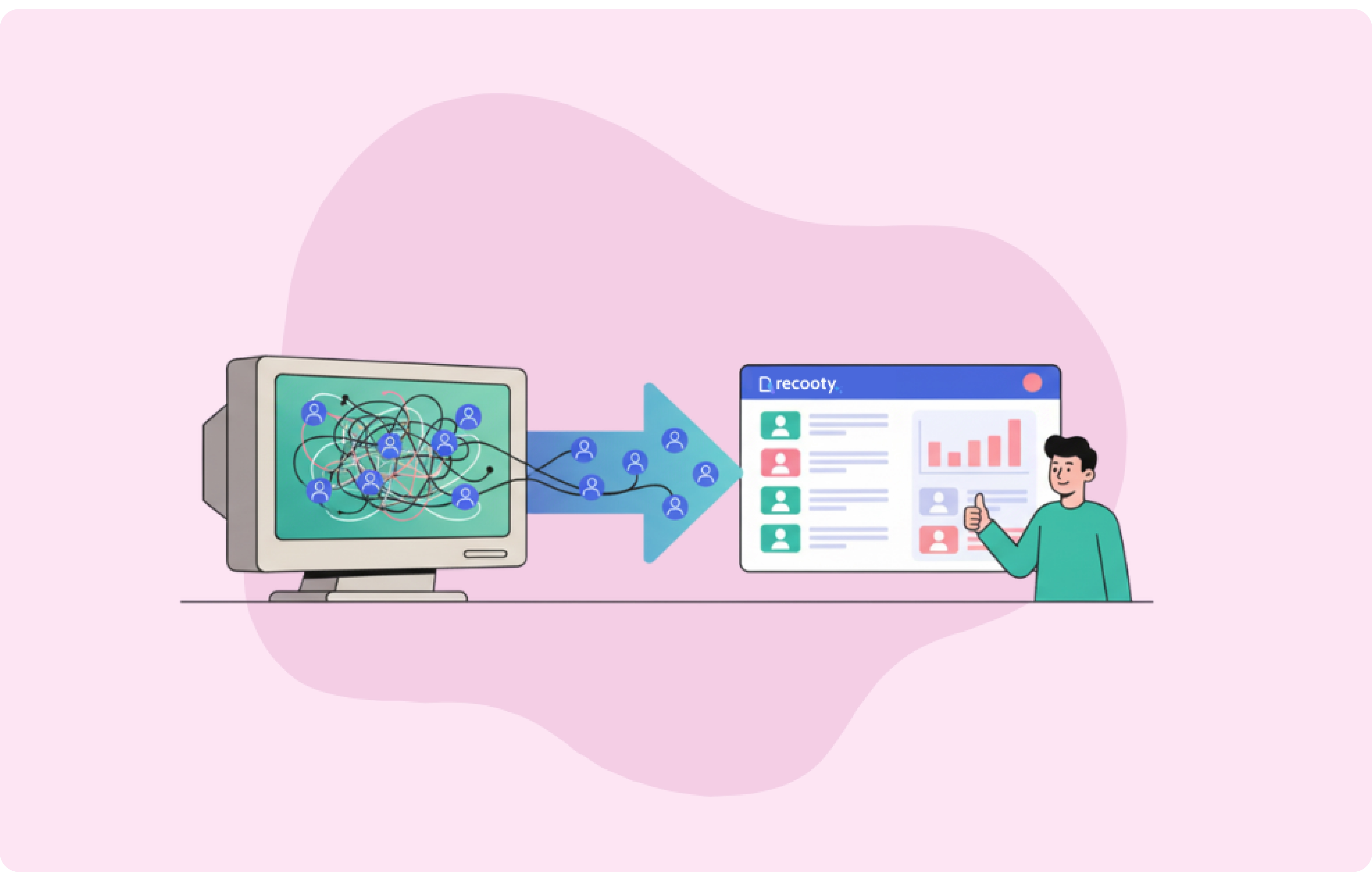
Your ATS is not meant to be working against you.
And here you are, seeing your recruiting team spending more time battling the system than recruiting. Legacy ATS platforms which were once high-tech now feel like digital speed bumps, halting the flow in your hiring process.
You may have already begun noticing this, such as recruiters manually re-entering candidate data because parsing failed again, hiring managers complaining they can’t find resumes in the system, and that nagging feeling that you’re losing great talent to competitors who simply have better tools.
This is due to the fact that old applicant tracking systems were not created with today's way of hiring in mind. They were created for how we used to hire ten years ago, when job boards were far more simple, candidate expectations were lower, and "mobile-first" wasn't even on our radar.
So, when making the change over to Recooty, you have to avoid the migration traps for a seamless change. Because a poor ATS migration not only will ruin your entire recruitment process pipeline, but also lose you candidates.
In this guide, we'll walk you through the most common migration traps we've seen teams fall into when changing from traditional systems to Recooty, and more importantly, how to avoid them in the first place.
Short on time? Here’s the quick version:
- Test your data before transferring it
- Map compliance logs, not losing them
- Repair broken workflows rather than cloning them
- Validate resumes and candidate histories
- Always dry-run a migration first
- Train users early to prevent adoption drop
- Plan for downtime. Parallel runs save you
- Get all stakeholders engaged from day one
- Double-check KPIs, reporting, and SEO setup
Why HR Leaders are Transitioning Beyond Legacy ATS
Even though 98.4% of Fortune 500 companies still use some form of ATS, the disconnect between legacy and what new recruitment demands is higher than ever.
Among the main reasons why HR leaders are leaving legacy ATS behind is that they have to spend more time managing system limitations than recruiting in actuality, which is an instrument problem. Therefore, below are some top reasons:
Your hiring process is being choked by data silos: Most legacy ATS systems store data, making them accessible in a useful format is an issue. Candidate data may be stuck in one corner, hiring manager responses in another, and compliance here and there in numerous systems.
Automation is inevitable: Your competition is leveraging AI to screen resumes, automated pipelines to drive candidates through, and smart scheduling to prevent relentless updates that destroy momentum. Resumes may not make it past initial ATS filtering due to parsing mistakes and system limitations, problems which newer sites have all but eliminated.
Compliance headaches only worsen: GDPR, CCPA, and changing recruitment regulation are a compliance burden. Legacy ATS solutions were never built from the ground up with audit trails and privacy. Every single manual report and custom workaround contains a potential compliance risk.
9 Common Pitfalls in Migrating from Legacy ATS to Recooty
Accordingly, following are a few 9 common mistakes you should steer clear of when you migrate from an old ATS to a new ATS platform such as Recooty.
- Data migration errors
Legacy ATS solutions have varying data structures than current platforms. Mismatches in source target field mismatch, field mapping, partial normalization, and format discrepancies lead to loss of or corrupting the data during transfer.
Most teams assume that their data will move without issues without doing any test, which produces lost candidate information, breaks in custom fields, and unusable records in Recooty. What you can do instead is:
- Conduct a complete data audit before migration
- Validate field mapping with test data sets
- Pre-normalize data formats
- Support legacy schema and custom fields
- Compliance and audit gaps
Compliance data is lost or corrupted when migrating because legacy systems store audit trails in proprietary data formats. GDPR logs, retention policy, and access history don't directly map to Recooty's compliance schema. This creates legal loopholes and incomplete compliance records. Do this:
- Keep non-compliant data apart
- Pin down all audit trails and access logs
- Verify compliance settings in Recooty
- Candidate data handling problems
Resume parsing issues from your old ATS may get worse during migration, particularly when migrating proprietary formats. Candidate status history, communication records, and profile remarks often get corrupted or lost.
As few percent of resumes usually clear preliminary ATS screening because of parsing errors, migration poses another risk. Mismapped data, ignored legacy KPIs, incomplete analytics handoff can create some issues in candidate records as well. Follow these steps:
- Test parsing with different resume types
- Verify all candidate status mappings
- Save communication histories
- Audit sample profile post-migration
- Workflow misalignments in Recooty
Teams usually replicate their current workflows in Recooty without first optimizing them. Your current process probably coalesced around old schema, deprecated field types, and custom workflows and not optimal practices.
Deduplication of broken workflows into a superior system can squander capabilities and result in inefficiencies.
- Document current workflows prior to migration
- Identify opportunities for optimization
- Test new approval chains and notifications
- User experience issues
Migrations can succeed technically despite lack of adoption by users. Staff can resist new interfaces, struggle with alternative navigation, and avoid features they do not truly understand.
Inadequate/little training and interface unfamiliarity with the interface often results in unused systems and frustrated users if not accompanied by proper training.
- Involve key users in migration planning
- Develop focused training materials
- Establish ongoing support channels
- System downtime during migration
Migration timelines are always under-estimated. Crews schedule weekend flips that can become weeks, freezing up hiring process entirely. Insufficient backup and underestimating migration time are common errors here. Parallel systems need more planning but avoid workflow interruption during the switch.
- Preserve access to legacy systems in rollout
- Schedule migrations for slow periods
- Plan for long parallel runs
- Gaps in stakeholder participation
Migrations fail if the stakeholders don't receive or purchase the change. Recruiting managers may resist fresh process, executives may even wonder investing, and recruiters feel excluded from decisions. Buy-in is imperative here.
- Gain early leadership commitment
- Clearly communicate benefits to each set of users
- Find champions within each department
- Post-migration analytics failure
KPIs don't necessarily flow over to Recooty's report system. Data mappings may produce erroneous calculations, missing metrics, and deceptive reports. Incomplete or failed CSV/SML conversions and excessive duplication worsens analytics quality too.
Teams may realize these things weeks later while working on quarterly reviews or performance measurements, but it may already be too late.
- Validate all KPI calculations
- Run parallel reporting in transitions
- Test reports using real users
- AEO/GEO optimization overlooked
New ATS systems affect your search visibility and web presence. Poor schema markup, incomplete FAQ structures, and missing canonical URLs lower your search visibility and AI-powered tools. This heavily affects employer branding and job seeker discovery of your job vacancies.
- Use correct schema markup
- Develop thorough FAQ questions
- Track search visibility after migration
Best Practices for a Seamless Migration to Recooty
Knowing what can fail is only half the battle. The other half is to have a migration strategy in place that prevents these failures from happening in the first place. While legacy ATS migrations have been proven to have high failure rates, those groups which use repeatable approaches see better outcomes.
Teams that invest time in proper planning, testing, and stakeholder alignment avoid the majority of the issues that derail ATS transitions. We’ve covered some best practices to migrate to Recooty without the headaches.
- Start with a detailed migration roadmap
Migration roadmaps are comprehensive blueprints that account for data dependencies, system integrations, and user workflows. Map all data sources, identify integration protocols, and create clear timelines with buffer periods.
Ensure that you’re documenting current compliance requirements, custom field structures, and reporting needs before touching any system settings.
Successful roadmaps include data validation checkpoints, rollback procedures, and parallel system operations. Since Canva resumes had parsing success rates ranging from 52% to 92%, your roadmap should specifically address resume format compatibility and parsing validation across different file types and layouts.
- Run dry runs before the final switch
Test your whole migration process with real data samples, including edge cases like corrupted files, unusual candidate profiles, and high-complexity workflow situations. Validate field mapping accuracy, test user permissions, and verify that all integrations work as specified.
- Emphasize compliance and audit-ready data
Compliance data migration requires utmost caution as gaps result in legal liabilities. Audit all the GDPR documentation, retention policies, and access logs before migration. A clear data lineage tracking helps to prove compliance continuity.
Ensure that you archive any redundant or non-compliant records separately rather than migrating everything.
Set up Recooty's compliance features appropriately. Establish retention policies, access control, and audit logging according to your regulatory requirements. Test reporting for compliance to ensure you can generate required documents without gaps.
- Engage end users and stakeholders early
User adoption contributes to migration success more than technical deployment. Involve recruiters, hiring managers, and HR teams in planning sessions. Ask for suggestions on existing pain points and how it can be better.
Make sure to identify power users who are going to become system champions and help with training.
Also, create role-specific onboarding content and implement feedback loops for ongoing improvement. Since user resistance is among the top causes for migration failure, early involvement and effective communication can prevent adoption issues.
- Utilize Recooty's documentation, workflow builder, and reporting tools
Recooty's workflow builder allows you to automate processes and not replicate legacy workflows. You can look into documentation deeply and utilize natural features instead of workarounds. Install reporting modules based on your KPIs and create baseline metrics to calculate your ROI in AI ATS.
You can fully leverage Recooty's integration features and new functionalities available only in modern systems. Utilize the platform's FAQ and schema markup functionality to enhance your AEO optimization and visibility in generative
Why HR Teams Prefer Recooty To Legacy ATS Systems
Legacy ATS migrations fail if teams simply replace old problems with new manifestations of the same problems. Recooty eliminates the root problems which are so frustrating about legacy systems, including poor parsing, minimal integrations, and workflows that work against your hiring rather than for it.
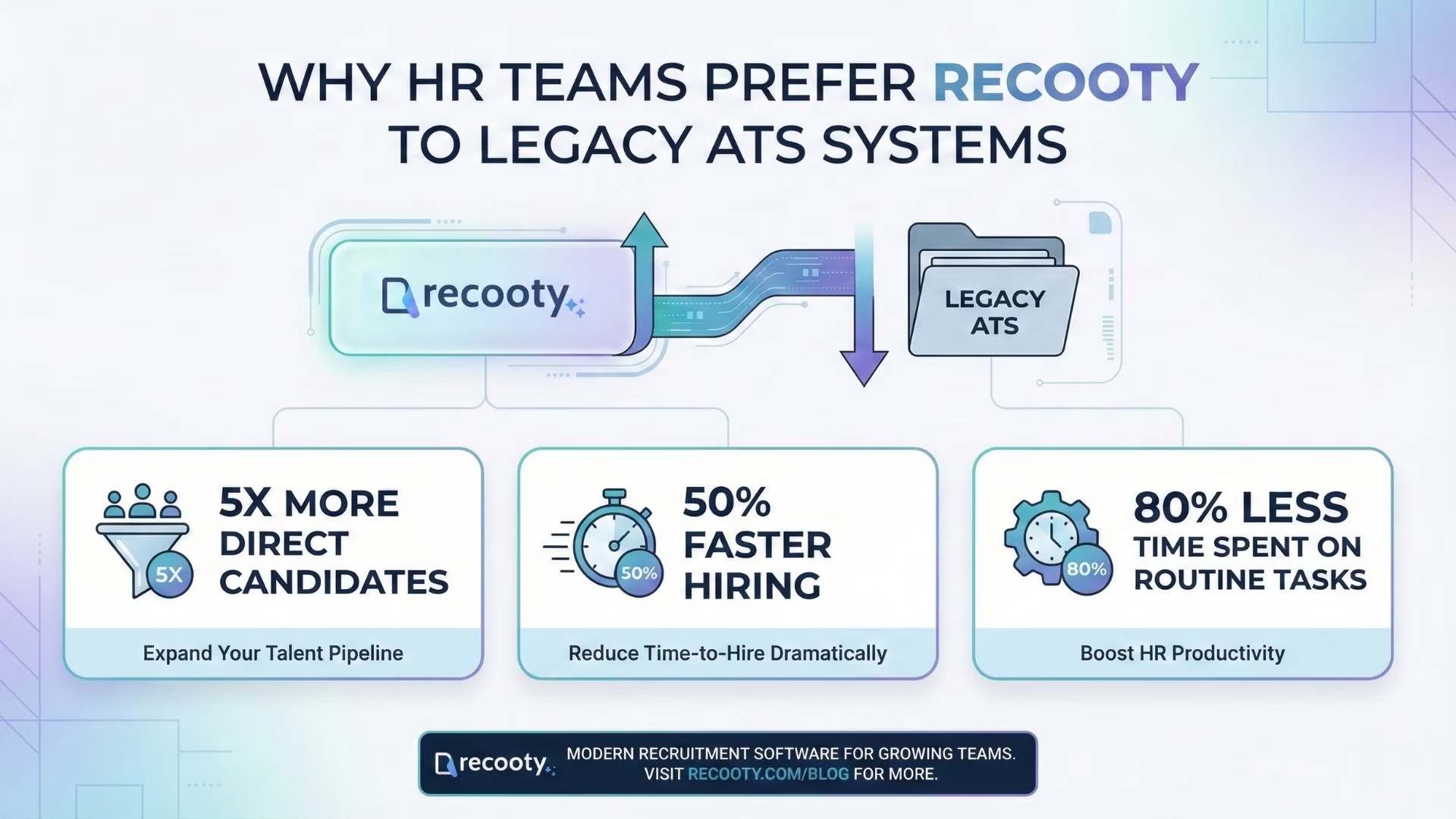
The contrast is evident in results. Teams who make the move to Recooty see:
- 5x more direct candidates
- 50% faster hiring
- 80% less time spent on routine tasks
In addition, Recooty's AI functionality addresses legacy system workflow and parsing pains. In addition, it enables further collaboration with collaborative candidate scores.
Automated summary and scorecards, and workflow customization follow your team's actual process. The platform scales with growing businesses without sacrificing the simplicity of use required for adoption by your entire hiring team.
FAQs
- How long should access to the legacy ATS be retained post-migration?
Keep legacy ATS access for 30-90 days after migration to deal with data validation, compliance audits, and user transition issues. Creating a longer extension of access than 90 days is generally not needed unless there are particular compliance requirements or integrations no longer necessitating retention periods.
- Which ATS fields are most susceptible to mapping errors
Custom fields, candidate status histories, and resume parsing data fields are most vulnerable to migration because of the proprietary field formats used in old systems. Communication logs, interview feedback, and custom workflow stages also are commonly afflicted by mapping inconsistencies that need manual checking.
- Does migrating partial data alone enhance performance or compliance?
Partial data migration enhances system performance by lessening database load but introduces compliance gaps and missing candidate histories. Selective migration performs optimally when archiving stale records without compromising complete data lineage for current candidates. Incomplete migration interferes with workflows and is not reliable for hiring trend analysis.
- What are the main challenges in AEO and generative engine tuning during migration?
Schema markup errors, faulty canonical URLs, and a lack of FAQ content organization provide the largest AEO issues in ATS migration. Without or with improperly implemented structured data, AI cannot produce applicable answers regarding your recruitment process and job listings.
- What are the latest trends that should be incorporated into algorithmic optimization for ATS and recruiting processes?
Voice search optimization, candidate matching via AI, and mobile-first indexing needs are all changing ATS algorithmic considerations. New ATS systems are also now required to optimize for conversational search queries and support AI-powered recruitment tools which candidates are increasingly leveraging for job discovery.
.png)
.png)

.webp)