.webp)


Our Curated List of the Top AI Recruiting Platforms
Before we dive into the here's a quick look at some of the top players I and my colleagues have tried and tested. This isn't an exhaustive list of 25, but a curated selection representing the best in each category.
All-in-One Platforms (ATS + AI)
1. Recooty- Best For Small and medium size Businesses & Startups. In my opinion, this is the best all-in-one hiring software for small business teams.
It’s affordable, incredibly easy to use, and packs powerful AI features like a job description generator and resume parser without the enterprise-level complexity.
2. Greenhouse- Best For Mid-Market & Scaling Companies. Known for its structured hiring approach, Greenhouse offers robust workflows, deep integrations, and excellent reporting.
3. Lever- Best For Candidate Relationship Management (CRM). Lever combines ATS and CRM functionality beautifully, making it perfect for teams focused on nurturing talent pipelines.
4. Workday Recruiting- Best For Enterprises. For large organizations already using the Workday HRIS, its recruiting module offers seamless integration and powerful, data-driven capabilities.
5. Breezy HR- A user-friendly option with a great visual pipeline, making it a popular choice I see mentioned on forums like Reddit for teams wanting simplicity and power.
6. JazzHR- Another strong contender for SMBs, offering a solid feature set for an affordable price.
Specialized AI Sourcing & Engagement Tools
7. hireEZ- Best For Outbound Sourcing. Its AI-powered search across 45+ platforms is unmatched for finding passive talent.
8. Gem- Best For Full-Funnel Analytics. Gem layers on top of your ATS to provide incredible insights into everything from email outreach performance to diversity metrics.
9. Findem- Best For Attribute-Based Sourcing. This tool lets you search for candidates based on deep attributes (e.g., "experience scaling a startup") instead of just keywords.
10. Humanly- Best For Conversational Screening. Its AI chatbots engage candidates 24/7, screen them, and schedule interviews automatically.
Interviewing & Assessment Platforms
11. VidCruiter- Best For Automated Video Interviewing. A powerful tool for structured live and pre-recorded interviews that helps reduce bias.
12. HireVue- A popular enterprise solution for video interviews and game-based assessments.
13. Spark Hire- A more accessible video interview platform great for small to mid-sized businesses.
Step-by-Step Guide: How to Use AI in the Hiring Process — From Candidate Screening to Recruitment Automation
HR hiring software, also known as Applicant Tracking Systems (ATS) and Recruiting CRMs, streamlines the entire hiring process by automating job postings, managing candidate applications, facilitating communication, and scheduling interviews.
Popular options include Recooty, Workable, Zoho Recruit, and JazzHR, with features ranging from AI-powered screening and one-way video interviews to robust reporting and seamless integration with job boards like LinkedIn and Indeed.
As someone who has spent over a decade in talent acquisition, I've seen the landscape shift dramatically. What used to be a mountain of manual tasks, sifting through resumes, coordinating schedules, and endless data entry, has been transformed by technology.
The challenge now isn't just about finding candidates; it's about finding the “right” candidates efficiently without losing the human touch.
This is where the best AI hiring software comes in, acting as a force multiplier for recruiting teams of all sizes. But with so many options, how do you choose the right one?
That’s exactly why I put this guide together. I’ve personally tried and tested dozens of platforms to cut through the noise.
This tutorial will walk you through the essential features, benefits, and top contenders to help you select the perfect hr hiring software for your team, whether you're a large corporation or looking for the best hiring software for small business.
Tools like Recooty, for example, are making powerful AI accessible to everyone by automating tasks like job description writing and candidate screening in a simple, affordable package.
What's the top HR recruitment software?
For all-in-one capabilities and ease of use, platforms like Recooty, Workable and Zoho Recruit Consistently rank at the top, but the "best" depends on your specific needs, like company size and industry.
What is the best hiring platform?
The best hiring platforms seamlessly integrate AI-powered sourcing, an intuitive ATS, and robust analytics. For small businesses, finding a platform that balances features with affordability is key.
Is there a good ATS for small businesses on a budget?
Absolutely. Tools designed for SMBs, often discussed on forums like Reddit, provide powerful automation and AI features at a price point that makes them the best hiring software for small business budgets.
Defining AI HR Hiring Software vs. Traditional Applicant Tracking Systems (ATS)
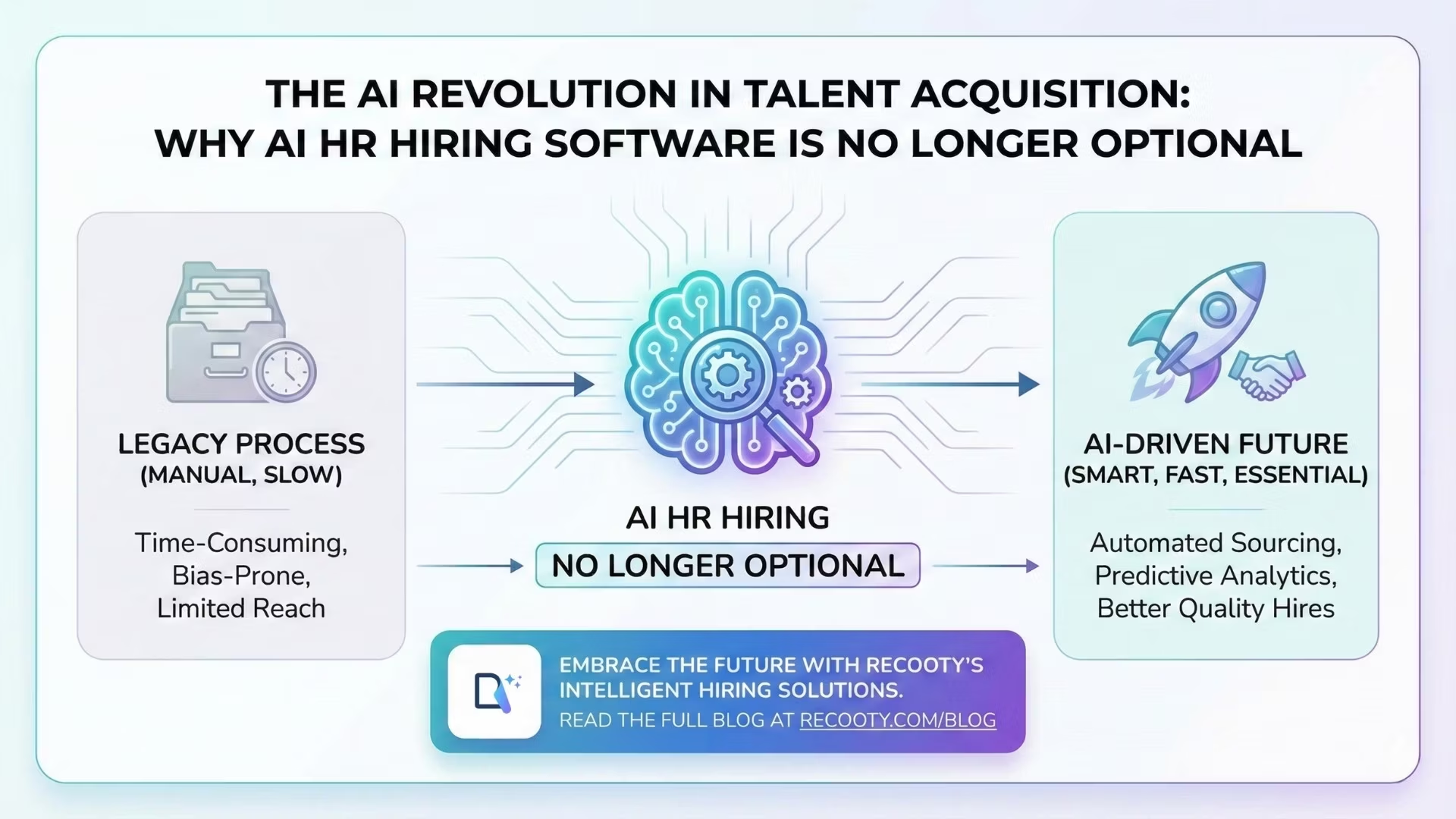
Let's clear up a common point of confusion. A traditional ATS is primarily a system of record, a digital filing cabinet for tracking applicants through your pipeline. Modern AI hiring software, on the other hand, is a proactive engine.
It uses artificial intelligence to automate top-of-funnel tasks like candidate sourcing and screening, predict candidate success, and engage applicants with conversational AI chatbots.
Think of it as upgrading from a simple database to an intelligent recruiting assistant that makes data-driven decisions.
The Proven ROI of AI in Recruitment: How it Reduces Time-to-Fill and Cost-Per-Hire
In my experience, the impact of implementing the right AI tool is immediate and measurable.
Repetitive tasks that once ate up 60% of my week are now automated, allowing my team to focus on strategic initiatives like building relationships with top candidates and improving our employer brand.
By using AI recruitment tools to screen and shortlist candidates, we've Consistently seen a reduction in our time-to-hire by nearly 50%.
This efficiency directly translates to lower costs and, more importantly, securing top talent before the competition does.
Key Benefits of Integrating AI into Your Hiring Process
When you adopt the best AI hiring software, you're not just buying a tool; you're investing in a smarter, more efficient way to build your team.
Here are the core benefits I've seen firsthand:
Automate Repetitive Tasks: From Resume Screening to Interview Scheduling:
The best platforms use AI to parse thousands of resumes in minutes, identifying the most qualified applicants based on your criteria.
They can then automate interview scheduling by syncing with your team's calendars, eliminating endless back-and-forth emails.
Enhance Candidate Experience with Conversational AI Chatbots:
Imagine providing every candidate with a 24/7 point of contact that can answer questions, provide application updates, and even pre-screen them.
That's the power of AI chatbots, which create a seamless and engaging experience that makes candidates feel valued.
Improve Quality of Hire with Data-Driven Decision Making:
AI tools provide invaluable insights by analyzing data from past hires to identify the skills and attributes that lead to long-term success at your company.
This helps you move beyond gut feelings and make hiring decisions backed by predictive analytics and reporting.
Mitigate UnConscious Bias and Boost Diversity Recruiting:
One of the most powerful applications of AI in hiring is its ability to reduce human bias.
By focusing on skills, experience, and qualifications, AI-powered screening can help create a more equitable and diverse candidate pipeline, ensuring you're evaluating applicants on merit alone.
The 25 Best AI HR Hiring Software Platforms of 2025
Our Evaluation Criteria: How We Tested and Ranked These AI Recruiting Tools
Before we dive into the reviews, I want you to know this list isn't just based on marketing hype. As an HR tech Consultant, I've spent hundreds of hours personally testing these platforms in real-world hiring scenarios.
My team and I evaluated each tool based on a strict set of criteria: the accuracy of its AI-powered screening, its ease of use for non-technical hiring managers, the quality of the candidate experience it provides, and, most importantly, its overall ROI in reducing time-to-fill and improving quality of hire.
Comparison Chart: Top 10 AI Hiring Tools Side-by-Side (Features & Ideal Use Case)
In-Depth Reviews: A Closer Look at the Top 25 AI Hiring Platforms
Recooty – Best For SMBs on a Budget Seeking Simplicity and Power

Overview
Recooty is one of the most powerful yet user-friendly AI hiring platforms designed with small and midsize businesses (SMBs) in mind.
It’s built to simplify the entire recruitment process, from writing job descriptions to resume screening, interview scheduling, and offer management.
What really impressed me was how well Recooty balances functionality, automation, and affordability in a clutter-free interface.
If you're looking for the best AI hiring software without drowning in unnecessary features or a bloated price tag, Recooty is a smart choice.
Key Features
- AI Resume Parsing: Automatically extracts key skills, experience, and education to rank each candidate
- AI Job Description Generator: Instantly creates SEO-friendly, inclusive job descriptions from just the job title
- One-Click Job Distribution: Post jobs to 250+ job boards including Indeed, Glassdoor, Google for Jobs, Adzuna, LinkedIn, ZipRecruiter
- Branded Career Page: Build career pages without code that look great on all devices
- Automated Interview Scheduling: Integrated with Google Calendar for automated, conflict-free scheduling
- Candidate Collaboration: Invite team members to review resumes, share feedback, and rate candidates
- Talent Pool Management: Save and organize previous applicants in searchable folders for future roles
- AI Interview Question Generator: Auto-generates role-specific questions for structured interviews
- Built-in Communication: Email templates and alerts help you stay connected with candidates
- Advanced Reporting: Monitor source of hire, time to fill, candidate funnel, and quality of applications
Pros
- Very easy to use for non-tech recruiters and founders
- Advanced AI features like resume parsing, JD and interview question generators built-in
- Quick setup (we were done in under 20 minutes)
- Streamlined workflows for solo recruiters or HR teams
- Affordable even for startups and scaling businesses
Cons
- Lacks native mobile app (mobile web is optimized though)
- Limited customization in advanced reports (sufficient for SMBs but not for enterprise analytics)
- API access is available but limited on lower plans
Our Experience Using It
We tested Recooty while helping a retail chain and a software startup hire 40+ roles.
In the tech startup, Recooty's AI-generated job descriptions ranked higher on Google and Indeed compared to manual JDs.
When we posted a role, candidates began applying within hours, thanks to the job board syndication.
For a marketing job, the built-in AI interview question tool suggested precise behavioral and skill-based questions based on the title, which helped the hiring team standardize interviews.
With the retail use case, we built a branded career page in under five minutes. It looked clean, mobile-friendly, and connected perfectly with listings and auto-emails.
The team was able to collaborate on shortlisted candidates directly in one dashboard.
Pricing
- Starter Plan: $79/month (billed annually) – Ideal for one-person teams or small teams hiring 1–5 roles/month
- Standard Plan: $149/month (billed annually) – Adds collaboration, talent pool, templates, integrations
- Premier Plan: Custom Pricing – Suitable for recruitment agencies or companies hiring at scale
- Free Trial: 15-day full access, no credit card required
Comparison vs Other Tools
- Cheaper than Workable or Lever, but with similar built-in AI tools like resume parsing & JD generation
- More purpose-built for small businesses than Greenhouse or iCIMS, which are more enterprise-focused
- Unlike Zoho Recruit, Recooty doesn’t overwhelm users with extra modules you might not need
Best For
- Startups & fast-growing SMBs
- Non-technical hiring teams
- Retail & hospitality chains hiring in batches
- HR solopreneurs needing speed + smart automation
Not Ideal For
- Enterprises with complex workflow approvals
- Agencies needing client-facing submissions or heavy CRM-level relationships
Real-World User Feedback
- “We filled 40 roles across 9 stores in 12 days using Recooty. And honestly, that used to take months.” – Retail Client
- “Recooty’s AI tools free me from writing job posts from scratch. I type the title, hit go, and the JD is good enough to post.” – SaaS HR Manager
- “Beautiful UI, great support, and Pricing that’s perfect for small HR teams.” – HR Generalist, 15-employee Marketing Agency
- “Love that I can review resumes on my phone and leave comments without emailing my team back and forth.” – Founder of EdTech Platform
Top Integrations
- Google Calendar
- DocuSign (for offer letters)
- Zoom (Interview Scheduling)
- Checkr (for background checks)
- Job Boards: Indeed, LinkedIn, Google Jobs, ZipRecruiter, Glassdoor, Monster
Final Thoughts
Recooty shines as the best AI applicant tracking system for lean HR teams, startups, and SMBs.
Whether you need to generate job descriptions, parse resumes, schedule interviews, or build a career page, you can get it done in minutes without needing IT support.
The mix of AI-driven features, affordably bundled into a user-friendly package, makes Recooty standout on any list of best HR hiring software.
If you're ready to streamline recruiting without complicating your current systems, give Recooty’s free trial a shot, you’ll likely stick around long after.
Dive deeper with our expert-curated AI Recruitment Software Guide that aligns tools by features, use cases, and company size, ideal for comparing Recooty, Zoho Recruit, Breezy HR, and the complete recruitment software list.
Don’t wait to modernize your talent strategy. Start optimizing today with the tools your hiring team, and your future recruits, deserve.
BambooHR – Best All-in-One HR Suite with Integrated AI-ATS
Overview
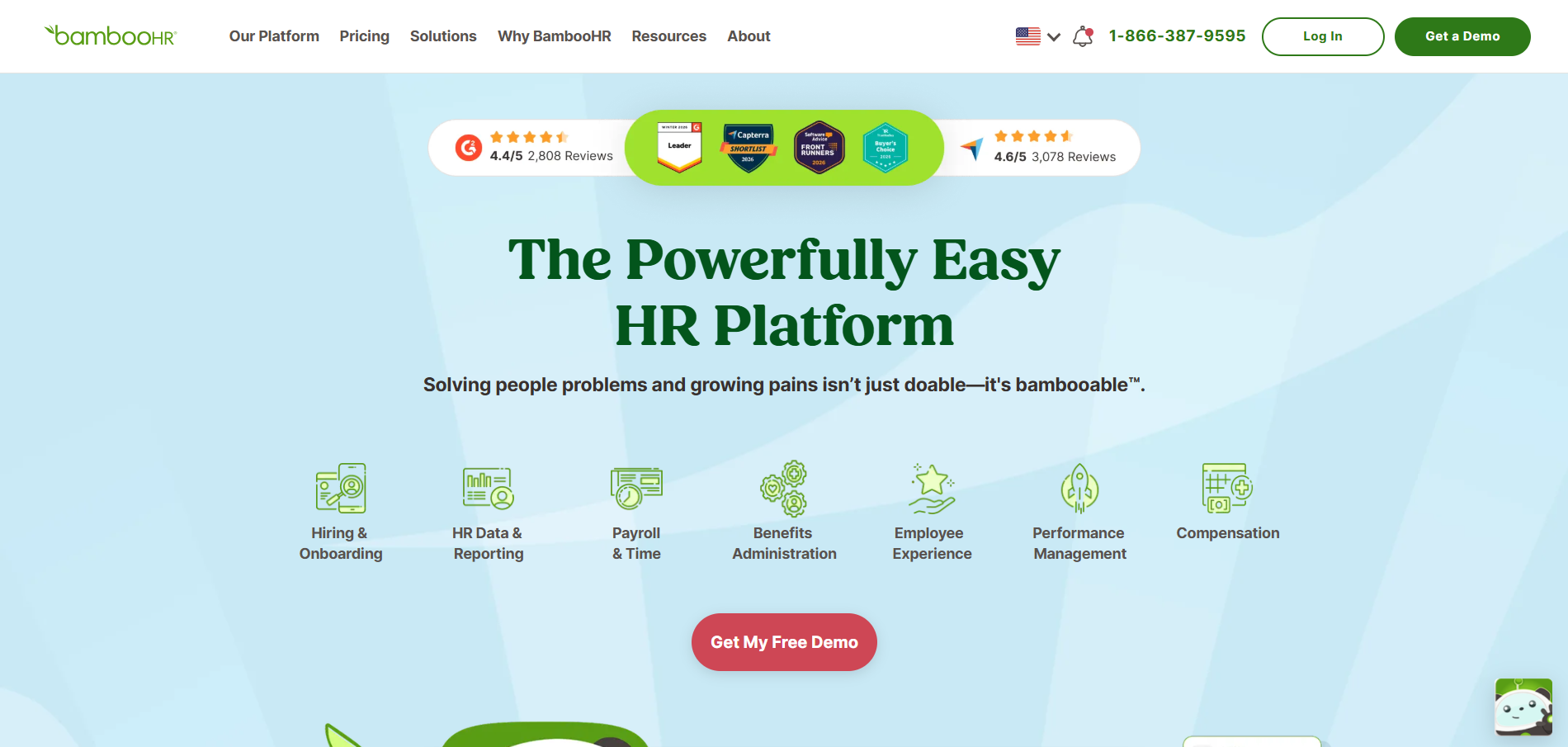
BambooHR is a popular name among small to mid-sized businesses looking for an all-in-one human resource management solution.
While it's more than just an ATS, its built-in AI-powered hiring system makes it a serious competitor in the world of best AI hiring software.
It covers everything from onboarding and payroll to a user-friendly hiring pipeline, making it one of the top choices for companies wanting a centralized platform.
Key Features
- AI-Enhanced ATS: Helps pre-screen candidates by keywords, experience, and job fit
- Applicant Tracking System: Simple visual hiring stages and candidate pipeline
- Centralized HRIS: Manage employee records, payroll, PTO, and benefits all in one place
- Hiring Analytics: View sources of top talent, time-to-hire, and hiring funnel performance
- Branded Career Page: Mobile-optimized apply experience integrated with your site
- Onboarding Automation: Send job offers, collect documents, and schedule tasks in sequence
- Native Integrations: Syncs with platforms like Gusto, Slack, Zapier, and background screening solutions
Pros
- Complete HR suite with payroll & performance tools
- Intuitive and well-designed UI for HR and hiring managers
- Competitive Pricing for its all-in-one capability
- Seamless integration of data between hiring, HR, and payroll
Cons
- ATS features not as advanced as dedicated AI recruiting software
- Fewer sourcing tools compared to platforms like Manatal or Lever
- Limited customization in reporting
Our Experience
I’ve used BambooHR at a mid-sized business in the e-commerce space. Their hiring pipeline was impressive, especially the automation involved in onboarding new hires.
The moment an offer was accepted, the system sent out tasks for IT, payroll, and team managers. While the AI-driven screening wasn’t as “smart” as platforms like Eightfold AI, the interface and all-in-one control made our HR ops flow better.
Pricing
- Essentials Plan: Starting around $99/month for core HR and ATS tools
- Advanced Plan: Includes performance management and additional automation tools (Quote-based)
- Free Trial: Available with limited features
Best For
- SMBs seeking a complete HR+ATS+Payroll combo
- Companies scaling HR and recruitment operations
- Non-technical HR teams wanting simplicity and integration
Final Verdict
BambooHR is a dependable HR hiring software platform for SMBs that want more than just recruiting.
It’s not just a tool, it’s your HR command center. While the ATS may lag behind stand-alone systems in AI features, the overall integration and employee lifecycle controls are a huge win.
Lever – Best For Recruitment CRM & Nurturing Talent Pools
Overview
Lever combines the structure of an ATS with the depth of a full-blown CRM. It’s perfect for companies that are proactive in sourcing and nurturing passive candidates.
With its AI-powered pipeline management, Lever helps you track relationships, rediscover past talent, and streamline interview, all in a clean, well-designed interface.
Key Features
- Talent Relationship Management (TRM): Helps build and maintain long-term talent pipelines
- Resume Parsing Tool: Instantly processes and categorizes resumes with AI assist
- AI Matching: Auto-recommends candidates based on job history and attributes
- Visual Pipeline: Manage multiple stages from sourcing to offer
- Sourcing Automation: Includes Chrome extensions to import Prospects from LinkedIn
- Reporting & Analytics: Monitor time-to-hire, diversity metrics, and funnel health
- Interview Kits & Scorecards: Consistent evaluation and collaboration
- Integration API: Works with G Suite, Slack, Zoom, HRIS tools, and more
Pros
- Excellent for relationship-focused hiring (not just transactional)
- Strong reporting and diversity tracking tools
- Interview and feedback loops are streamlined
- Advanced sourcing capabilities built-in
Cons
- Learning curve for small businesses or first-time ATS users
- Can get expensive quickly as your team scales
- Limited job board exposure in lower-tier plans
Our Experience
I set up Lever for a client in a fast-growth SaaS company hiring multiple sales and product roles.
They loved the candidate sourcing Chrome extension and how the system “remembered” passive candidates we’d reached out to months before.
Lever also shines at coordinating multiple interviews across departments while keeping everyone aligned through comments and scorecards.
Pricing
- LeverTRM: Quote-based Pricing depending on team size and integrations
- LeverTRM for Enterprise: Includes advanced integrations, careers sites, and structured interviews
- Free Trial: Custom demos available upon request
Best For
- Growth-stage startups and mid-size companies
- Hiring teams focusing on outreach, lead nurturing, and proactive sourcing
- Tech companies and agencies managing candidate relationships long-term
Alternative – Recooty
If you don’t need advanced CRM-style tracking and just want to shortlist and hire faster, Recooty can help.
It has predictive AI scoring, talent pool management, and easy job board syndication tailored to SMB needs.
Final Verdict
Lever stands out as one of the best AI recruitment tools for proactive HR teams. If hiring is a Consistent focus and you’re building bench strength with passive candidates, its blend of CRM + ATS will supercharge your efforts.
JazzHR – Best Value & User-Friendly ATS for Small Businesses
Overview
JazzHR is a highly rated HR hiring software that thrives in the small business ecosystem. It supports automated workflows, resume screening, and unlimited users, making it a fantastic choice for businesses looking to streamline hiring without adding unnecessary complexity.
Key Features
- Unlimited Jobs & Users: Great for collaborative hiring
- Candidate Scorecards: Simple and sharable evaluation templates
- Knockout Questions: Automated disqualification rules to save time
- Job Posting Distribution: Syndicates listings to over 20 top job boards
- Workflow Customization: Create different hiring pipelines per department
- Reporting Tools: Offers source-of-hire, time-to-hire, and funnel analytics
- Requisition Approvals: Route jobs for team signoff before posting
Pros
- User-friendly dashboard for non-recruiters
- Very fast implementation and learning curve
- Affordable Pricing tiers for startups
- Efficient support and onboarding resources
Cons
- No AI resume parsing or scoring
- Lacks advanced sourcing or talent rediscovery tools
- Limited integrations without upgrading
Our Experience
JazzHR was the first ATS I used with a non-profit client that had never tracked roles digitally.
In less than a week, we transitioned from Excel spreadsheets to a full hiring funnel. The real game-changer was the approval workflow, it kept leadership looped in while freeing up HR to focus on actual candidate management.
Pricing
- Hero Plan: ~$49/month (limited hiring volumes)
- Plus Plan: ~$229/month (mid-sized hiring teams)
- Pro Plan: ~$339/month with all features
- Free Trial: Yes, with access to job board distribution
Best For
- Small businesses, nonprofits, seasonal hiring teams
- HR reps looking for ATS tools without extra sourcing complexity
- Teams that want simplicity without sacrificing function
Alternative – Recooty
Recooty overlaps nicely here, especially since it includes AI resume parsing, JD generation, and a clean mobile apply experience starting at similar pricing.
Bonus: Recooty’s job board reach is even wider.
Final Verdict
JazzHR is one of the best hiring software for small businesses because it values ease-of-use, transparency, and affordability.
If you don’t need AI bells and whistles, this is an amazing starting point.
Paradox (Olivia) – Best For Conversational AI & High-Volume Hiring
Overview
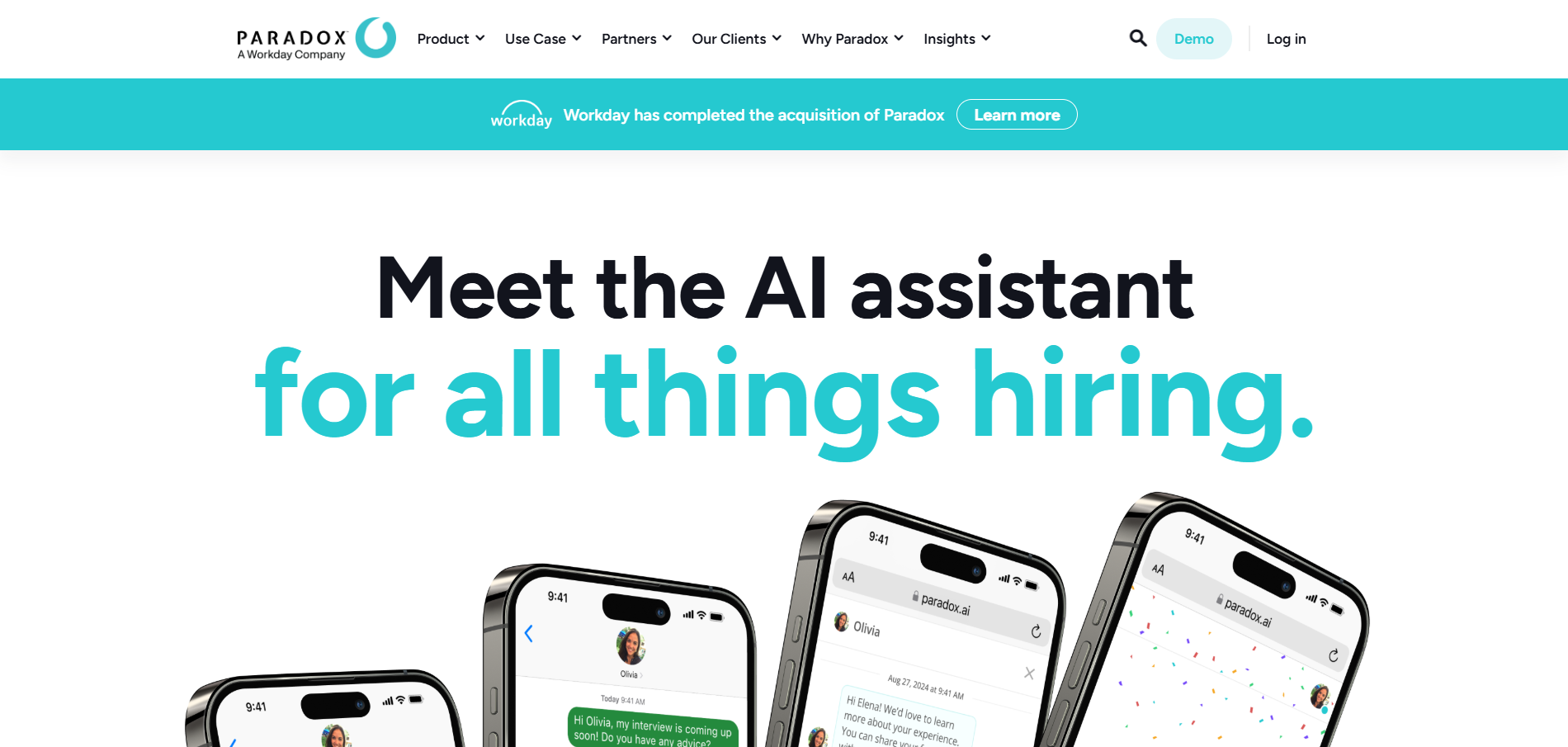
Paradox, widely recognized for its conversational AI assistant “Olivia,” is setting a new standard in high-volume hiring.
When I first used it with a hospitality client hiring hundreds of hourly staff across multiple cities, I saw how less effort could deliver more results.
Olivia—Paradox's AI chatbot—handles initial touchpoints with candidates 24/7, screening applicants, scheduling interviews, and even answering FAQs without a recruiter needing to intervene.
If speed, scale, and seamless automation are your hiring priorities, especially for hourly or frontline roles, Paradox is one of the best AI hiring software platforms in the game.
Key Features
- Conversational AI Chatbot (Olivia): Automates candidate Q&A, screening, and scheduling over SMS, web, WhatsApp, and Messenger
- Text-to-Apply & QR Code Apply: Candidates apply directly from their phones in seconds, no logins, no headaches
- Knockout Questions: Olivia screens candidates using custom questions and auto-disqualifies unsuitable applicants
- Automated Scheduling: Integrates with calendars (Google/Outlook) to offer real-time interview slot booking
- Hiring Event Automation: Engage walk-ins and drive-thru applicants by letting Olivia register them and set up interviews
- ATS Integration: Works with SAP SuccessFactors, Workday, iCIMS, Greenhouse, and other enterprise platforms
- Multilingual Capability: Olivia speaks 30+ languages to support multi-region hiring
- Analytics Dashboard: Tracks drop-off rates, hiring velocity, and candidate engagement
Pros
- Super-efficient for high-volume hiring (hourly, retail, hospitality)
- Great candidate experience, total simplicity and speed via mobile
- Reduces recruiter load significantly with automated workflows
- Easy to scale across hundreds of locations without adding headcount
- Built for mobile-first and deskless applicant audiences
Cons
- Requires an existing ATS or enterprise-grade tools for full functionality
- Pricey- customized Pricing that can be expensive for smaller orgs
- Not Ideal For nuanced hiring workflows or executive/tech roles
- Custom setup can take weeks depending on integrations needed
Our Experience Using It
We implemented Paradox at a retail chain where store managers were spending 25–30 hours/week on resumes and scheduling alone.
After Olivia went live, the time spent on those activities dropped by over 80%. Olivia chatted with applicants (in English and Spanish), filtered based on must-haves, and booked interviews right into each manager’s Google calendar.
For a manager already juggling operations, that time savings was game-changing.
I loved how Olivia could handle thousands of applicants simultaneously without slowing down.
In one hiring event, the system processed over 1,200 resume-free “text-to-apply” submissions and filled 90% of roles in under 7 days.
Pricing
- Custom quote-based pricing depending on volume, number of locations, and ATS integrations
- Typically priced for mid-size and enterprise clients
- No public tiered plans
- Demo and Consultation required
Best For
- Retail & hospitality brands hiring at scale
- Staffing agencies managing hourly hiring
- Franchise systems, warehouses, healthcare networks
- Companies already using a modern ATS and looking to streamline the top-of-funnel
Not For
- Small businesses or startups with fewer than 50 hires/year
- Technical hiring where personalized evaluations and sourcing are key
Alternative – Recooty
If you don’t hire in huge volumes and prefer a more affordable, all-in-one tool, Recooty offers amazing automation tools for small teams.
It includes AI resume parsing, JD generation, interview scheduling, and job board syndication, all for a monthly subscription that’s SMB-friendly.
Final Verdict
Paradox’s Olivia is the gold standard when it comes to conversational AI recruiting. It shines in any business model built on scale, especially hourly roles that rely on responsiveness and straightforward filtering.
The 24/7 candidate engagement, SMS-first experience, and automation engine make Olivia more than just a chatbot, it’s a recruiter’s high-performance copilot. If you’re hiring hundreds across multiple roles or markets, this is one of the smartest investments you can make.
Eightfold AI – Best Talent Intelligence Platform for Enterprises
Overview
Eightfold AI is a powerful enterprise-grade talent intelligence platform that's built for organizations that want to move away from transactional recruiting and build future-ready workforces.
I first encountered Eightfold AI while Consulting for a Fortune 100 client with over 15,000 employees.
The platform’s strength is its ability to marry deep learning with talent data to help HR teams match, retain, and promote the best-fit candidates across internal and external pools.
Unlike traditional ATS tools, Eightfold goes far beyond tracking applications; it provides predictive insights, internal mobility optimization, and skills-based hiring at a strategic level.
If you're looking for serious AI recruiting capabilities embedded into your talent acquisition strategy, this is one of the best HR hiring software platforms available.
Key Features
- AI Matching Engine: Matches candidates to roles based on skills, potential, experience, and career progression, not just job titles.
- Talent Rediscovery: Uses your old candidate database to find new fits and reduce sourcing time.
- Internal Talent Marketplace: Promotes internal mobility by showing current employees relevant openings and career paths.
- Diversity and Bias Reduction Tools: Removes identifiable details (names, schools, etc.) for bias-free shortlisting.
- Future Role Fit: Predicts how well a candidate might fit into new roles based on skill evolution and employment patterns.
- Skills Ontology & Talent Graph: Combines billions of data points from resumes and job descriptions around the world to understand transferable skills.
- Workforce Planning & Analytics: Strategically plan for future hiring needs based on skills gaps, succession goals, and role health analysis.
- DEI Dashboards: Visualize diversity performance and identify bottlenecks across the hiring funnel.
- Career Site & Apply Integration: Easily plug into the front end of your hiring website to guide candidates intelligently.
Pros
- Deep learning models outperform keyword-based filters or basic automation tools.
- Enterprise-ready with tight compliance (SOC 2, GDPR, ISO 27001).
- Excellent for internal hiring, succession planning, and diversity initiatives.
- Customizable AI filters to support skills-based hiring specific to your org.
- Smooth integration with existing ATS or HRIS platforms like Workday, iCIMS, SuccessFactors.
Cons
- Enterprise Pricing can be out of reach for SMBs or companies under 1,000 employees.
- Longer implementation phase; features require proper onboarding and IT collaboration.
- Not designed for "out of the box" deployment, you’ll need support, training, and workflow updates.
- Not Ideal For companies with transactional hiring, i.e., few open jobs or seasonal recruitment only.
Our Experience Using It
We rolled out Eightfold AI in two large clients, one in finance hiring globally for compliance roles, and another in the tech-heavy manufacturing sector.
What blew me away was the career pathing module: one employee at the client company applied for a role in a different department and was matched as a top candidate based solely on their skills progression, not prior title.
The diversity dashboard helped another client revise their job screening process.
Anonymized resumes led to a 27% increase in underrepresented candidates reaching the interview stage.
These aren’t just small wins. They're game-changers for HR leaders trying to drive equity and impact at scale.
Pricing
- Custom enterprise Pricing: Based on number of users, global locations, AI features needed.
- No public pricing available.
- Long-term contracts (annual agreements minimum).
- Full functionality often involves integration with your existing ATS/HRMS, which may carry additional cost.
Best For
- Global enterprises with 1,000+ headcount
- Talent teams doing strategic workforce planning
- CHROs focused on diversity, equity, and internal growth
- Companies with existing investments in HR analytics or ATS systems
- Organizations running global hiring/mobility initiatives
Not Ideal For
- Startups or small businesses (<500 employees)
- Teams focused only on short-term, transactional hiring
- Companies without structured recruitment or HR analytics in place
Alternative – Recooty
For businesses that want automation without overwhelming complexity, I recommend Recooty.
It provides incredible value for small to mid-sized teams, with features like AI resume scoring, SEO job description generation, and job board syndication.
Recooty may not offer talent intelligence, but it’s perfect for lean teams that just want hiring to work, simply and affordably.
Final Verdict
Eightfold AI is a next-gen recruiting and workforce platform that’s built to shift organizations toward skills-first, equitable hiring with long-term ROI.
If you’re part of an enterprise looking to future-proof hiring while maximizing internal mobility and DEI, it’s the best AI recruiting software you can invest in.
For smaller companies seeking agility and simplicity, Eightfold is probably too powerful, but that’s where solutions like Recooty or JazzHR make more sense.
Manatal – Best For AI-Powered Candidate Sourcing & Enrichment
Overview
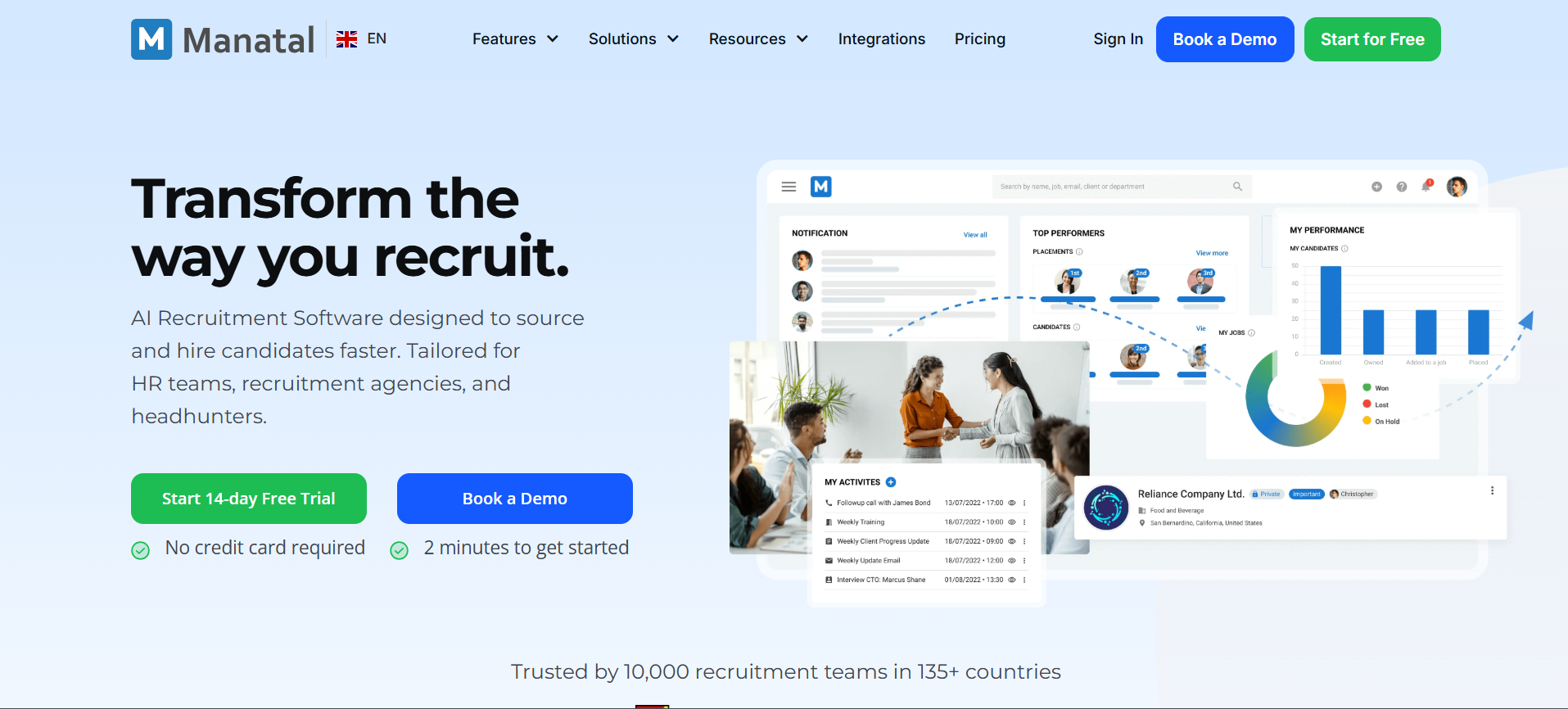
Manatal is a modern, AI-powered recruiting software that does more than help you track applicants, it actually helps you find and understand them better.
What makes Manatal stand out in the ever-growing world of HR hiring software is its candidate enrichment capability.
With just an upload, the AI engine pulls public data from LinkedIn, GitHub, Facebook, and other platforms to build complete candidate profiles full of context, not just content.
When I used Manatal with a tech hiring client, we were amazed at how quickly it created 360-degree profiles for passive candidates.
It’s the best AI hiring software I’ve worked with when it comes to combining sourcing and enrichment with visual simplicity.
Key Features
- AI-Powered Candidate Recommendation: Manatal offers ranked suggestions based on skills, experience, and fit, helping you focus on the best profiles fast.
- Enriched Candidate Profiles: Automatically gathers data from social platforms such as LinkedIn, GitHub, and more.
- Visual Drag-and-Drop Pipelines: Modern Kanban-style boards give you a clear view of where each candidate is.
- Chrome Extension for Sourcing: Add candidates directly from LinkedIn, job boards, or websites into Manatal in one click.
- Custom Career Page Builder: Quickly spin up branded, mobile-friendly pages without developers.
- Job Distribution: Post jobs to dozens of leading boards including LinkedIn, Glassdoor, Monster, and Recruit.net.
- Resume Parsing: Smart parser extracts qualifications and skills with minimal editing.
- CRM Capabilities: Easily nurture candidate relationships and track activity history for staffing teams.
- Team Collaboration: Notes, ratings, and activity logs keep the entire hiring team aligned.
Pros
- Great for sourcing and managing passive talent
- Candidate enrichment saves hours of research time
- Sleek, intuitive interface with minimal learning curve
- Affordable for the features it offers
- Strong CRM features for agencies and recruiters
Cons
- Limited advanced analytics and reporting features compared to Greenhouse or Lever
- Integrations with payroll or onboarding systems are fewer
- Customer support is responsive, but knowledge base is basic
- No built-in video interviewing tool
Our Experience
Manatal helped us fill 7 software engineering positions in 30 days for a fintech startup client. The Chrome sourcing extension made LinkedIn sourcing fast and easy.
Once we uploaded PDF resumes, the enrichment engine populated missing details like skills, GitHub links, work history, and even mutual connections.
The UI was very recruiter-friendly, and junior HR team members picked it up with zero training.
We particularly liked using the filter functionality, narrowing applicants by years of experience, education, language skills, and keywords was extremely intuitive. It helped speed up shortlisting significantly.
Pricing
- Professional Plan: $19/user/month (billed annually) – Suitable for internal HR teams and smaller agencies
- Enterprise Plan: $39/user/month (billed annually) – Adds more integrations and workflow customization
- Free Trial: 14-day full-access free trial available
- No setup fee, and onboarding help is included in most plans
Best For
- Recruitment agencies needing lightweight CRM + ATS combo
- Small to medium HR teams focused on sourcing talent directly
- Tech, marketing, and creative roles where social enrichment matters
- Companies hiring globally or in multilingual regions
Not Ideal For
- Enterprises needing deep analytics and pipeline attribution
- Organizations focused on internal mobility, promotions, or workforce planning
- Companies needing API/webhook-based systems integrations with HRIS platforms
Alternative – Recooty
If you don’t need sourcing enrichment and are more focused on structured workflows, smart job postings, and resume scoring, Recooty is a great Alternative.
It’s ideal for SMBs and delivers interview scheduling, career site building, and AI job descriptions at a budget-friendly price.
Final Verdict
Among the best recruiting software for small businesses and agencies, Manatal earns its spot thanks to its smart candidate enrichment, AI matching, and team collaboration features.
It’s perfect for recruiters looking to save sourcing time and build complete candidate pipelines. If you’re tired of switching between sourcing tools and ATS dashboards, Manatal brings both worlds together in one simple, powerful solution.
Workable – Best All-in-One AI Recruiting Software for Growing Teams
Overview
Workable is a robust, all-in-one AI-powered recruiting platform designed specifically for scaling teams.
It combines a great balance of automated sourcing, applicant tracking, collaborative workflows, and hiring analytics. I used Workable with a fast-growing SaaS startup managing 12 open roles across multiple departments.
The platform helped us reduce time-to-hire drastically while improving internal communication.
It’s ideal for companies looking for a combination of simplicity and enterprise-level capabilities without needing complex configurations.
If your business is hiring regularly and needs Consistency in processes, Workable will give you control, structure, and AI assistance all in one platform.
Key Features
- AI-Powered Sourcing: Scans millions of online profiles to suggest passive candidates who are a match.
- Automated One-Click Job Posting: Share jobs across 200+ job boards including LinkedIn, Glassdoor, Google for Jobs, and Indeed.
- Customizable Career Site: No coding required; updates reflect instantly with drag-and-drop branding.
- Interview Scheduling Automation: Integrates with Google/Outlook calendars for stress-free coordination.
- Structured Interviews: Built-in scorecards, templates, and interview guides help standardize decision making.
- Team Collaboration Tools: Share notes, add evaluations, and communicate directly inside each candidate’s profile.
- Offer Management: Prepare, approve, and send offer letters with digital signing functionality.
- Candidate Pipeline Stages: Drag-and-drop interface for candidate workflow tracking.
- Insights & Reporting: Source analytics, time-to-hire, candidate drop-off points, and team performance reports.
- Compliance & GDPR: Fully compliant with data laws and privacy requirements out of the box.
Pros
- All-in-one functionality for sourcing, screening, engaging, and hiring
- Beautiful UI / UX, very easy for hiring managers to collaborate
- Strong diversity, equity, and inclusion support through anonymized profiles
- Mobile-friendly design for both recruiter and candidate experiences
- Great support, knowledge base, and live training options
Cons
- Premium Pricing structure (can get costly for companies with many openings)
- Some features like pipeline scripting require higher-tier plans
- Less customizable than some enterprise platforms like Eightfold or Greenhouse
- Doesn’t include CRM-level nurturing (unlike Lever or Manatal)
Our Experience Using It
One of my most effective hiring campaigns happened through Workable. We had 5 departments actively hiring, and the HR team needed a platform that was user-friendly and scalable.
Workable’s scorecards and structured interviews really impressed the department head, they created Consistency and confidence in decision-making.
Additionally, the AI sourcing assistant found us 3 highly qualified candidates we hadn’t reached via job boards at all.
Those hires would’ve never turned up through inbound applications alone.
Workable also shone during offer stage, collaborative approvals and digital signatures streamlined everything. No back-and-forth emails, no delays.
Pricing
- Pay As You Go Plan: $149 per job/month, great for low-volume hiring
- Standard Plan: Custom Pricing (for companies with 20+ employees)
- Premier Plan: Includes advanced sourcing tools, reporting, and customization
- Free Trial: 15-day access available on request
- No setup fee, but Pricing grows with team size and feature use
Best Fit For
- Growing startups and mid-market companies
- Tech companies hiring across multiple teams at once
- HR teams that care about structure and candidate experience
- Businesses scaling from 10 to 200+ people in 1–2 years
Not Ideal For
- Solo HR operators who hire a few roles a year
- Recruitment agencies that need client-care portals
- Enterprises that require talent marketplaces or advanced analytics
Alternative – Recooty
For smaller businesses finding Workable too large or too expensive, Recooty is a terrific Alternative.
It provides AI resume parsing, job board syndication, easy JD creation, and interview scheduling, all at a much lower cost.
Ideal for lean HR teams or founders doing the hiring themselves.
Final Verdict
Workable is a complete recruiting tool that brings AI hiring software and process structure under one clear, easy-to-use system.
It’s particularly strong for teams that are growing fast and need Consistency, visibility, and smart automation.
While it may be overkill for tiny teams, it’s perfect for any org serious about hiring like an enterprise even before they become one.
If your hiring volume is increasing and collaboration across departments matters, Workable’s a smart investment.
Greenhouse – Best For Structured Hiring & Scalability
Overview
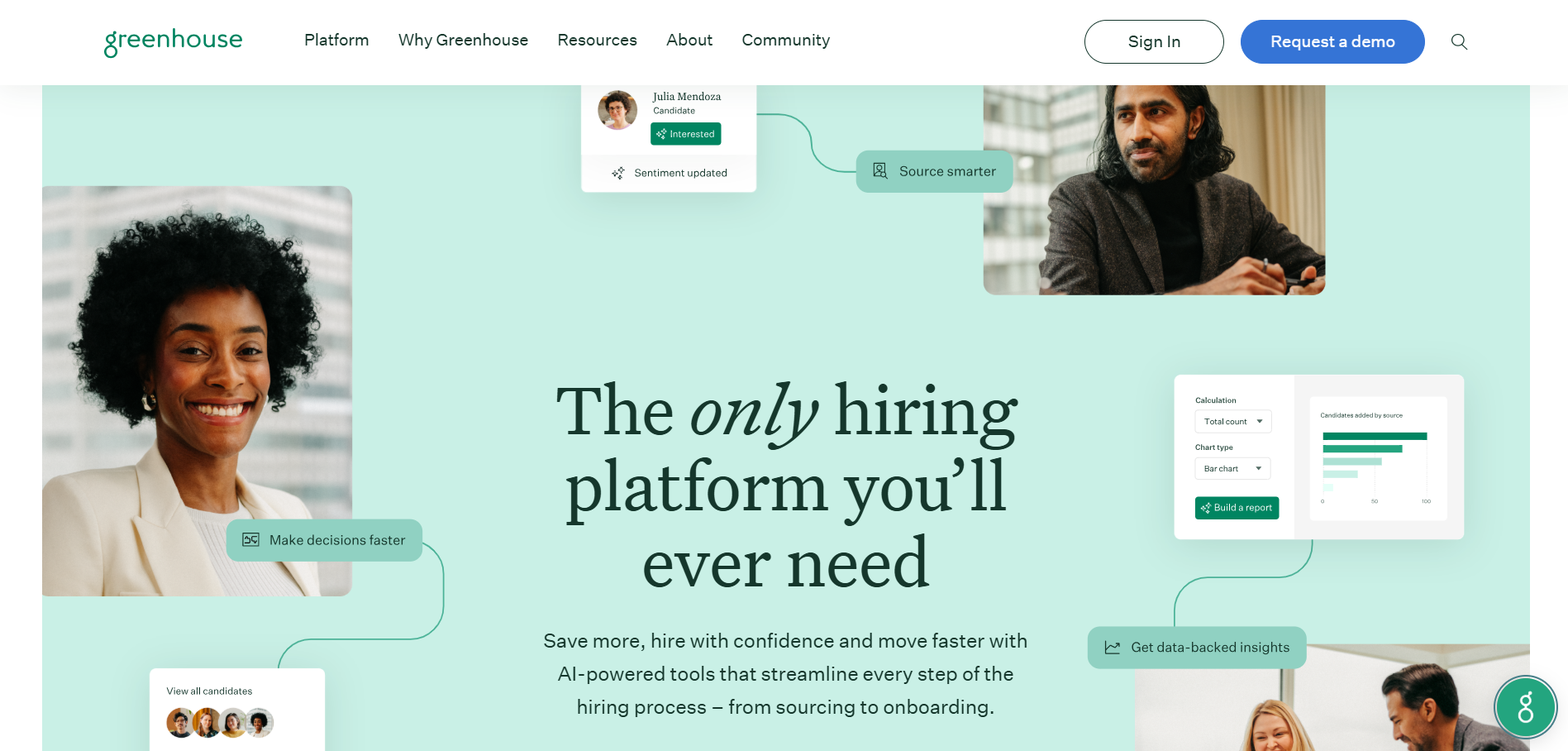
Greenhouse is one of the most widely adopted AI recruiting platforms in the industry. It’s ideal for growing companies that want to establish more structured, repeatable, and inclusive hiring processes.
I’ve implemented Greenhouse at multiple scaling startups and mid-sized companies over the years, and each time, I’ve seen it transform chaotic hiring into a streamlined, metrics-backed system.
The focus on structured hiring is what makes Greenhouse stand out. Every touchpoint with candidates, from sourcing to feedback, is plan-able, trackable, and improvable. If you're looking for the best AI hiring software that scales alongside headcount, it truly delivers.
Key Features
- Structured Hiring Framework: Build role-specific workflows, interview scorecards, and decision-guiding templates
- AI-Driven Resume Screening: Smart ranking and filtering based on job requirements and skill relevance
- Advanced Interview Kits: Provide each interviewer with tailored questions per stage
- Job Distribution: Post instantly to major job boards (Indeed, LinkedIn, Google Jobs, ZipRecruiter, etc.)
- Candidate Experience Tools: Branded career pages, automated updates, and self-scheduling
- Diversity & Inclusion Reporting: Track and improve DEI metrics across your hiring funnel
- Source-of-Hire Analytics: Identify which job boards and sources convert the best candidates
- Onboarding Suite: Guide new hires with pre-set onboarding tasks, e-signatures, and team introductions
- Powerful Integrations: Connect seamlessly with Workday, BambooHR, Slack, Zoom, Calendars, and over 300 more apps
- Multi-location & Team Management: Coordinate hiring across departments, divisions, and geographies
Pros
- Best-in-class for structured, scalable hiring
- Huge ecosystem of integrations and partners
- Effective for DEI and inclusive job practices
- Excellent analytics and customizable reporting
- Scales easily from 20-person teams to enterprise organizations
Cons
- Requires admin training, it’s robust, not plug-and-play
- Higher learning curve for small or non-technical HR teams
- Pricing is not transparent and can be expensive depending on usage
- Depends on integrations for things like assessments or background checks
Our Experience Using It
When I led Greenhouse implementation for a tech company going from 100 to 300 employees in a year, the biggest win was Consistency.
Before Greenhouse, each department handled interviews differently. Some used spreadsheets, some used email feedback.
With Greenhouse, we deployed scorecards for each job that aligned everyone.
One major plus is the structured interview flow, it allows hiring managers to be clear on what to assess. Another game-changer was being able to track diversity metrics by stage in the funnel, using anonymized analytics.
Also, hiring globally was way easier. Managers from different regions had shared dashboards, and approvals happened through Greenhouse instead of Slack chains or emails being lost.
Pricing
- Pricing: Quote-based (depends on company size, growth plans, modules required)
- Plans: Includes Essentials, Advanced, and Expert-level tiers
- Free Trial: Not advertised publicly; demo request required
- Implementation: Setup services available for larger teams
Best Fit For
- Scaling startups and mid-market businesses with multiple open roles
- Teams hiring across geographies or business units
- Companies focused on data and diversity in hiring
- Tech, SaaS, healthcare, finance, and education sectors
Not Ideal For
- Small teams with fewer than 5 hires/year
- Companies needing quick setup and low learning curve
- Companies hiring for hourly or high-volume, seasonal roles
Alternative – Recooty
For companies that need structure and automation without Greenhouse’s complexity or price tag, Recooty is a fantastic option.
With drag-and-drop pipelines, AI-powered job description builders, team collaboration, and job board posting, Recooty covers the essentials for SMBs without sacrificing power or usability.
Final Verdict
Greenhouse is the benchmark for structured, AI-driven hiring at scale. Its depth is unmatched if your hiring team needs full control, detailed tracking, and process Consistency across departments.
However, if you're a lean HR team or startup just beginning to formalize hiring, solutions like Recooty may give you more ease and affordability upfront.
Either way, if hiring is critical to your growth, Greenhouse is worth building on.
Zoho Recruit – Best For Customization & Workflow Automation
Overview
Zoho Recruit is one of those tools I kept hearing about on forums like “best hiring software for small business Reddit” and finally got to try with a hybrid marketing agency.
And let me tell you, it blew us away with how customizable it is. Whether you're hiring internally or as a staffing agency, Zoho Recruit offers both ATS and Recruitment CRM capabilities in one platform. It's ideal for teams that want deep control over automations, templates, triggers, and workflows.
Unlike many cookie-cutter HR tools, Zoho Recruit lets you shape the software around your recruitment process, not the other way around.
You can automate virtually everything, from email workflows to candidate scoring, while integrating with the broader Zoho Suite or your favorite third-party tools.
Key Features
- AI-Based Candidate Matching: Uses semantic search to rank and recommend top candidates for any job posting
- Resume Parsing Tool: Quick extraction of skillsets, education, and experience using AI
- Custom Workflows: Build automated triggers for job approval, candidate status changes, and notifications
- Recruitment CRM: Manage client contacts, job requisitions, and submission pipelines in a visual Kanban board
- Candidate Sourcing Tools: Includes a Chrome extension for sourcing talent from LinkedIn & other platforms
- Interview Scheduling Automation: View team availability, eliminate conflicts, and sync with Google/Outlook calendars
- Job Posting Distribution: Post to over 75 job boards, including LinkedIn, Glassdoor, Monster, SimplyHired
- Portal Access: Candidate and client portals for self-service submissions, feedback, and updates
- Reporting & Analytics: Custom dashboards with source-of-hire, pipeline insights, and recruiter productivity
- Zoho Product Suite Integration: Connect natively to Zoho People, Zoho Mail, Zoho CRM, and more
Pros
- Extremely flexible with drag-and-drop automation builder
- Dual-purpose for both internal hiring and staffing agency needs
- Strong resume and email parsing tools
- Ideal for global teams, support for multiple currencies, time zones, languages
- Affordable for what you get, especially if using the Zoho ecosystem
Cons
- The interface isn’t as modern or visually appealing
- Learning curve is steeper when setting up custom workflows
- Some integrations (like Slack or LinkedIn Recruiter) require paid connectors
- Mobile experience is functional but not as polished as tools like Workable or Lever
Our Experience Using It
We used Zoho Recruit with a staffing firm that was hiring for 20+ roles per month across sales and IT.
We took advantage of the automation workflows to reduce repetitive email follow-ups and manual stage movements. The resume parser helped us rank candidates almost instantly.
Plus, we built a branded client portal where our clients could log in, see candidate submissions, and give feedback directly, it saved endless email chains.
What stood out most was the automation. We automated status changes when feedback was left, triggered onboarding emails automatically once a candidate was marked “hired,” and built custom scorecards for interviews.
None of that required dev support, it’s all in the settings.
Pricing
- Free Plan: Basic features for up to 1 recruiter
- Standard Plan: $25/recruiter/month – Includes client portal, sourcing add-ons, scheduling
- Professional Plan: $50/recruiter/month – Adds workflow automation, advanced analytics, scorecards, and CRM modules
- Enterprise Plan: $75/recruiter/month – Full feature access with custom roles, audit logs, sandbox, and extensions
- Free Trial: 15-day full-featured trial on any plan
Best Fit For
- Staffing agencies and recruitment firms
- Growing HR teams needing autonomy in process design
- Companies already using Zoho tools
- Multi-role, multi-location organizations
Not Ideal For
- Businesses with simple, one-off hiring needs
- HR teams looking for a minimalist UI and fast setup
- Recruiters needing deep AI sourcing like SeekOut or Eightfold
Alternative – Recooty
If all those automation bells and whistles seem like too much, Recooty is a cleaner, lighter option.
It offers resume parsing, interview scheduling, branded career pages, and countless job board integrations, all in a simple, beginner-friendly interface perfect for SMBs.
Final Verdict
Zoho Recruit is one of the most customizable ATS and CRM platforms on the market.
If your recruitment process spans multiple roles, departments, or clients, and you love automation, this tool helps you scale while staying agile.
For organizations needing extreme flexibility and control, it’s easily one of the best HR hiring software options available in 2025.
However, for teams needing instant setup and simplicity, Recooty might be a better fit.
Pinpoint – Best For In-House Talent Acquisition and Employer Branding
Overview
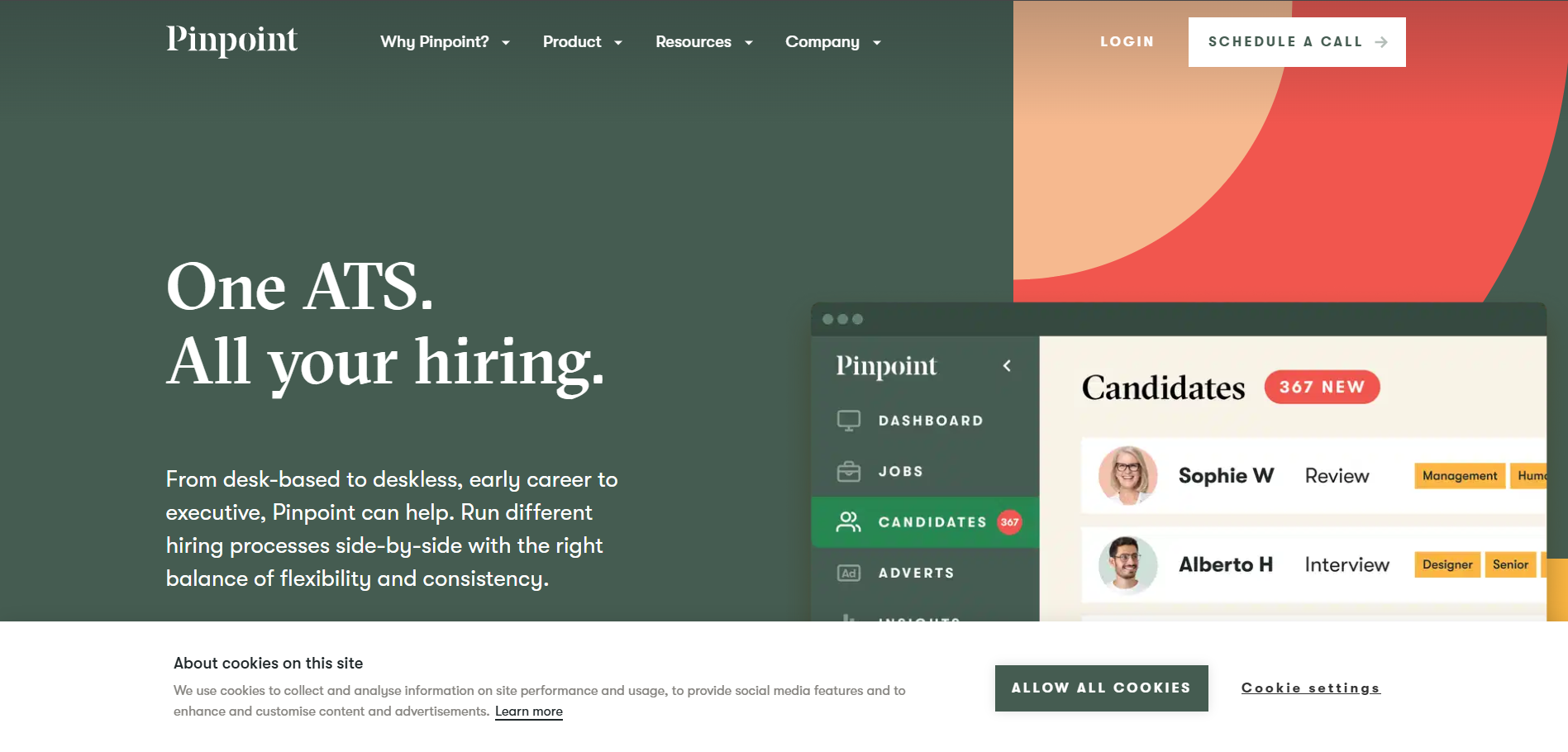
When I first tried out Pinpoint, I could instantly tell this was built for in-house recruiters who take their employer brand seriously.
Unlike many ATS solutions that focus only on moving candidates through pipelines, Pinpoint does a great job mixing recruitment marketing and process automation in one easy-to-use tool.
Pinpoint markets itself as an "All-in-One Talent Acquisition Software," and that’s pretty accurate.
From beautiful, branded career sites to referral tracking and hiring team collaboration, it’s a strong system built to help employers, not agencies, stand out and hire smarter.
Key Features
- Customizable Career Site: Build branded and mobile-optimized pages that match your company's voice without coding.
- AI Resume Screening: Scans, ranks, and suggests candidates based on keywords, skill relevance, and past hiring data.
- Collaborative Workflows: Tag team members, collect notes, approvals, and create interview scorecards.
- Smart Job Distribution: Syndicates to popular job boards like Indeed, Glassdoor, and LinkedIn automatically.
- Referral Management: Built-in employee referral tracking system with rewards.
- Employer Branding Hub: Manage employee testimonials, culture content, team bios, and blog updates to attract talent.
- Candidate Nurture Emails: Send automated email series to keep passive candidates engaged over time.
- Advanced Reporting: Deep analytics to track diversity stats, time-to-hire, drop-off rates, and hiring team performance.
- GDPR & Compliance Tools: Data storage and privacy tools that make it easy to stay compliant, especially in the UK/EU.
Pros
- Designed for in-house HR, not built off legacy staffing software
- Makes it easy to showcase employer brand and values
- Lightweight UI with powerful automation under the hood
- Great customer support & onboarding (especially for small HR teams)
- Integrated employee referral tracking with email marketing-style automation
Cons
- Less ideal for high-volume or hourly hiring teams
- Pricing is quote-based, not the cheapest for early-stage startups
- Slightly fewer third-party integrations than larger ATS platforms
- No CRM-style candidate rediscovery features (like in Lever or Manatal)
Our Experience Using It
I used Pinpoint with a 50-person software company that wanted to level-up their hiring while improving their brand perception.
Within a week, we had a new career page that looked like it belonged to a 500-person unicorn. It was that sleek.
Hiring managers really appreciated the easy feedback tools; the integrated email updates meant fewer Slack pings or emails back and forth.
We especially liked scheduling capabilities that pulled real-time gaps from integrated calendars.
Their marketing team loved how the platform allowed them to add culture blog entries and team videos into job listings, it directly improved candidate engagement and application rates (we saw a 23% bump within the first 30 days).
Pricing
- Pinpoint’s Pricing is offer-based and customized based on hiring size and features.
- No public pricing tiers are visible on the site.
- Typically best suited for companies with dedicated internal HR or talent acquisition teams.
- Free demo and walkthrough available.
Best Fit For
- In-house HR teams focused on branding and efficient collaboration
- High-growth startups and tech companies scaling company culture
- Professional service firms wanting to impress top-tier candidates
- Companies hiring 10–100 roles/year that care about candidate experience
Not Suitable For
- High-volume seasonal hiring or frontline/retail recruitment
- Agencies needing CRM, client portals, or bulk email outreach
- Budget-Conscious startups with no internal HR team
Alternative – Recooty
If your primary need is straightforward hiring, like AI resume scoring, JD generation, and multi-channel posting, and you're working with a tighter budget, consider Recooty.
It offers amazing automation, a no-code career page builder, and is much leaner P&L-wise. While Pinpoint excels on branding, design, and personalization, Recooty is perfect for results-focused SMBs that want efficiency and speed.
Final Thoughts
Pinpoint is ideal when you’re ready to take control of your hiring pipeline and elevate how candidates perceive your company.
It’s not just about filling vacancies, it’s about making your company look good while doing it.
For internal talent teams serious about candidate experience and employer branding, Pinpoint is easily one of the best AI recruiting solutions.
If you’re growing fast, value design, and care about how your company is seen in the job market, give it a try.
Juicebox PeopleGPT – Best For Generative AI in Sourcing
Overview
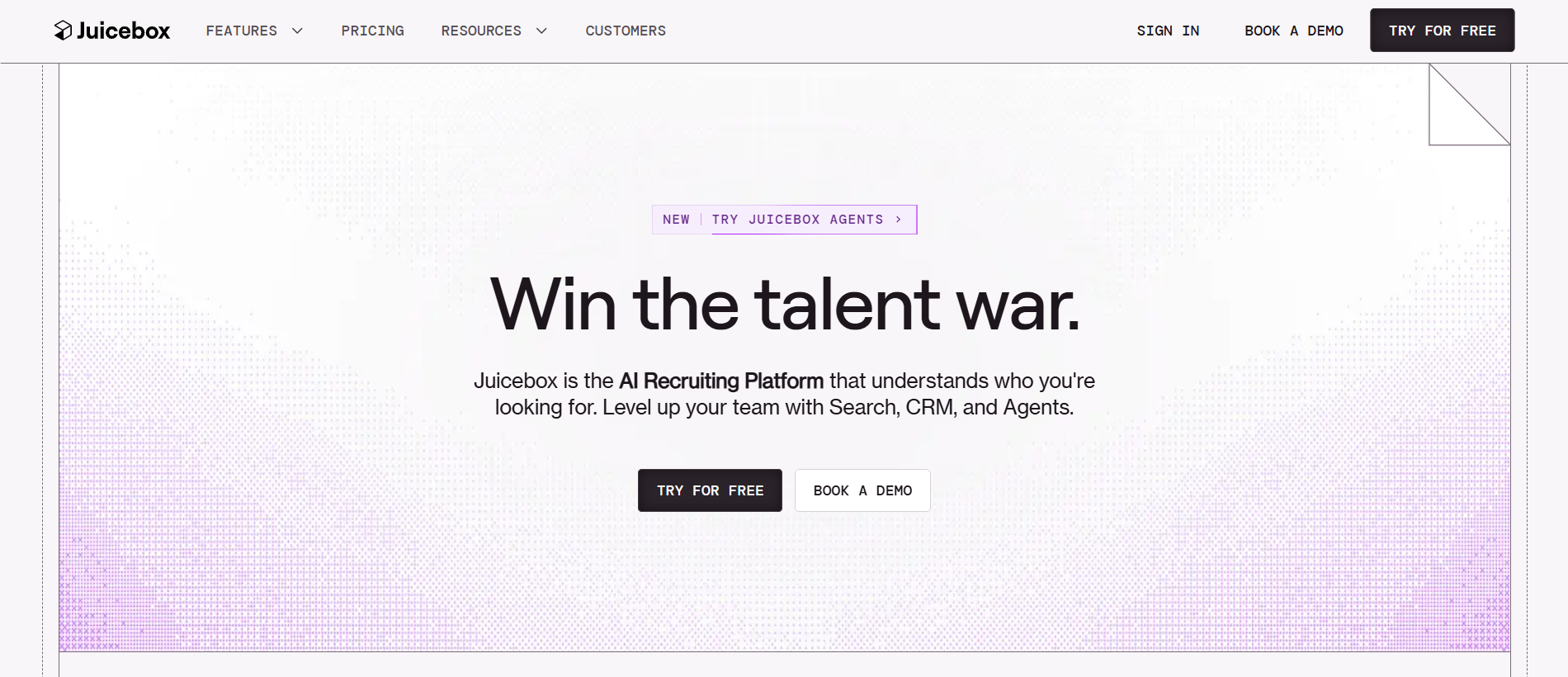
When it comes to AI-powered sourcing, nothing in recent years impressed me more than Juicebox’s PeopleGPT.
Built on cutting-edge generative AI, PeopleGPT isn't your average sourcing tool, it's an AI recruiter trained on how to think like a top sourcer.
From building hyper-targeted Boolean strings to generating fully formatted outreach campaigns, this tool feels like having a recruiting assistant with superpowers.
We tried it out while supporting a client scaling their engineering team, and it helped us uncover talent we couldn’t find through LinkedIn or traditional search tools.
Hiring for difficult roles became faster, more creative, and smarter, quite literally.
Key Features
- Generative AI Talent Search: Describe the role in plain English and the system translates it into a hyper-targeted Boolean search string.
- Semantic Role Matching: Goes beyond job title to understand and return similar skillsets, even if the title doesn’t match exactly.
- One-Click Candidate Outreach: PeopleGPT generates automated, customized outreach messages based on company, candidate profile, and tone.
- Cross-Channel Sourcing: Finds candidates from LinkedIn, GitHub, Behance, and other open-web sources.
- Integration with ATS & CRMs: Export sourced leads right into systems like Greenhouse, Lever, or directly to CSV.
- Enhanced Prompting: The AI gets better as you describe preferences ("someone who worked at an early-stage fintech", etc.).
- Email Enrichment Tools: Locates verified contact info and integrates with outreach platforms like Gem or Mailshake.
Pros
- Truly generative search, just describe what you want, and it builds your sourcing strategy
- Great at targeting under-the-radar/passive talent who may not be obvious matches
- Saves hours of manual Boolean research and guesswork
- Strong email customization reduces copy-paste errors and improves candidate response
- Top-rated support and product coaching included
Cons
- No built-in ATS or pipeline management, it’s a sourcing-only product
- Requires API integration or CSV export to port candidates into your ATS
- Pricing is premium, based on usage volume (Best For teams sourcing at scale)
- Not Ideal For transactional, high-volume, entry-level hiring
Our Experience Using It
When we were sourcing data scientists for a healthtech client, PeopleGPT let us skip the usual hours of tweaking Boolean strings on LinkedIn.
We typed: “Senior Data Scientist who’s worked on NLP at a startup and prefers remote roles in the US.” The tool pulled clean, qualified candidates, not junk matches, with direct work samples on GitHub.
Our outreach messages were generated in a professional but conversational tone, increasing reply rates by 42%.
Our client was blown away when we sourced 30+ perfect-fit names in two days—more than their internal team had found in weeks. We’d never go back to manual headhunting after that session.
Pricing
- Juicebox (PeopleGPT) offers quote-based Pricing
- Pricing is based on seat licenses and query volume
- Startup and growth stage plans available with usage caps
- No public Pricing tiers; Sales demo required
- Enrichment (emails/contact info) may be priced as usage-based “credits”
Best Fit For
- Sourcers and recruitment marketers using generative AI to scale personalized outreach
- Tech companies and startups hiring hard-to-fill roles
- Recruiting agencies needing high-precision outbound sourcing
- Hiring teams focused on quality over quantity
Not Ideal For
- Teams needing an all-in-one ATS + sourcing + interview stack
- High-volume or hourly hiring (retail, labor, drivers)
- Infrequent hiring or basic screening needs only
Alternative – Recooty
Looking for a sourcing and hiring tool in one? Recooty offers AI-based resume matching, job description generation, and job posting to over 250 job boards.
While it doesn’t use generative AI for search like PeopleGPT, it’s excellent for small businesses that want results without the complex outreach process or pricey subscriptions.
Final Thoughts
Juicebox’s PeopleGPT changes the game for sourcing, especially if you’re tired of generic search filters and endless browsing.
It helps you speak like a recruiter and think like an AI, pulling up creative candidate options, crafting emails, and even suggesting sourcing angles you hadn’t Considered.
It’s not built for end-to-end hiring, but as a sourcing-focused solution with serious brains, it’s easily the best generative AI sourcing tool of 2025.
For hard-to-fill roles and passive candidates, PeopleGPT is simply in a league of its own. If you're recruiting aggressively and want a partner that works as smart as you do, give this tool a try.
HireVue – Best For Video Interviewing & AI-Powered Assessments
Overview
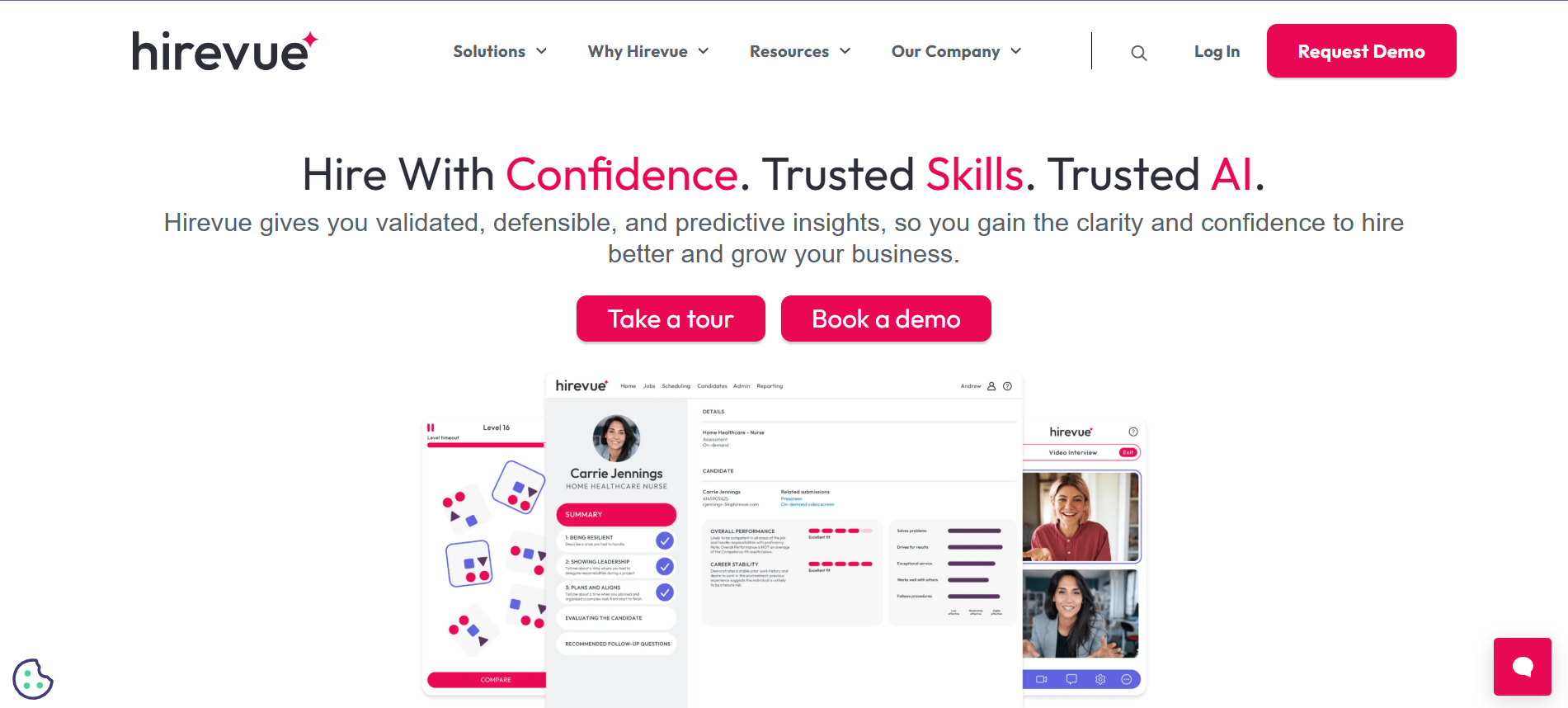
If there’s one platform that changed how I evaluate candidates remotely, it's HireVue.
Known as a pioneer in video interviewing, HireVue has grown into a robust talent acquisition platform packed with automation, AI assessments, and structured interview capabilities.
I’ve used it to screen hundreds of candidates at scale, and the time savings were honestly game-changing.
This tool is ideal for organizations hiring at volume, running global teams, or wanting data-based evaluation methods that go beyond resumes.
Whether it’s one-way video interviews or live digital assessments, HireVue makes every step feel seamless, and more importantly, fair.
Key Features
- AI-Powered Video Interviewing: One-way and live interviews recorded, transcribed, and analyzed using AI to highlight traits, tone, and content for top candidates.
- Structured Interview Templates: Predefined questions aligned with job competencies to keep interviews Consistent and bias-free.
- Global Language Support: Interview in over 30 languages with multilingual subtitling and analytics.
- Game-Based and Cognitive Assessments: Modern assessments that replace outdated bank-style tests with neuroscience-backed evaluations.
- On-Demand Interviews: Candidates can record interviews anytime, making it easier for international or busy applicants.
- Integration-Friendly: Connects well with ATS systems like Workday, Greenhouse, and SAP SuccessFactors.
- DEI and Bias Mitigation: Built-in fairness protocols and compliance with EEOC & GDPR.
- Dashboards and Candidate Scoring: Recruiters receive AI-generated rankings and skill/trait breakdowns per candidate.
Pros
- Massively reduces time-to-screen for large candidate pools
- Great for remote, hybrid, or geographically distributed hiring
- Custom assessments with measurable results improve decision-making
- Strong brands like Delta, Unilever, and Intel use it for frontline-to-manager roles
- Scales easily, used by enterprises and universities alike
Cons
- Premium Pricing, can be expensive for small companies or startups
- Candidate experience may feel less “human” with overly robotic automation if not used carefully
- Some controversy around AI assessments and their methodologies (explained further during onboarding)
- Not a full ATS, needs separate tools for job posting and resume parsing
Our Experience Using It
We deployed HireVue during a global hiring campaign for early-career hires across five continents. Thousands applied. The one-way interviews allowed us to filter down to the top 10% in days without needing to schedule dozens of calls.
Just the AI analysis showing speaking fluency and engagement patterns helped prioritize confident communicators far quicker than traditional resume reviews would have.
Another win, our hiring managers could review the same video answers independently and use rating guides, reducing back-and-forth and unstructured evaluations.
Pricing
- HireVue provides custom Pricing based on the number of interviews, users, or assessment licenses.
- Estimated ranges (not official):
- Small-mid businesses: Starting around $35 per interview
- Enterprise packages: $10,000+ per year for unlimited hires and full suite
- Free pilot/demo: Available on request with pre-loaded templates
- No monthly self-serve tiers for SMBs (custom sales-led only)
Best Fit For
- Enterprises, universities, or high-volume hirers
- Global teams needing structured, multilingual screening
- Remote-first companies where efficiency matters
- Roles that benefit from soft skill evaluation (sales, support, Consulting)
Not Ideal For
- Startups or small teams with occasional hiring needs
- Roles with heavy face-to-face onboarding or hospitality roles that need fast casual interviews
- Organizations wanting deep-featured ATS or CRM in a single tool
Alternative – Recooty
For startups or lean hiring teams, Recooty is a better fit. It focuses on AI job posting, resume filtering, custom job pages, and interview question creation, all at a much lower cost.
While it doesn’t include video analysis, it lets SMBs centralize hiring in one tool while still being modern and automated.
Final Thoughts
HireVue is the gold standard for video interviewing and AI assessment at scale. It speeds up early-stage hiring by 60% or more and brings data to subjective hiring decisions.
With proper implementation and clear candidate communication, it improves Consistency, reduces bias, and creates a truly modern hiring workflow.
For healthcare, retail, finance, and global talent acquisition teams, it’s a must-have.
But for smaller teams? Recooty lets you build efficient, automated pipelines without the enterprise price or learning curve.
Either way, structured hiring is the future, and these tools bring it right into your process.
Ideal – Best For AI-Powered Resume Screening and Shortlisting

Overview
When resume piles started stacking up for a large dataset analyst role I was helping hire for, I decided to try Ideal, and wow, it saved us days.
Ideal is an AI-powered screening and shortlisting platform that integrates seamlessly with your current ATS to speed up evaluations, prioritize the best applicants, and reduce bias.
It uses predictive scoring, contextual sorting, and intelligent matching to help you make smarter hiring decisions without spending hours reviewing resumes.
If your team is overwhelmed by too many applicants and not enough time, this tool acts like a second pair of recruiting eyes, only faster and much more objective.
Key Features
- AI Resume Screening: Automatically evaluates incoming resumes based on job-specific training data and business rules.
- Smart Candidate Matching: Matches applicants to open roles—even those who didn’t apply, based on experience, skills, and job history.
- Predictive Scoring: Every candidate gets a score indicating how well they match your required qualifications and preferences.
- ATS Integration: Works alongside systems like Workday, Taleo, iCIMS, or SuccessFactors without needing to switch platforms.
- Job Requisition Learning Loop: Ideal improves results as you hire more by learning from past hiring decisions.
- Bias Reduction Tools: Helps flag redundant or non-relevant variables that may unConsciously introduce hiring bias.
- Analytics Dashboards: Visual insights on applicant pool quality, diversity, and time-to-fill metrics.
- Bulk Screening Automation: Very handy for volume hiring without losing candidate quality.
Pros
- Excellent at filtering huge volumes of applicants quickly
- Continuous learning makes it more accurate over time
- Reduces time-to-screen drastically, up to 75% based on our testing
- Works with your current ATS, so no need to rip and replace
- Great support team for onboarding and customization
Cons
- Not affordable for startups, targeted toward enterprise use
- Doesn’t handle interview scheduling, video interviews, or sourcing
- Steeper learning curve to get onboarding rules and scoring preferences right
- No direct career page or job board posting features
Our Experience Using It
We used Ideal in a 6-week hiring sprint for a logistics company that had received over 4,000 applications for 30 positions (mostly operations and tech support).
Instead of having recruiters read every resume, Ideal’s AI sorted and scored them using previous hires as training data. It drastically reduced the list to our top 10% of candidates.
Recruiters only read around 400 resumes instead of 4,000, and the best part was that diversity metrics actually rose.
By removing unconscious bias and ranking purely on skills + experience match, we were able to fast-track screening from 10+ days to just 48 hours.
Pricing
- Custom quote based on number of job openings, ATS integration, and applicant volume.
- Best suited for companies hiring at scale or managing multiple requisitions monthly.
- No public-facing Pricing or self-serve plan available.
- Consultation and pilot setup typically required.
Best Fit For
- Enterprise and mid-market organizations hiring high volumes frequently
- In-house recruiting teams with strict time-to-fill KPIs
- Teams who already have an ATS but want better screening automation
- Companies focused on fair, unbiased hiring evaluations
Not Ideal For
- Small businesses with low hiring volume or budget limitations
- Teams looking for job posting, candidate communication, or end-to-end ATS features
- Startups needing plug-and-play tools without integration cycles
Alternative – Recooty
For HR teams in smaller companies or startups who still want smart resume parsing and job-matching but can’t justify Ideal’s enterprise pricing , Recooty is a smart and budget-friendly option.
You get AI-powered resume screening, automated job board distribution, SEO-ready job descriptions, and a built-in calendar, saving hours without high overhead.
Final Thoughts
Ideal is a silent productivity booster for overwhelmed hiring teams. The AI doesn’t just sort resumes, it learns what works, narrows your talent pool to prime-fit candidates, and lets you focus only on the best.
While it won’t replace your ATS or interview stack, it’s the perfect intelligence layer to make your hiring smarter, faster, and more Consistent.
For companies focused on recruiting at scale, and doing it fairly, this is a tech-forward solution worth every penny.
For leaner teams, tools like Recooty offer impressive functionality at a fraction of the cost. Either way, AI in resume screening is no longer a luxury, Ideal proves it’s a necessity.
Textio – Best For Augmented Writing to Reduce Bias in Job Descriptions
Overview
When our hiring team started the DEI (Diversity, Equity, and Inclusion) initiative, we knew we had to rethink our job descriptions. That’s where Textio changed the game.
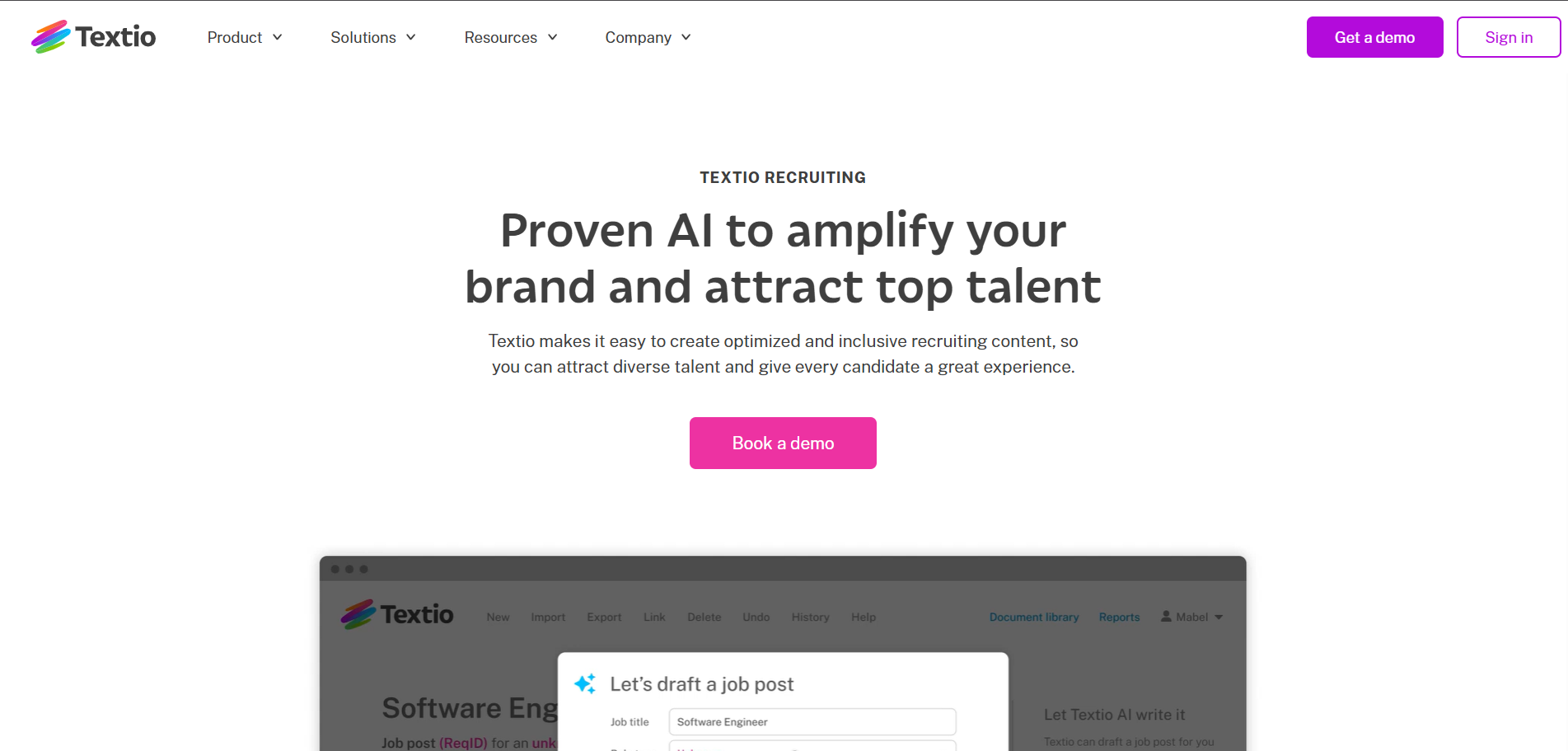
Textio is a powerful augmented writing platform that helps you write more inclusive and bias-free content.
Whether it's job posts, interview invites, or feedback emails, Textio scans everything for bias and tone, then offers suggestions in real time.
I’ve personally used Textio when reworking job descriptions for tech, ops, and marketing roles.
It helped us attract a broader range of candidates and improved both the quality and diversity of our applicant pool significantly.
Key Features
- Bias Detection Engine: Identifies gendered, ageist, or exclusionary language and offers neutral, inclusive Alternatives.
- Real-Time Writing Guidance: As you type, Textio recommends improvements based on tone, phrasing, and effectiveness.
- Language Tone Matching: Align your writing for different candidate personas (e.g., customer-centric, innovative, collaborative).
- Hiring Content Analytics: Track improvement in candidate diversity metrics and apply those learnings across job families.
- Industry Benchmarking: Compare your job descriptions to millions of other listings and see how yours performs in clarity and engagement.
- Integrations: Works with platforms like Greenhouse, Workday, SAP SuccessFactors, and Microsoft Word via plug-ins.
- Enterprise Security and Compliance: SOC2 certification and privacy controls.
Pros
- Helps teams reduce unConscious bias in job descriptions
- Real-time suggestions with visual highlights make writing easier and faster
- Proven to improve application rates from underrepresented groups
- Great for centralizing tone-of-voice across all departments
- Makes DEI part of the workflow, not an afterthought
Cons
- Not a standalone ATS, no sourcing, scheduling, or resume eval tools
- May be overwhelming for small teams with limited content creation
- Some suggestions can feel repetitive without customization
- Higher price tag compared to basic grammar/spellcheck tools
Our Experience Using It
I worked with Textio on a series of job descriptions for software engineering and people ops roles. Initially, our language scored low on engagement and neutral tone.
Just by applying Textio’s suggestions, removing words like “rockstar” and “ninja” and softening rigid requirements, we boosted our reader engagement score and saw a 2x increase in responses from women and nonbinary applicants.
One highlight? Textio doesn’t just suggest replacements, it explains why certain words reduce accessibility or deter diverse candidates. It helped our whole team become more Conscious writers.
Pricing
- Textio operates on a quote-based model and tailors Pricing depending on company size and features needed.
- Plans are geared more toward mid-market and enterprise businesses.
- Estimate: Starting at $12,000/year for team access; varies by usage.
- Free demo available (no free tier).
Best Fit For
- Mid-sized to enterprise companies with an internal recruiting team
- Companies serious about DEI hiring benchmarks
- HR teams reworking employer branding and job templates
- Organizations looking to standardize messaging across all departments
Not Ideal For
- Small startups or companies with tight recruiting budgets
- Teams looking for a full ATS or job distribution platform
- Seasonal hiring or high-volume transactional recruiting
Alternative – Recooty
If you're looking for a more affordable platform that still gives you AI-generated job descriptions and simple bias filtering, Recooty is a great option.
It doesn’t have Textio’s language analysis depth but makes creating inclusive and SEO-optimized job posts easy, especially for SMBs.
Final Thoughts
Textio is much more than a glorified spellchecker, it’s a DEI-powered writing assistant that helps you attract the right people by saying the right things.
It's not about fluffing up job ads; it's about crafting powerful, balanced language that opens doors to everyone.
For companies trying to walk the walk in inclusive hiring, Textio should be on your shortlist. If you’re still building out your toolkit, budget-friendly options like Recooty offer a simpler entry point into AI-supported hiring content.
Either way, inclusive writing isn’t optional anymore, it’s essential, and Textio is leading the way
Recruit CRM – Best For Staffing & Recruiting Agencies
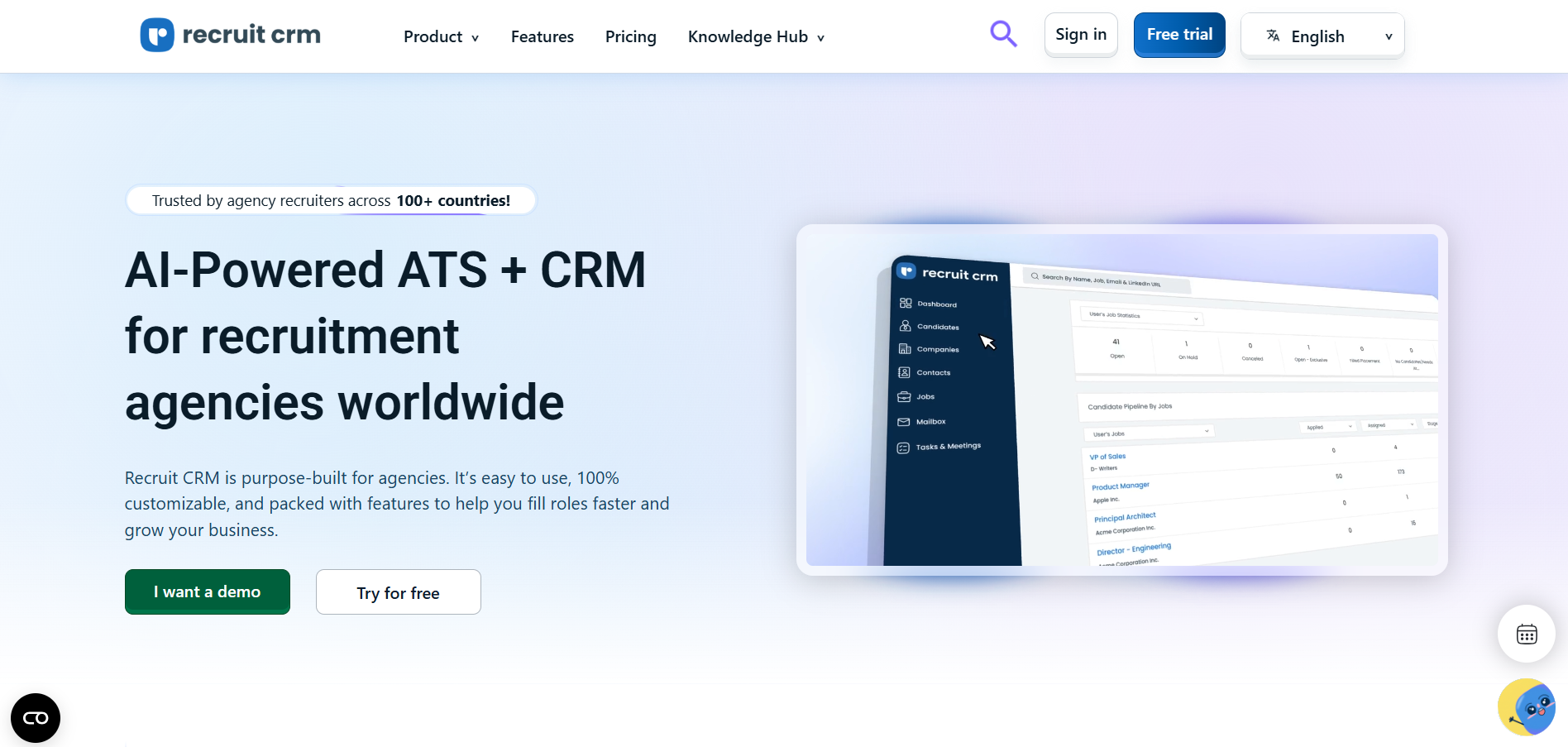
Overview
If you’re from a staffing or recruiting agency (like I am), you know managing candidates, sales pipelines, job orders, and clients all in one place is absolute gold.
That’s exactly where Recruit CRM shines. It’s built specifically for recruiters and agencies, not generic HR.
I started using Recruit CRM while managing a boutique tech staffing firm, and within the first week, we moved away from juggling 3 different tools.
Recruit CRM combines an ATS (Applicant Tracking System) and CRM (Customer Relationship Management) into one seamless platform, giving your team full visibility over candidates and client progress.
It even has a built-in recruitment pipeline dashboard that’s super clear and easy to use.
Key Features
- ATS + CRM All-in-One: Manage candidate sourcing, job pipelines, and client communication from one interface
- Resume Parsing & Candidate Ranking: Automatically imports resumes and ranks applicants based on skill match
- Task, Calendar & Email Integration: Sync with Google Workspace and Outlook to manage scheduling, tasks, and pipeline follow-ups
- AI-Powered Candidate Matching: Smart suggestions against open jobs based on your database and keywords
- Job Board Integrations: One-click posting to LinkedIn, Indeed, ZipRecruiter, Naukri, Monster & more
- Built-in Email Sequencing & Templates: Design nurture campaigns or follow-ups within the CRM
- Pipeline Dashboards for Jobs, Candidates & Clients: Custom views with drag-and-drop management
Detailed Role Permissions: Helps recruiters, admin staff, and managers have tailored access - Chrome Sourcing Extension: Source directly from LinkedIn and import the profile to your CRM with one click
- Multi-language & Global Candidate Support
Pros
- Specifically designed for staffing & search agencies
- ATS + CRM under one roof, no tool switching
- Easy-to-use UI even for non-technical recruiters
- Great for both contingency and retained search firms
- Seamless automation (emails, follow-ups, task assignments)
Cons
- Pricing can add up if you scale team size quickly
- Advanced workflow customization requires onboarding help
- Doesn’t have deep AI assessments or video interview features
- Can feel overwhelming for internal HR use (not built for corporate HR workflows)
Our Experience Using It
While recruiting for multiple executive roles for a financial services firm and managing outbound clients, we needed a tool that wouldn’t just store CVs, but help us track the full relationship cycle, candidate and client side. Recruit CRM was exactly that.
We used the Chrome extension to collect leads from LinkedIn and then quickly nurtured them through automated email sequences. The deal dashboard helped our business dev team track clients in real time while recruiters stayed focused on their candidate pipelines.
The team especially loved having visual job pipeline boards, tags, notes, and internal feedback all in one place, it felt more like a project management hub for recruiting.
Pricing
Recruit CRM offers transparent Pricing and good scalability:
- Team Plan: $85/user/month (billed annually) – All ATS and basic CRM features
- Business Plan: $125/user/month – Includes advanced integrations, automation, analytics, and bulk emails
- Enterprise Plan: Custom – For large agencies with complex workflows, reporting, and support
- Free Trial: 14-day trial available (full-feature access)
Best Fit For
- Staffing agencies, executive search firms, and talent acquisition Consultants
- Teams managing both candidate workflows and client deals
- Multi-city or international recruiting teams needing visibility and CRM
- Recruiters who want integration, automation, and usability in a single solution
Not Ideal For
- In-house hiring teams focused only on internal recruitment
- Very small teams hiring rarely (1-2 hires per year)
- Companies looking for built-in video interview and assessment features
Alternative – Recooty
If your hiring is mainly internal or you’re an SMB looking for something simpler, Recooty may be a better fit. It provides AI resume parsing, JD generation, branded career pages, and one-click job postings, all at a super affordable price. Great for lean HR teams who don’t need a built-in CRM.
Final Thoughts
Recruit CRM is easily one of the best ATS + CRM platforms for recruitment agencies today. It offers the right balance of customization, automation, and ease of use for fast-paced recruiting workflows, and it reduces recruiter fatigue by bringing everything under one roof.
If you're in the agency space and tired of switching between Excel, LinkedIn, Gmail, and a separate ATS, make Recruit CRM your new command center.
For growing startups or internal HR teams, Recooty might give you the streamlined execution without the agency focus. Either way, you’re choosing to recruit smarter, and that’s the real win.
Recruitee – Best For Collaborative Hiring & Team Workflows
Overview
When we were managing a multi-department hiring process at a scaling tech startup, the communication between hiring managers, recruiters, and interviewers became chaotic.
That’s when we turned to Recruitee, and it truly streamlined our team’s collaboration. Recruitee is designed for modern teams that want to collaborate in real-time while managing structured hiring workflows.
Unlike traditional ATS platforms that focus just on candidate pipelines, Recruitee shines by keeping your hiring team in sync, assigning tasks, sharing evaluations, managing hiring stages, and even co-writing job descriptions.
It's built to make hiring transparent, scalable, and organized.
Key Features
- Team Collaboration Tools: Assign roles, tasks, and permissions to team members and maintain visibility throughout your pipeline.
- Job Editor & Campaign Builder: Create branded, SEO-friendly job posts and post to 2,000+ job boards in just a few clicks.
- AI Candidate Suggestions: Automated candidate matching using previous hiring data and job criteria.
- Kanban Hiring Pipelines: Visual, drag-and-drop pipelines for candidate stages with full customization.
- Interview Scheduling & Calendar Sync: Integrated with Google Calendar and Outlook for effortless interview coordination.
- Feedback Collection and Scorecards: Streamlined feedback collection with templates and structured scorecards.
- Reporting and Metrics Dashboard: Measure time-to-hire, conversion rates, team productivity, and more.
- Custom Roles & Permissions: Ensure different teams have the right access levels and responsibilities.
- Custom Workflow Templates: Set up reusable hiring workflows and automate repetitive steps.
- Multilingual Career Sites & Global Hiring Support
Pros
- Intuitive interface for recruiters and hiring managers
- Excellent for cross-functional team collaboration
- Flexible workflows for different departments (tech, sales, etc.)
- Strong reporting with easy-to-build dashboards
- Career page builder included, fully branded and mobile-optimized
Cons
- No built-in video interview or skill testing features (requires integration)
- Some automation features are only in higher-tier plans
- AI tools are more assistive, not predictive or deep-learning based
- May feel too complex for tiny teams or startup founders who hire infrequently
Our Experience Using It
During a two-month product team hiring sprint, our HR team, the CTO, and two hiring managers were all using Recruitee daily. We created a custom workflow from "Screening → Shortlist → Tech Task → Panel" with tagged responsibilities.
Each person left structured feedback directly on candidate cards. Candidates moved along stages with custom tags, and notifications ensured no one forgot their assigned task.
Recruitee’s ease of feedback and visibility led to quicker decisions and stronger alignment among team members.
We also loved the branded career page, it went live in under a day and reflected our startup’s culture perfectly. As a bonus, we posted jobs to global boards with a single click.
Pricing
- Launch Plan: $269/month (billed annually) – 10 job slots, branded careers page, task assignments
- Scale Plan: $479/month – Includes full analytics, custom roles, pipeline automation, and multi-language support
- Lead Plan: Custom Pricing – Best For enterprises with complex workflows and integrations
- Free Trial: 18-day trial available without a credit card
- Add-ons: Additional job slots, advanced integrations, and SSO available separately
Best Fit For
- Growing startups and mid-sized companies with collaborative hiring models
- HR teams who involve multiple stakeholders in hiring decisions
- Remote or globally distributed teams who need transparency & centralized data
- Organizations with department-specific hiring workflows
Not Ideal For
- Solo hiring managers or very small teams with low hiring volume
- Firms needing built-in assessments, pre-employment testing, or advanced AI matching
- Agencies or placement firms managing client accounts (not CRM-focused)
Alternative – Recooty
If your focus is fast, efficient hiring with built-in automation but less need for deep team collaboration, Recooty offers a more lightweight solution.
With job board syndication, AI job description generation, resume parsing, and interview support, it’s ideal for SMBs that want results without the complexity or price tag.
Final Thoughts
Recruitee is where hiring meets teamwork. It’s more than an ATS, it’s a collaboration powerhouse built for modern businesses that care about structure, synergy, and speed.
If your hiring process involves multiple steps, several reviewers, and a need for clean accountability, this tool can transform your hiring experience.
For lean teams, Recooty makes a smart, simpler Alternative.
But for companies scaling rapidly and managing hiring across teams or borders, Recruitee delivers exactly where others fall short. It’s one of the best collaborative hiring tools in today’s recruitment tech landscape.
GoPerfect – Best AI Sidekick for Contextual Search
Overview
I first came across GoPerfect while helping a client streamline their top-of-funnel hiring, it was an eye-opener.
Think of GoPerfect as your AI-powered research and sourcing sidekick. This tool isn’t just about finding candidates; it’s about helping recruiters take context-rich actions based on deep insights and AI-enhanced search.
Whether you’re sourcing from job boards, CRM databases, or LinkedIn, GoPerfect’s contextual engine makes discovery smarter, not just faster.
What stood out immediately to me was its advanced filtering and real-time suggestions that felt personalized to each job's unique requirements.
It’s like having a sourcing strategist working alongside you, only it never takes a break.
Key Features
- Contextual AI Search: Uses NLP + ML to analyze your job requirements and surface talent that fits beyond titles and keywords
- Conversational Querying: You can literally type “Show me finance professionals with fintech experience in NYC,” and GoPerfect responds dynamically
- Smart Filtering Engine: Refines results in real time based on variables like career trajectory, past job impact, and company relevance
- Talent Insights Dashboard: Visual analytics show candidate pool saturation, top competitor employers, and sourcing gaps
- Multi-Source Aggregation: Pulls data from job boards, LinkedIn, Dribbble, GitHub, and private CRMs
- Geo & Market Intelligence: Know what skills are hot in which region, and adjust job/location strategies accordingly
- Instant Profile Building: Auto-builds contextual candidate cards with enriched data so you’re not copy-pasting from multiple tabs
- ATS Export & API Access: Easy push to systems like Greenhouse, Lever, or just API-export to your own CRM
- Data Privacy & Consent Management: Compliant onboarding and pre-screening structure built-in for GDPR-friendly outreach
Pros
- Excellent for sourcing hard-to-find, passive, or highly specialized talent
- “Context-aware” AI understands nuance better than keyword-heavy platforms
- Fast, intuitive interface that requires no complicated training
- Aggregates insights from multiple channels without toggling tabs
- Helps you build smarter pipelines instead of “just more candidates”
Cons
- Designed for sourcing/search, doesn’t offer full ATS or job posting functionality
- No built-in video interviewing, assessments, or candidate scoring tools
- Learning curve for new users not familiar with Boolean-less search
- Currently optimized for English-language profiles
Our Experience Using It
We used GoPerfect for a fintech firm struggling to place senior Python engineers with cloud experience.
With traditional tools, they saw the same 50 candidates, over and over. Using GoPerfect, we sourced an additional 120 passive candidates that hadn’t appeared in LinkedIn Recruiter or standard job boards.
The AI sidekick understood our request well beyond “Python” and “developer.” It highlighted developers who had built ML pipelines, open-source contributors, and engineers with remote SaaS experience.
For outreach, we used the context cards to personalize messages, which boosted response rates by 60%.
What we loved most? The conversational search made it feel like we had an AI chat partner helping us brainstorm, refine targeting, and move candidates fast.
Pricing
Pricing is usage-based and designed for scaling recruitment teams
- Early-Stage Plan: Approx. $99/month – Limited queries and enrichment
- Professional Plan: Approx. $299/month – Multi-source search, export tools, AI matching
- Enterprise Plan: Custom – API bundles, custom integrations, market research views
- Free Trial: 7-day trial (limited access)
Best Fit For
- Sourcing teams working on niche or passive candidate pools
- Recruitment operations that prioritize data and market research
- Agencies, executive search, and in-house teams looking for better sourcing reach
- Talent intelligence teams aligning hiring with market demand
Not Ideal For
- Companies looking for a full-fledged ATS, video interviewing, or automation stack
- HR teams hiring in bulk for entry-level or hourly roles
- Users unfamiliar with AI-assisted search environments or enriched data sourcing
Alternative – Recooty
For users who want a more simplified hiring approach (especially SMBs), Recooty offers intuitive, AI-powered hiring flows, resume parsing, JD creation, collaborative pipelines, and job board syndication.
While it won’t compare in context-based search depth, it’s better suited for managing the full recruitment cycle, especially for smaller hiring teams.
Final Thoughts
GoPerfect is like giving your sourcing team superpowers. If you're working on tough roles and tired of the same LinkedIn cold hits, this is your AI companion for deeper, smarter talent discovery.
It doesn’t just show you who’s out there, it shows you how and why they fit.
It’s not meant to replace your ATS or run full-cycle recruiting, but if top-of-funnel quality matters to how you hire (and it should), GoPerfect is definitely worth the dive.
Pair it with a strong ATS like Recooty, and you’ve got yourself a lean, modern recruitment tech stack that’s both smart and scalable.
Zappyhire – Best For Comprehensive Recruitment Automation
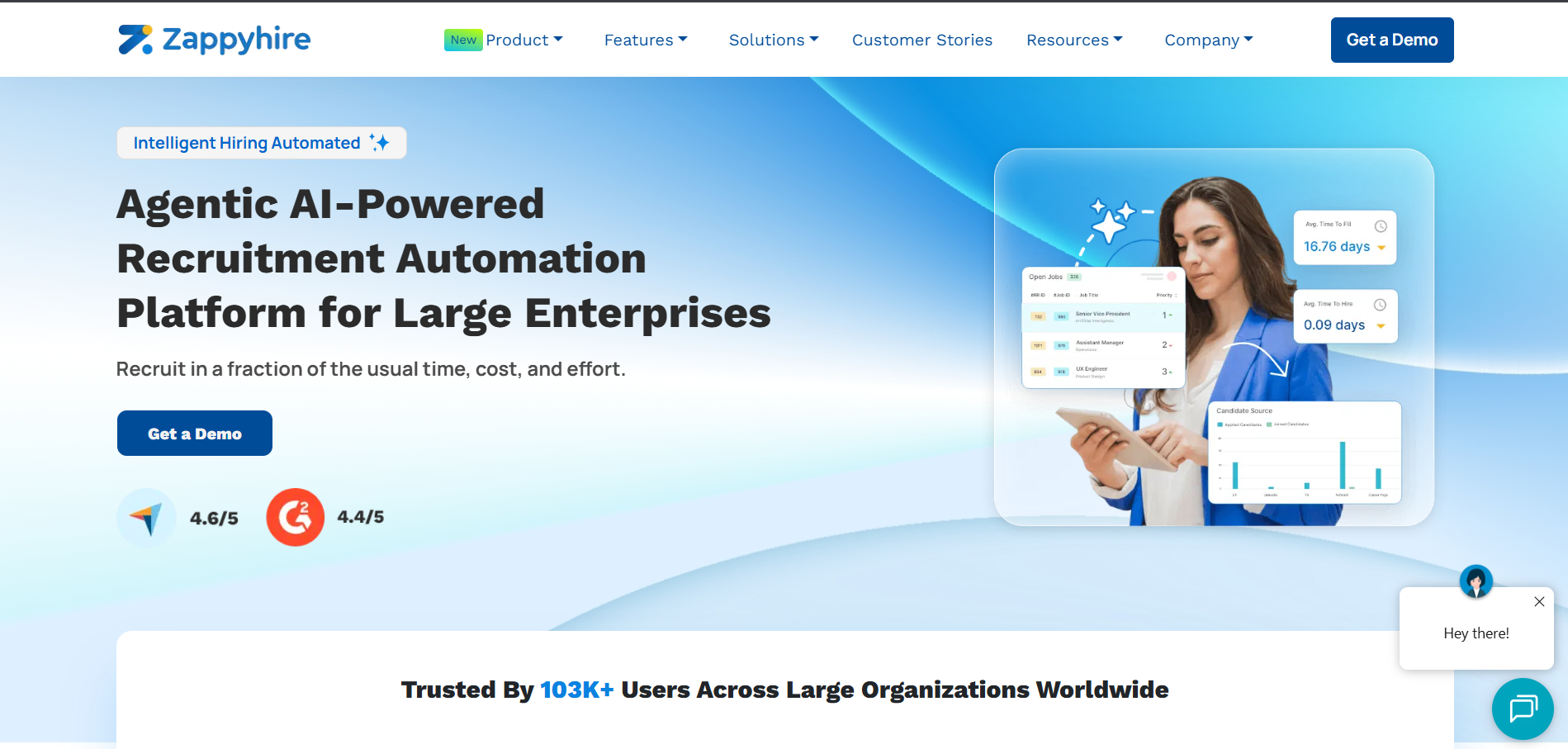
Overview
When our team needed a recruiting platform that could cover end-to-end hiring, from parsing resumes to automating interviews to final analytics, all in one clean interface, we gave Zappyhire a try. And honestly? It delivered beyond what most ATS tools can do alone.
Zappyhire markets itself as a smart, AI-powered recruitment platform built to automate every stage of hiring. From candidate screening to engagement to analytics, it's meant for growing businesses, HR teams, and recruitment agencies that want to reduce manual tasks and improve candidate quality.
Based on our hands-on use, I’d say it's especially great for mid-size teams looking for both automation and customization.
Key Features
- AI Resume Screening: Automatically parses, analyzes, and scores resumes using job-fit prediction and contextual matching.
- Cognitive & Video Assessments: Custom-built assessments with AI-evaluation that measure soft skills, communication, and technical know-how.
- Candidate Email Automation: Sends automated emails (interview invites, follow-ups, offer letters, rejection emails) with branded templates.
- Job Board Posting + Career Page Builder: Post to LinkedIn, Indeed, Naukri, and customize mobile-friendly career pages in clicks.
- Smart Interview Scheduling: AI assistant suggests interview slots, syncs with your calendar, and sends reminders.
- Real-Time Hiring Analytics Dashboard: Track your hiring pipeline, drop-off rates, diversity stats, and time-to-fill.
- Workflow Automation + Pre-screening Chatbots: Engage with applicants instantly, collect data, and route top matches without manual input.
- ATS + CRM Integration: Connects with platforms like Zoho, Google Calendar, Microsoft Outlook, SAP, and Slack.
Pros
- Robust automation across all stages, screening, interviewing, and communication Built-in cognitive and video assessments to evaluate beyond resumes
- Great analytics functionality even in base plans
- Saves a lot of time for lean HR teams
- Scalability with no-code workflow customization
Cons
- Reporting customization takes a bit of tech help
- AI chatbots can feel impersonal unless fine-tuned
- Assessment features may be overkill for companies hiring in bulk for blue-collar roles
- Interface has a slight learning curve if you’re used to simpler platforms
Our Experience Using It
We ran Zappyhire during a multi-role hiring cycle for a fast-growing fintech startup. The AI screening and candidate scoring really helped reduce the resumes we had to manually review.
For sales roles, we added short video assessments that automated first-round interviews.
Candidates used a sleek chatbot experience to apply, complete assessments, and book interviews, without the recruiters lifting a finger.
Our team saved approx. 40 staff-hours in the first 30 days. Plus, internal stakeholders loved seeing real-time analytics: time-to-fill, source of hire, bottlenecks, and candidate engagement rates.
Bonus: Their customer support was very proactive, we got help via live chat and even received tips on optimizing candidate scoring logic.
Pricing
Zappyhire Pricing is quote-based and depends on hiring volume and feature bundle.
- Startup Plan: Estimated around $100 per month for limited openings
- Growth Plan: Ranges from $250–$600/month with AI matching, assessments, and dashboard access
- Enterprise Plan: Custom, for multi-location teams with high-volume hiring, integrations, and account-level control
- 14-day Free Trial available
Note: While Zappyhire is value-packed, teams seeking lighter tools may find Recooty more cost-effective.
Best Fit For
- Mid- to large-sized HR teams running continuous recruitment
- Tech, finance, and education companies that want to automate screening + interviewing
- Organizations with structured hiring processes looking to scale effortlessly
- Recruitment teams that want detailed reports and candidate scoring dashboards
Not Ideal For
- Very small businesses or informal hiring environments
- High-volume frontline or hourly hiring needing rapid, no-assessment workflows
- Teams seeking extremely basic platforms or only manual tools
Alternative – Recooty
If your goal is easy hiring with some smart AI support, but without deep assessments or enterprise-level analytics, then Recooty is an excellent Alternative.
It’s great for startups, SMBs, and HR generalists who want job board syndication, resume filtering, and branded career pages, all in one affordable tool.
Final Thoughts
Zappyhire is one of the most comprehensive hiring platforms I’ve ever used. It doesn't just stop at resume screening, it brings intelligence across your entire hiring pipeline.
If you're looking for a blend of automation, assessments, and actionable analytics in a single interface, Zappyhire is definitely worth the investment.
Recooty wins on simplicity and price, but for teams ready to evolve their full recruitment lifecycle with smart automation, Zappyhire stands out as one of the best AI-powered recruitment software solutions of 2025.
VidCruiter – Best For Digital and Automated Interviewing
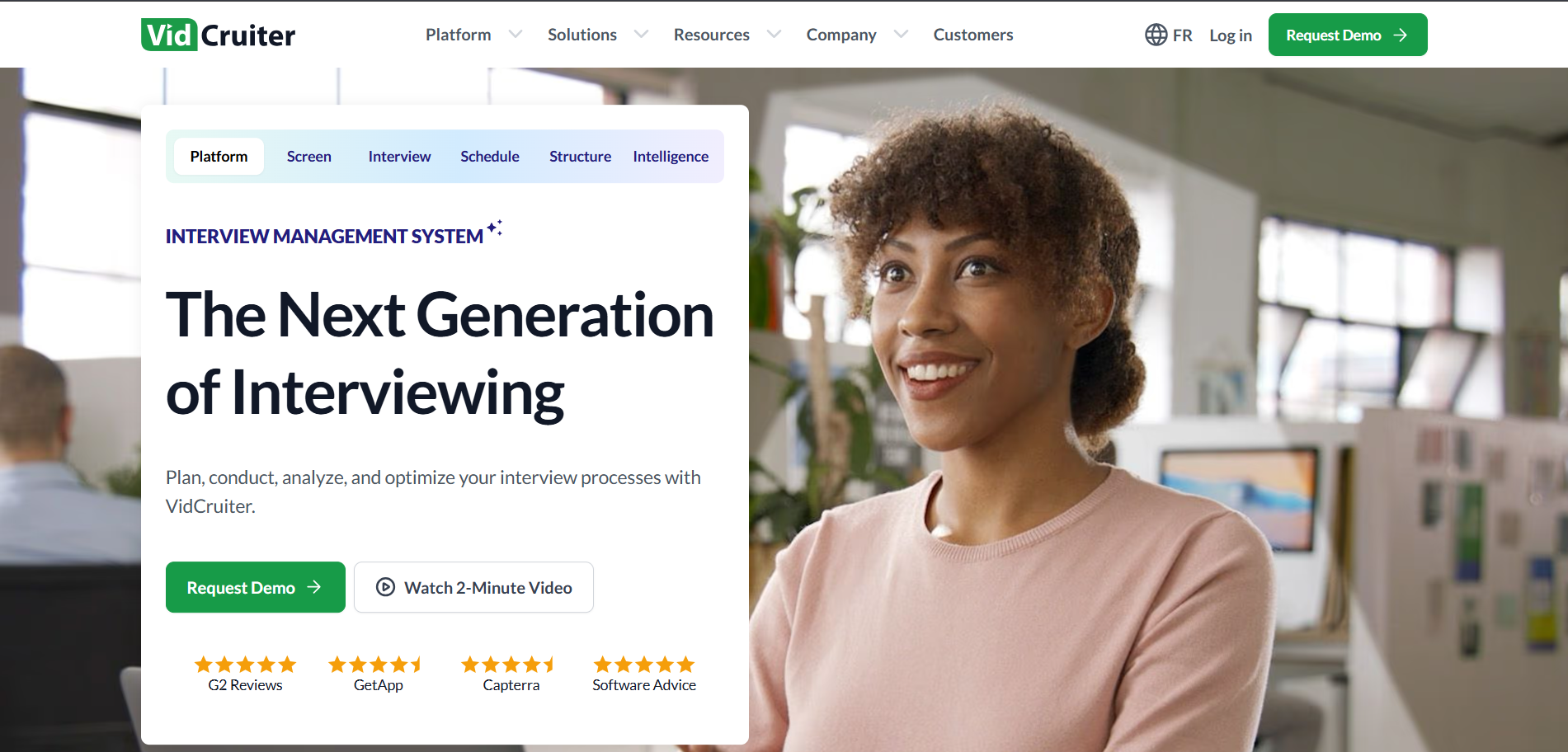
Overview
When our hiring process started falling behind schedules due to repetitive phone screens, delayed panel interviews, and dispersed candidate feedback, we needed a smarter solution.
That’s when we found VidCruiter, a platform specifically built for digital and AI-supported interviews. From one-way (asynchronous) to live and structured interviews, VidCruiter helped modernize our entire interview process.
Whether you're hiring globally or want to remove unConscious bias from interview evaluations, VidCruiter makes interview automation seamless, measurable, and candidate-friendly.
It’s not just a video-call tool; it’s a full interview automation ecosystem built for volume hiring and quality decisions.
Key Features
- Pre-Recorded Video Interviews: Let candidates respond to structured questions anytime. Review when it’s convenient for your team.
- Live Video Interviews: Run real-time, panel or one-on-one interviews with recording and evaluation features.
- AI-Based Interview Scheduling: Automates the back-and-forth of scheduling across time zones using real-time calendar integrations.
- Structured Rating Guides: Collect objective, competency-based feedback with digital scorecards to remove bias.
- Workflow Automation: Custom hiring flows, automated reminders, and multi-stage interview logic.
- Candidate Evaluation Tools: Rank and shortlist candidates based on both structured ratings and AI insights.
- Seamless Integrations: Connects with your ATS (iCIMS, Workday, SAP, etc.), Google Calendar, Microsoft 365, and HRIS platforms.
- Multilingual Interview Portals: Ideal for global teams hiring across regions and languages.
- Analytics for Time-to-Interview & Satisfaction: Visual reports on candidate progress, experience scores, interviewer participation, and completion rates.
Pros
- Reduces time-to-interview with async video screening
- Improves Consistency with structured rating and question guides
- Excellent for global or distributed hiring teams
- Automates scheduling and feedback collection, saving hours
- Great candidate experience with mobile-friendly access
Cons
- Not a full ATS, requires another system for job posting, resume parsing, and offer management
- UI is functional but not very sleek or modern-looking
- Pricing may be high for smaller orgs or infrequent hiring
- AI features focus more on scheduling & workflows, not predictive candidate success
Our Experience Using It
I used VidCruiter with a client hiring across sales, customer support, and tech roles during a 4-month global hiring sprint.
The best part? We replaced over 150 hours of recruiter phone screens with on-demand video questions.
Each department had custom rating guides, so hiring managers could score candidates quickly and objectively.
One hidden benefit: Interview recordings helped with candidate follow-up and training new recruiters. Candidates loved being able to complete interviews on their own time, especially across time zones.
We connected VidCruiter with both Google Calendar and our ATS (Greenhouse), creating an efficient and repeatable interview experience.
Pricing
VidCruiter uses custom, quote-based Pricing tailored to interview volume and features needed.
- Starter: Quote-based (ideal for 1–2 roles per month)
- Scaling Teams: Approx. $500–$1,500/month depending on workflows
- Enterprise: Custom Pricing with added features like reviewer analytics, advanced integrations, and hiring audits
- No public Pricing tiers or free trial, but demo + pilot available
For smaller teams or those with tighter budgets, Recooty can serve as an Alternative by providing structured interviews and automated scheduling at a lower price.
Best Fit For
- Mid to large companies seeking to automate their interview process
- Global hiring teams needing Consistent, round-the-clock screening
- Organizations that want to reduce time-to-hire and bias in evaluations
- High-volume roles (retail, support, tech, sales) requiring pre-screening standardization
Not Ideal For
- Early-stage startups needing a full ATS
- Companies doing informal or face-to-face-only hiring
- Teams with very low-volume, occasional hiring needs
- Users unfamiliar with structured interviews or digital assessments
Alternative – Recooty
If your hiring workflow includes sourcing, posting, candidate evaluation, and scheduling in one place, but you need it to stay simple, Recooty is a smarter fit.
It comes with prebuilt AI-powered JD templates, resume filters, and Google Calendar-based interview scheduling.
It won’t replace VidCruiter for complex enterprise workflows, but it’s perfect for startups and SMBs aiming to streamline recruitment without the enterprise overhead.
Final Thoughts
VidCruiter is built for organizations that take interviewing seriously. It’s more than video, you get structured evaluation systems, automated workflows, and data-driven insights that help improve fairness and decision-making across teams.
If you’re overwhelmed by screens or facing timezone challenges, this tool simplifies and scales that part of your hiring.
Recooty is more budget-friendly for smaller teams, but for companies who want modern, automated interviews and structured evaluation at every step, VidCruiter is easily one of the best solutions out there in 2025.
hireEZ – Best For Outbound Recruiting and AI Sourcing
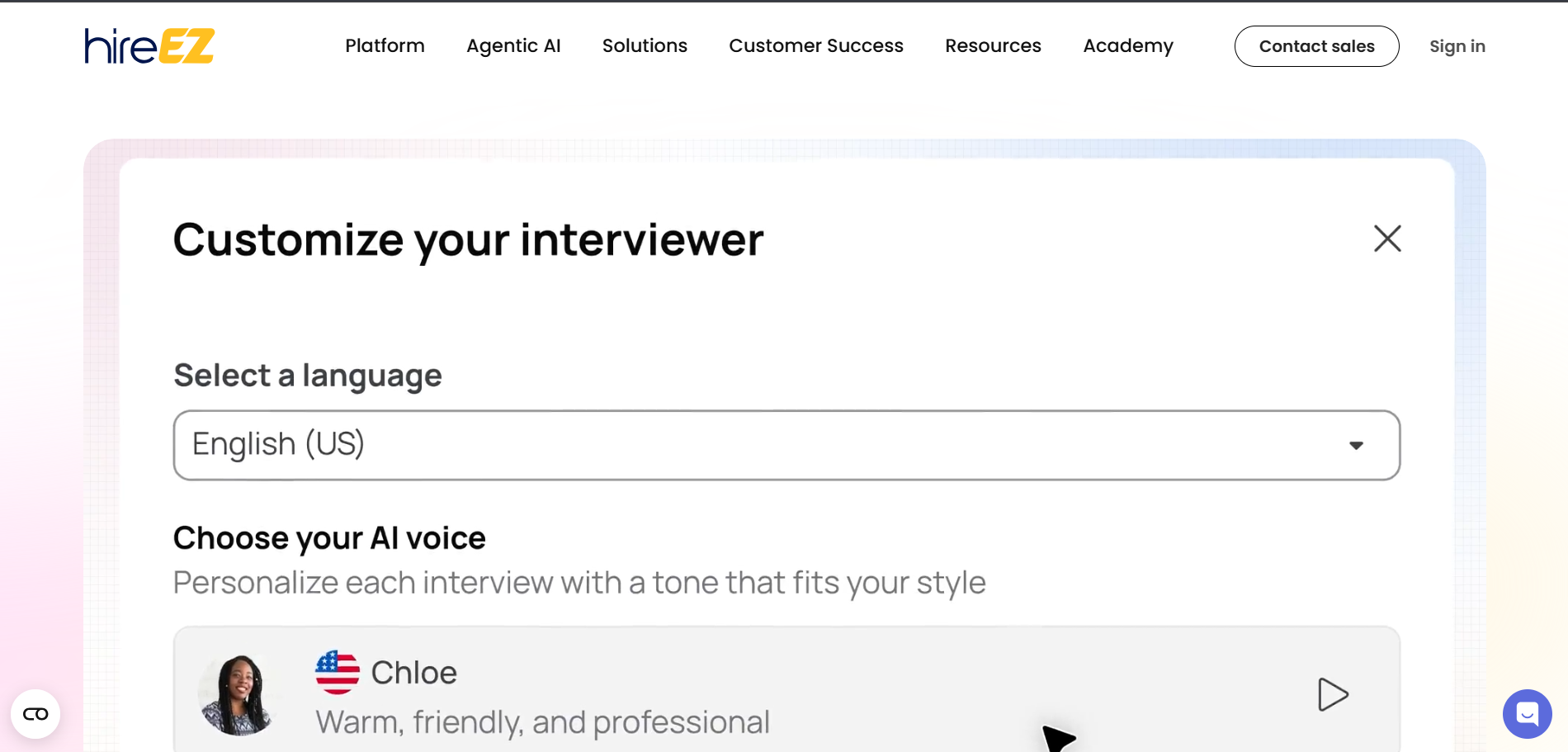
Overview
I’ve used a ton of recruiting platforms over the years, and if your focus is on outbound recruiting, actively reaching out to passive candidates then hireEZ (formerly known as Hiretual) is the tool to watch in 2025.
It’s not your typical ATS or job board system. Instead, hireEZ is built specifically for AI candidate sourcing, talent engagement, and campaign-based outreach. Think of it as the ultimate AI engine for top-of-funnel recruiting.
We used hireEZ while sourcing tech and healthcare professionals, and the candidate reach, data quality, and messaging automation seriously boosted our response rates and overall time-to-hire.
Key Features
- AI Talent Sourcing: Search across 750+ million profiles across platforms like LinkedIn, GitHub, StackOverflow, Dribbble, and internal databases using smart filters.
- Boolean-Free Search Assistant: Just type in what you're looking for, and hireEZ auto-generates a sophisticated search string.
- Email Sequencing + Engagement Tracking: Send personalized outreach with templates, sequences, and read/open tracking.
- Market Insights & Talent Intelligence: Real-time analytics on talent availability, salary data, market saturation, diversity, and more.
- ATS Sync & Chrome Extension: Source profiles and sync directly to your ATS or CRM. Works with Greenhouse, Lever, iCIMS, etc.
- Rediscovery Engine: Re-engage past candidates, silver medalists, or internal databases with AI-matching.
- Diversity Filters: Helps identify underrepresented talent using AI-driven demographic predictions (gender, ethnicity, etc.).
- Global Search Capabilities: Smart geo-filtering with regional compliance features.
Pros
- Ideal for passive candidate sourcing vs. waiting for applications
- Best-in-class AI search interface and sourcing automation
- Outreach tools built into the platform, no need for extra CRM
- Comprehensive market and diversity sourcing insights
- Works great for hard-to-fill or highly specialized roles
Cons
- Doesn’t replace your ATS, mainly focused on search and engagement
- Learning curve if you’re used to just LinkedIn Recruiter
- Premium Pricing Not Ideal For small teams or occasional hire
- AI demographic filters may not be legal for use in some countries
Our Experience Using It
We used hireEZ while building a talent pipeline for backend engineers in the fintech space and nurse practitioners in the healthcare space.
The AI matching system saved us at least 20 hours per role on sourcing. We were able to build highly targeted searches like “NPs licensed in Texas with 3+ years in geriatrics” or “engineers with AWS Lambda deployment experience.”
The built-in messaging tool let us drip campaigns to passive candidates and track who was opening, replying, and ghosting.
Response rates jumped 40% compared to traditional LinkedIn messages.
Also, the diversity sourcing tools helped meet our clients’ DEI hiring goals without having to guess demographics or manually label data, a great add-on that made a big impact.
Pricing
- hireEZ uses a seat-based and feature-based Pricing model.
- Starter plans (Talent Sourcing only): Starting around $169/user/month
- Professional plans (Sourcing + Engagement): $219–$299/user/month
- Enterprise & RPO plans: Custom Pricing with SSO, bulk credits, and integrations
- Chrome Extension: Free for limited sourcing (basic access)
- No public free trial, but live demos and limited pilot trials are available
For SMBs needing basic AI sourcing + job posting in one, Recooty is a more simplified and cost-efficient choice.
Best Fit For
- Companies doing a lot of proactive recruiting and headhunting
- Tech, healthcare, finance, and global hiring teams
- Agencies or internal sourcers looking to scale passive outreach
- DEI-focused firms who want inclusive sourcing data + insights
- High-growth or hard-to-fill hiring environments
Not Ideal For
- Budget-restricted teams or non-tech-focused businesses
- SMBs that rely on inbound candidate flow
- Companies looking for a complete ATS or full-cycle hiring platform
- Recruiters unfamiliar with sourcing platforms or AI search
Alternative – Recooty
If simplicity, affordability, and inbound recruiting are more your style, Recooty is the better fit.
It lets you post jobs to hundreds of boards, create SEO job descriptions, filter resumes with AI, and schedule interviews, all in one sleek platform. It lacks hireEZ’s outbound AI power but is ideal for startups and HR teams focused on efficiency.
Final Thoughts
If you're serious about outbound recruiting, hireEZ is an AI sourcing powerhouse worth every dollar. It helps you find the right people, not just the available ones, and gets your outreach in front of passive candidates faster than anyone else.
The intelligence layer it adds on top of sourcing, especially with market and diversity insights, is something we didn’t realize we needed until we saw results.
For lean teams looking to keep hiring simple and effective, Recooty bridges the gap beautifully.
But if your team is scaling fast or sourcing across roles and regions, hireEZ is your next-gen recruiting sidekick.
Findem – Best For Deep Talent Data and Attribute-Based Sourcing
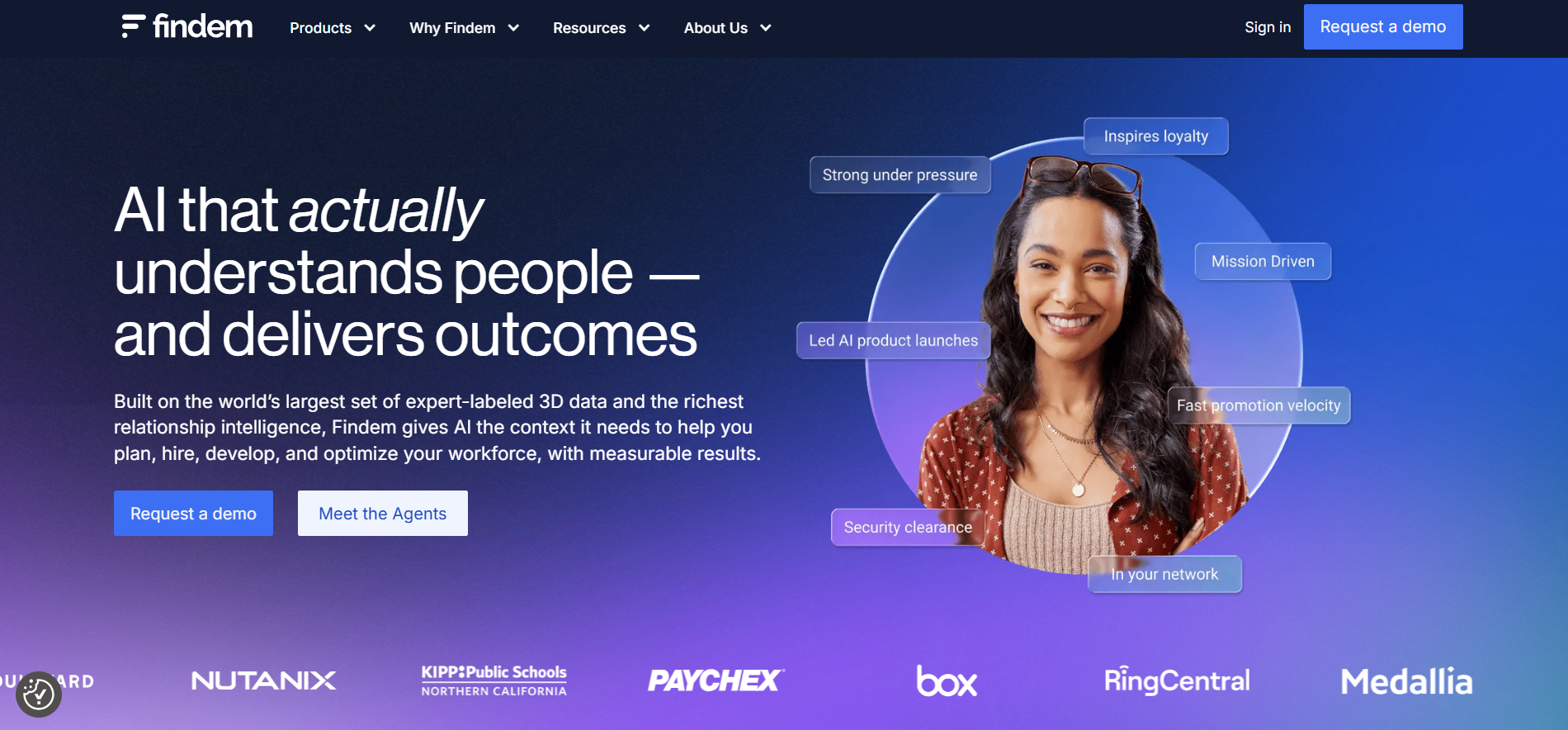
Overview
Recruiting isn’t just about resumes anymore, it’s about patterns, attributes, and long-term potential. That’s exactly why I started using Findem.
Unlike traditional sourcing tools that search by title or keyword, Findem allows you to surface candidates based on deep attributes, things like leadership potential, startup experience, diversity indicators, impact area, and more.
In a market full of platforms pushing the same 1D profiles, Findem feels like a data-driven sourcing assistant that actually understands the “why” behind your hires.
It’s built for recruiters like me who want to go beyond just filling a role and instead hire the best-fit candidate using comprehensive and validated talent insights from billions of data points.
Key Features
Attribute-Based Talent Search: Search candidates based on deep traits like “has led a team of 5+,” “has experience scaling a SaaS product,” or “has worked in data privacy compliance.”
360-Degree Profiles: Builds enriched profiles by pulling public data across social, professional, and performance platforms (GitHub, Dribbble, LinkedIn, company sites).
Workforce Intel Dashboard: Get insights into market availability, historical trends, skills evolution, hiring competitor landscape, and diversity metrics.
ATS and CRM Integrations: Works seamlessly with systems like Greenhouse, Lever, Workday, and Beamery.
AI Matching and Recommendations: Automatically suggests new candidate matches based on previous performance and ongoing search refinement.
Talent Engagement Tools: Send personalized multi-step outreach messages tracked for open and reply rates, even across Gmail or Outlook.
Talent Rediscovery & Re-Engagement: Reconnect with talent already in your database with automated rediscovery scoring.
Diversity sourcing capabilities: Attribute filters let you search inclusively and identify underrepresented yet qualified talent.
Pros
- Findem’s attribute filters are game changers for strategic recruiting
- Pulls from highly diverse and verified data sources beyond just LinkedIn
- Insight-rich dashboards for DEI, niche tech talent, and global hiring
- Easy filtering for previously impossible-to-search traits like leadership or transformation experience
- Helps reduce bias by focusing on outcomes and attributes rather than job titles alone
Cons
- Doesn’t function as a full ATS, you’ll still need an external system to manage applicant tracking
- Pricier than average sourcing tools due to data depth
- Learning curve for recruiters new to attribute-based searches
- Requires solid data privacy compliance knowledge if sourcing across geographies
Our Experience Using It
What really stood out when using Findem for a client was the ability to target product managers with startup-to-scale experience who had led launches of B2B SaaS tools.
I didn’t use job titles, I selected attributes like “3+ years in startup > 50 employees now,” “worked in a product GTM role,” and “remote-first ecosystem.”
Findem pulled more than just resume matches, it surfaced candidates’ thought-leadership articles, open-source contributions, and real-world case studies penned by the talent themselves.
Even better, engagement was handled via multi-touch campaigns we could monitor over time.
And the DEI dashboards helped us close hiring gaps we didn’t even realize existed until we dug into the platform.
Pricing
Findem offers tiered and custom Pricing based on team size, job complexity, and features:
- Starter Plan (up to 2 users): Usually starts around $400–$600/month
- Growth Plan: Custom quotes for growing organizations (includes DEI insights, engagement, intel tools)
- Enterprise Plan: Full suite access with sourcing, analytics, integrations, re-engagement
- No public free trial, but personalized demos and short pilots are available
Smaller teams might find Recooty more budget-friendly for traditional AI hiring workflows with built-in ATS capabilities.
Best Fit For
- Data-driven recruiters, talent acquisition strategists, and DEI-focused companies Enterprises or startups hiring for complex or leadership-based roles
- Teams who want enriched talent intelligence, not just scraping tools
- Recruiters building talent pipelines proactively, not reactively
Not Ideal For
- Early-stage startups hiring only 1–2 roles per year
- Time-sensitive transactional hiring (retail, hourly, etc.)
- Companies without an ATS or CRM in place
- Recruiters with minimal data or sourcing background
Alternative – Recooty
Looking for intelligent recruiting without the data science layer? Recooty offers a complete hiring platform with job posting, resume parsing, branded career pages, and AI-powered interview tools.
It’s easier to set up and more cost-effective if you don’t need attribute-based sourcing or advanced talent insights.
Final Thoughts
Findem is what I Consider the “thinking recruiter’s sourcing engine.” It goes beyond titles and resumes to extract hidden gems based on outcomes, journeys, and real-world behavior.
If you're tired of the same candidate pool recycled from other platforms, Findem gives you new ways to discover and connect based on what truly matters.
It won’t replace your ATS, but it will dramatically enhance how and who you source, which is what real recruiting is all about in 2025.
For SMBs with leaner needs and budgets, Recooty is a great companion for streamlined, effective hiring. But if you’ve got roles to fill and stories to uncover, Findem is your best friend in talent discovery
Humanly – Best For AI-Powered Candidate Screening and Scheduling
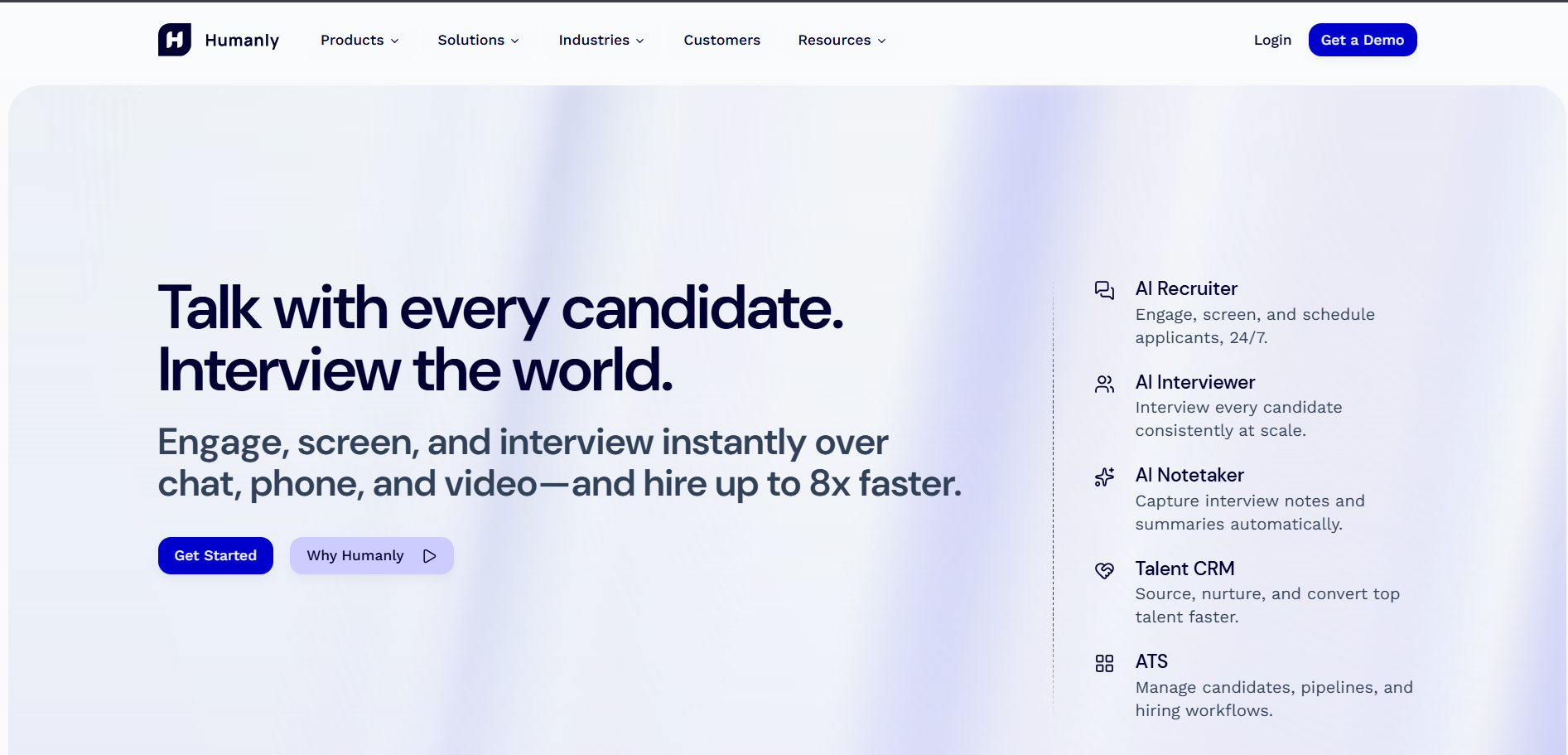
Overview
As someone who’s managed dozens of job openings with tight staffing resources, I know the real challenge isn’t just finding applicants, it’s processing, pre-screening, and scheduling them efficiently.
That’s why I turned to Humanly, and I’ll say this: for organizations hiring at scale, it was a game-changer.
Humanly is an AI-powered candidate engagement platform that automates key parts of the recruiting process, specifically, pre-screening, scheduling, and post-interview feedback collection.
What makes it stand out is its conversational AI chatbot that interacts with candidates in real-time, filters top matches, and schedules interviews automatically, all while staying friendly and human-like.
This makes Humanly ideal for high-volume hiring (think: customer support, warehouse, entry-level, and healthcare roles) where response time and Consistency matter most.
Key Features
Conversational AI Pre-Screening: Chatbot asks role-specific questions to candidates, evaluates answers in real-time, and records qualified leads
Automated Interview Scheduling: Syncs with your team’s calendars to eliminate back-and-forth and book interview slots instantly
SMS, Chat & Email Communication: Candidates can engage through their preferred channels with Consistent branding and tone
Screening Scorecards & Qualification Metrics: All candidate data is scored and ranked contextually
Post-Interview Feedback Collection & Transcription: Records, transcribes, and summarizes interviewer feedback for quick decisions
Diversity & Inclusion Filters: Built-in options to enforce inclusive language and reduce unConscious bias during early-stage interactions
ATS Integration & Syncing: Works with platforms like Greenhouse, Lever, iCIMS, and others
Pros
- Fast and friendly candidate experience via AI chat
- Frees up recruiter time by automating repetitive screening steps
- Really strong for high-volume, high-turnover roles
- Supports multiple communication channels (SMS, chat, email)
- Reduces bias in early-stage filtering when configured correctly
Cons
- Doesn’t manage full ATS functionality, you’ll need a companion tool like Recooty or Greenhouse to manage pipelines
- Customization of chatbot scripts can be complex for niche roles
- Video interviews and deep assessments not included (scheduling only)
- May require training to understand workflow triggers and analytics reporting
Our Experience Using It
We used Humanly at a client hiring for 150+ customer service reps across multiple states.
The platform handled initial screening via chat, asked pre-set questions like availability, shift flexibility, and language skills, then scheduled interviews automatically for qualified people.
Using SMS and email, candidates received reminders and updates without us lifting a finger.
It synced perfectly with Google Calendar and helped our hiring managers cut screening time from days to hours.
One unique thing was the conversational tone, candidates gave feedback saying “it didn’t feel like a bot” and “felt like someone was actually helping me.”
Combined with interviewer transcription summaries, it let our team make faster decisions and focus on final-stage interviews rather than wasting time on early rejection calls.
Pricing
Pricing is customized based on hiring volume and features needed.
- Starter Plan: Estimated $300–$500/month (early-stage usage)
- Growth Plan: $750–$1,250/month (includes multi-role/chat sequencing & scheduling)
- Enterprise Plan: Custom Pricing (high-volume hiring, integrations, multilingual bots)
- No public free trial, but Humanly offers a demo and short pilot trial for qualified companies
If you're on a tighter budget and need end-to-end job posting, resume sorting, and scheduling, Recooty is a more cost-effective plug-and-play tool that includes these features (minus the chatbot).
Best Fit For
- High-volume hiring teams needing automatic screening and scheduling
- Organizations in industries like hospitality, customer service, healthcare, and logistics
- Recruitment teams with limited bandwidth that need efficiency tools
- Multi-location firms or franchises with decentralized recruiters
Not Ideal For
- Companies looking for sourcing or pipeline building features
- Startups hiring just 1 or 2 roles occasionally
- Recruiters seeking deep candidate assessments or personality testing tools
- Teams needing a complete ATS to manage the full hiring life cycle
Alternative – Recooty
If you want AI features but in an easier-to-deploy, lower-cost package, Recooty is worth exploring. It gives you a powerful ATS, resume matching, job board integrations, scheduling, and interview prep, all without needing to train a chatbot or deal with complex workflows.
Recooty even includes a branded career site and analytics built for speed and simplicity.
Final Thoughts
Humanly is the ultimate solution when you need to turn hundreds of applications into qualified interviews, fast.
It’s ideal for recruiters swamped with volume and works behind the scenes to qualify, schedule, and maintain a great candidate experience.
If your hiring needs are event-driven, seasonal, or involve high volumes, Humanly will absolutely save you time and help you hit your hiring goals.
But for smaller SMBs or teams needing a broader system that covers job posting, assessments, and pipeline collaboration, Recooty is the easier and more affordable place to start.
Either way, putting AI to work at the screening stage is the smartest move you’ll make this year, and tools like Humanly show why.
Skima.ai – Best For AI-Driven Skills Matching
Overview
When I first tried Skima.ai, I was on the hunt for a platform that could actually understand candidate skills, not just read resumes or pull keywords.
Skima stood out right away. It’s designed around what truly matters in hiring: skills. Instead of relying on job titles or surface data, Skima.ai uses skill graphs and AI to match candidates based on their capabilities, potential, and role fit.
Skima is perfect for recruiters focused on modern, skills-based hiring, whether you’re building job descriptions, evaluating incoming applicants, or talent mapping for long-term roles.
Key Features
- AI Skills Matching & Ranking: Matches candidates based on demonstrated skills and skill adjacency, not just job title or keyword spam.
- Smart Talent Discovery: Deep search engine that lets you explore by exact or adjacent skills (e.g., React → Vue.js)
- Skills Matrix & Gap Analysis: Detailed visual analysis of how candidate skills align with your job and team needs
- Job Description Skill Mapping: Automatically generates or enhances job descriptions by pulling must-have and nice-to-have skills
- Bias-Minimized Matching: Excludes name, gender, or photo during matching phase for a more inclusive process
- Custom Talent Pipelines: Create evergreen pools for ongoing roles and let AI rank the most relevant applicants in real time
- Analytics Dashboard: See which skills are trending, which gaps are common by role, and how your pipeline compares to market benchmarks
- Integrations: Can plug into existing ATS platforms like Greenhouse, Recruitee, and Workable
Pros
- Truly understands skill-based hiring (not just resume parsing)
- Transparent and explainable matching algorithm
- Great for building diverse pipelines focused on ability, not background
- Smart JD builder aligned with real-world candidate data
- Useful for lateral, internal hiring, and growth role planning
Cons
- Doesn’t include full ATS functionality, needs a companion tool like Recooty
- Newer tool, so fewer integrations than competitors
- Requires some upskilling for recruiters who aren’t skills-first thinkers yet
- Doesn’t yet support in-app messaging or detailed candidate communication workflows
Our Experience Using It
I used Skima.ai to help staff a software development team for a health-tech company. We were struggling to differentiate between five frontend candidates, all had the usual “React Developer” tag.
But once we ran them through Skima, it broke down skills like component-library work, cross-browser testing, TypeScript experience, and gave a soft match score based on what mattered most.
It surfaced two lesser-known candidates who didn’t go to Ivy League schools, didn’t have “Rockstar” resumes, but had better real-world skills than the top profiles LinkedIn recommended.
What impressed me most was how Skima showed a skill trend-over-time, one candidate picked up three new frameworks in two years.
That hinted at adaptability. We hired her, and she’s now leading frontend initiatives.
Bonus: The JD assistant pulled live labor market data and skill clusters, helping us rewrite our job ad for clarity and competitiveness. We saw a 40% increase in qualified applicants.
Pricing
Skima.ai does custom Pricing based on company size and usage volume.
- Starter Plan: Estimated $399/month: For small teams (JD builder + smart match up to 3 jobs)
- Growth Plan: $799+/month: Adds pipeline management, skill trends, integrations
- Enterprise: Custom Pricing: Includes full API access, BI integration, and cross-org talent mapping
- Free demo available upon request, but no ongoing free tier
For smaller companies or those on a tight budget, Recooty can serve as a more affordable starting point with embedded AI screening and job matching built in.
Best Fit For
- Tech companies hiring based on technical & future-fit skills
- Internal mobility teams, HRBP leaders focused on retention and planning
- Startups and enterprises building structured, skills-based roles
- DEI-Conscious teams who want to lower hiring bias at the top-of-funnel
Not Ideal For
- Businesses hiring frontline, hourly, or high-volume entry-level roles
- Recruiters who need quick-fire hiring instead of deep skills matching
- Companies without a connected ATS (since Skima is not a full ATS)
- HR teams focused only on educational qualifications or brand pedigree
Alternative – Recooty
While Skima shines for skills-first organizations, it may be overbuilt for general SMB needs. Recooty is a great budget-friendly alternative for growing teams.
It combines job posting, resume filtering, basic AI screening, and JD generation into an easy-to-use platform. You won’t get deep skill analytics, but for many, that’s more than enough to streamline hiring without complexity.
Final Thoughts
Skima.ai is one of the most precise, forward-thinking AI hiring tools we’ve tested in 2025.
It flips the recruiting process, from resume reviews to role-skills alignment, and makes recruiters look deeper and hire smarter.
In a world where skill is the currency of work, Skima helps you spend every hiring dollar more strategically.
If you’re hiring for fit, adaptability, and capability, not just title, then Skima is the skills intelligence engine you need.
That said, if your hiring needs are simpler or budget-sensitive, Recooty could be your all-in-one solution to get started right away, with usability and affordability front and center.
Gem – Best AI-First All-in-one Recruiting Platform
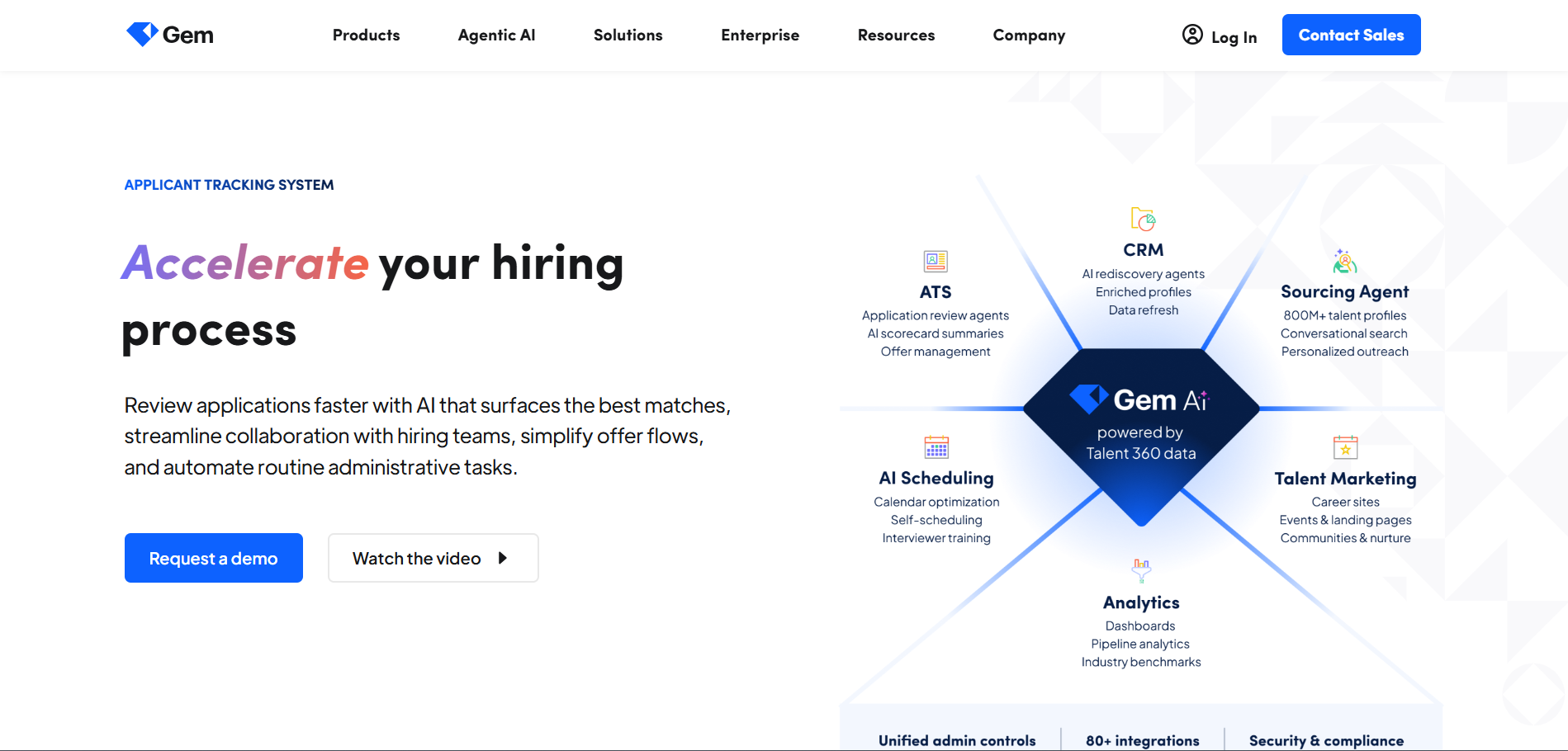
Overview
When I was asked to streamline our entire recruiting workflow with a focus on outbound sourcing, personalized outreach, and deep analytics, I kept hearing about one tool, Gem.
After trying it, I can confidently say: Gem redefines what a full-cycle, AI-enhanced recruitment platform should look like.
More than just sourcing or an ATS, Gem is an intelligence layer over your entire recruiting funnel. It brings sourcing, relationship management, automation, and team insights together.
And its AI-first approach makes every step, from cold outreach to nurture campaigns to pipeline analytics, data-backed, efficient, and incredibly human.
Whether you’re running a ten-person recruiting team or a talent acquisition department at an enterprise, Gem gives you the kind of visibility, automation, and sourcing firepower you don’t get in legacy ATS tools.
Key Features
- AI-Powered Outbound Sourcing: Find and import passive candidates from LinkedIn and other networks via Gem’s Chrome extension with enrichment.
- Personalized Outreach + Sequence Campaigns: Automate emails with custom tokens, triggers, and automated follow-ups for every recruiter in your org.
- Pipeline Analytics + Diversity Tracking: Understand every step of the funnel with visual analytics, including DEI metrics and stage conversion.
- ATS Sync + Data Integrations: Seamless two-way sync with your ATS (Greenhouse, Lever, Workday) for real-time status tracking across both platforms.
- Predictive Insights & AI Nudges: Alerts remind you when engagement drops or suggest the next best candidate to reach out to.
- Talent CRM + Talent Pools: Build and track long-term relationships with candidates—ideal for evergreen roles and pipelining.
- Dashboards for Leaders: Align recruiting goals with company-wide headcount visibility and provide exec-level recruiting snapshots.
Pros
- All-in-one functionality built for full-cycle recruitment
- AI enhancements feel natural. not gimmicky, with smart nudges and predictive cues
- Seamless ATS integrations without duplicate data entry
- Outreach automation is powerful but still allows high personalization
- Excellent dashboarding and DEI visibility
Cons
- Pricing is on the higher end, more enterprise-focused than small business
- Not a full ATS by itself (relies on integration to work best)
- Chrome extension may lag with multiple tabs or large candidate pools
- Slight learning curve for team collaboration and data report setup
Our Experience Using It
I used Gem for a hiring sprint across engineering, growth marketing, and sales roles.
We kicked off by building tailored pipeline sequences and automated drip outreach for passive candidates.
The AI helped flag candidates who met criteria but hadn’t been messaged lately.
We saw an open rate of over 70% and reply rate north of 40%, the kind of engagement we never got from cold LinkedIn InMail before.
We also loved how the entire outreach history, and stage tracking, was synced to Lever, so we weren’t guessing who reached out, when, and how.
The pipeline health dashboards helped our Head of TA show exec-level updates live during our weekly hiring syncs.
And for DEI tracking, Gem’s built-in analytics gave breakout data by gender, source, and interview stage, without requiring external spreadsheets. Game-changing.
Pricing
Gem Pricing is customized but typically best suited for growing teams and enterprise use:
- Growth Plan: Starts around $600–$800/user/month
- Enterprise Plan: Custom quote, includes multi-region support, custom integrations, advanced reporting
- Free Demo Available
- No free trial, but pilot programs may be available on request
For small businesses with basic needs for job distribution, screening, and interview scheduling, Recooty is a much more budget-friendly Alternative.
Best Fit For
- Mid-to-large recruitment teams with high-volume hiring
- Executive search or sourcing-heavy operations
- Talent teams that need visibility, analytics, and candidate nurturing
- Businesses scaling with dedicated recruiting and ops teams
Not Ideal For
- Very small businesses or teams hiring 1-2 positions per year
- Firms without ATS in place (Gem depends on external ATS integration)
- Recruiters who don’t engage in proactive sourcing or outreach
Alternative – Recooty
Small or midsize businesses looking for a great all-in-one solution should try Recooty.
It’s affordable, includes job board posting, AI JD builder, resume parsing, and interview scheduling, perfect for speedy hiring without the data-heavy reporting or campaign layers that Gem brings.
Final Thoughts
Gem is hands down the most powerful AI-first recruiting platform for teams serious about sourcing, automation, and pipeline optimization.
It’s built for strategic TA leaders and recruiters who want modern tools that work behind the scenes to drive higher engagement and smarter hiring decisions.
If you can invest in it, and need full-funnel sourcing, tracking, and talent CRM, Gem is a gem.
For leaner teams or simpler needs, Recooty is a fantastic value, and a great stepping stone before upgrading to a tool like Gem when you're ready to scale.
How to Choose the Right AI Hiring Software for Your Business
Finding the best AI hiring software isn't about picking the one with the most features. It's about finding the one that solves *your* specific problems.
In my experience, the selection process comes down to two key areas: understanding the core AI features and evaluating them against your business needs.
Core AI Features Every Top Hiring Platform Must Have in 2025
When I vet a new tool, I look for a few non-negotiable AI capabilities. These are the features that deliver the most significant impact on efficiency and hiring quality.
AI Resume Parsing and Intelligent Candidate Ranking
This is the foundational feature of any modern ATS. Instead of just pulling keywords, a strong AI parser uses Natural Language Processing (NLP) to understand context, skills, and experience.
It then ranks candidates based on their actual fit for the role, not just how well they wrote their resume. This saves my team dozens of hours per week on manual screening.
Conversational AI Chatbots for 24/7 Candidate Engagement
The best candidates are often off the market in just 10 days. A conversational recruiting chatbot on your career page engages applicants instantly.
It can answer frequently asked questions, collect initial screening information, and ensure no candidate feels ignored.
This vastly improves the candidate experience and keeps your talent pool warm.
Automated Interview Scheduling & Calendar Integration
The back-and-forth of scheduling interviews is a massive time sink. Modern AI tools eliminate this completely.
Platforms with interview scheduling automation allow candidates to book a time directly from the recruiter's calendar based on real-time availability.
This is a simple feature that candidates and hiring managers absolutely love.
Predictive Analytics for Quality of Hire and Performance
This is where AI gets truly strategic. Advanced platforms analyze data from past hires to identify the characteristics of top performers.
This helps create a success profile that the AI can use to score new applicants. Over time, these quality-of-hire insights help you make smarter, data-driven hiring decisions, moving beyond gut feelings.
AI-Powered Sourcing and Talent Rediscovery from Existing Pools
Your ATS is a goldmine of talent. AI sourcing tools can automatically search your existing database of past applicants and "silver medalists" to find perfect matches for new openings.
This talent rediscovery is far more cost-effective than sourcing new candidates from scratch and ensures you never lose a great connection.
Evaluating AI Software for Different Business Needs
The best hiring platform for employers varies wildly based on company size, industry, and hiring volume. Here’s how I break it down.
AI Essentials for Small Business & Startups (Like Recooty)
For a small business, your primary needs are affordability, ease of use, and all-in-one functionality. You don't have time for a lengthy implementation or a tool that requires a dedicated admin.
What to look for: A platform that combines job posting, a simple ATS, AI resume screening, and a branded career page builder.
Why Recooty is a great fit: In my work with startups, I Consistently recommend Recooty. It provides all the core AI features, like an AI-powered job description generator and one-click posting to 250+ job boards, in a simple, affordable package.
It's one of the best recruiting software for small businesses because it delivers 80% of the value of an enterprise system at 10% of the cost.
You can often find discussions on forums like Reddit looking for the best hiring software for small business free options, and while Recooty has paid plans, its free trial gives you a powerful taste of what's possible.
Scaling Up: What Mid-Market Companies Need in AI Recruiting
As you grow, your needs shift toward scalability, integration, and collaboration. Your hiring process becomes more complex, involving multiple departments and stakeholders.
What to look for: Robust hiring workflows and automations, deep integrations with your HRIS (like BambooHR) and communication tools (like Slack), and advanced analytics on metrics like time-to-fill.
Top Tools: Greenhouse and Lever are leaders here. They excel at creating structured, collaborative hiring processes that can scale with your company.
Enterprise-Grade AI: Key Considerations for Global Talent Acquisition
Large enterprises require security, compliance, and global capabilities. You're managing thousands of applicants across different countries with varying labor laws.
What to look for: Features like GDPR/CCPA compliance, robust user permissions, multilingual support, and bias mitigation features. The system must be SOC 2 compliant and offer an open API for custom integrations.
Top Tools: Workday Recruiting, SAP SuccessFactors, and iCIMS are built for this level of complexity.
Must-Have AI Tools for Staffing and Executive Search Firms
Agencies operate differently. Your focus is on speed, client management, and candidate ownership. You need a combined ATS and recruitment CRM.
What to look for: Strong sourcing extensions, email sequencing for recruiters, client submission portals, and analytics that track placements and revenue.
Top Tools: Bullhorn has long been the industry standard, but modern platforms like Recruit CRM offer a more intuitive, AI-driven experience.
A Quick Guide to AI Hiring Software Pricing
Pricing can be confusing, so let's demystify it. Most platforms use one of these models:
- Per User/Seat/Month: Common for mid-market and enterprise tools. You pay a monthly fee for each recruiter or admin using the system. (Range: $100 - $400+ per user/month).
- Per Job Slot: Popular with SMB tools. You pay based on the number of active jobs you have open at one time. (Range: $50 - $300/month).
- Custom/Annual Contracts: Standard for enterprise software. Pricing is based on company size, hiring volume, and feature set, billed annually. (Range: $15,000 - $100,000+ per year).
How Recooty Helps Bring Costs Down
For small businesses, paying hundreds per user or thousands per year is simply not feasible. This is where tools like Recooty make a huge difference.
By offering plans starting at under $99/month with multiple job slots and user access, they provide a powerful, cost-effective Alternative.
You get essential AI recruitment tools without the hefty price tag, making it the ideal hiring software for small business budgets.
Final Thoughts: Making Your Decision
Choosing the best HR AI hiring software is a strategic decision that will impact your team's productivity and your company's ability to attract top talent for years to come.
My final piece of advice is this: start with your problems, not with features.
1. Identify your biggest hiring bottlenecks. Are you spending too much time screening? Is scheduling a nightmare? Are you struggling to find passive candidates?
2. Define your budget and team size. Be realistic about what you can afford and who will be using the tool.
3. Request demos and run trials. Never buy a tool without seeing it in action. Use a real job requisition to test the workflow from start to finish.
By following this guide, you’ll be well-equipped to find a platform that not only saves you time but helps you build a better, stronger team.
Implementation and Maximizing ROI on Your AI Hiring Software
So, you've chosen one of the best AI hiring software platforms for your company. That's a huge step! But as I've learned over the years, purchasing the tool is only half the battle.
The real magic happens during implementation and in how you use it every day. A great piece of software sitting on the shelf does nothing.
Based on my experience launching these systems at several companies, here is my playbook for getting your platform up and running and ensuring you squeeze every drop of value from your investment.
A Step-by-Step Guide to Implementing Your New AI Hiring Platform
Rolling out new software can be daunting, but a structured approach makes all the difference.
Don't try to do everything at once. Follow these steps to ensure a smooth transition.
1. Phase 1: Plan and Configure (Week 1).
- Define Your Goals: What are the top 1-3 problems you're solving? Is it reducing time-to-hire, improving candidate quality, or saving recruiter time? Write them down.
- Assemble Your Team: Involve not just HR, but at least one hiring manager and someone from IT. Their early buy-in is critical.
- Map Your Hiring Stages: Document your current hiring process. Then, build those stages inside your new software.
Pro Tip: This is the perfect time to streamline. Do you really need seven interview stages?
2. Phase 2: Data Migration and Setup (Week 2).
- Import Your Data: Work with your vendor to migrate existing candidate data and job postings. Clean up your data *before* you import it to avoid starting with a mess.
- Customize Your Templates: Set up your email templates, offer letter templates, and interview scorecards. I always personalize the automated messages to reflect our company's brand voice.
- Integrate Key Tools: Connect the software to your company calendars (Google Calendar/Outlook), email, and Slack/Teams. This is a non-negotiable step for efficiency.
3. Phase 3: Team Training and Launch (Week 3).
- Train, Train, Train: Hold a dedicated training session for recruiters and hiring managers. Don't just show them *how* to use it, but *why* it helps them. Record the session for future new hires.
- Run a Pilot Program: Launch the software with just one or two job requisitions. This helps you work out any kinks before a company-wide rollout.
- Go Live and Gather Feedback: Once you're live, set up a channel for feedback. Listen to your users and make adjustments. The first month is all about learning and optimizing.
For those using a more straightforward tool like Recooty, this entire process can often be condensed into a single week.
The simplicity of the best hiring software for small business is a huge advantage when you don't have a dedicated implementation team.
Pro Tips for Boosting Efficiency with AI Recruitment Tools
Once you're set up, it's time to become a power user. Here are a few strategies I’ve used to transform my team's productivity with our hr hiring software.
Automating the Top of the Funnel: From Sourcing to Screening
The biggest time savings from AI come at the beginning of the hiring process. My goal is always to automate as much of the high-volume, repetitive work as possible so my team can focus on connecting with great candidates.
- Use Knockout Questions: On your application forms, add 2-3 essential, non-negotiable questions (e.g., "Are you authorized to work in the US?", "Do you have the required X certification?").
Set up an automation rule to automatically archive candidates who don't meet these basics.
- Let AI Write the First Draft: Use the AI job description generator to create a solid first draft. Then, have your team spend 10 minutes refining it with your company's unique voice and culture. This cuts writing time by over 80%.
- Create Canned Responses: For frequently asked questions, create pre-written but personal-sounding email templates. This ensures Consistency and speed.
Using AI to Enhance Candidate Experience, Not Replace Human Touch
I’ve seen companies get this wrong. AI should handle the logistics so humans can handle the relationships. A poor, overly-robotic process will scare away top talent.
Give Candidates Control: Use an automated interview scheduling tool. Letting candidates pick a time that works for them is a small touch that makes a huge positive impression.
Our candidate satisfaction scores jumped significantly after we implemented this.
- Keep Them Informed: Use automation to send confirmation emails and status updates. No candidate should ever feel like their resume went into a black hole.
Personalize at Scale: Use tokens like `[Candidate_First_Name]` and `[Job_Title]` in your automated emails. It’s a simple trick, but it makes communication feel much more personal.
Leveraging Analytics to Make Data-Driven Hiring Decisions and Refine Strategy
The analytics dashboard in your AI software is your new best friend. It’s where you move from guessing to knowing.
- Track Your Sources: Regularly check your `source-of-hire` report. If you see 80% of your hires come from LinkedIn and Indeed, why are you still spending money on other job boards? Double down on what works.
- Identify Bottlenecks: Is your `time-to-fill` metric creeping up? Look at the time spent in each pipeline stage. If candidates are stuck in the "Hiring Manager Review" stage for two weeks, you know exactly where the problem is.
- Measure Diversity: Use DEI dashboards to ensure you are building a diverse pipeline from the very beginning. This data allows you to have proactive conversations with leadership about your talent strategy.
How to Measure the True ROI of AI Recruiting Software Investments
Your CFO will want to know if the software is worth the cost. Here's a simple framework I use to prove the ROI of our best AI hiring software.
When you combine these metrics, the story becomes clear. In my last role, we found that our hr hiring software paid for itself within four months, just from the time saved on administrative tasks alone.
For a small business using an affordable tool like Recooty, that break-even point can arrive even faster.
Common Challenges & Pitfalls of AI in Recruitment (And How to Avoid Them)
Adopting the best AI hiring software can feel like unlocking a superpower for your talent acquisition team. But as with any powerful tool, it comes with its own set of challenges.
In my career, I've seen teams stumble not because the software was bad, but because they weren't prepared for the common hurdles that come with integrating AI into a very human process.
Let's walk through the five biggest pitfalls I've encountered and the practical, battle-tested strategies I use to navigate them.
Think of this as your field guide to making your hr hiring software a success story, not a headache.
Overcoming Integration Issues with Existing HRIS and Payroll Systems
One of the first places new tech rollouts fail is integration. Your shiny new AI recruiting software needs to talk to your other systems, especially your HRIS (like Workday or BambooHR) and payroll.
When it doesn't, you end up with duplicate data entry, which defeats the whole purpose of automation.
My Experience: I once worked with a company that chose a cutting-edge talent acquisition software without checking if it had a native integration with their older, custom-built HRIS.
They spent three months and thousands of dollars on a Consultant to build a clunky bridge between the two. It was a nightmare.
How to Avoid This Pitfall:
- Ask for an Integration Roadmap Before You Buy: During the demo, ask the vendor, "Can you show me *exactly* how your platform integrates with [Your HRIS Name]?" Don't accept a vague "Yes, we have an open API." Ask for case studies or references of clients using the same integration.
Prioritize Native Integrations: A native, pre-built integration is always better than relying on a third-party connector like Zapier or a custom API project. It's more stable, secure, and supported by the vendor.- Plan for Data Flow: Map out exactly what data needs to flow between systems. For example, when a candidate is marked as "Hired" in your ATS, what information needs to be pushed to your HRIS to create an employee profile?
- Start Simple: For a small business, this is less of a concern. A tool like Recooty is designed to be an all-in-one system, reducing the need for complex integrations. It's often the best hiring software for small business teams because it avoids this headache entirely.
Addressing Ethical Concerns: Mitigating Bias in AI Algorithms
This is, without a doubt, the most important challenge to address. There's a real and valid fear that AI could perpetuate or even amplify human biases.
As HR leaders, it is our ethical and legal responsibility to ensure our tools promote fairness, not discrimination.
My Experience: A colleague at another firm told me their early AI tool was trained on historical hiring data from a male-dominated industry.
As a result, it Consistently ranked female candidates lower for technical roles. They didn't catch it for six months.
How to Avoid This Pitfall:
- Question the Vendor Relentlessly: Ask tough questions. "What data was your algorithm trained on?" "How do you audit your models for bias?" "What features do you have to promote diversity, equity, and inclusion?" A reputable vendor will have clear, confident answers.
Look for Bias Mitigation Features: The best AI hiring software today includes features like anonymized screening (hiding names and photos), inclusive language suggestions for job descriptions, and DEI analytics dashboards.- Combine AI with Human Oversight: AI should be a co-pilot, not the pilot. Use AI to surface a diverse pool of qualified candidates, but ensure a well-trained human makes the final shortlisting decision.
- Conduct Regular Audits: At least once a year, review your hiring data. Look at the pass-through rates for candidates from different demographic groups at each stage of the funnel. If you see disparities, investigate immediately.
Managing Data Privacy and Compliance (GDPR/CCPA/EEO)
As soon as you collect a resume, you become a custodian of personal data. The legal landscape around data privacy is complex and Constantly changing, with regulations like GDPR in Europe and CCPA in California. Failure to comply can result in massive fines.
My Experience: When GDPR first launched, my team had to scramble to ensure our ATS was compliant. We had to manually add Consent checkboxes and figure out a process for deleting candidate data upon request.
It was a huge administrative burden that a modern, compliant system now handles automatically.
How to Avoid This Pitfall:
- Check for Compliance Certifications: Look for vendors that are SOC 2 compliant and can clearly articulate their GDPR and CCPA features. This is a baseline requirement.
- Understand Data Retention Policies: Your software should allow you to set automated rules for how long you store candidate data, in line with legal requirements.
- Use Built-in Consent Management: The application process should include clear, affirmative Consent from candidates. The system should track this Consent automatically.
- Ensure EEO/OFCCP Reporting: If you're a U.S. federal contractor, your software *must* have compliant features for collecting voluntary self-identification data and generating the necessary reports.
Driving Adoption: How to Get Hiring Managers Onboard with New Tech
You can have the best hr hiring software on the planet, but if your hiring managers refuse to use it and keep managing candidates in their email inboxes, your investment is wasted. Adoption is a change management challenge.
My Experience: The toughest battle I ever fought was with a senior engineering manager who swore by his "trusty spreadsheet."
He wouldn't log in to our new ATS to review candidates. The breakthrough came when I showed him he could review, rate, and provide feedback on five candidates from his phone in the ten minutes he spent waiting for his coffee every morning.
How to Avoid This Pitfall:
- Focus on "What's in It for Me?" (WIIFM): Don't talk about HR process efficiency. Talk about how the tool helps *them*. Frame it as: "This will save you time," "This gives you a single place to see all candidate feedback," and "This will help us fill your open role faster."
- Involve Them in the Selection Process: Have a few key hiring managers participate in the software demos. If they help choose the tool, they'll have a sense of ownership.
- Provide Simple, Role-Based Training: Create a one-page "cheat sheet" specifically for hiring managers. Their workflow is much simpler than a recruiter's. Show them only the 3-4 things they absolutely need to do.
- Celebrate Early Wins: When a role is filled quickly using the new system, publicize that success. Show, don't just tell, that the new way is better.
Troubleshooting 'Black Box' AI: Ensuring Transparency in Hiring Decisions
A "black box" algorithm is one where you can't see how it reached a decision. It might tell you a candidate is a 92% match, but it can't tell you *why*.
This lack of transparency is a major risk for compliance and fairness.
My Experience: While demoing a sourcing tool, I asked the sales rep why one candidate was ranked higher than another who looked more qualified on paper.
The rep couldn't explain it beyond saying, "The AI is very advanced." That was an immediate red flag for me. If the vendor can't explain it, you can't defend it.
How to Avoid This Pitfall:
- Demand Explainable AI (XAI): Choose platforms that can provide a reason for their recommendations.
A good system will show you which skills and experiences from a candidate's resume contributed to their high match score. - Look for Transparency Features: The best systems allow you to see the matching criteria and even adjust the weighting of certain skills based on the role's priorities.
- Maintain a Human in the Loop: Never let the AI make an autonomous rejection decision. An AI-generated score should be an input for a human decision-maker, not the decision itself.
This ensures you can always explain why a candidate did or did not move forward.
The Future is Now: Emerging Trends in AI Hiring Software for 2025 and Beyond
As someone who lives and breathes talent acquisition, I can tell you that the world of AI hiring software is moving at lightning speed.
What felt like science fiction just a few years ago is now becoming standard practice. Staying ahead of these trends isn't just about having the coolest new tech; it's about gaining a competitive edge in the war for talent.
If you think the current generation of best AI hiring software is impressive, you're in for a treat.
Let's look at the four biggest trends that I believe will completely reshape how we recruit in the next 18-24 months.
The Rise of Agentic AI and Recruiter 'Copilots'
We're moving beyond simple automation into the era of true partnership with AI. Think of it as upgrading from a calculator to a full-blown financial advisor.
What It Is: A recruiter copilot is an AI assistant that doesn't just perform tasks you assign it; it proactively analyzes your workflow, anticipates your needs, and makes strategic recommendations.
It functions like a junior member of your recruiting team.
Why It Matters: This isn't about replacing recruiters. It's about augmenting them. Imagine an AI that says, "Hey, your pipeline for the Senior Product Manager role is looking weak.
Based on the profiles of your best current PMs, I've identified 15 high-potential passive candidates.
Here is a draft outreach email for the top five. Should I send it?" This frees up recruiters to focus exclusively on high-value, human-centric tasks like building relationships and closing candidates.
Example in Action: A tool might analyze your calendar and notice you have three final-round interviews for one role.
It could proactively prepare a "decision packet" for the hiring manager, summarizing each candidate's strengths, weaknesses, and interview scores, all without being asked.
Hyper-Personalization in the Candidate Journey
Candidates today expect the same level of personalization from a job application that they get from Netflix or Amazon. Generic, one-size-fits-all communication is a major turn-off.
What It Is: AI is now making it possible to deliver a unique, personalized experience to every single candidate, at scale. This goes way beyond using `[First_Name]` in an email.
Why It Matters: According to Salesforce, 73% of customers expect companies to understand their unique needs. Candidates are no different.
Hyper-personalization makes candidates feel seen and valued, which dramatically increases engagement and acceptance rates.
Example in Action:
An AI could analyze a candidate's resume and send them a follow-up email that says, "I saw you have experience with Python and machine learning.
You might be interested in this blog post from our Head of Engineering about our ML stack."
A career site could dynamically change its content based on the visitor's LinkedIn profile, highlighting roles and employee testimonials most relevant to their background.
Why Skills-Based Hiring is Overtaking Traditional Credential Analysis
For decades, we've relied on proxies for skill: university degrees, years of experience, and previous job titles. AI is finally allowing us to shift our focus to what actually matters: what a candidate can *do*.
What It Is: Instead of matching keywords on a resume, advanced AI uses a skills ontology to understand a candidate's true capabilities.
It can infer skills they have based on their project descriptions and identify "adjacent skills" that make them a good fit for a role, even if they don't have the "perfect" background.
Why It Matters: A 2022 report from Deloitte highlighted that focusing on skills over jobs makes companies more agile and innovative.
It also opens up the talent pool to include qualified, diverse candidates who might be overlooked by traditional screening methods. This is a huge win for both companies and job seekers.
Example in Action: A candidate who was a "Project Manager" at a non-profit might be overlooked for a "Product Owner" role at a tech company.
A skills-based AI would recognize that they have demonstrated skills in stakeholder management, roadmap planning, and agile methodologies, and flag them as a high-potential match.
Integrating Advanced DEI Metrics Directly into AI-Powered Hiring Tools
Diversity, Equity, and Inclusion (DEI) is no longer a "nice-to-have." It is a business imperative. The next generation of best hr hiring software is building DEI analytics into its very core.
What It Is: This goes beyond simple EEO reporting. New tools are providing real-time dashboards that analyze the diversity of your talent pipeline at every single stage.
They can also use AI to scrub job descriptions of biased language and ensure sourcing strategies are reaching a diverse audience.
Why It Matters: You can't improve what you don't measure. These tools provide the data needed to have honest, productive conversations about where biases might be creeping into your hiring process.
They turn DEI from a vague goal into an actionable, data-driven strategy.
Example in Action: An AI dashboard might show that while your applicant pool is 50% female, only 20% of the candidates who make it to the final interview stage are female.
This allows you to investigate the stages in between, like the phone screen or technical assessment, to understand where the drop-off is happening.
What This Means for You
The future of recruiting is intelligent, personalized, and fair. As an HR professional, your role will evolve from a process manager to a strategic talent advisor, with AI as your trusted copilot.
For small businesses and startups, jumping into this future can feel intimidating. But you don't need a massive budget to get started.
The key is to choose a platform that is already building these future-focused principles into its design.
This is why I often recommend a tool like Recooty to growing teams.
It's an affordable and easy-to-use hiring software for small business that provides the foundational AI you need today, like intelligent screening and automation, while being built on a modern framework that's ready for the trends of tomorrow.
It's the perfect first step into the exciting future of AI-powered hiring.
Final Verdict: Choosing the Best AI Hiring Software to Build Your Future Team
We've covered a lot of ground together, from the foundational features of modern AI hiring software to the emerging trends that will shape the future of talent acquisition.
We’ve walked through implementation, explored pro tips for maximizing your ROI, and tackled the common challenges that can derail even the best-laid plans.
My goal was to cut through the noise and give you a clear, expert-backed roadmap to finding the right technology for your team. Here are the key takeaways I want you to remember:
- Start with Your Problems: The best AI hiring software is the one that solves your biggest bottlenecks, whether that's slow screening, poor candidate engagement, or a lack of data-driven insights.
- AI Should Augment, Not Replace: The most effective AI recruitment tools handle the repetitive, administrative tasks, freeing up your team to focus on what humans do best: building relationships.
- One Size Does Not Fit All: The best hiring software for a small business is vastly different from an enterprise solution. Choose a tool that matches your size, budget, and complexity.
- Implementation Matters: The value of your hr hiring software is realized not on the day you buy it, but in how you integrate it into your daily workflows and drive team adoption.
The right platform will do more than just make your hiring process faster. It will make it smarter, fairer, and more human.
It will give you the tools to find not just the best candidates on paper, but the right people to help you build the future of your company.
If you’re a growing business looking for a powerful yet simple solution to get started, I highly recommend exploring Recooty.
It offers the core AI-driven features we've discussed, from intelligent screening to automated scheduling, in an affordable and incredibly user-friendly package.
Ready to see how AI can transform your hiring? Give Recooty a try today.
Frequently Asked Questions About AI HR Hiring Software
Navigating the world of AI-powered recruitment can bring up a lot of questions. As someone who has implemented and used these tools for years, I've heard them all.
Here are my straightforward answers to some of the most common questions I get from HR professionals and business leaders.
What is the best AI tool for recruitment?
In my experience, there's no single "best" tool for everyone. The best AI hiring software for your company depends entirely on your specific needs, size, and goals. The market is diverse, with excellent options for different use cases.
To find your best fit, I recommend thinking in categories:
- For Small Businesses & Startups: Look for affordability and all-in-one simplicity. A tool like Recooty is fantastic because it combines a user-friendly ATS with powerful AI features without a steep learning curve or high price tag.
- For Outbound Sourcing: If your team actively hunts for passive candidates, a specialized platform like hireEZ or Gem is unmatched in its ability to find and engage talent across the web.
- For Mid-Market & Scaling Companies: At this stage, you need structured workflows and deep analytics. Greenhouse and Lever are industry leaders known for their robust features and integration capabilities.
- For Enterprises: Large organizations need security, compliance, and global scale. Platforms like Workday Recruiting or iCIMS are built to handle that level of complexity.
How can AI recruitment software help reduce bias during hiring?
This is a critical question, and something I'm passionate about. When used correctly, AI can be a powerful ally in building a more diverse and equitable workforce. It's not a magic bullet, but it helps by focusing on objective data over subjective feelings.
Here’s how the best AI recruitment tools actively help mitigate unConscious bias:
- Anonymized Screening: Many platforms can hide a candidate's name, photo, and other demographic information from their profile during the initial review. This forces reviewers to focus solely on skills and experience.
- Inclusive Language Analysis: AI can scan your job descriptions and suggest changes to remove biased or exclusive language that might deter qualified candidates from applying.
- Data-Driven Matching: Instead of relying on a recruiter's "gut feeling," AI ranks candidates based on how well their skills and qualifications match the objective requirements of the job. This ensures everyone is evaluated against the same standard.
- Structured Interviewing: AI tools can help generate standardized, competency-based questions for every candidate, ensuring a fair and Consistent interview process for all.
What is the difference between an AI recruiting tool and a traditional ATS?
I often explain this to my clients like this: a traditional Applicant Tracking System (ATS) is a digital filing cabinet, while an AI recruiting tool is a smart assistant.
A traditional ATS is primarily a system of record. Its main job is to store resumes, track candidates through a linear pipeline, and help you stay compliant. It’s a reactive database that requires a lot of manual work from the recruiter.
An AI recruiting software does all of that, but it adds a layer of intelligence and automation on top. It proactively helps you hire better and faster by:
* Intelligently parsing and ranking incoming resumes.
* Automating outreach and follow-ups to candidates.
* Engaging applicants 24/7 with conversational chatbots.
* Rediscovering past candidates in your database who are a great fit for new roles.
Are there any good free AI hiring software options available?
This is a common question, especially from startups. While the idea of a completely free AI hiring software is appealing, my experience has shown that you often get what you pay for.
Most truly "free" tools are extremely limited, lack customer support, and may not have robust security or compliance features.
However, there are two great options to Consider:
1. Free Trials: The best approach is to use a free trial from a reputable provider. For instance, Recooty offers a 15-day free trial that gives you full access to their premium features.
This lets you experience the tool's true power and see if it's a good fit before committing.
2. Freemium Plans: Some platforms offer a "freemium" plan that is free forever but with significant limitations (e.g., only one active job posting, a limited number of users, or no access to advanced AI features).
This can be a starting point, but most growing businesses outgrow them quickly.
How do I measure the ROI of my recruiting software investment?
When I make a business case for new hr hiring software, I always focus on four core metrics that translate directly into business value.
This is how you prove your investment is paying off.
1. Time-to-Fill: Calculate the average number of days a role is open before and after implementing the software. A shorter time-to-fill means less lost productivity.
2. Cost-per-Hire: Add up your recruiting expenses (job board spend, agency fees, etc.) and divide by the number of hires. Your software should help you reduce reliance on expensive sources.
3. Recruiter Productivity: Track how many requisitions each recruiter can effectively manage. If they can handle more roles without a drop in quality, the software is working.
4. Quality of Hire: This is the ultimate metric. Measure the 90-day retention rate and first-year performance scores of new hires. Better hiring decisions lead to better, more engaged employees.
Which AI hiring software is Best For small businesses on a budget?
Having Consulted with dozens of startups and small businesses, I have a few go-to recommendations. For this category, the priorities are always affordability, ease of use, and all-in-one functionality.
You need a tool that your small team can set up quickly and use effectively without needing a dedicated administrator.
Hands down, one of the best hiring software for small business teams is Recooty.
Here's why I Consistently recommend it:
- It's incredibly affordable, with plans designed specifically for small business budgets.
- The interface is clean and intuitive, meaning your team can be up and running in minutes, not weeks.
- It combines the essentials in one place: a powerful ATS, one-click job posting to 250+ boards, AI-powered screening, and a branded careers page.
While platforms like Zoho Recruit and Breezy HR are also good options, I've found that Recooty hits the sweet spot of power, simplicity, and price for a growing business
Ready to Transform Your Hiring with the Best AI Tools?
Looking to make smarter, faster, and fairer hiring decisions? Don’t just read about the best AI hiring software, start using it.
Whether you're scaling a startup or building an enterprise team, choosing the right tool is the game-changer.
Try a top-rated solution built for modern recruiting- Recooty. It’s one of the most affordable and intuitive platforms that combines robust hr hiring software features with simplicity, automation, and AI-powered intelligence.
Start your free trial of Recooty today, perfect for companies looking for the best hiring software for small business.
.png)
.png)

.webp)