.webp)


Here’s a list of the top 10 AI recruiting software for 2026, with a key feature of each:
1. Recooty
Best for SMBs and lean teams
- AI resume parsing and matching, one-click job postings to 250+ job boards, No-Code branded career page, integrated interview scheduler, and highly affordable plans. Powerfully simple automation for non-technical users.
2. Greenhouse
Best for enterprise structured hiring
- Structured hiring tools (interview kits and scorecards) plus DE&I analytics for reducing bias and making data-driven decisions.
3. Workable
Best all-in-one platform for growing businesses
- AI-powered sourcing and one-click posting to 200+ sites; built-in assessments and killer mobile app for teams on the go.
4. Lever
Best for CRM and candidate nurturing
- Advanced candidate relationship management features (Lever Nurture) and unified candidate profiles for proactive pipeline building.
5. Ashby
Best for advanced analytics and data-driven recruiting
- Highly customizable, infinitely flexible reporting and dashboard builder ideal for data-centric teams.
6. Rippling
Best for integrated HR, Payroll, and hiring
- Unified workforce lifecycle automation—hire, onboard, and set up payroll and IT equipment with one click.
7. Zoho Recruit
Best for customizable recruitment workflows
- Drag-and-drop workflow customization plus strong client portal for agencies; integrates with broader Zoho suite.
8. Breezy HR
Best for visual pipeline management
- Drag-and-drop visual pipeline and automated scheduling tools; team-friendly collaboration with built-in scorecards.
9. Manatal
Best for AI-powered candidate recommendations
- Machine learning candidate matching and social media enrichment for fuller candidate profiles.
10. Pinpoint
Best for data-driven recruitment and compliance
- Exceptional analytics, automated workflows, and compliance tools for evidence-based hiring decisions.
These platforms stand out for their automation, data analytics, CRM features, affordability, and user experience, allowing recruiters to hire smarter and faster in 2026.
Navigating the Future of Talent Acquisition: An Intro to 2026's Best Hiring Software
The best hiring platform depends on your needs, but Recoty is the best AI hiring software for small and medium-sized companies, LinkedIn is top for professional hiring, Indeed for broad reach and active job seekers, and ZipRecruiter for AI-powered job distribution.
For specific needs, use Handshake for college recruiting, Upwork for freelance work, or Levels.fyi for tech jobs.
As a recruiter, I've spent countless hours navigating the labyrinth of top hiring software. The options are endless, and the fear of getting locked into a clunky, outdated system that hinders the hiring process rather than helps it is very real.
After sifting through countless "Best hiring platforms reddit" threads and official product demos, I realized that what most of us need isn't just another list, but a clear, expert-backed guide to making the right choice for our specific needs, whether we're a startup or a global enterprise.
This guide is the culmination of that exhaustive research, designed to cut through the noise. We’ll break down the absolute best hiring platforms for 2026, focusing on what truly matters: usability, automation, and impact on your key metrics.
We'll explore how modern tools like Recooty are revolutionizing the space for small businesses with powerful AI for sourcing and an intuitive applicant tracking system, making it possible to compete for top talent without an enterprise-level budget.
This tutorial will walk you through exactly how to evaluate, choose, and implement the perfect software for your team.
Quick Answers to Your Top Questions
Which recruiting software is best?
The best software directly aligns with your company's size, hiring volume, and specific goals. For instance, the best recruiting software for small business often prioritizes ease of use and affordability, while enterprise solutions focus on scalability and advanced analytics.
What is the most popular job hiring website?
While Indeed is arguably the most popular for its vast number of active job seekers, LinkedIn is unparalleled for sourcing professional and passive candidates across the globe.
What is the most common tool used in hiring?
The most foundational tool is the Applicant Tracking System (ATS), which serves as the central command center for nearly all modern recruiting software platforms.
Is ZipRecruiter or Indeed better?
This depends on your strategy. Indeed offers massive reach for a high volume of applicants, whereas ZipRecruiter uses AI to proactively distribute your posting to over 100 job sites to find matched candidates.
By the end of this guide, you won't just know the names of the top hiring software; you'll have a complete framework for evaluating them based on crucial features like candidate relationship management, interview scheduling automation, and their ability to create a seamless candidate experience.
You'll understand how to select the right talent acquisition software list for your needs and ultimately make a data-driven decision that saves you time and elevates your entire recruitment strategy. Let’s dive in and find the platform that will transform your hiring in 2026.
The Top 15 Hiring Software Platforms for 2026: A Comparative Review
Welcome to our in-depth breakdown of the best hiring platforms for 2026. As HR professionals and recruiters, we've tested, trialed, and even battled with dozens of tools.
This guide is built on that firsthand experience to help you find the perfect fit, whether you're a one-person HR department or a global talent acquisition team.
Below, we review the top 15 contenders, breaking down what makes each a leader in the world of top hiring software.
1. Recooty - Best AI-Powered best hiring software in United States

Recooty is an AI-powered top recruitment software designed to help you source and hire better candidates faster.
It stands out by offering an industry-leading, AI-driven Applicant Tracking System (ATS) that is both powerful and incredibly affordable, making it the best recruiting software for small business.
Recooty’s platform includes features like one-click job postings to 250+ job boards, AI-powered candidate matching, social sharing, and seamless team collaboration tools.
It also provides a no-code branded career page, an integrated interview scheduler, and automated email communications through a simple, clean interface.
Key Features
- AI Resume Parsing and Matching: Instantly ranks and suggests the candidates that best fit your job requirements, saving hours of manual screening.
- Automated Job Posting: Post your job opening to 250+ job boards (including Indeed, Google for Jobs, and LinkedIn) with a single submission.
- AI Job Description Generator: Creates SEO-optimized and customized job descriptions to attract more qualified applicants.
- AI Interview Question Generator: Quickly generates role-specific, competency-based questions to standardize your interview process.
- No-Code Career Pages: Build a professional, branded, and mobile-optimized career portal with absolutely no technical setup required.
- Interview Scheduling Tools: Integrates directly with Google Calendar to make scheduling interviews effortless for both you and the candidate.
- Team Collaboration Tools: Add comments, share feedback, and shortlist candidates in real-time with your hiring managers.
Our Experience Using It
We used Recooty for two distinct hiring drives: one for a tech startup and another for a retail chain. For the tech role, we used Recooty’s AI job description generator, which immediately produced a well-written, SEO-friendly JD that ranked higher on job boards.
We then shared it across 250+ platforms in one click. The AI resume parser filtered and shortlisted the best resumes automatically, saving us a full day of work.
For the retail hiring team, Recooty helped launch a fully branded career page in under 5 minutes. Applicants applied via mobile-optimized forms, and syncing interviews with Google Calendar was a breeze.
It dramatically improved our candidate experience and sped up our time-to-hire.
Pros & Cons
Pros:
- Very intuitive and easy for non-technical users to master.
- Powerful built-in AI tools for JDs, screening, and interviews.
- Massive reach with one-click job board posting.
- Excellent customer support and onboarding resources.
- Highly affordable, making it ideal for fast-growing SMBs.
Cons
- Reporting and analytics are functional but less complex than enterprise-grade systems.
- No native mobile app at this time.
Pricing Plans
- Free Plan: Available for basic hiring needs.
- Pro Plan: Starts at a very competitive price point for full access to premium features.
- Business Plan: Custom pricing for larger teams and higher hiring volumes.
- Trial: A 15-day free trial is available for premium plans.
Best For
Startups, small-to-medium-sized businesses (SMBs), and HR teams looking for a powerful, user-friendly, and cost-effective hiring platform to automate their recruitment.
Final Verdict
Recooty shines as one of the best hiring platforms for lean HR teams and SMBs. It delivers premium, AI-driven features without the enterprise-level complexity or cost. It’s perfect for companies that need to recruit smarter, faster, and more efficiently.
2. Greenhouse - Best for Structured Enterprise Hiring

Greenhouse is a titan among recruiting software platforms, renowned for its structured hiring approach. It's designed to help large organizations eliminate bias and make data-driven decisions through a highly organized and repeatable hiring process.
Key Features
- Structured Hiring: Provides tools like interview kits and scorecards to ensure every candidate is evaluated consistently.
- DE&I Analytics: Powerful dashboards to track diversity goals and identify potential biases in the hiring pipeline.
- Onboarding & Events: Includes modules for managing new hire onboarding and recruiting events.
- Massive Integration Marketplace: Connects with hundreds of HR tech tools, from background checks to your HRIS.
Pros & Cons
Pros: Excellent for promoting fair and equitable hiring, highly scalable, and features a robust recruiting analytics dashboard.
Cons: Can be complex and expensive to implement, potentially overkill for smaller teams.
Our Experience Using It
In my experience, Greenhouse's commitment to structured hiring is its biggest strength. The interview scorecards forced our hiring managers to provide specific, actionable feedback, which made debrief meetings far more effective and our decisions more defensible.
Pricing Plans
Greenhouse uses a quote-based model with three main tiers: Essential, Advanced, and Expert. Pricing is based on company size (number of employees).
Best For
Mid-market to enterprise-level companies that need a disciplined, scalable, and DE&I-focused hiring process.
Final Verdict
For large organizations serious about making data-informed and unbiased hiring decisions, Greenhouse is an industry-leading choice and one of the top hiring software solutions available.
3. Workable - Best All-in-One Platform for Growing Businesses
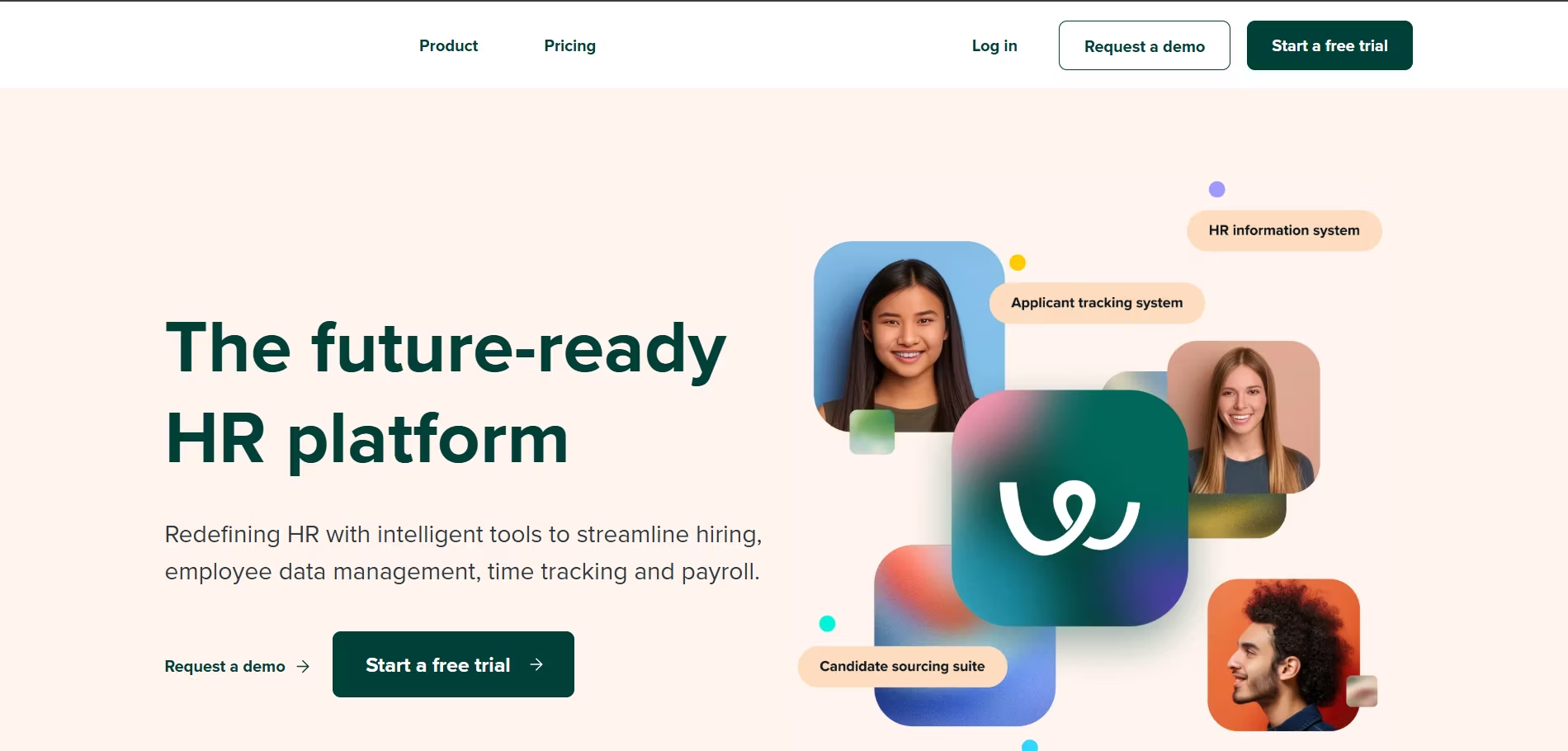
Workable is a popular, well-rounded platform that offers a comprehensive suite of tools covering the entire hiring lifecycle. Its intuitive interface and powerful automation make it a favorite among scaling companies.
Key Features
- AI-Powered Sourcing: Scans millions of online profiles to find and suggest passive candidates.
- One-Click Job Posting: Distributes job ads to over 200 job sites, including premium and niche boards.
- Built-in Assessments: Provides skills tests and video interviewing tools directly within the platform.
- Offer Letter Management: Includes templates and e-signature capabilities to streamline the final hiring stages.
Pros & Cons
Pros: Beautiful and intuitive user interface, strong AI and automation features, and highly scalable plans.
Cons: The "Paygo" plan can become costly for companies with many open roles.
Our Experience Using It
I found Workable to be incredibly easy for our entire team to adopt. Hiring managers who were usually resistant to new software quickly got the hang of leaving feedback and reviewing candidates.
The mobile app was also fantastic for keeping the process moving when I was on the go.
Pricing Plans
Workable offers a flexible "Paygo" plan for single job posts, as well as monthly and annual plans (Standard, Premier) for continuous hiring. A 15-day free trial is available.
Best For
Small to mid-sized businesses that are scaling quickly and need a comprehensive, user-friendly platform that their entire team will love using.
Final Verdict
Workable is an exceptional all-rounder that balances powerful features with outstanding ease of use, making it one of the top 10 recruiting tools on the market.
4. Lever - Best for Candidate Relationship Management (CRM) & Nurturing
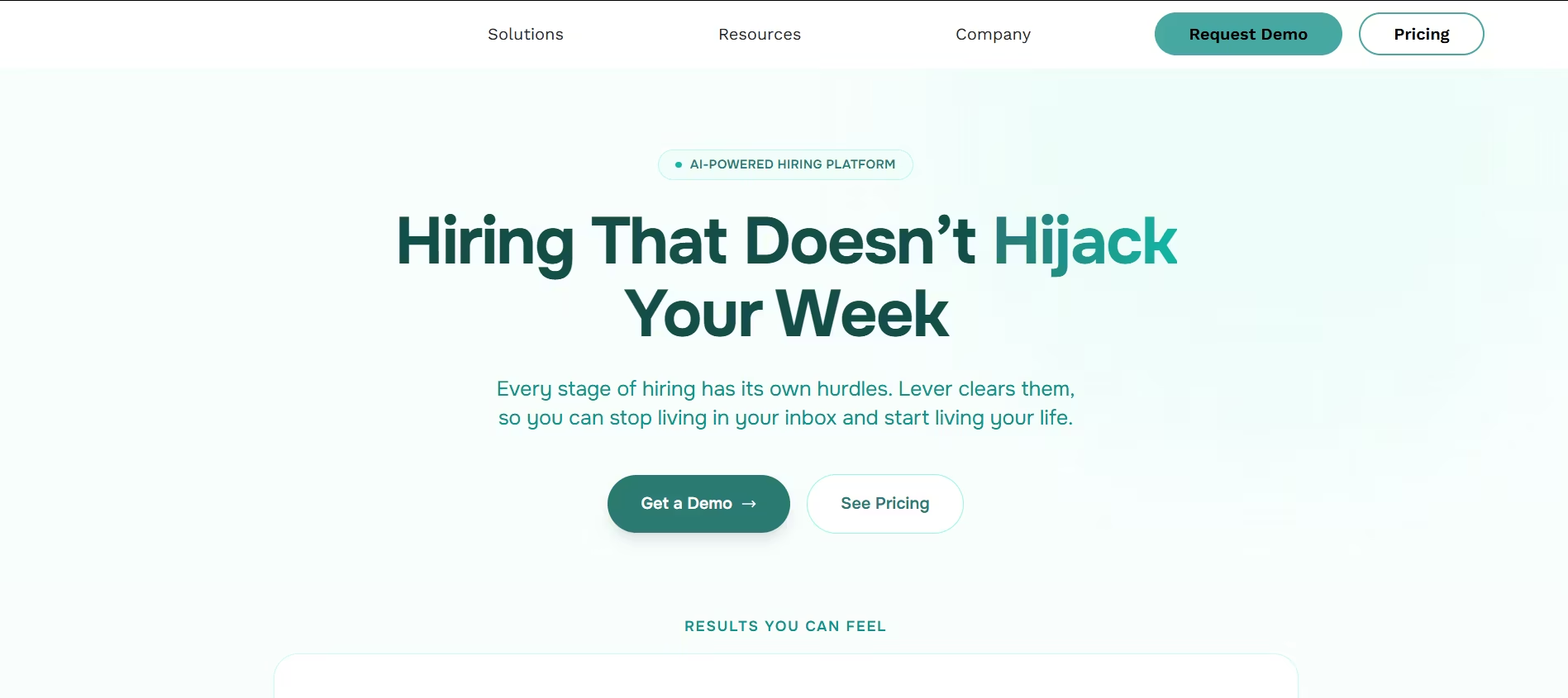
Lever combines a powerful ATS with a best-in-class Candidate Relationship Management (CRM) system. It’s built for teams that want to proactively source and build long-term relationships with talent pools.
Key Features
- Lever Nurture: Automate personalized email campaigns to keep your talent pipeline warm and engaged.
- Unified Candidate Profile: Creates a single, comprehensive timeline for every interaction a candidate has with your company.
- Advanced Analytics: Offers deep insights into your pipeline health, sourcing channels, and team performance.
Pros & Cons
Pros: Top-tier CRM functionality, excellent for proactive sourcing, and provides a great candidate experience.
Cons: Can be more expensive than traditional ATS-only platforms.
Our Experience Using It
Using Lever's Nurture feature was a revelation. We were able to build talent pools for future roles and keep potential candidates engaged with company updates.
When a new role opened up, we already had a pre-vetted, interested list of candidates, which drastically cut our time-to-hire.
Pricing Plans
Lever uses a quote-based model, with pricing based on company size and the specific feature set required (LeverTRM or LeverTRM for Enterprise).
Best For
Companies of all sizes that prioritize proactive sourcing and want to build a sustainable talent pipeline.
Final Verdict
If your recruiting strategy is built around relationships, Lever is the best hiring platform for you. Its CRM capabilities are second to none.
5. Ashby - Best for Data-Driven Recruiting Teams & Advanced Analytics
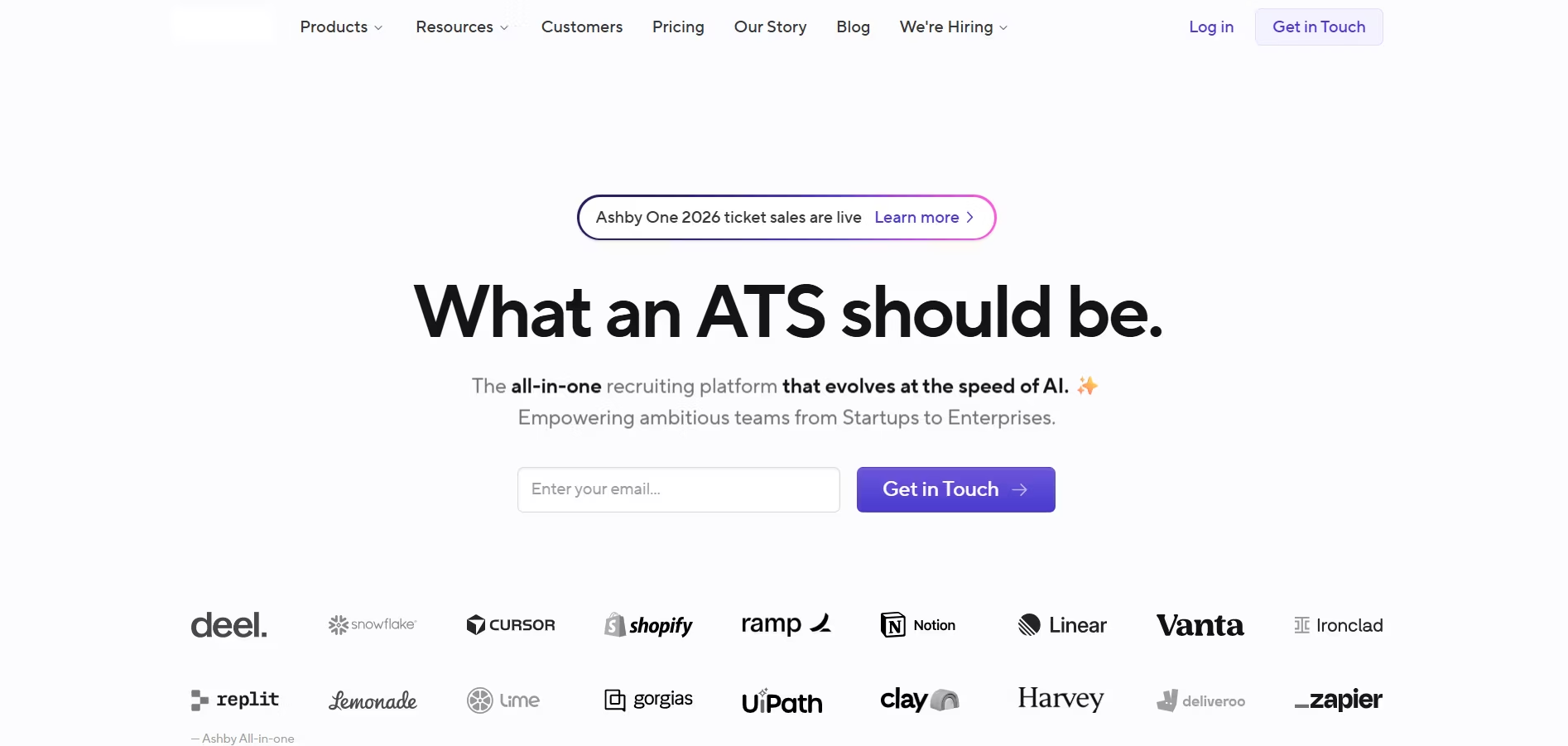
Ashby is a relatively new but incredibly powerful player, designed from the ground up for teams that live and breathe data. It offers some of the most advanced and customizable analytics on the market.
Key Features
- All-in-One Platform: Combines sourcing, CRM, scheduling, and a powerful ATS.
- Infinite Reporting: Create almost any report you can imagine with a highly flexible, no-code report builder.
- Advanced Scheduling Automation: One of the most powerful and customizable interview scheduling tools available.
Pros & Cons
Pros: Unmatched analytics and reporting capabilities, highly efficient and automated, and excellent for data-driven teams.
Cons: The sheer amount of data and customization can be overwhelming for teams new to recruiting analytics.
Our Experience Using It
As a data-focused recruiter, I was in heaven with Ashby. I was able to build a dashboard that tracked pass-through rates by interviewer, helping us identify who needed more interview training. This level of insight is simply not possible with most other tools.
Pricing Plans
Ashby's pricing is transparent and based on company size. They offer different plans for startups and growing companies.
Best For
Data-centric recruiting teams, particularly in the tech industry, who need deep, actionable insights to optimize every aspect of their hiring.
Final Verdict
For teams that want to go beyond basic metrics like time-to-fill, Ashby offers unparalleled analytical power.
6. Rippling - Best for Fully Integrated HR, Payroll, and Hiring
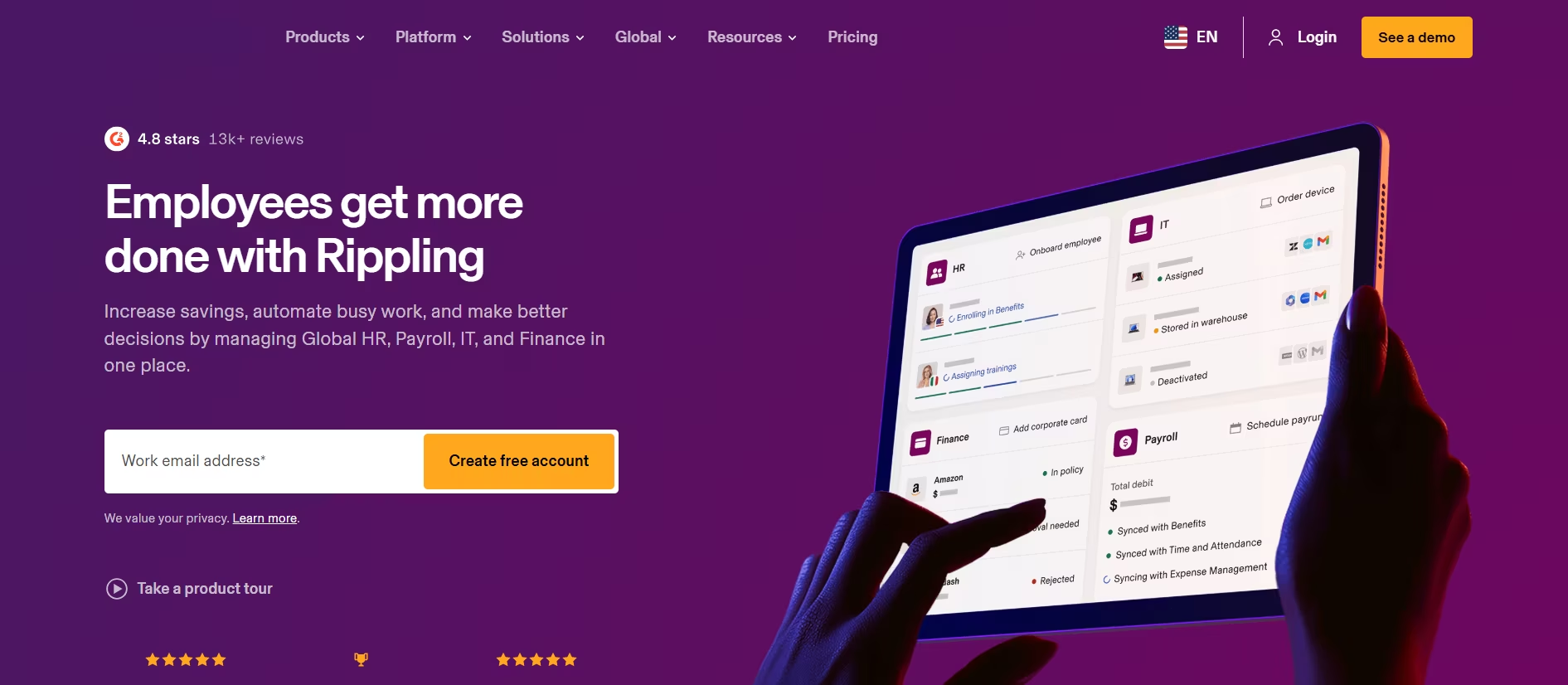
Rippling is not just a hiring tool; it's a unified workforce platform. Its recruiting module integrates seamlessly with HRIS, Payroll, Benefits, and IT, creating a truly automated employee lifecycle from candidate to offboarding.
Key Features
- Unified Platform: Automatically syncs candidate data into HR and Payroll upon hiring, eliminating manual data entry.
- Automated Workflows: Create rules to automatically trigger actions, like sending an offer letter or provisioning a laptop.
- Global Workforce Management: Natively supports global hiring, payroll, and compliance.
Pros & Cons
Pros: Incredible time-saver due to its all-in-one nature, eliminates data silos between departments, and simplifies onboarding.
Cons: The recruiting module itself is less feature-rich than standalone specialists like Greenhouse or Lever.
Our Experience Using It
The magic of Rippling happened after the offer was accepted. With one click, the candidate was hired, their payroll was set up, benefits were enrolled, and their company laptop was ordered. This saved our HR team hours of administrative work for every new hire.
Pricing Plans
Rippling starts at $8 per user, per month, with modules priced separately. You build a custom package based on your needs.
Best For
Small to mid-sized businesses that want a single source of truth for all employee data and want to automate the entire employee lifecycle.
Final Verdict
If your biggest pain point is the manual work that happens *after* a candidate accepts an offer, Rippling is the best hiring platform to solve it.
7. Zoho Recruit - Best for Customizable Recruitment Workflows
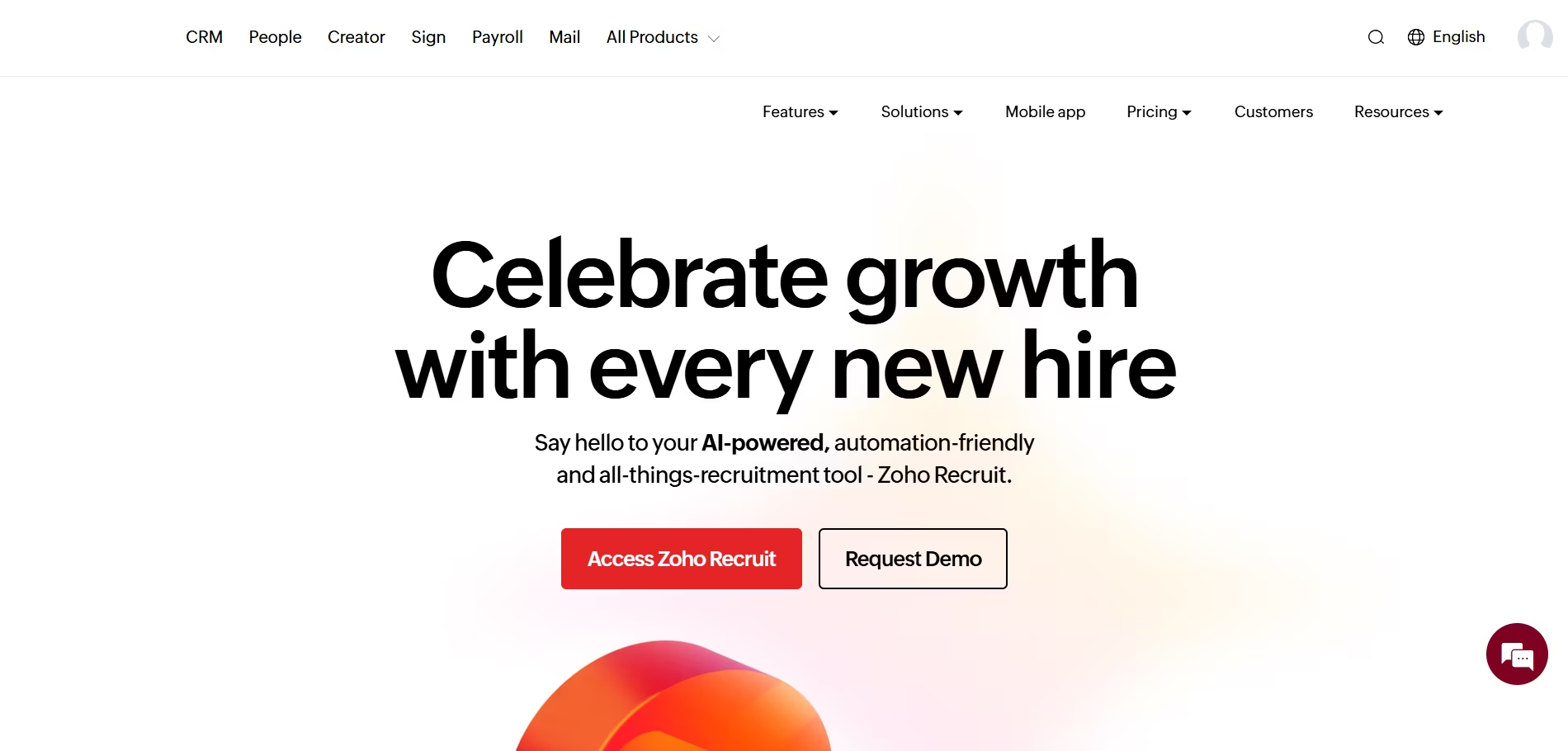
Zoho Recruit is a versatile recruiting platform that offers exceptional flexibility and customization options. As part of the larger Zoho ecosystem, it integrates seamlessly with other Zoho products while providing standalone recruitment capabilities. It's particularly strong for agencies and businesses that need tailored hiring workflows.
Key Features
- Custom Workflows: Build personalized recruitment pipelines with drag-and-drop customization.
- Candidate Sourcing: Pull candidates from multiple job boards, social media, and your database.
- Client Portal: Allow clients to view candidates, provide feedback, and track progress in real-time.
- Advanced Analytics: Track metrics like time-to-fill, source effectiveness, and recruiter performance.
- Multi-channel Communication: Email, SMS, and phone integration for seamless candidate outreach.
Pros & Cons
Pros: Highly customizable for different recruitment styles, strong integration with Zoho suite, excellent for staffing agencies.
Cons: Learning curve for advanced customization, some features require higher-tier plans.
Our Experience Using It
I've used Zoho Recruit for both in-house and agency recruiting, and its customization is unmatched.
Being able to create workflows that match our exact process, from initial outreach to client approval, saved us hours of manual work. The client portal was particularly valuable for agency work.
Pricing Plans
Zoho Recruit offers a free plan for up to 1 user, with paid plans starting at $25 per user per month. Enterprise plans with advanced features are available for larger teams.
Best For
Staffing agencies, recruitment process outsourcing (RPO) firms, and businesses with complex, multi-stage hiring workflows.
Final Verdict
For organizations that need flexibility and customization, Zoho Recruit delivers exceptional value. It's particularly strong for agencies managing multiple clients.
8. Breezy HR - Best for Visual Pipeline Management
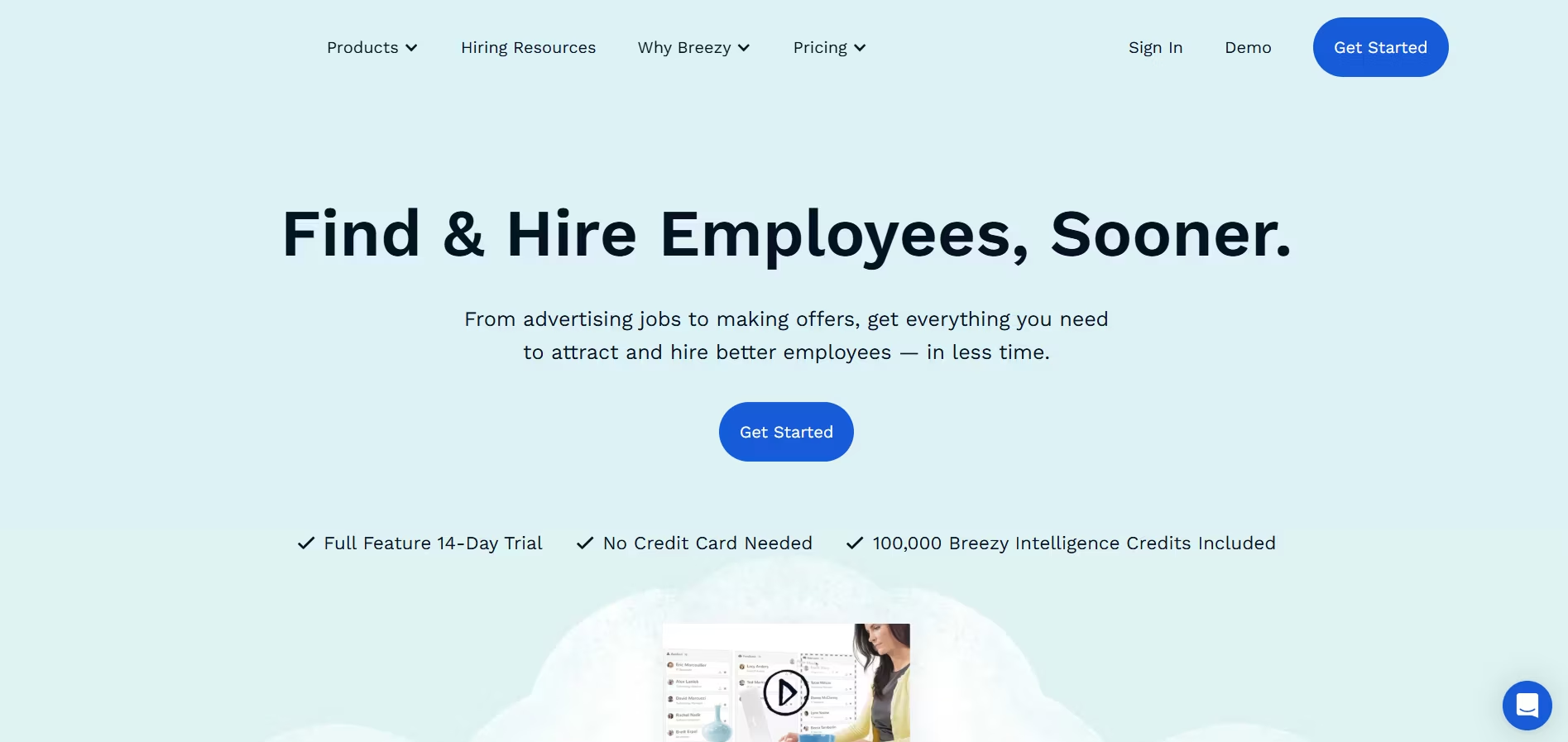
Breezy HR brings a modern, visual approach to recruitment with its drag-and-drop candidate pipeline.
It's designed to make recruiting feel less like database management and more like project management, with an intuitive interface that helps teams collaborate effectively.
Key Features
- Visual Pipeline: Drag-and-drop candidates through customizable hiring stages.
- Automated Scheduling: Candidate self-scheduling eliminates back-and-forth emails.
- Team Collaboration: Built-in scorecards, comments, and @mentions keep everyone aligned.
- Candidate Experience: Branded career pages and automated communication keep candidates engaged.
- Pre-screening Questions: Automatically filter candidates based on must-have qualifications.
Pros & Cons
Pros: Extremely user-friendly interface, excellent candidate experience features, strong collaboration tools.
Cons: Limited advanced reporting, some integrations require paid add-ons.
Our Experience Using It
What I love about Breezy HR is how it makes recruiting visual. Instead of scrolling through lists, you see candidates as cards that move through your pipeline.
This made it much easier to spot bottlenecks and keep our hiring process moving. The team collaboration features were also top-notch.
Pricing Plans
Breezy HR starts at $189 per month for unlimited users on the Startup plan. The Growth and Business plans offer additional features and start at $329 and $619 per month respectively.
Best For
Small to mid-sized companies that value user experience and visual workflow management, teams that need strong collaboration features.
Final Verdict
Breezy HR makes recruiting enjoyable with its modern interface and collaborative features. It's perfect for teams that want to move fast without sacrificing candidate experience.
9. Manatal - Best for AI-Powered Candidate Recommendations
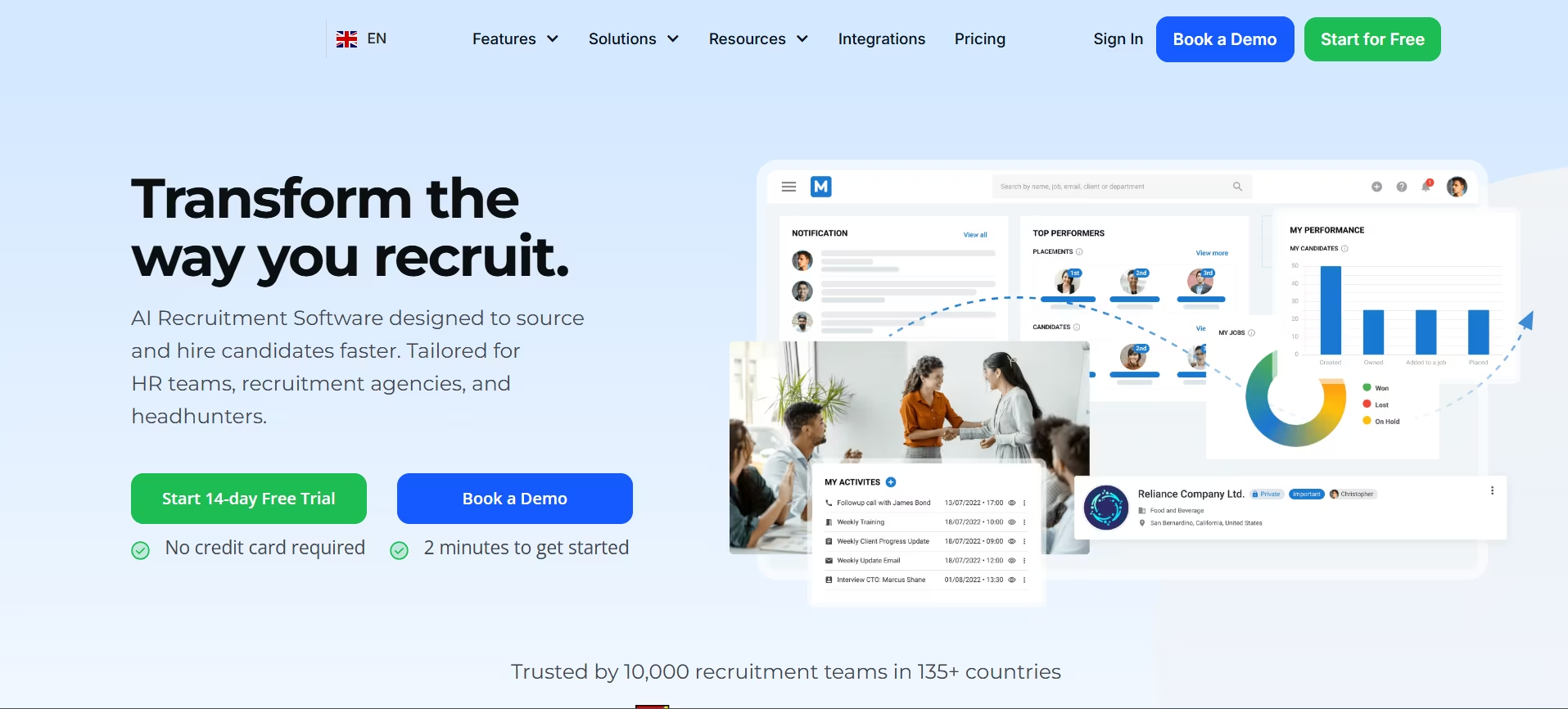
Manatal is a recruitment software that leverages AI and machine learning to improve candidate matching and decision-making.
It's particularly strong at surfacing the best candidates from large applicant pools and enriching candidate profiles with social media data.
Key Features
- AI Recommendations: Machine learning algorithms suggest the best-fit candidates for each role.
- Social Media Enrichment: Automatically pulls candidate information from LinkedIn, Facebook, and Twitter.
- CRM Functionality: Manage client relationships alongside your recruitment pipeline.
- Customizable Pipeline: Adapt the hiring stages to match your process.
- Compliance Tools: GDPR-compliant data handling and candidate consent management.
Pros & Cons
Pros: Powerful AI matching capabilities, excellent for high-volume recruiting, strong social media integration.
Cons: AI recommendations require training period, pricing can add up for larger teams.
Our Experience Using It
Manatal's AI recommendations saved me countless hours when dealing with hundreds of applications. Instead of manually screening every resume, the system surfaced the top candidates based on job requirements.
The social media enrichment also helped me get a fuller picture of candidates before interviews.
Pricing Plans
Manatal offers three plans: Professional at $15 per user per month, Enterprise at $35 per user per month, and Custom for larger organizations with specific needs.
Best For
High-volume recruiters, agencies managing multiple clients, companies that want to leverage AI for better candidate matching.
Final Verdict
Manatal's AI capabilities make it stand out in a crowded market. If you're drowning in applications and need intelligent filtering, this is your solution.
10. Pinpoint - Best for Data-Driven Recruitment
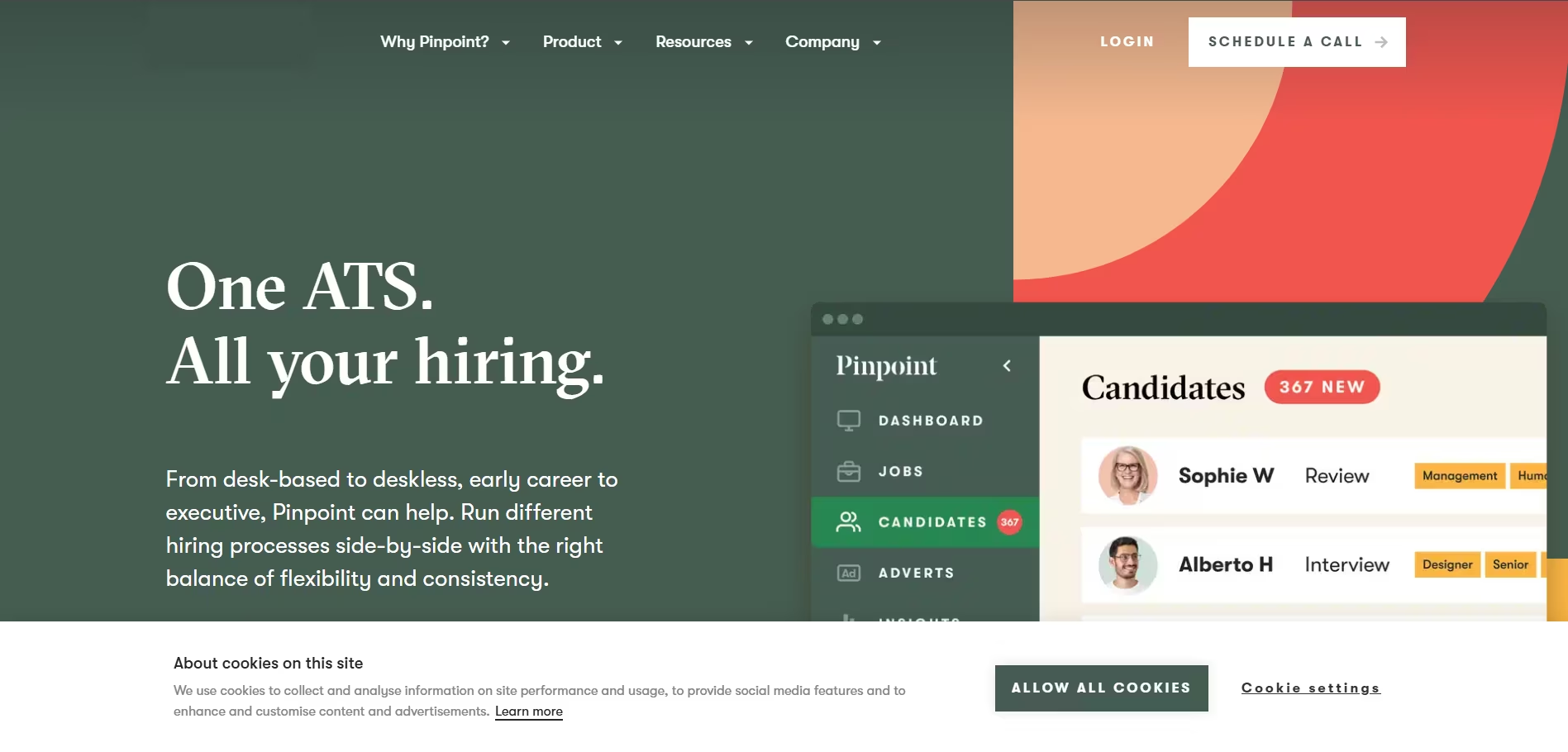
Pinpoint is a recruitment platform built for organizations that take their hiring data seriously.
With robust analytics, automated workflows, and a focus on compliance, it's designed for companies that want to make evidence-based hiring decisions.
Key Features
- Advanced Analytics: Deep insights into hiring metrics, diversity data, and recruitment ROI.
- Automated Workflows: Set up triggers and actions to automate repetitive tasks.
- Careers Site Builder: Create beautiful, branded career pages without coding.
- Multi-posting: Publish jobs to multiple boards with one click.
- Interview Scheduling: Integrated calendar management and automated reminders.
Pros & Cons
Pros: Exceptional reporting capabilities, strong automation features, excellent compliance tools.
Cons: Higher price point, requires time investment to set up properly.
Our Experience Using It
Pinpoint transformed how we approached recruitment by making data visible and actionable. We could finally answer questions like "Which source brings our best hires?" and "How long does each department take to make decisions?" The analytics alone justified the investment.
Pricing Plans
Pinpoint uses custom pricing based on company size and needs. Contact their sales team for a quote tailored to your organization.
Best For
Mid to large enterprises that prioritize data-driven decision making, companies with strong compliance requirements.
Final Verdict
If you want to elevate your recruitment from intuition-based to data-driven, Pinpoint provides the tools and insights to make it happen.
11. JazzHR - Best for Budget-Conscious Small Businesses
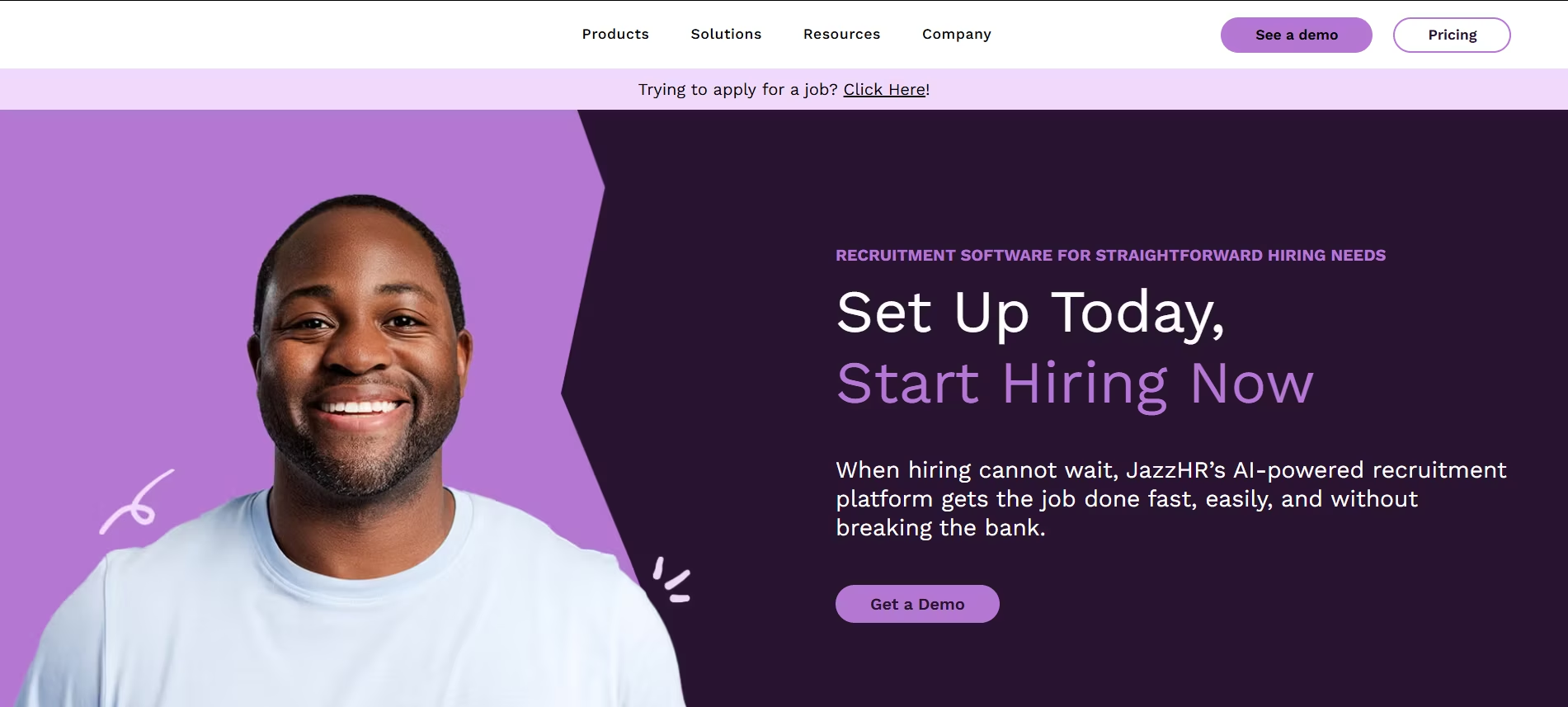
JazzHR (formerly The Resumator) is designed specifically for small businesses that need professional recruiting tools without enterprise-level costs.
It offers a solid feature set at an affordable price point, making it accessible for growing companies.
Key Features
- Unlimited Job Postings: Post to multiple job boards without per-posting fees.
- Collaborative Hiring: Share candidate profiles and feedback with your team.
- Customizable Workflows: Adapt hiring stages to match your process.
- Interview Scheduling: Built-in scheduling tools eliminate coordination headaches.
- Mobile App: Review candidates and communicate on the go.
Pros & Cons
Pros: Affordable pricing for small businesses, unlimited job postings, user-friendly interface.
Cons: Less sophisticated than enterprise solutions, limited advanced reporting.
Our Experience Using It
When we were a 15-person startup, JazzHR gave us professional recruiting capabilities we couldn't have afforded otherwise.
The unlimited job postings were particularly valuable, we could cast a wide net without worrying about per-post costs eating into our budget.
Pricing Plans
JazzHR offers three plans: Hero at $99 per month, Plus at $299 per month, and Pro at $479 per month. All plans include unlimited users and job postings.
Best For
Small businesses with limited budgets, startups scaling their hiring, companies making their first ATS investment.
Final Verdict
JazzHR proves that effective recruiting software doesn't have to break the bank. It's the ideal first ATS for small businesses ready to professionalize their hiring.
12. Loxo - Best for Recruiting CRM and Sourcing
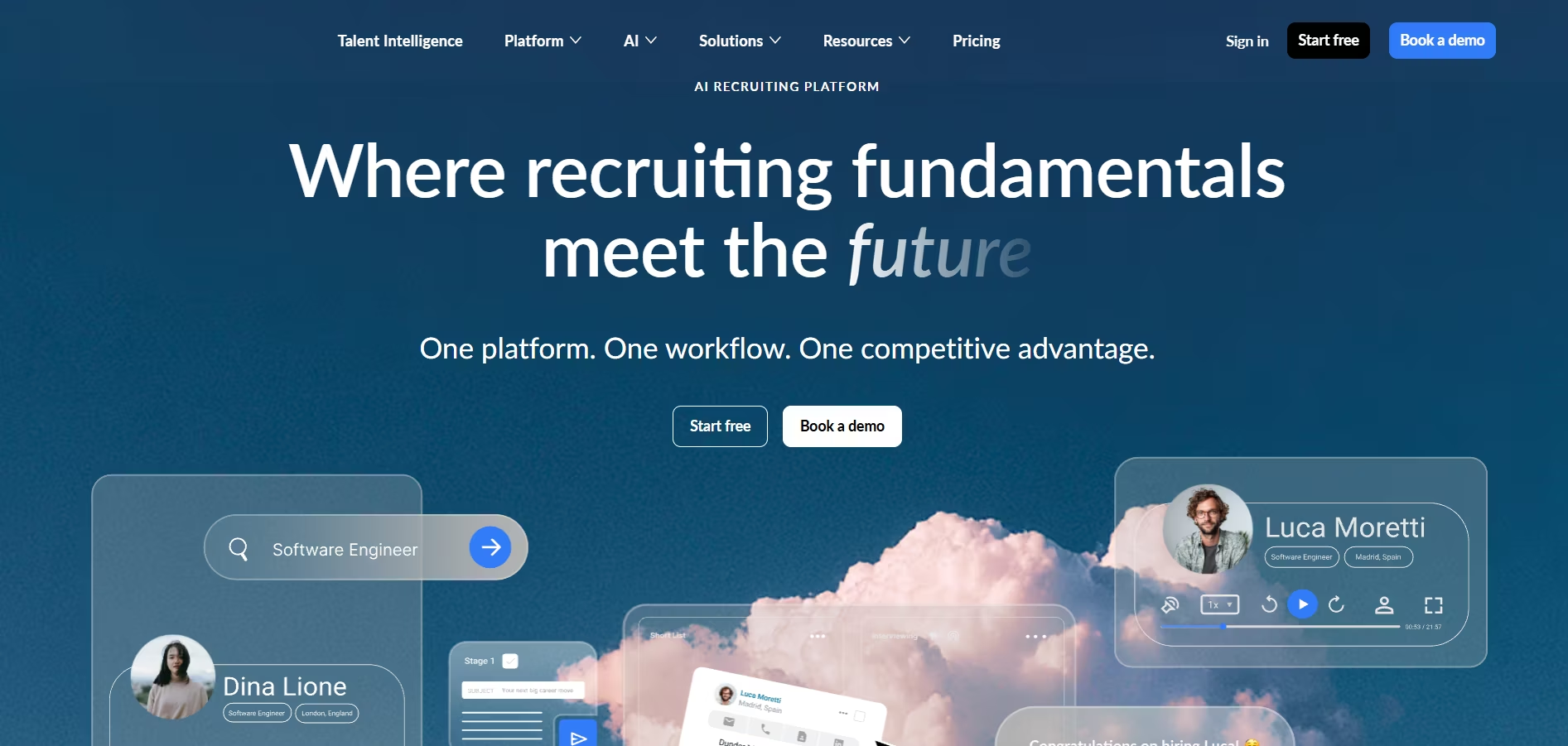
Loxo combines an ATS with a powerful recruiting CRM and sourcing platform.
It's built for recruiters who spend significant time sourcing passive candidates and need tools to manage long-term relationships. The platform excels at relationship management and candidate engagement.
Key Features
- Integrated Sourcing: Built-in tools to find candidates across the web and social platforms.
- Recruiting CRM: Manage candidate relationships over time, not just active applications.
- AI-Powered Matching: Intelligent candidate recommendations based on role requirements.
- Email Sequences: Automated outreach campaigns to engage passive candidates.
- Chrome Extension: Source and save candidates while browsing LinkedIn and other sites.
Pros & Cons
Pros: Powerful sourcing capabilities, excellent for passive candidate recruitment, strong relationship management.
Cons: Steeper learning curve, higher price point than basic ATS solutions.
Our Experience Using It
Loxo changed how I approached sourcing. Instead of treating every search as starting from scratch, I could tap into the relationships I'd built over time.
The email sequences helped me stay in touch with candidates who weren't ready to move yet, building a pipeline for future roles.
Pricing Plans
Loxo pricing starts at around $119 per user per month, with enterprise pricing available for larger teams. Custom packages are available based on specific needs.
Best For
Executive recruiters, agency recruiters focused on passive candidates, organizations that prioritize relationship-based recruiting.
Final Verdict
For recruiters who view their candidate database as a valuable asset to be nurtured, Loxo provides the CRM and sourcing tools to maximize that investment.
13. BambooHR - Best for Integrated HR and Recruiting
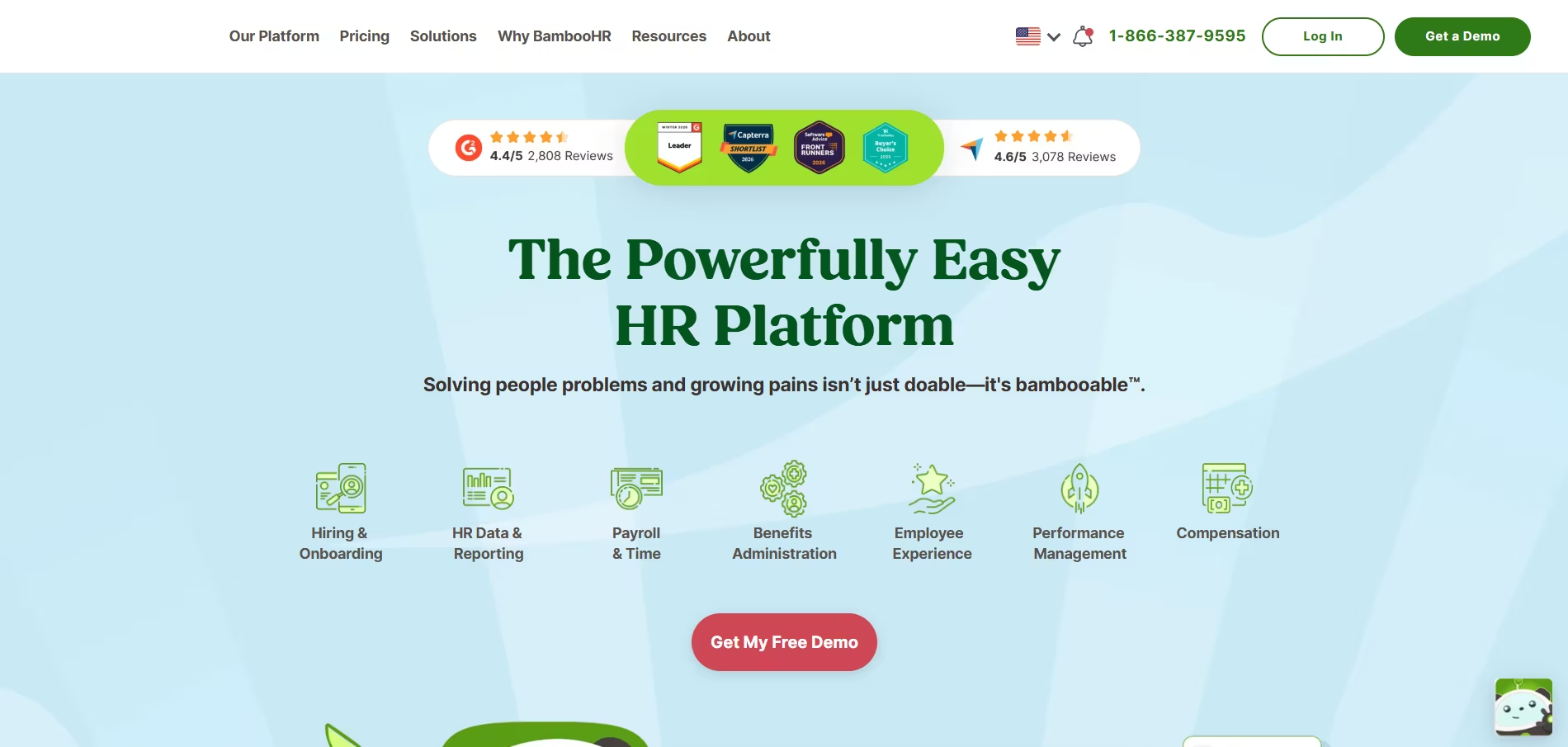
BambooHR is primarily known as an HRIS (Human Resource Information System), but its recruiting module, called BambooHR Hiring, offers a seamless bridge from candidate to employee.
If you're already using BambooHR for HR management, the recruiting add-on creates a unified employee lifecycle platform.
Key Features
- Seamless Onboarding: Hired candidates automatically flow into the HRIS for onboarding.
- Employee Referrals: Built-in referral tracking encourages employees to recommend candidates.
- Branded Career Pages: Customizable careers site that reflects your company culture.
- Electronic Signatures: Get offer letters signed digitally within the platform.
- Applicant Tracking: Standard ATS functionality integrated with employee records.
Pros & Cons
Pros: Perfect integration between recruiting and HR, excellent employee experience, strong reporting.
Cons: Recruiting features less robust than dedicated ATS platforms, requires BambooHR subscription.
Our Experience Using It
The magic of BambooHR Hiring isn't in revolutionary recruiting features, it's in the seamless handoff from candidate to employee.
Once we made an offer, all the candidate information flowed directly into their employee record. No duplicate data entry, no information lost in transition.
Pricing Plans
BambooHR uses custom pricing based on company size and selected modules. The Hiring module is an add-on to the core HRIS subscription.
Best For
Companies already using BambooHR for HR, small to mid-sized businesses that want unified HR and recruiting, organizations prioritizing employee experience.
Final Verdict
If you're a BambooHR customer, the Hiring module is a no-brainer. The integration value far outweighs any feature limitations compared to standalone ATS platforms.
14. SmartRecruiters - Best for Enterprise Hiring at Scale
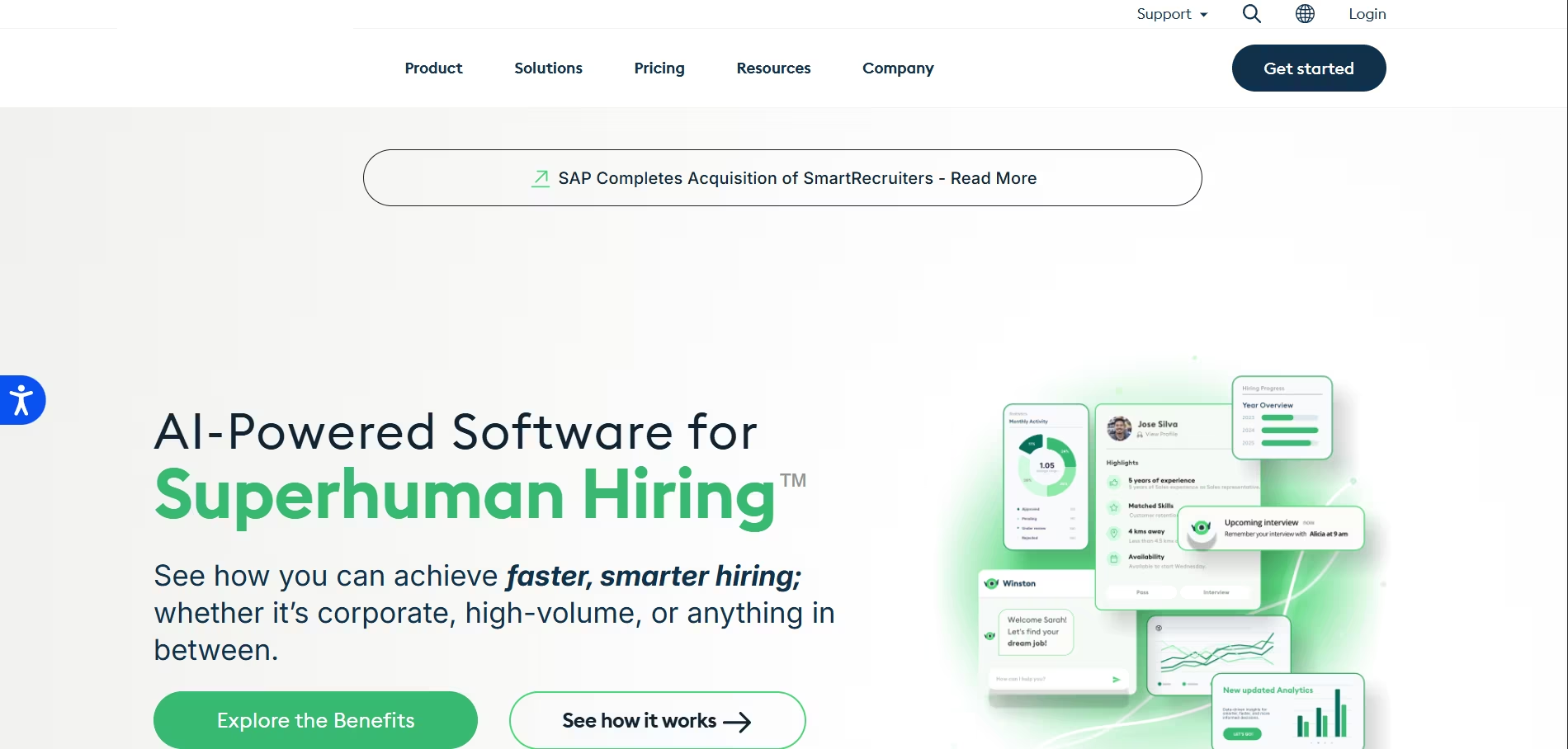
SmartRecruiters is an enterprise-grade talent acquisition suite designed for organizations hiring at scale across multiple locations, departments, and countries.
It offers sophisticated workflows, deep integrations, and the robust infrastructure needed for complex hiring operations.
Key Features
- Marketplace Integrations: 600+ integrations with job boards, assessment tools, and background check providers.
- Hiring Without Boundaries: Support for global hiring with multi-language and multi-currency capabilities.
- Advanced Workflows: Complex approval chains and routing logic for enterprise requirements.
- Collaborative Hiring: Structured interview processes with built-in feedback and scorecards.
- Talent Marketing: Create and promote your employer brand with integrated marketing tools.
Pros & Cons
Pros: Extremely scalable for large organizations, comprehensive integration ecosystem, robust analytics.
Cons: Complex setup and configuration, higher cost structure, may be overkill for small teams.
Our Experience
When our company scaled from 200 to 2,000 employees, SmartRecruiters grew with us. The ability to set up different workflows for different departments and regions was crucial.
The marketplace integrations meant we could build a best-of-breed stack without switching platforms.
Pricing Plans
SmartRecruiters uses enterprise custom pricing. Expect quotes to be tailored based on employee count, hiring volume, and required features.
Best For
Large enterprises with 500+ employees, global organizations, companies with complex hiring requirements and high volumes.
Final Verdict
SmartRecruiters delivers the scalability, flexibility, and sophistication that enterprise organizations need. If you're hiring at scale, it's worth the investment.
15. iCIMS - Best for Comprehensive Talent Acquisition Suite
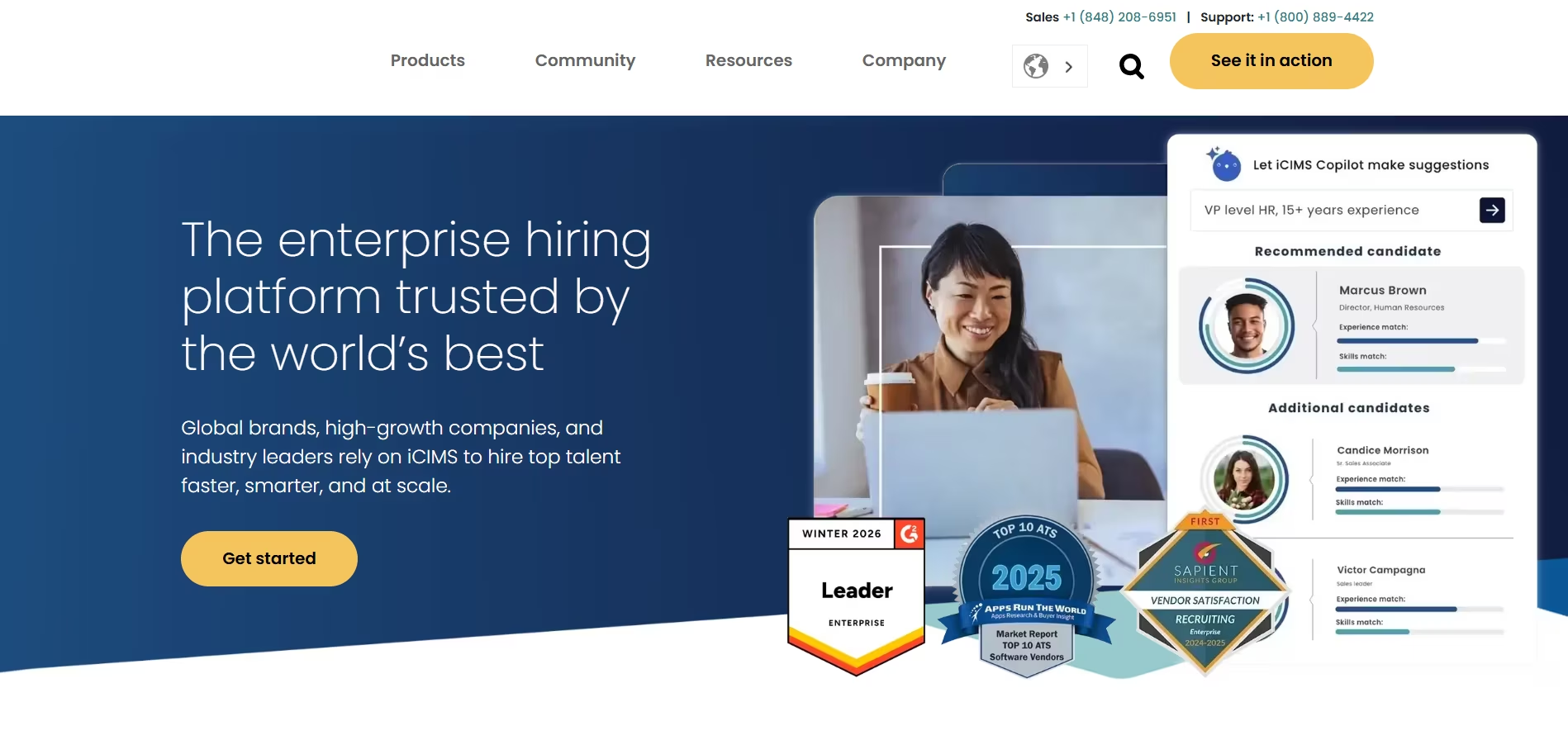
iCIMS is one of the most established players in the talent acquisition space, offering a complete suite that goes beyond basic ATS functionality.
It's built for organizations that view recruiting as a strategic function requiring sophisticated technology and deep insights.
Key Features
- End-to-End Platform: Recruit, onboard, and manage internal mobility in one system.
- AI-Powered Matching: Intelligent candidate scoring and recommendation engine.
- Texting and Chat: Native SMS and chat capabilities for candidate communication.
- Career Sites: Advanced career site builder with personalization and dynamic content.
- Video Interviewing: Built-in video interview platform eliminates need for third-party tools.
- Compliance Management: Robust tools for EEO/OFCCP compliance and reporting.
Pros & Cons
Pros: Comprehensive feature set, excellent for highly regulated industries, strong customer support.
Cons: Complex implementation process, higher price point, interface feels dated compared to newer platforms.
Our Experience Using It
As we grew and recruiting became more strategic, iCIMS provided the depth of functionality we needed. The compliance features were particularly valuable in our regulated industry.
While the interface isn't as modern as some competitors, the underlying capabilities are rock-solid.
Pricing Plans
iCIMS uses custom enterprise pricing. Implementation and onboarding services are typically included but add to the total investment.
Best For
Large enterprises with 1,000+ employees, organizations in regulated industries, companies making strategic investments in talent acquisition.
Final Verdict
iCIMS represents the mature, comprehensive end of the talent acquisition spectrum. If you need enterprise-grade capabilities and can invest in proper implementation, it delivers on its promises.
How to Choose Your Best Hiring Platforms in 2026: A Step-by-Step Guide
Your Actionable Guide to Selecting the Top Hiring Software
Choosing the right hiring software can feel overwhelming. I've been there, staring at a spreadsheet of 20 different vendors, each promising to solve all my recruiting problems.
The truth is, the best hiring platforms are not one-size-fits-all. The perfect tool for a global enterprise is often a terrible fit for a fast-growing startup.
This guide is the exact, step-by-step process I've developed over years of experience to cut through the marketing jargon and find the right software.
We'll walk through how to assess your needs, evaluate features, and make a data-driven decision that will transform your hiring process.
Step 1: Assess Your Company’s Unique Hiring Needs (The Foundation)
Before you even look at a single product, you must look inward. This foundational step prevents you from overpaying for features you'll never use.
As an expert from People Managing People notes, you must first "[evaluate] your company's specific needs."
Analyze Your Hiring Volume and Team Size
Why it matters: Your hiring frequency dictates the level of automation you need. A company hiring 100 people a quarter needs robust workflow automation, while a company hiring 5 might prioritize simplicity and ease of use.
Actionable Tip: Look at your hiring data from the past 12 months. Are you in high-growth mode or maintaining a steady headcount?
A high-volume environment needs a platform built for scale, whereas a smaller team benefits more from a tool like Recooty, which is designed to be the best recruiting software for small business by making a few key hires per month incredibly efficient.
Define Your Budget Realistically
Why it matters: Hiring software pricing models vary wildly, from free plans to six-figure enterprise contracts. Knowing your budget upfront narrows the field immediately.
Actionable Tip: Don't just think about the sticker price. Factor in implementation fees, training costs, and potential add-ons.
Look for transparent pricing. For instance, many SMBs find that a platform offering recruitment software free to start, like Recooty, allows them to prove ROI before committing to a larger investment.
Map Your Existing HR Tech Stack
Why it matters: Your new top hiring software must play well with others. If it doesn't integrate with your existing HRIS (Human Resources Information System) or payroll system, you're just creating more manual data entry work for your team.
Actionable Tip: Make a list of your current HR tools (e.g., BambooHR for HRIS, Google Calendar for scheduling, Slack for communication). During demos, your first question should be, "How does your platform integrate with these specific tools?"
Step 2: Identify Your Non-Negotiable Features (The "Must-Have" List)
Now that you know your constraints, you can define what you need the software to *do*. I recommend creating a simple checklist categorized by function. This will become your scorecard for evaluating vendors.
Core ATS & Recruitment Functionality
This is your command center. At a minimum, you need a centralized candidate database, resume parsing, and one-click job posting to major boards. This is the baseline for any modern talent acquisition software list.
Hiring Process & Workflow Automation
This is where you save time. Look for features like interview scheduling automation, automated email templates for candidate communication, and customizable hiring pipelines.
In my experience, automating interview scheduling alone can give a recruiter back 5-10 hours per week.
Candidate Sourcing & Engagement
This is how you build a talent pipeline. Does the platform have Candidate Relationship Management (CRM) capabilities?
Can it help you proactively source candidates from platforms like LinkedIn? A strong CRM is what separates a reactive ATS from a proactive talent acquisition suite.
Analytics, Reporting & Optimization
This is how you prove your value. You need a recruiting analytics dashboard that tracks essential metrics like time-to-hire, cost-per-hire, and source-of-hire. An advanced platform may also offer DE&I reporting to help you build a more diverse workforce.
Step 3: Research, Shortlist, and Master the Demo
With your needs and feature list in hand, you're ready to find your contenders.
Create a Shortlist of 3-5 Vendors
- How to find them: Use a combination of expert review sites (like the one you're reading!), user review platforms like G2 and Capterra, and even search for "Best hiring platforms reddit" to get unfiltered, honest feedback from real recruiters.
- Personal Experience: I always find the most honest pros and cons in Reddit threads. Users there aren't afraid to call out clunky user interfaces or poor customer support, pain points you won't find on a product's homepage.
Schedule Demos and Ask the Right Questions
- Why it matters: A demo is not just a sales pitch; it's your chance to see if the software can solve your specific problems.
- Actionable Tip: Don't let the salesperson run the entire demo. Come prepared with 2-3 of your biggest recruiting challenges and ask them to show you exactly how their platform solves them.
Involve a hiring manager in at least one demo to get their perspective on the user experience.
Always, Always Do a Free Trial
- Why it matters: You would never buy a car without test-driving it. The same rule applies here. A free trial is the only way to truly understand the user experience and workflow.
- Actionable Tip: During your trial, perform a real-world task. Set up a sample job, upload a few test resumes, and try to move a candidate through your hiring pipeline. This is where you’ll discover if the platform is truly intuitive or a frustrating, click-heavy nightmare.
Step 4: Evaluate Pricing and Calculate the True ROI
Finally, it's time to talk money. Understanding the total cost of ownership and the potential return is critical.
Understand the Pricing Models
- Per User/Seat Model: You pay for each recruiter or admin using the software. Good for stable teams.
- Per Job/Requisition Model: You pay based on the number of active job openings. Good for companies with fluctuating hiring needs.
- Tiered Model: You pay a flat fee for a bundle of features. This is common for SMB-focused tools like Recooty, which offer clear, predictable pricing that's easy to budget for.
How Recooty Can Bring Your Costs Down
For many small to mid-sized businesses, the cost of enterprise top hiring software is prohibitive. This is where a platform like Recooty provides immense value.
Cost-Saving Example: An enterprise ATS might charge $10,000-$20,000 per year. For a team hiring 20 people a year, the cost-per-hire is enormous.
Recooty offers powerful features like AI sourcing and posting to 250+ job boards for a tiny fraction of that cost.
By starting with its free plan and scaling to an affordable paid tier, you achieve 80% of the functionality at 10% of the price, leading to a much faster and more significant ROI.
By following this structured, four-step process, you can confidently navigate the market and select one of the best hiring platforms that not only meets your needs today but can also scale with you into the future.
Maximizing ROI: Customization Tips for Your Best Hiring Platforms
.jpg)
Unlocking the Full Potential of Your Top Hiring Software
Congratulations! You've navigated the crowded market and selected one of the best hiring platforms for your team.
But let me share a crucial piece of advice I've learned over the years: the real work begins *after* you sign the contract.
Simply buying top hiring software doesn't guarantee success. The magic happens when you customize it to fit your unique culture, roles, and workflows like a glove.
An out-of-the-box setup is a starting point, not a destination. In this section, I’ll walk you through the essential customization tips I use to transform a generic software platform into a powerful, high-ROI recruiting engine.
These are the steps that separate teams who merely *use* their ATS from those who truly master it.
Step 1: Customize Your Hiring Pipelines and Workflows
This is the single most important customization you will make. Your software's default pipeline is generic; your hiring process is not.
Why It Matters
A custom pipeline provides a clear, accurate snapshot of where every candidate stands. It ensures consistency across the team and helps you identify bottlenecks in your hiring process.
A report from SHRM emphasizes that a structured workflow is key to an efficient and fair hiring process.
How to Do It
1. Map Your Real-World Process: Before touching the software, grab a whiteboard and map out the actual stages a candidate goes through for different roles (e.g., a tech role vs. a sales role).
2. Build Custom Pipelines in Your ATS: Replicate these maps in your software. Most modern recruiting software platforms have a drag-and-drop interface for this.
3. Use Stage-Specific Automation: Assign automated actions to each stage. For example:
- When a candidate moves to "Phone Screen," automatically send an email with a scheduling link.
- When a candidate is moved to "Hired," trigger a notification to your HR team to begin onboarding.
My Personal Experience: I once worked with a team whose biggest complaint was a slow time-to-hire. We discovered their default ATS pipeline didn't have a dedicated stage for a required technical assessment.
By adding a "Technical Assessment Sent" and "Assessment Review" stage, we immediately saw where candidates were getting stuck and were able to fix the bottleneck, cutting our hiring time for engineers by a full week.
Step 2: Create Branded and Personalized Communication Templates
Generic, robotic emails are a major turn-off for candidates. Customizing your email templates is a quick win for improving the candidate experience.
Why It Matters
Personalized communication strengthens your employer brand and makes candidates feel valued, even if they aren't the right fit. A positive experience can lead to referrals and a stronger talent pool.
How to Do It
- Rejection Templates: Create thoughtful, empathetic rejection templates. I always recommend having a few versions: one for after the application, one for after a phone screen, and one for after a final interview.
- Interview Confirmation Emails: Go beyond the date and time. Include a link to your careers page, bios of the interviewers, and directions to the office (or video call tips).
- Nurture Campaign Templates: If your software has a Candidate Relationship Management (CRM) module, build templates for keeping in touch with silver-medalist candidates for future opportunities.
Step 3: Build a Compelling, No-Code Branded Careers Page
Your careers page is your digital storefront. It’s often the first impression a candidate has of your company culture.
Why It Matters
A strong careers page attracts better-fit candidates and reduces your reliance on expensive job boards. It's a critical piece of your recruitment marketing software strategy.
How to Do It
- Show, Don't Just Tell: Use high-quality photos and videos of your team and workspace. Add employee testimonials that speak to your values.
- Leverage User-Friendly Tools: You don't need a developer for this. Platforms designed as the best recruiting software for small business, like Recooty, offer incredibly intuitive, no-code career page builders.
In my experience, I was able to help a startup build a beautiful, professional careers page in Recooty in under an hour, complete with their logo, brand colors, and team photos.
This is a perfect example of a high-impact customization that requires minimal effort.
Step 4: Design Role-Specific Interview Scorecards
To make your hiring truly data-driven and reduce bias, you must move beyond generic feedback. Custom interview scorecards are essential for structured hiring.
Why It Matters
Scorecards force interviewers to evaluate candidates against the specific, predetermined competencies required for the role, leading to fairer and more accurate hiring decisions.
How to Do It
1. Define Core Competencies: For each open job requisition, work with the hiring manager to define 3-5 "must-have" skills or traits.
2. Build the Scorecard: Create a scorecard in your ATS with these competencies and a simple rating scale (e.g., 1-5).
3. Train Your Hiring Managers: Show your team how to use the scorecards and emphasize the importance of leaving specific, evidence-based comments to justify their ratings.
By investing a few hours upfront in these customizations, you will dramatically increase the value you get from your software.
You'll not only speed up your hiring but also improve your quality of hire and strengthen your employer brand.
Common Issues & Troubleshooting for Your Best Hiring Platforms
Solving Real-World Pains with Your Top Hiring Software
Even with the best hiring platforms, things don't always go according to plan.
I've been there: a critical integration breaks, hiring managers won't log in to the new system, or the data you're getting is a complete mess.
These roadblocks are frustrating, but in my experience, nearly all of them are solvable.
This section is a troubleshooting guide built from years of hands-on experience and insights gathered from countless forums and expert articles.
Think of it as your first line of defense for the most common pains recruiters face with their top hiring software. We'll diagnose the problem and walk through actionable solutions to get you back on track.
Issue 1: Low Adoption from Hiring Managers
This is, without a doubt, the #1 problem recruiters face after implementing a new system. You've invested in a powerful collaborative hiring platform, but your hiring managers are still sending feedback over email and Slack.
Why It Happens
- Perceived Complexity: The new tool seems like "one more thing" to learn in their already busy schedules.
- Lack of Clear Value: They don't immediately see how using the software benefits *them*.
- Poor Training: The initial training was either too generic or non-existent.
How to Troubleshoot It
1. Simplify Their Experience: Go into the system's permissions and create a "Hiring Manager" role with a simplified view. Hide all the features they don't need. All they should see is a list of their candidates and a clear, easy way to leave feedback.
2. Highlight "What's In It For Them": During a brief re-training session, don't focus on the features. Focus on the benefits. Say things like, "Using this system means you'll get a centralized view of all candidate feedback, so you no longer have to dig through email chains before an interview."
3. Make it Part of the Process: Gently enforce the new workflow. If a hiring manager sends you feedback via email, reply with, "Thanks! Can you please add this to the candidate's profile in [Software Name]? That way, the entire hiring team can see it."
My Personal Experience: I once worked with a team where a key manager refused to use our new ATS. I sat with him for 15 minutes and showed him *only* how to use the mobile app to give a thumbs-up/thumbs-down review on candidates.
Once he realized he could do his part in 30 seconds from his phone, he became the system's biggest advocate. Sometimes, the solution is less training, not more.
Issue 2: The Dreaded Integration Nightmare
You were promised a seamless integration between your ATS and your HRIS, but candidate data isn't syncing correctly, and you're back to manual data entry.
Why It Happens
- API Misconfigurations: The initial setup wasn't done correctly.
- "Shallow" Integrations: The integration only syncs basic data (like name and email) but not the custom fields you actually need.
- Platform Updates: An update to one of the systems broke the connection.
How to Troubleshoot It
1. Consult the Documentation: Start with the software's official support documentation for that specific integration. It often has a troubleshooting guide for common errors.
2. Re-authenticate the Connection: This is the "turn it off and on again" of integrations. Go into the settings, disconnect the integration, and then reconnect it. This can often resolve simple token or authentication issues.
3. Contact Support (with Specifics): If the problem persists, contact customer support. Do not just say "the integration is broken." Provide them with specific examples, like "Candidate John Doe, hired on October 26th, did not sync to our HRIS. Here is his candidate ID. We expected these three custom fields to transfer." This will get you a much faster and more effective resolution.
Pro Tip for Prevention: When choosing from recruiting software platforms, prioritize those with a reputation for robust, native integrations.
For small businesses, an all-in-one platform can eliminate these headaches entirely. For example, a tool like Recooty that includes a careers page, ATS, and scheduling in one package means you have fewer systems that need to talk to each other, reducing the potential points of failure.
Issue 3: Your Analytics Dashboard is Full of "Dirty Data"
You're trying to pull a report on your most effective sourcing channels, but the data is a mess. You have entries for "LinkedIn," "linkedin.com," and "LI," making your reports inaccurate and useless.
Why It Happens
- Lack of Standardization: Your team is manually entering source data in different ways.
- Poor System Configuration: The source list in your ATS was never properly configured.
How to Troubleshoot It
1. Lock Down Your Source List: Go into your ATS settings and create a standardized, dropdown list of all your approved sources. Disable the option for recruiters to manually type in a source. This is the most critical step.
2. Perform a Data Cleanup: This can be tedious but is a one-time fix. Export your candidate data, standardize the source column in a spreadsheet (using find-and-replace is a lifesaver here), and work with your software's support team to re-import the cleaned data.
3. Train Your Team: Show your team the new, standardized list and explain why it's crucial for accurately measuring their hard work and making smarter budget decisions for job advertising.
By proactively addressing these common issues, you can ensure your chosen platform remains a powerful asset rather than a source of frustration.
The goal is to make the technology work *for you*, streamlining your workflow automation and freeing you up to do what you do best: connect with great people.
The Horizon: Future Trends Shaping Hiring Software Beyond 2026
As someone who lives and breathes talent acquisition, I'm constantly looking at what's next. The best hiring platforms of today are just the beginning.
The technology is evolving at a breakneck pace, and if you want to stay ahead, you need to understand the trends that will define recruiting in the near future.
Here's my take on the most significant shifts we can expect to see in top hiring software beyond 2026.
The Shift to Skills-Based Hiring and Internal Mobility
The reliance on traditional resumes and four-year degrees is fading. Forward-thinking companies are now focusing on what candidates can *do*, not just where they've been.
- What it means: Hiring software will become a hub for skills verification. Expect to see deeper integrations with assessment platforms, coding challenges, and portfolio reviews.
- The next frontier: The smartest platforms will also focus on internal mobility. They'll help you identify current employees with the skills needed for open roles, helping you build talent from within before looking externally.
Hyper-Automation and the Rise of the "Autonomous Recruiter"
Automation is already here, but we're moving toward a state of hyper-automation. This isn't about replacing recruiters; it's about augmenting them.
- What it means: AI will handle entire workflows, not just individual tasks. Imagine an AI that can source a list of qualified candidates, conduct initial chatbot screenings, schedule the top 5 with the hiring manager, and send rejection notices to the rest, all without human intervention.
- My Experience: I'm already seeing the seeds of this in tools like Recooty, where the AI Sourcing feature acts like a junior sourcing assistant. This trend will only accelerate, freeing up senior recruiters to focus on strategy, closing candidates, and building relationships.
The Impact of Generative AI on Candidate Experience
Generative AI will move beyond just writing job descriptions. It will become the engine for creating hyper-personalized candidate journeys at scale.
- What it means: Imagine an AI that can draft a personalized outreach email to a passive candidate, referencing a specific project on their GitHub or a post they wrote on LinkedIn.
- The benefit: This level of personalization, which currently takes hours of manual work, will become standard. It will dramatically improve response rates and elevate the candidate experience, making every applicant feel seen and valued.
Final Verdict: Making Your Choice for the Best Hiring Platform in 2026
We've covered a lot of ground, from the top 15 tools on the market to choosing, customizing, and troubleshooting your software. If there's one thing I want you to take away, it's this: the 'best' hiring platform is the one that solves *your* unique problems.
Don't get swayed by the biggest brand name or the longest feature list. The right choice is the one that fits your company size, your budget, your team's workflow, and your future growth plans. Follow the steps we've outlined:
1. Assess your specific needs first.
2. Identify your non-negotiable features.
3. Demo your top 3-5 contenders rigorously.
4. Choose the platform that provides the clearest path to ROI.
The right top hiring software is more than just a tool; it's a strategic investment that will pay for itself many times over in time saved, higher quality hires, and a stronger employer brand.
Ready to Revolutionize Your Hiring Process?
If you're a small or mid-sized business looking for a platform that delivers powerful AI features, an intuitive interface, and an unbeatable price point, you can't go wrong with Recooty.
It's the perfect place to start your journey toward a smarter, faster, and more efficient hiring process.
See how Recooty's AI-powered hiring software can help you find top talent faster. Start your free trial or book a personalized demo today!
Frequently Asked Questions About Top Hiring Software
Here are some quick answers to the most common questions I get about choosing and using recruiting software platforms.
Which recruiting software is best?
There's no single "best" software for everyone. It depends entirely on your needs. For small to mid-sized businesses, a platform like Recooty is often the best choice for its powerful features and affordability.
For large enterprises with complex needs, a more structured platform like Greenhouse might be a better fit.
What is the difference between recruiting software and an ATS?
An Applicant Tracking System (ATS) is a core component of recruiting software. The term "recruiting software" is broader and includes the ATS plus other key functionalities like Candidate Relationship Management (CRM), a recruiting analytics dashboard, and employer branding tools.
What are the most important features for small business hiring platforms?
For small businesses, the most critical features are ease of use, affordable and transparent pricing, and strong customer support.
All-in-one functionality is also key, look for a tool that includes job posting, a branded careers page, and interview scheduling to simplify your workflow.
Are there any good free recruitment software options?
Yes! Many of the best hiring platforms for employers, including Recooty, offer a recruitment software free plan.
These are perfect for companies with very low hiring volume or for teams that want to test-drive a platform before committing to a paid plan.
What is the most popular job hiring website?
While Indeed is often cited as the largest job board by traffic, LinkedIn is the most popular platform for professional networking and sourcing passive candidates, making it an essential tool for nearly every recruiter.
Final Verdict: Making the Best Hiring Platform Choice in 2026
We've journeyed through the entire landscape of the best hiring platforms for 2026.
From in-depth reviews of the top 15 contenders to a practical guide on choosing, customizing, and troubleshooting your system, you now have a complete framework for making a strategic, well-informed decision.
The most critical takeaway is this: the top hiring software is not a one-size-fits-all solution. As we've explored, the right choice depends entirely on your unique context, your company size, hiring volume, budget, and long-term goals.
The best recruiting software for small business will prioritize ease of use and value, while enterprise solutions will focus on deep analytics and scalability.
By following the core process, assessing your needs first, defining your non-negotiable features, and rigorously testing your top contenders, you can confidently select a recruiting software platform that truly works for you.
The right tool should empower your team, elevate your candidate experience, and deliver a clear, measurable return on investment.
Ultimately, the right technology should feel like a natural extension of your recruiting team.
It should eliminate administrative burdens and free you up to focus on what truly matters: building meaningful connections with great talent and driving your company forward.
Ready to Revolutionize Your Hiring Process?
If you’re looking for a platform that combines powerful AI, an intuitive interface, and incredible value, Recooty is the perfect place to start. It’s designed to give you the competitive edge you need to attract top talent without the enterprise price tag.
See how Recooty's AI-powered hiring software can help you find the best candidates faster. Start your free trial or book a personalized demo today!
Take the Next Step Toward Smarter Hiring
Ready to experience the power of the best hiring platforms in 2026?
If you're serious about streamlining your recruitment process and want to leverage one of the most affordable, AI-powered solutions on the market, it's time to explore what Recooty can offer.
Join thousands of HR professionals and hiring teams worldwide who trust Recooty, a leading name among the top hiring software and a favorite in the best recruiting software for small business category.
Start your free trial with Recooty now and discover how effortless modern hiring can be.
.png)
.png)

.webp)