




AI job description generators solve the blank-page problem, but they cannot decide what success means in your organization. Start with the manager’s approved outcomes, essential skills, working conditions, compensation, and reporting line. Use a generator for structure and language, then review every requirement before publishing to a careers page or job board.

Key takeaways
- Feed the generator a role scorecard and first-90-day outcomes, not only a job title.
- Separate essential requirements, trainable skills, preferred experience, and legally necessary conditions.
- Review generated text for inflated requirements, coded language, missing pay or location information, and promises the employer cannot keep.
- Auto-publishing saves time only when approval, expiry, structured-data, and source-tracking checks are reliable.
- Test the job post on mobile and confirm that the application path matches what the post promises.
- Recooty’s view: the best AI job description gives candidates enough truth to decide whether the role is right for them.
Best hiring software with AI job description generator and auto publish to careers page
When a tool combines generation with an ATS or career page, evaluate the whole workflow instead of the writing feature alone. The draft should become a source of truth for the job post, screening criteria, interview guide, and reporting. If those pieces drift apart, the tool creates consistent wording without consistent hiring.
| Workflow step | What AI or automation can do | Human approval needed | Failure to watch |
|---|---|---|---|
| Role intake | Turn notes into a structured brief and suggest missing fields | Confirm outcomes, scope, level, manager, location, pay, and working conditions | Generic title with an unrealistic list of requirements |
| Drafting | Create summary, responsibilities, qualifications, benefits, and inclusive alternatives | Remove unsupported claims and approve essential criteria | Polished language that hides ambiguity or overwork |
| Review | Flag repetition, jargon, reading level, and possible exclusionary language | Check job-relatedness and accessibility with the hiring manager | Treating a bias flag as proof that the final copy is fair |
| Publishing | Push an approved post to the career page and selected boards | Confirm destination, tracking, expiry, and application path | Stale roles, duplicate listings, or wrong location |
| Measurement | Report views, starts, completions, sources, and conversions | Interpret results by role and candidate quality | Optimizing for application volume alone |
The EEOC advises employers to use objective, job-related qualification standards and apply selection criteria consistently. That principle begins in the job description. If a requirement cannot be connected to a duty, outcome, or business necessity, question whether it belongs in the post.
A safe prompt for an AI job description generator
Provide the tool with:
- the job title and level;
- the business outcome and first 90-day deliverables;
- essential skills and which skills can be learned;
- reporting line, team, location, work pattern, and travel;
- approved compensation and benefits information;
- inclusive language and accessibility requirements;
- the intended audience, channel, and application deadline.
Ask it to return a draft with separate sections for outcomes, responsibilities, essential qualifications, preferred qualifications, working conditions, compensation, benefits, process, and accessibility contact. Do not ask the model to invent salary, culture, benefits, or company claims.
Auto-publishing checklist for a careers page
Before a generated post goes live, verify:
- the title and location are consistent across the career page and job boards;
- the post includes a real date posted and an expiry or removal rule;
- the application link works on mobile and confirms the next step;
- the job description does not contain placeholder text or unsupported claims;
- the employer, employment type, location, salary, and application details are accurate;
- JobPosting structured data matches the visible page;
- source tracking distinguishes organic, referral, job board, and campaign traffic;
- the role is removed or marked closed when applications are no longer accepted.
Google’s JobPosting documentation explains the fields and structured-data requirements that can make eligible job pages easier for Search to understand. Structured data does not make inaccurate or stale content eligible, so the visible page and markup must agree.
Use Recooty’s job description generator as a drafting step, then connect the approved post to your careers page and recruitment metrics. The internal workflow should make version control and accountability visible.
Top 5 Job Description Generators
1. Recooty’s Job Description Generator
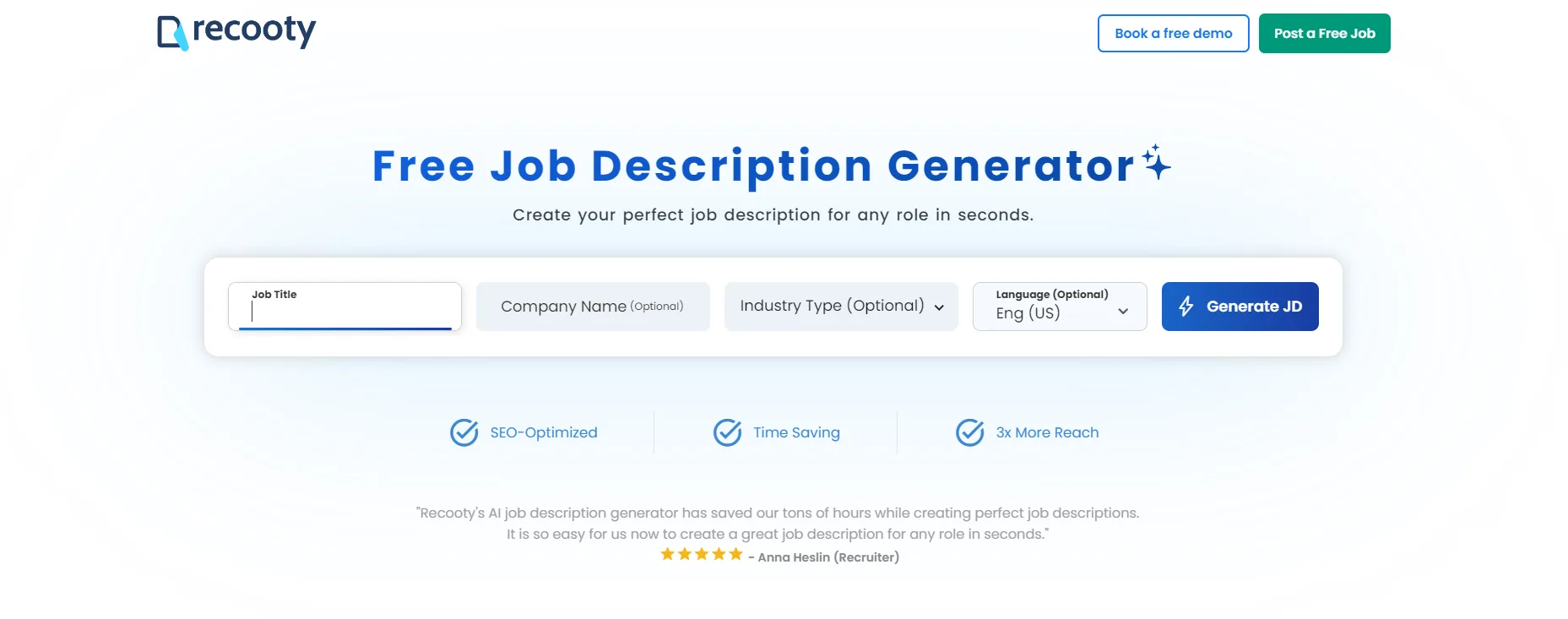
Recooty’s free AI-powered job description generator helps create job descriptions for different roles and languages. The source description says that it supports 25+ preset industry types and includes a reporting structure, job summary, responsibilities, and qualifications. You can edit the draft after generation. You can also use Recooty’s interview questions and HR email template generator in the hiring workflow.
2. Workable
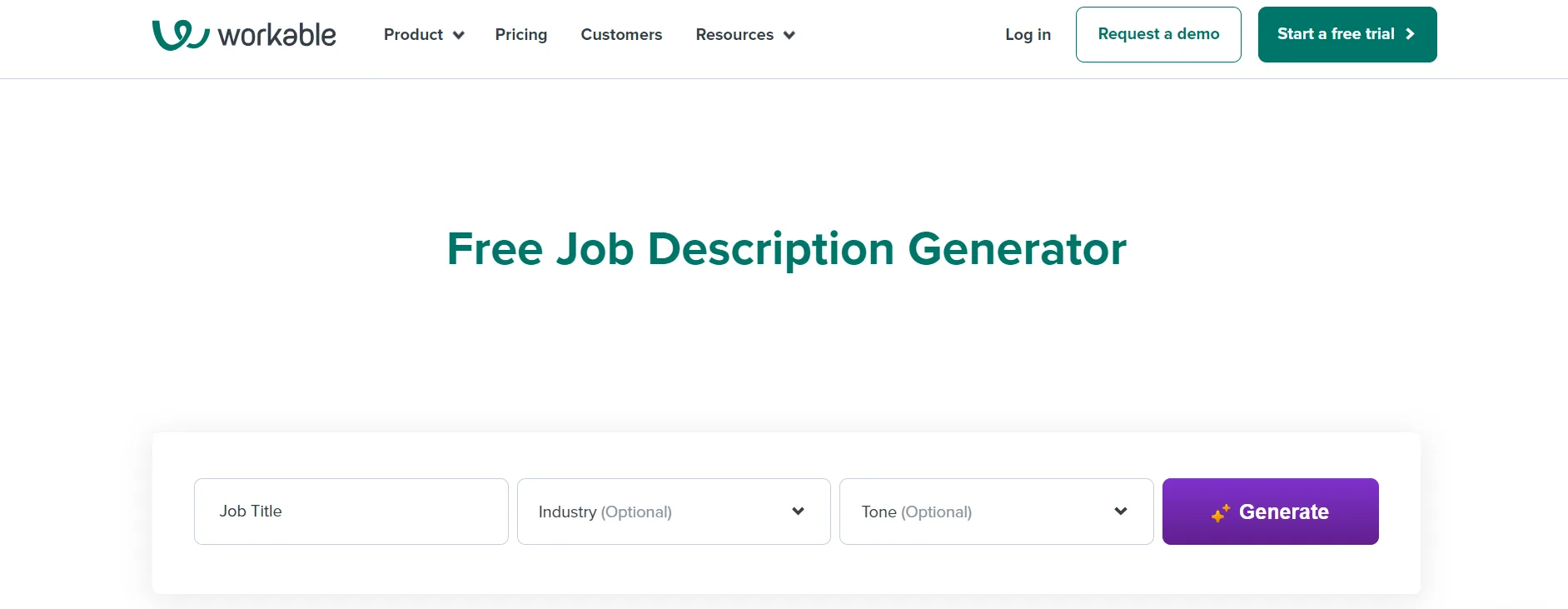
Workable’s JD generator creates job descriptions for different roles and industries and offers tone choices. The source description notes that editing options may be limited after generation, so check the workflow before adopting a draft.
3. Grammarly
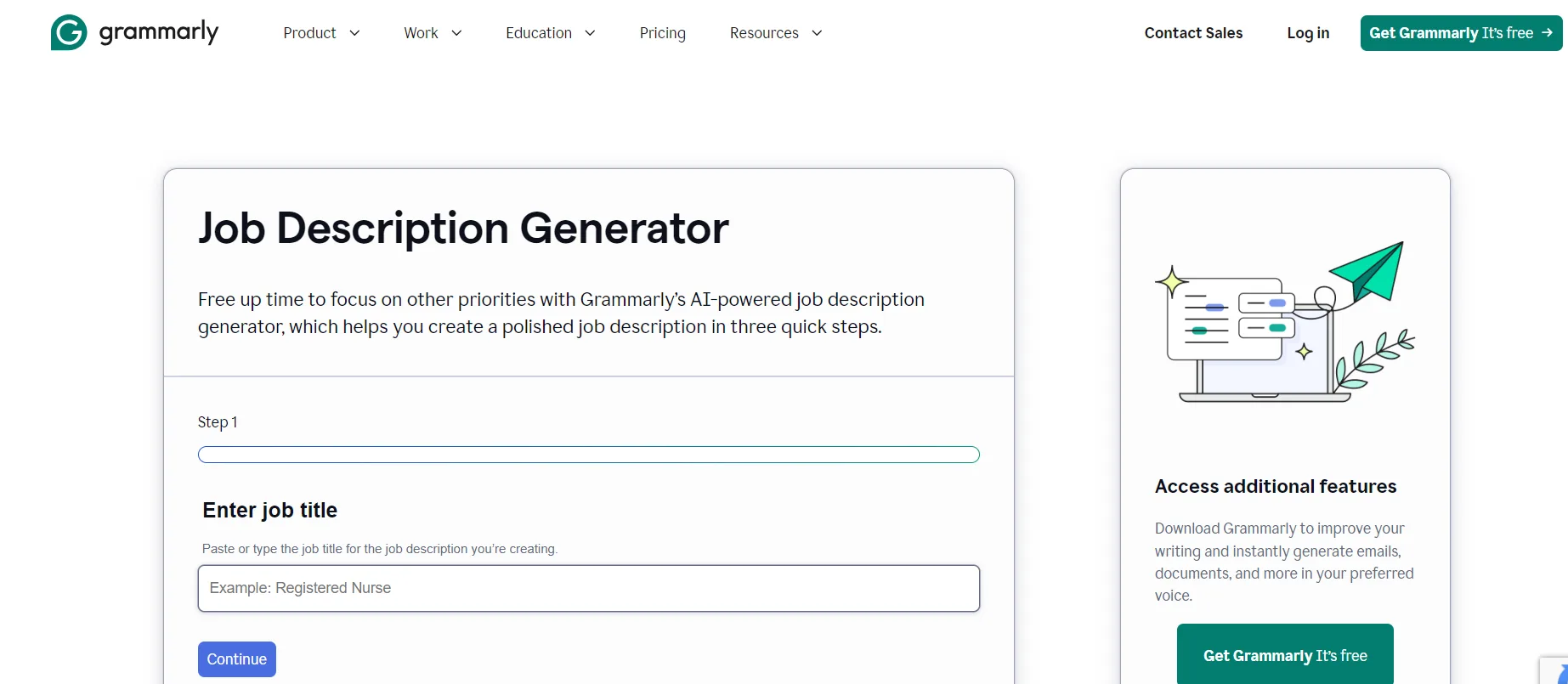
Grammarly’s job description generator can create AI-assisted copy, but it needs details such as benefits and company information. Add role-specific information before judging the quality of the result.
4. Gohire
Gohire’s JD generator uses the company name and job position to create a draft. The source description says that it includes company background, key responsibilities, requirements, and a “Why join us?” section.

5. Dweet
Dweet’s job description generator creates summaries, requirements, and skills in English and French. The listed inputs include the job title, company name, language, and optional company information.
Use job descriptions to control the hiring process
Many comparisons focus on speed, languages, templates, or editing. The more useful test is whether the description controls the rest of the hiring process. A clear post should make it easier to write interview questions, evaluate applicants, explain the offer, and onboard the new hire.
Use this four-part review before publishing:
- Truth: Does the post accurately describe the job, manager, location, schedule, compensation, uncertainty, and expected pace?
- Necessity: Is each must-have requirement essential, or is it a preference that could exclude capable candidates?
- Evidence: How will the team assess every listed skill in the interview or work sample?
- Traceability: Can you identify which approved role brief, version, source, and date produced the live post?
If the answer to the evidence question is no, remove or revise the requirement. A description creates an expectation that the interview process should be able to test fairly.
A practical next step for hiring teams
Choose one open role and collect the manager’s approved outcomes, working conditions, compensation, and essential skills. Generate a draft, mark every requirement that needs evidence, and ask the hiring manager to approve the final copy before publishing. Keep the approved version as the source for screening and interview questions.
Research sources
- EEOC Employment Tests and Selection Procedures on job-related selection criteria and business necessity.
- EEOC guidance on race and color discrimination on consistently applying job-related criteria.
- Google JobPosting structured-data documentation on required fields and eligibility for job-posting search features.
- People Managing People’s 2026 AI job-description-generator comparison on evaluating inclusivity checks, templates, and publishing or export workflows.
- NIST AI Risk Management Framework for managing risks in AI-assisted recruiting workflows.
Source: https://recooty.com/blog/top-ai-powered-job-description-generators/
Frequently Asked Questions
The best tool creates an accurate, editable, inclusive, and searchable draft from an approved role brief, then supports review and publishing in the workflow your team already uses. Compare the whole process, not only the generated paragraph.
The tools covered here are Recooty, Workable, Grammarly, Gohire, and Dweet. Check current access, editing options, languages, privacy terms, and publishing support before choosing one.
Yes. They can reduce drafting time, but HR and the hiring manager still need to confirm outcomes, requirements, compensation, working conditions, and inclusive language.
It can produce a draft, but it should not define the role by itself. A hiring manager must confirm outcomes, responsibilities, essential requirements, compensation, working conditions, and the evidence the team will use to assess candidates.
If the team is comparing platforms, this list of AI recruiting software can help narrow the shortlist.
Use observable skills and outcomes, remove unnecessary credentials, avoid coded or exclusionary language, state accessibility and working conditions clearly, and review the final text with people who understand the role and relevant employment obligations.
Some hiring platforms can connect generation with career-page and job-board publishing. Add an approval gate, expiry rule, source tracking, working application link, and a check that visible content matches any JobPosting structured data.
Use enough detail for a candidate to understand the outcomes, responsibilities, requirements, working conditions, pay, benefits, and process. Remove repetition and generic employer language. The right length is the shortest version that supports an informed decision.
Jump To Section
Author's Profile

Hardik Vishwakarma


Hardik Vishwakarma – AI Recruitment Strategist | HR Automation Expert | Applicant Tracking Software Specialist Hardik Vishwakarma is a recognized leader in HR automation and...
View Full Profile →