
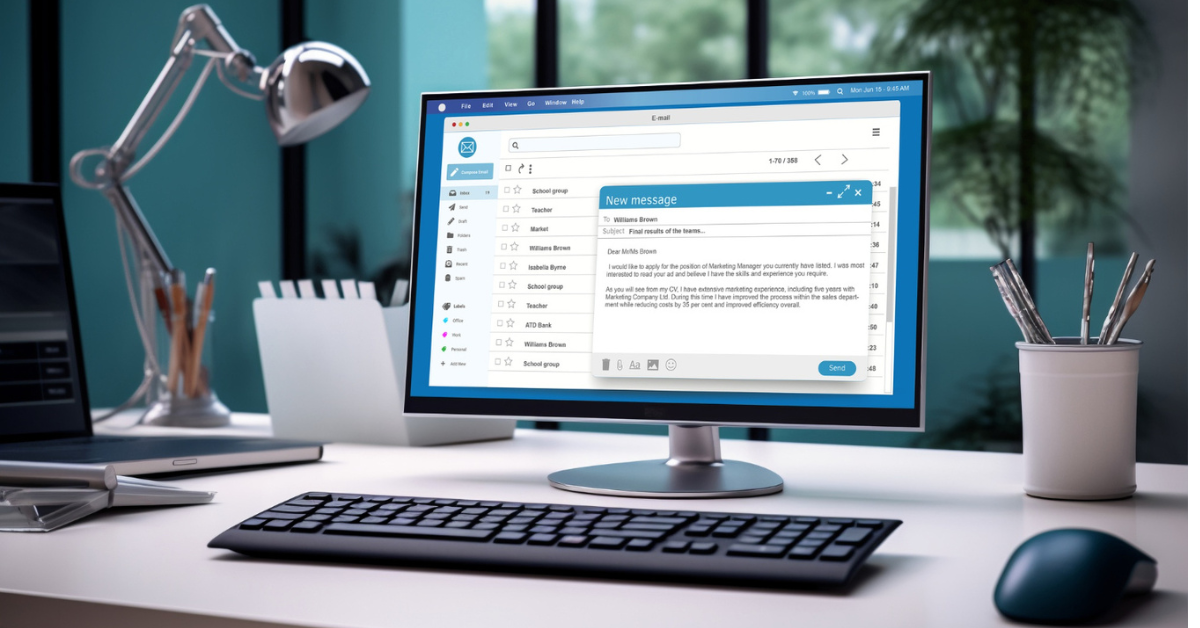


AI email generators are useful for a first draft, especially when HR sends the same types of messages often. They do not know your approved salary language, interview commitments, candidate history, privacy obligations, or the human meaning of a difficult message. Give the tool limited context, review every claim, and keep a person responsible for the final send.

Key takeaways
- Use AI for structure, tone options, translation, and repetitive templates. Keep sensitive decisions and final approval with HR.
- Personalization should explain why the role or message is relevant. Do not use personal details that feel intrusive or were not collected for recruiting.
If the team is comparing platforms, this list of AI recruiting software can help narrow the shortlist. – Candidate emails should state the next step, owner, timeline, and action required in plain language. – Test subject lines and message variants against qualified replies, not only opens or clicks. – Protect deliverability with authenticated domains, clean lists, sensible volume, and an easy way to stop unwanted messages. – Recooty’s view: the best HR email leaves the recipient knowing what happens next and why.
AI recruiting email templates: custom emails that improve candidate response rates
Use the generators in this article as drafting assistants. A good workflow is brief, draft, verify, personalize, approve, send, and learn. A high response rate can still be a poor result if the replies are unqualified or candidates feel misled.
| Email use case | AI can help with | Human must verify | Useful success measure |
|---|---|---|---|
| Sourcing outreach | Subject lines, concise role summaries, and a clear call to action | Role accuracy, why the candidate is relevant, and whether contact is appropriate | Qualified reply rate |
| Interview invitation | Agenda, time-zone wording, preparation details, and reminders | Interviewers, duration, accessibility options, and calendar details | Confirmation rate and no-show rate |
| Follow-up | A concise recap and next-step options | Commitments, deadlines, and personal context from the conversation | Reply completion and time to next step |
| Rejection | Respectful language and future-pool permission | Reason wording, privacy, and whether feedback is promised | Candidate experience feedback |
| Offer communication | A clear explanation of documents and deadlines | Compensation, benefits, equity, conditions, and approval status | Offer acceptance and time to accept |
| Employee communication | Tone variations and plain-language editing | Policy accuracy, confidentiality, audience, and escalation route | Readability and action completion |
Do not paste resumes, interview notes, medical information, compensation discussions, or other sensitive records into a general-purpose tool unless your organization has approved the tool and understands its retention and training terms. For recurring recruiting work, use a controlled template inside an ATS or approved HR system where access and candidate history can be managed.
Email deliverability and compliance checklist
AI-generated copy does not bypass sender requirements. Google says senders need email authentication and must avoid unwanted mail. Bulk senders to personal Gmail accounts need SPF, DKIM, and DMARC, and marketing or subscribed messages need a visible one-click unsubscribe. The FTC’s CAN-SPAM guidance also covers commercial email and gives recipients the right to stop future messages.
- Send from a domain your organization controls and authenticate it.
- Keep recruiting outreach separate from system notifications and marketing where possible.
- Use accurate sender names, subjects, and role descriptions.
- Remove hard bounces and honor opt-outs promptly.
- Increase volume gradually and monitor spam complaints and delivery errors.
- Keep a record of the source, purpose, and retention rule for contact data.
A five-message review process
Before rolling out an AI-generated HR email, create five test messages: one outreach, one interview invitation, one follow-up, one rejection, and one offer note. Ask a recruiter, hiring manager, and someone outside HR to review each message for accuracy, clarity, tone, privacy, and the next action. Revise the prompt and template based on the review, then run a small pilot and compare qualified replies, candidate feedback, and delivery health.
Use Recooty’s HR email template generator to create a draft, then apply the same review process. Automation should make good communication easier to repeat.
Top 5 AI HR Email Template Generators
1. Recooty’s HR Email Template Generator
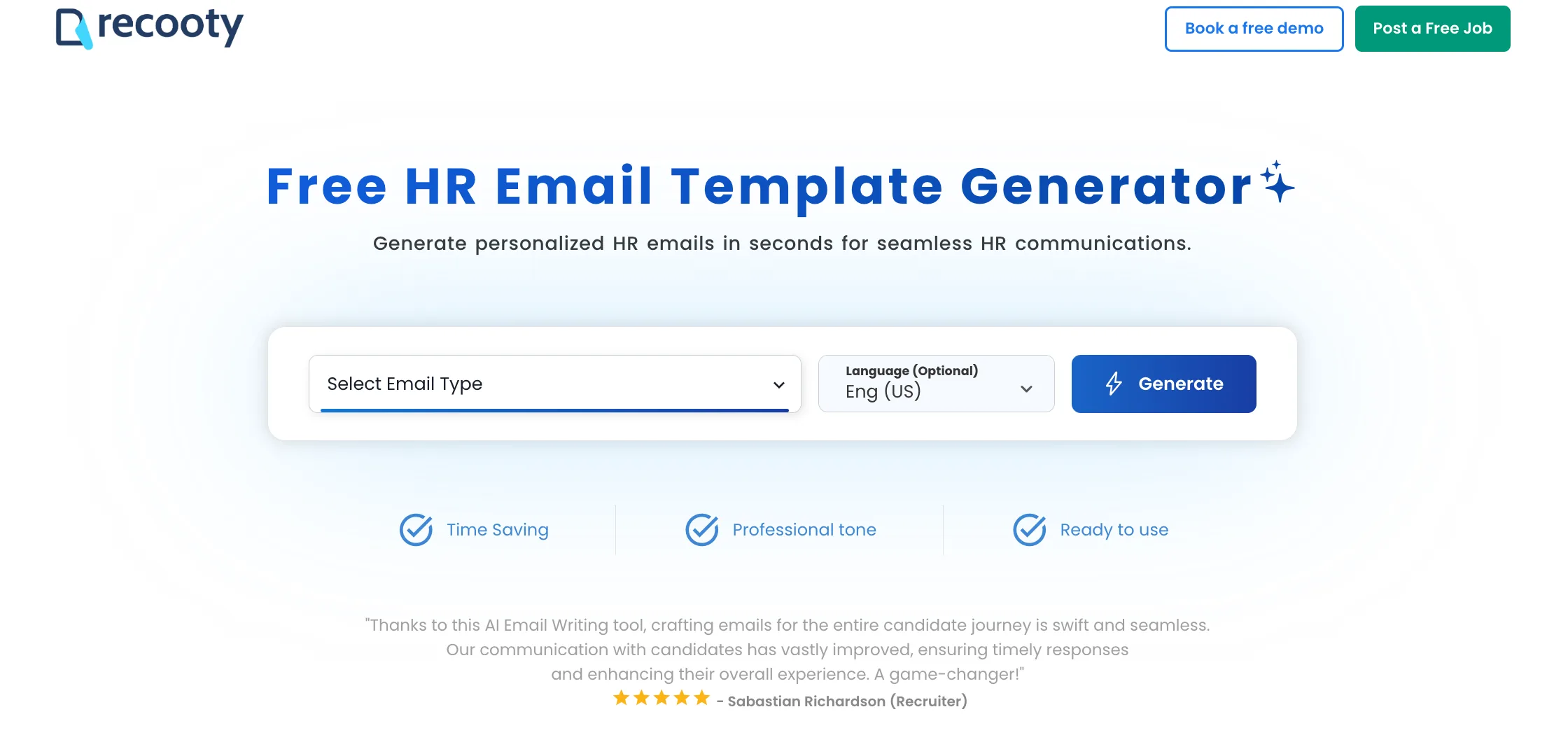
Recooty’s free HR email template generator can create templates for 10+ scenarios and languages. Select the email type and language, then edit fields such as the candidate’s name, date, and time. You can also use Recooty’s interview questions and job description generator during the same hiring workflow.
2. Kula.ai
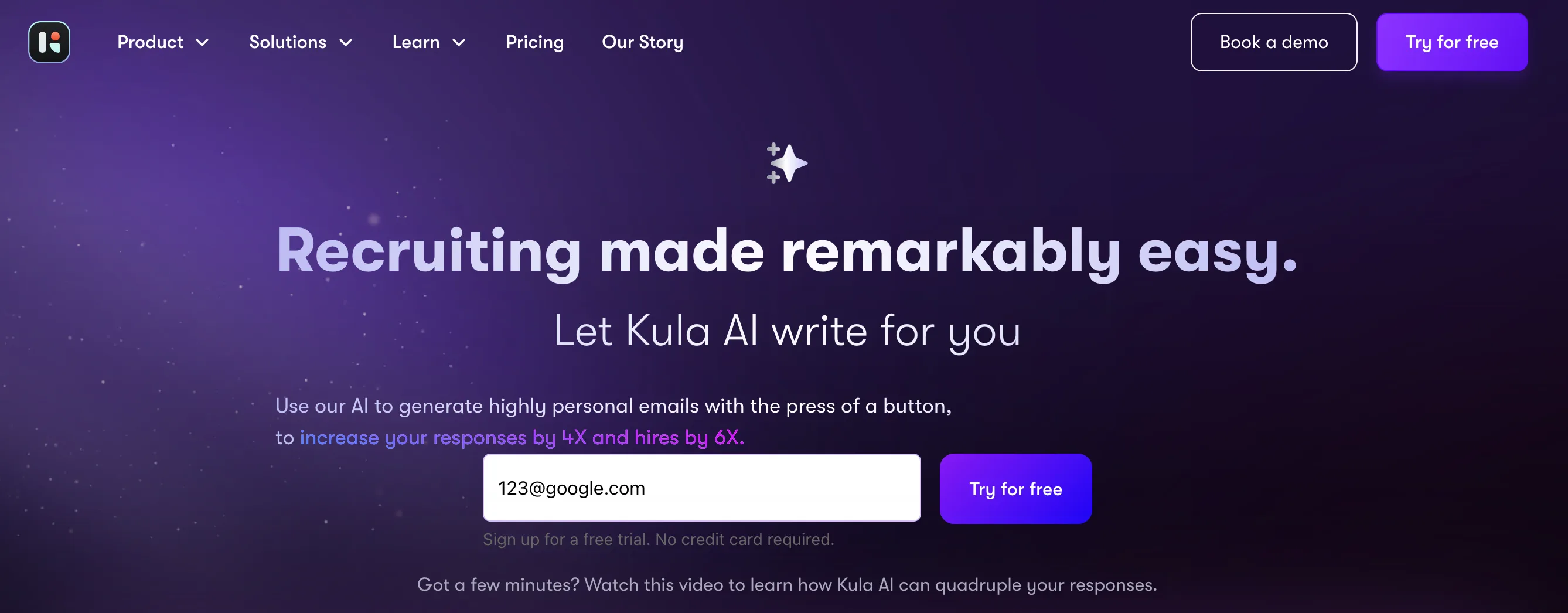
Kula’s personalized recruitment email generator can draft HR emails. The source description notes that access is paid after a short trial and that signup takes several steps.
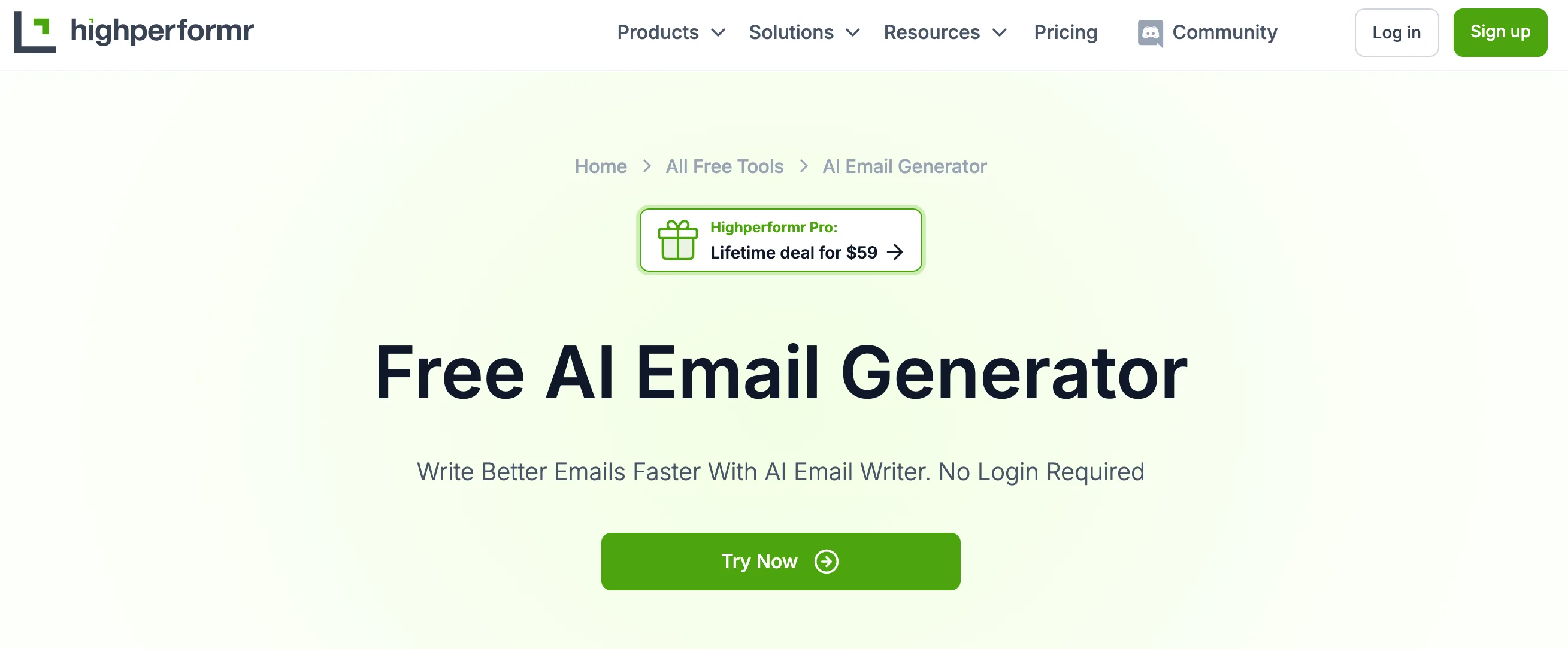
3. Highperformr.io
Highperformr’s HR email template generator asks for key points and creates a basic template. Details such as a candidate or company name may still need to be entered manually if they were not included in the prompt.
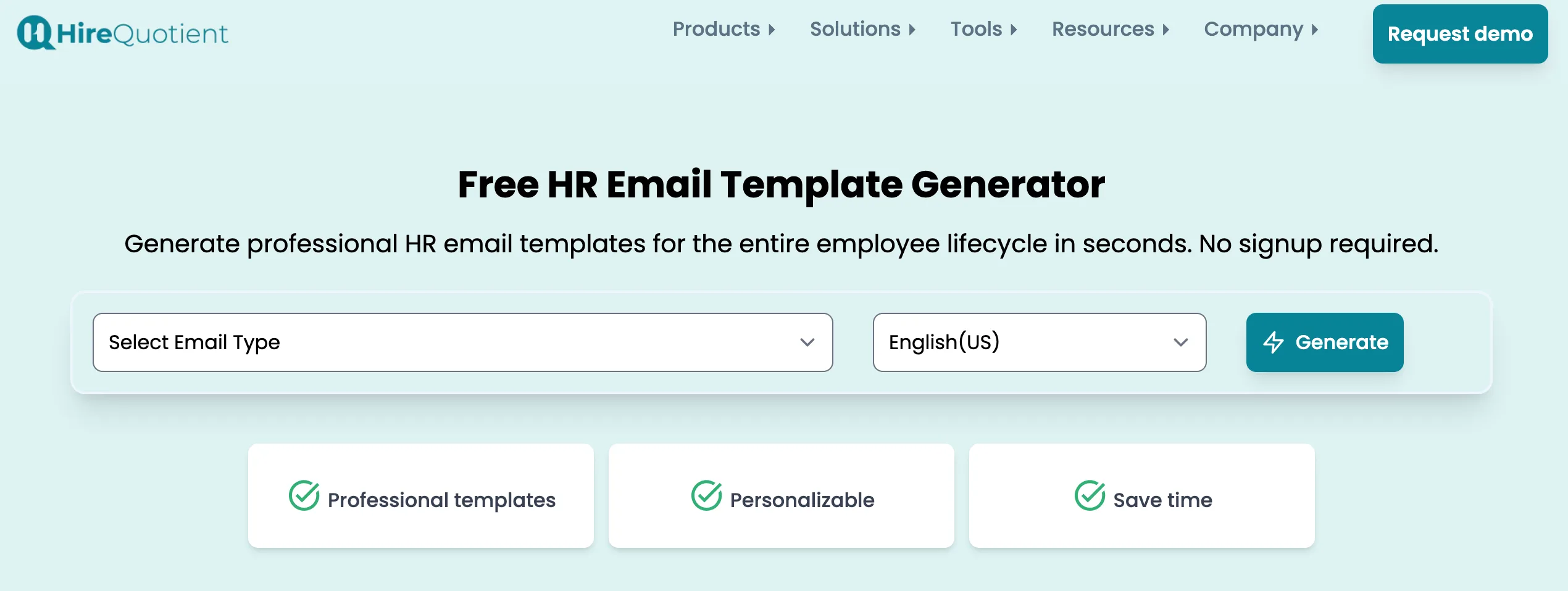
4. HireQuotient
HireQuotient provides editable HR email templates in three languages. The source description says that the interface is simple, although the language choices are limited.
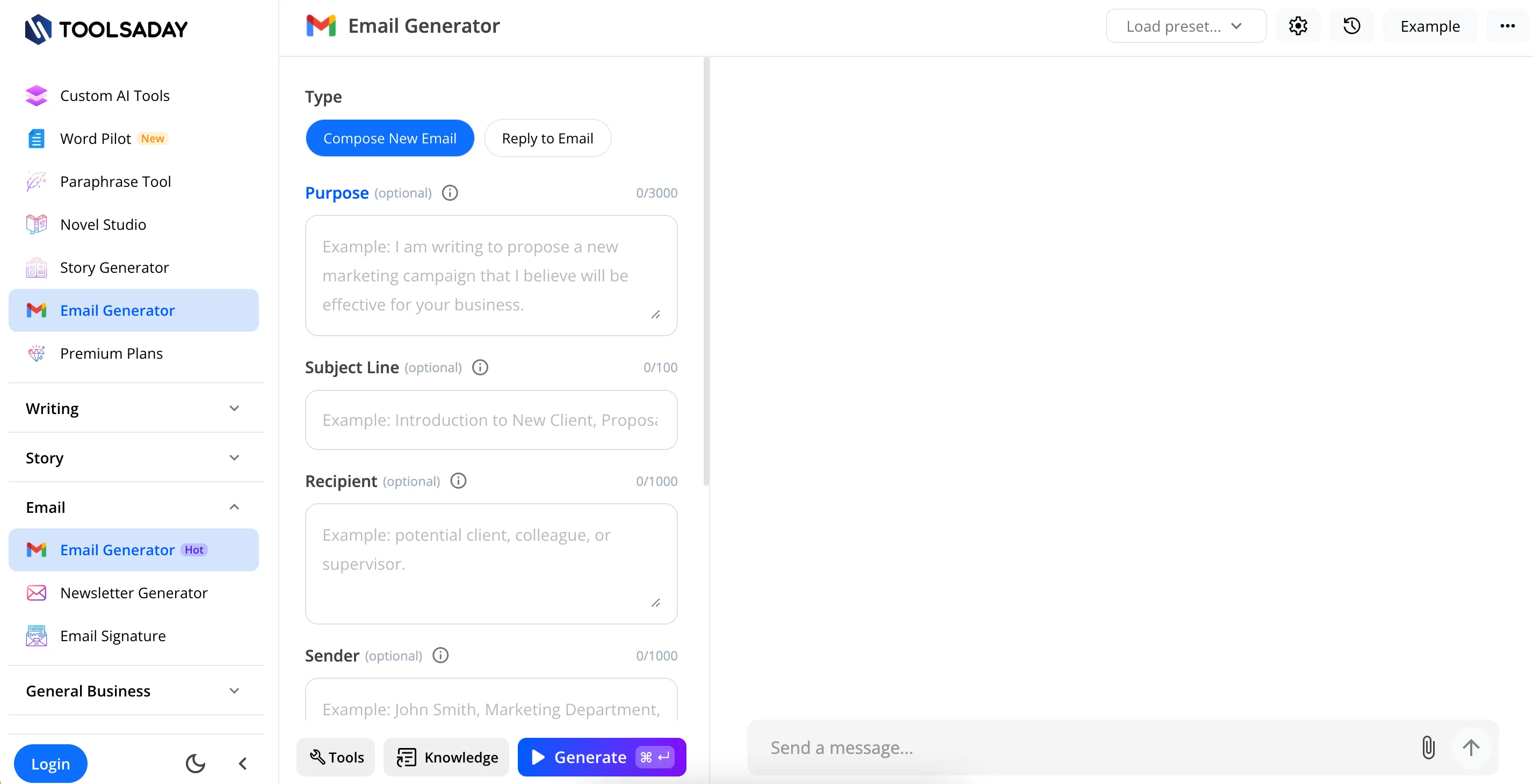
5. Toolsaday
Toolsaday lets users choose tone, purpose, message type, and length. The source description notes that it does not provide the same set of preset HR email types, so users may need to enter more details themselves.
Make personalization useful, not intrusive
Many email guides define personalization as adding a name, company, or recent activity. That can create a message that feels observed rather than helpful. Relevance is stronger when the email connects a real role requirement to evidence the candidate has publicly shared for a professional purpose.
Use this test before sending:
- Could the recipient understand why they were contacted without guessing?
- Is every factual claim about the role, company, salary, location, and process approved?
- Does the email ask for one simple action rather than forcing a long reply?
- Is it honest about automation, the sender, and the reason for contact?
- Can the recipient decline or stop future outreach easily?
If any answer is no, revise the message or do not send it. A smaller, more relevant audience often produces better recruiting value than a high-volume sequence built around generic personalization.
A practical next step for HR teams
Choose one recurring message, such as an interview invitation, and build a reviewed template for it. Test the template with a small group, check the facts and links, and measure completed replies and candidate feedback. Expand to other messages only after the first template is accurate and easy to maintain.
Research sources
- Google Email sender guidelines on authentication, spam rates, sender identity, and volume practices.
- Google Email sender guidelines FAQ on bulk-sender status and current enforcement details.
- FTC CAN-SPAM compliance guide on commercial email requirements and recipient opt-outs.
- NIST AI Risk Management Framework for governing AI-assisted workflows and documenting risk controls.
- Google Postmaster Tools for monitoring email performance and delivery signals.
Source: https://recooty.com/blog/top-ai-hr-email-generators/
Frequently Asked Questions
The best tool is the one that produces an editable draft for your use case and fits your privacy and approval process. Recooty’s free HR email template generator is one option for creating templates across multiple scenarios and languages.
The tools covered here are Recooty, Kula.ai, Highperformr.io, HireQuotient, and Toolsaday. Check current access, language, privacy, and editing options before choosing one.
Yes. They can reduce drafting time for recurring messages, but HR still needs to review accuracy, privacy, commitments, and tone before sending.
It can improve clarity, relevance, and drafting speed, but there is no universal response-rate guarantee. Test AI-assisted custom emails against a human-written baseline and measure qualified replies, not only opens or clicks.
Give it approved, non-sensitive context such as the role, location, key outcomes, audience, tone, next step, and deadline. Avoid pasting confidential candidate or employee information into an unapproved tool.
The requirement depends on the message, tool, and applicable policy or law. Regardless of disclosure requirements, a person should review the email, own the sender identity, verify the facts, and remain available for questions.
Use it to draft respectful, concise language, then verify that the message does not make promises you cannot keep, reveal protected information, or provide inaccurate reasons. Include the next step, future-contact preference, or support path when appropriate.
Legality depends on the message, recipient, jurisdiction, data source, and sending practice. Review privacy, anti-spam, employment, and company-policy requirements. Authenticate the sending domain, honor opt-outs, and avoid misleading content.
Jump To Section
Author's Profile

Hardik Vishwakarma


Hardik Vishwakarma – AI Recruitment Strategist | HR Automation Expert | Applicant Tracking Software Specialist Hardik Vishwakarma is a recognized leader in HR automation and...
View Full Profile →