Recruiting & hiring solutions

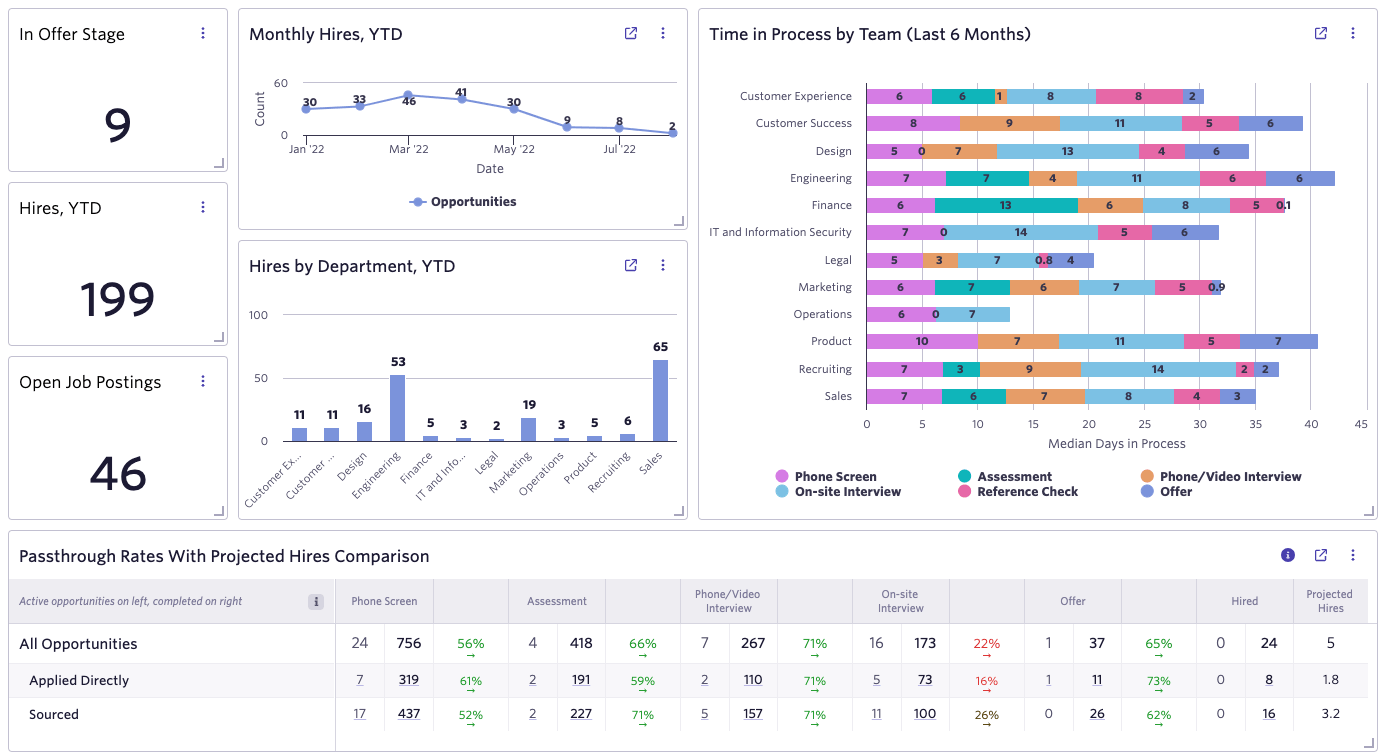
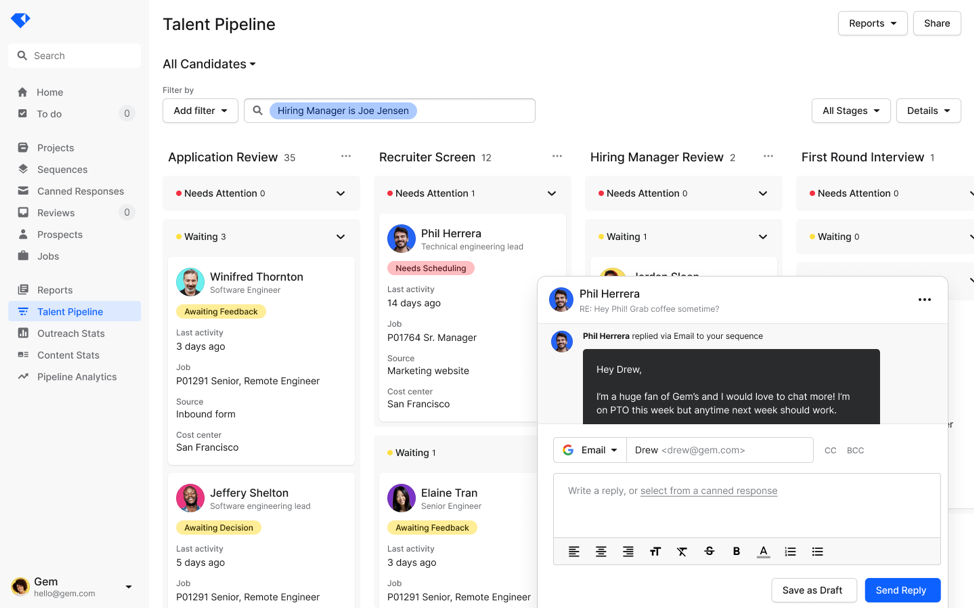
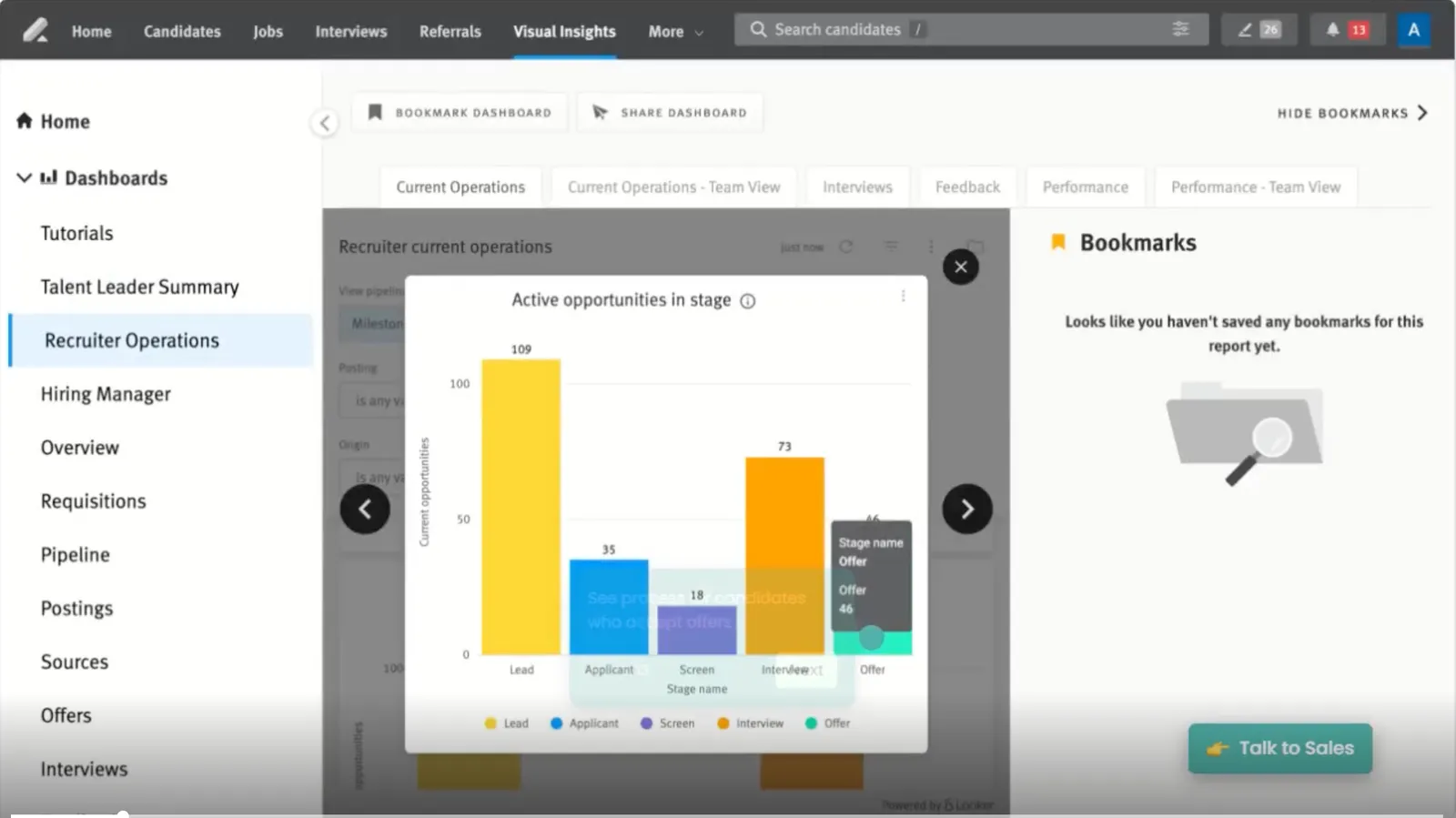
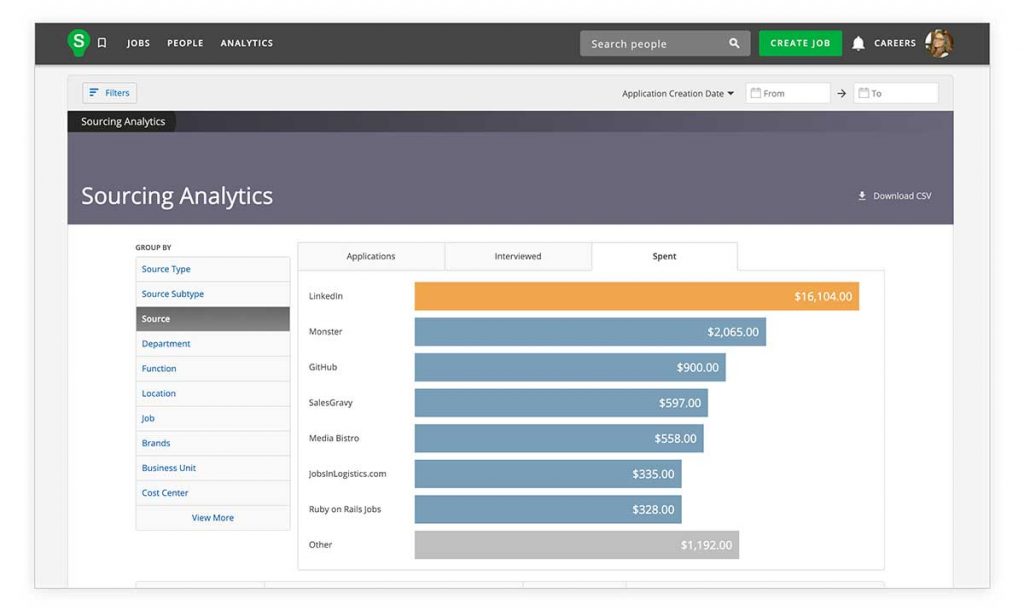
I spent the last seventeen months inside 26 AI applicant tracking  systems or AI Recruitment Software, posting real jobs, parsing real resumes, and watching what each one actually did with my pipeline.

Here is the short version. The best AI ATS in 2026 is the one that ranks candidates, parses resumes, and writes job posts without making you babysit it. For most small and mid-sized teams, that is Recooty. For enterprise talent teams, it is Greenhouse or Gem.

Below I rank all 26, with what I liked, what annoyed me, the AI features that matter, and exactly what each one costs. I also flag two tools that everyone still lists but you should skip this year.

Best AI ATS in 2026 at a Glance

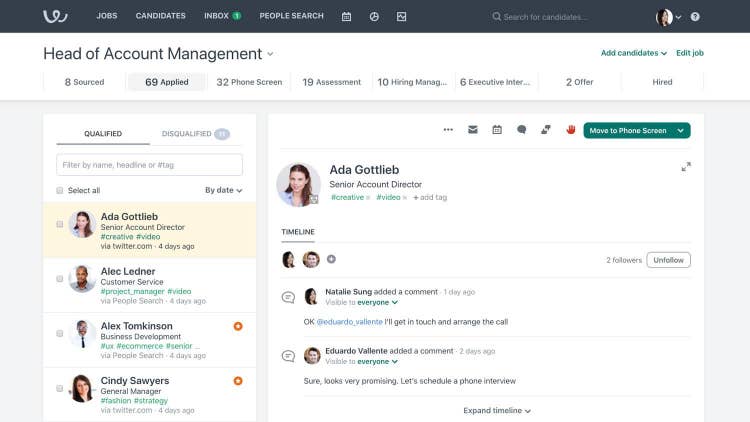
  • Best AI Applicant Tracking System for Small &Medium Buisnesses: Recooty AI ATS  Grid Leader on G2
  • Best AI-first all-in-one: Gem
  • Best for structured enterprise hiring: Greenhouse
  • Best for data-driven teams: Ashby
  • Best for fast setup and global posting: Workable
  • Best AI sourcing for passive candidates: hireEZ
  • Best plain-English candidate search: Juicebox
  • Best full-stack AI recruiter: Pin
  • Best for global hiring and payroll: Deel Hire
  • Best free AI ATS: Recooty

What Is an AI Applicant Tracking System?

An AI applicant tracking system is recruiting software that uses machine learning to parse resumes, rank candidates, and automate hiring steps that a traditional applicant tracking system makes you do by hand.

A normal ATS stores applicants and moves them through stages. An AI ATS reads the resume, scores the match against your job, drafts the job post, and surfaces your strongest candidates first. The gap shows up most in resume parsing and candidate ranking.

If you want the longer case for switching, I wrote up the benefits of using an AI ATS separately.

How I Tested These AI ATS Tools

I posted live roles, uploaded the same set of 50 resumes into every platform, and scored each one on five things: resume parsing accuracy, candidate ranking quality, AI job description output, ease of setup, and price.

I used free trials and paid plans, not sales demos. Any tool I couldn’t get hands-on access to was left off the list.

Author: Shubham Joshi,  Strategic HR Business Partner | Talent Recruitment & Management Specialist | People & Culture Architect. Last updated June 2026.

What are the different AI applicant tracking systems available and how do they compare?

Comparing the 20 Best AI ATS in terms of Features, User Experience and Pricing Transparency

Feature / Platform
AI Resume Parsing
AI JD Generator
AI Workflow Automation
AI Interview Question Builder
AI HR Email Generator
Structured Hiring Workflow
Career Page Builder
Interview Scheduling
Candidate Communication
Analytics & Reports
Compliance Tools
Automation & Workflow
Onboarding Integration
Talent CRM Capabilities
Job Board Reach
Best For
Ease of Use
Pricing Transparency
Recooty
✅ Yes
✅ Yes
✅ Advanced custom workflows
✅ Yes
✅ Yes
✅ Simple
✅ Yes
✅ Yes
✅ AI Email/SMS generator
✅ Advanced
✅ Global
✅ Yes
✅ Built-in
⚠️ Basic
🌐 250+
SMBs, Startups
⭐⭐⭐⭐⭐
✅ Public
Gem
✅ Yes
⚠️ Limited
✅ AI sequencing
❌ No
✅ AI outreach
✅ Yes
⚠️ Limited
✅ Yes
✅ AI sequences
✅ Advanced
✅ DEI
✅ Strong
⚠️ Integrations
✅ Best-in-class
🌐 Major boards
Mid-market, Enterprise
⭐⭐⭐
❌ Quote-based
Greenhouse
✅ Yes
⚠️ Basic AI
⚠️ AI roadmap in progress
❌ No
⚠️ Templates only
✅ Deep
✅ Yes
✅ Yes
✅ Automated
✅ Deep
✅ DEI, EEO
✅ Deep
⚠️ Add-on
✅ Yes
🌐 100+
Enterprises
⭐⭐
❌ Quote-based
Ashby
✅ Yes
❌ No
✅ Strong custom workflows
❌ No
⚠️ Manual email templates
✅ Deep
✅ Yes
✅ Yes
✅ Seq.
✅ BI-grade
✅ DEI
✅ Custom
⚠️ No
✅ Yes
🌐 50+
Tech Scaleups
⭐⭐⭐
❌ Quote-based
Workable
✅ AI screening
❌ No
⚠️ Basic automation
❌ No
⚠️ Canned templates
✅ Moderate
✅ Yes
✅ Yes
✅ Yes
⚠️ Basic
⚠️ Limited
⚠️ Limited
⚠️ Add-on
⚠️ No
🌐 200+
Global SMBs
⭐⭐⭐⭐
✅ Public
Zoho Recruit
✅ Yes
✅ Yes (Zia)
✅ AI Blueprints (Zia)
⚠️ Limited (Zia)
⚠️ Limited (Zia assist)
✅ Advanced
✅ Yes
✅ Yes
✅ Templates
✅ Advanced
✅ Global
✅ Complex
⚠️ CRM links
✅ Yes
🌐 150+
Agencies, Enterprises
⭐⭐
✅ Public
Pinpoint
⚠️ AI filters
❌ No
⚠️ Prompt-based filters
❌ No
⚠️ Templates
✅ Yes
✅ Yes
✅ Yes
✅ Templates
✅ Visual
✅ GDPR+DEI
⚠️ Manual
❌ No
❌ No
🌐 Major boards
In-house, Regulated Orgs
⭐⭐⭐
❌ Quote-based
Pin
✅ Yes
⚠️ Limited
✅ Autonomous AI
❌ No
✅ AI outreach
⚠️ Moderate
❌ No
✅ Automated
✅ AI sequences
✅ Yes
⚠️ Limited
✅ Strong (autonomous)
❌ No
✅ Yes
🌐 850M+ profiles
Startups, Agencies
⭐⭐⭐⭐
❌ Quote-based
hireEZ
✅ AI matching
❌ No
✅ Outbound sequencing
❌ No
✅ AI outreach
❌ Sourcing tool
❌ No
⚠️ Limited
✅ Sequences
✅ Talent insights
⚠️ Limited
✅ Yes
❌ No
✅ Yes
🌐 750M+ profiles
Sourcing, Outbound
⭐⭐⭐
❌ Quote-based
Juicebox
✅ AI search
❌ No
⚠️ AI Agent
❌ No
✅ AI templates
❌ Sourcing tool
❌ No
❌ No
✅ AI outreach
⚠️ Talent insights
❌ No
✅ AI Agent
❌ No
⚠️ Light
🌐 800M+ profiles
AI Sourcing
⭐⭐⭐⭐
✅ Public
Manatal
✅ Yes
❌ No
⚠️ Trigger-based flows
❌ No
❌ No
✅ Basic
✅ Yes
✅ Yes
✅ Basic
✅ Yes
⚠️ Limited
⚠️ Basic
❌ No
✅ Light
🌐 20+
Budget SMBs
⭐⭐⭐⭐
✅ Public
BambooHR
❌ No
❌ No
❌ Rule-based workflows
❌ No
⚠️ eNPS + chatbot only
✅ Basic
✅ Yes
✅ Yes
✅ Basic
✅ Custom
✅ EEO
⚠️ Limited
✅ Built-in
❌ No
🌐 Standard
HR Teams
⭐⭐⭐⭐
❌ Quote-based
Deel Hire
⚠️ Basic
❌ No
✅ Global workflows
❌ No
⚠️ Templates
⚠️ Moderate
⚠️ Limited
⚠️ Limited
✅ Yes
✅ Yes
✅ Global (150+ countries)
✅ Strong
✅ Full + payroll
⚠️ Limited
🌐 Standard
Global Hiring
⭐⭐⭐⭐
❌ Quote-based
SmartRecruiters
⚠️ Add-on required
❌ No
⚠️ Some automation w/CRM
❌ No
⚠️ Templates only
✅ Complex workflows
✅ Yes
✅ Yes
✅ Sequences
✅ Enterprise-level
✅ Global compliance
⚠️ Manual
✅ Yes
✅ Built-in TRM
🌐 Global boards
Global Enterprises
⭐⭐
❌ Enterprise only
Lever
✅ Yes
❌ No
✅ Yes
❌ No
✅ Nurture campaigns
✅ Yes
✅ Yes
✅ Yes
✅ Nurture
✅ Visual
✅ EEO, DEI
✅ Yes
⚠️ Add-on
✅ Built-in TRM
🌐 Major boards
Relationship-driven hiring
⭐⭐⭐
❌ Quote-based
Breezy HR
✅ Yes
❌ No
⚠️ Automations
❌ No
⚠️ Templates
✅ Yes
✅ Yes
✅ Yes
✅ + SMS add-on
⚠️ Basic
⚠️ Limited
✅ Visual
⚠️ Add-on
⚠️ Basic
🌐 50+
Visual SMB hiring
⭐⭐⭐⭐
✅ Public
iSmartRecruit
✅ Yes
❌ No
✅ Bulk automation
❌ No
⚠️ Templates
✅ Yes
✅ Yes
✅ Yes
✅ Yes
✅ Yes
⚠️ GDPR
✅ Yes
⚠️ Limited
✅ Agency CRM
🌐 Major boards
Agencies, High-volume
⭐⭐⭐
❌ Quote-based
Loxo
✅ Yes
❌ No
✅ Yes
❌ No
✅ Outreach
✅ Yes
✅ Yes
✅ Yes
✅ Email/SMS/calls
✅ Yes
⚠️ Limited
✅ Yes
❌ No
✅ Built-in
🌐 Major boards
Agencies
⭐⭐⭐⭐
⚠️ Partial (Basic public)
iCIMS
✅ Yes
⚠️ Limited
✅ Deep
❌ No
✅ Text engagement
✅ Complex
✅ Yes
✅ Yes
✅ Text engagement
✅ Enterprise
✅ Global
✅ Deep
✅ Yes
✅ Built-in
🌐 Global boards
Large Enterprises
⭐⭐
❌ Quote-based
JazzHR
❌ No
❌ No
❌ Manual stage flows
❌ No
❌ No
✅ Basic
✅ Yes
✅ Yes
✅ Basic
⚠️ Basic
✅ Basic
⚠️ Basic
⚠️ Limited
❌ No
🌐 10+
Startups
⭐⭐⭐⭐
✅ Public


By leveraging AI-powered ATS, you can dramatically 
improve your recruitment efficiency by analyze vast amounts of data, and provide deeper insights into your talent pool.

Automating Repetitive task using custom workflow automation and AI.

Hiring best candidates faster using AI Candidate screening and Matching and AI resume parsing.

You can also identify the best candidates faster, and create a more positive experience for those applying to your company.

In today’s digital age, attracting and retaining top talent is a constant battleground for businesses.

The recruiting process can be tedious, with time-consuming resume reviews, scheduling challenges, and the ever-present risk of unconscious bias.

This is where Applicant Tracking Systems (ATS) comes in.

Key AI ATS Features and Functions?

 
  • AI Resume Screening and Ranking

    Instead of reading hundreds of resumes one by one, AI quickly scans them, pulls out the important details, and ranks candidates by how well they match the job.

  • Smart Candidate Sourcing

    AI doesn’t just wait for people to apply. It can also search for talented people who aren’t even job-hunting yet and invite them to apply.

  • Better Candidate Engagement

    Think of a chatbot that works like a friendly assistant. It answers questions, updates applicants about their status, and even sends personalized messages – so candidates don’t feel ignored.

  • Predictive Analytics

    AI can predict things like how well a candidate might perform in the future or how long they might stay at the job. This helps companies make smarter decisions.

  • Bias Reduction

    Humans sometimes make unfair choices without even realizing it (unconscious bias). AI uses data and objective rules, which can help make hiring more fair and inclusive.

Why Use an AI ATS?

  • Saves Time and Effort

    Repetitive tasks like screening resumes or scheduling interviews are done automatically, giving recruiters more time for meaningful work.

  • Improves Candidate Experience

    Job seekers get faster replies, clear updates, and feel more valued.

  • Finds the Best Match

    AI compares a candidate’s skills, experience, and even personality fit with the company culture to find the most suitable person.

  • Smarter Decisions with Data

    With predictive insights, companies can improve their hiring strategies over time.

How is AI ATS Different from Traditional ATS?

  • From Storing to Thinking

    A traditional ATS mostly tracks applications. An AI ATS actually understands resumes and can predict which candidates might succeed.

  • More Automation

    Instead of just sorting applications, AI helps with engagement, smart matching, and even optimizing job ads.

  • Intelligent Sourcing & Matching

    It can look through thousands of past and new applications to find the right person – not just by keywords, but by actual skills and experience.

  • Advanced Resume Screening

    It understands the meaning behind words, so it knows the difference between “managed a team” and “was part of a team.”

  • Automation of Repetitive Tasks

    From interview scheduling to sending reminders, AI handles the boring stuff.

  • More Fair Hiring

    Some AI systems can hide personal details like name, gender, or photo to avoid bias.

Benefits in a Nutshell

  • Streamlined Process: Makes the whole hiring process smoother.
  • Faster Hiring: Quickly spots top candidates.
  • Better Hires: Finds people who are more likely to succeed and stay.
  • Less Workload: Recruiters don’t get buried in paperwork.
  • Fairer Hiring: Reduces bias and promotes diversity.

Now Let’s see the Detailed Analysis of each of these 25 AI ATS

26 Best AI Applicant Tracking Systems in 2026

  1. Recooty– Best  AI-first all-in-one AI ATS overall. Ideal for SMBs and startups, with native AI resume parsing, candidate ranking, AI job descriptions, and workflow automation at an affordable price.
  2. Gem– Best  all-in-one. Combines sourcing, a category-leading talent CRM, ATS, and analytics for mid-market and enterprise teams.
  3. Greenhouse– Best for structured enterprise hiring, with AI candidate filtering and the strongest scorecard and fairness framework.
  4. Ashby– Best for data-driven teams, offering a consolidated ATS, recruiting CRM, and BI-grade analytics.
  5. Workable– Best for fast setup and global posting, with AI sourcing and one-click distribution to 200+ boards.
  6. Zoho Recruit– Best for customizable workflows, with Zia AI matching and deep configurability for agencies and enterprises.
  7. Pinpoint– Best for in-house teams focused on candidate experience and DEI, with prompt-based AI candidate filters.
  8. Pin– Best full-stack AI recruiter, automating sourcing, outreach, and scheduling across 850M+ profiles.
  9. hireEZ– Best AI sourcing for passive candidates, with AI matching across 750M+ profiles from 45+ platforms.
  10. Juicebox– Best plain-English candidate search, using PeopleGPT to search 800M+ profiles without Boolean.
  11. Manatal– Best AI matching on a budget, known for affordable candidate scoring and ease of use.
  12. BambooHR– Best for hiring plus onboarding in one, with ATS nested inside a full HR suite for mid-sized teams.
  13. Deel Hire– Best for global hiring, connecting recruiting directly to payroll, contracts, and compliance across 150+ countries.
  14. SmartRecruiters– Best for enterprise global hiring, with built-in assessments, offer management, and multi-region support.
  15. Lever (LeverTRM)– Best for candidate relationships, blending ATS and recruiting CRM for long-term talent nurturing.
  16. Breezy HR– Best for visual pipeline hiring, with a drag-and-drop board built for collaborative SMB teams.
  17. iSmartRecruit– Best for agencies and high-volume hiring, with AI candidate matching and bulk automation.
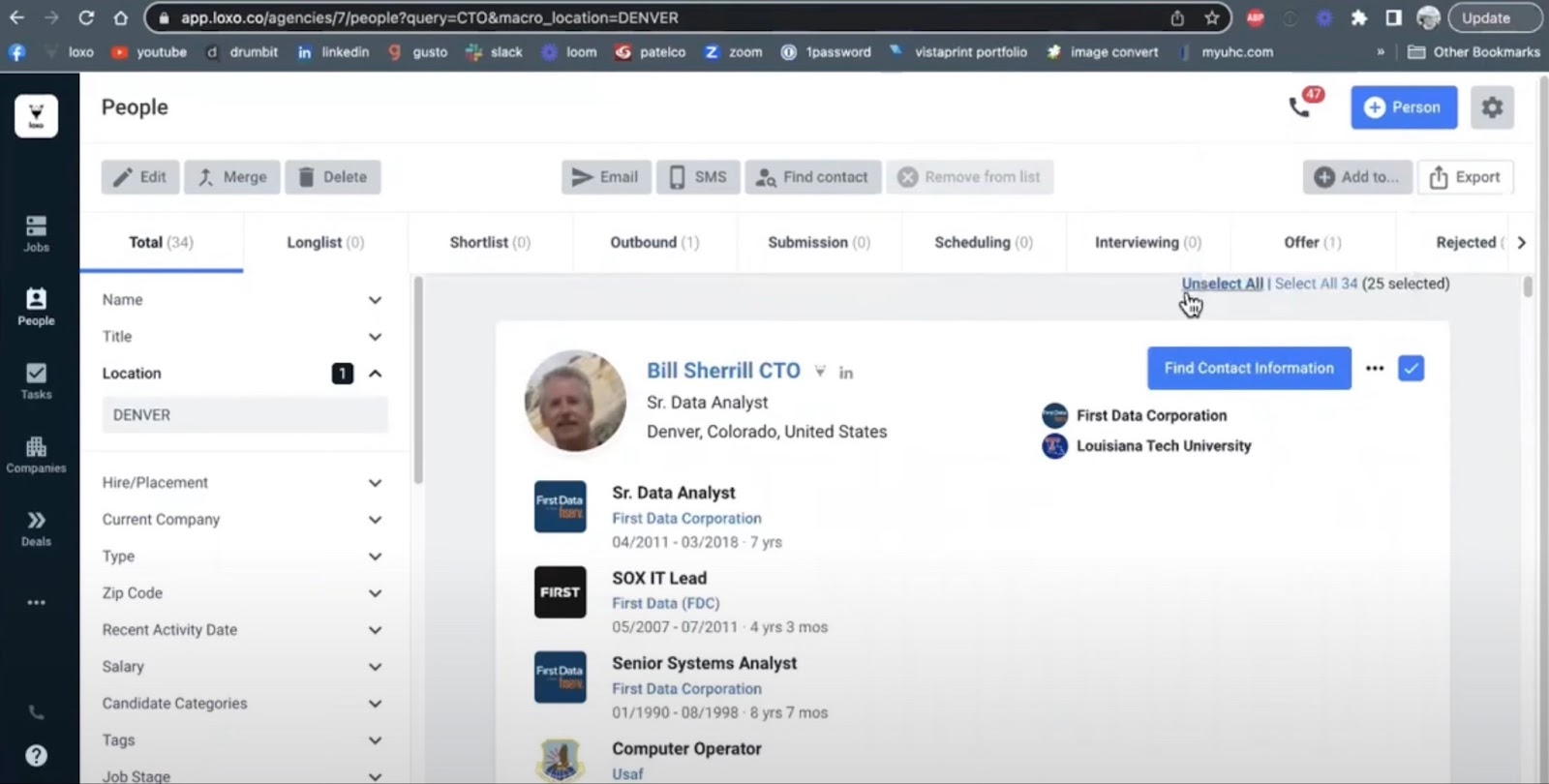
  18. Loxo– Best recruiting CRM and sourcing for agencies, combining ATS, CRM, and AI sourcing with built-in outreach.
  19. iCIMS– Best for large, complex talent suites, with a multilingual, enterprise-grade platform for high-volume hiring.
  20.   JazzHR– Best budget ATS for small teams, with transparent pricing and unlimited users, though light on AI.
  21. Paradox (Olivia)– Best conversational AI recruiting assistant, automating candidate screening, scheduling, and Q&A for high-volume and hourly hiring.
  22. Eightfold AI– Best AI talent intelligence platform, matching candidates on skills and potential with deep learning, built for large enterprises.
  23. Teamtailor– Best for employer branding, with beautiful career sites and AI-assisted features in a user-friendly ATS for growing SMBs.
  24. Rippling ATS– Best for integrated hiring, payroll, and HR, a highly scalable applicant tracking system inside Rippling’s workforce platform.
  25. Recruit CRM– Best for recruitment agencies, blending ATS and CRM with AI resume matching and GPT-powered sourcing tools.
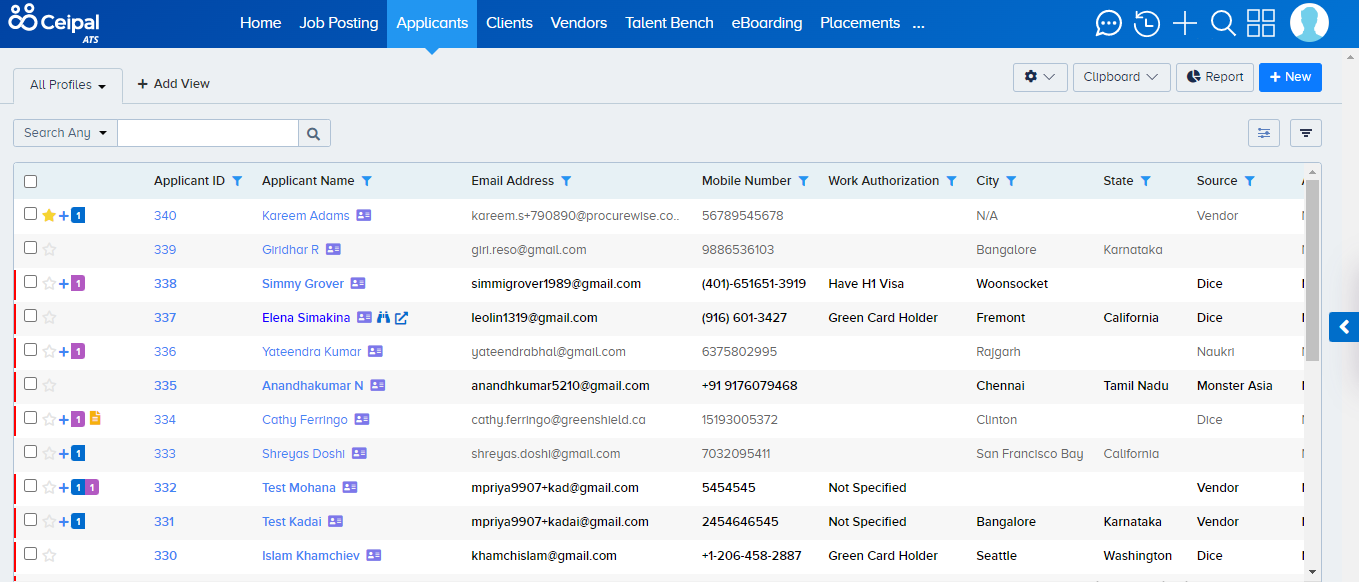
  26. Ceipal ATS – Best for Staffing Firms and End-to-End Workflow Customization

Detailed Analysis of top 26 Best AI Applicant Tracking System

1. Recooty AI - Best AI Applicant Tracking System

Best AI Recruiting Software for SMBs HR Teams Recooty

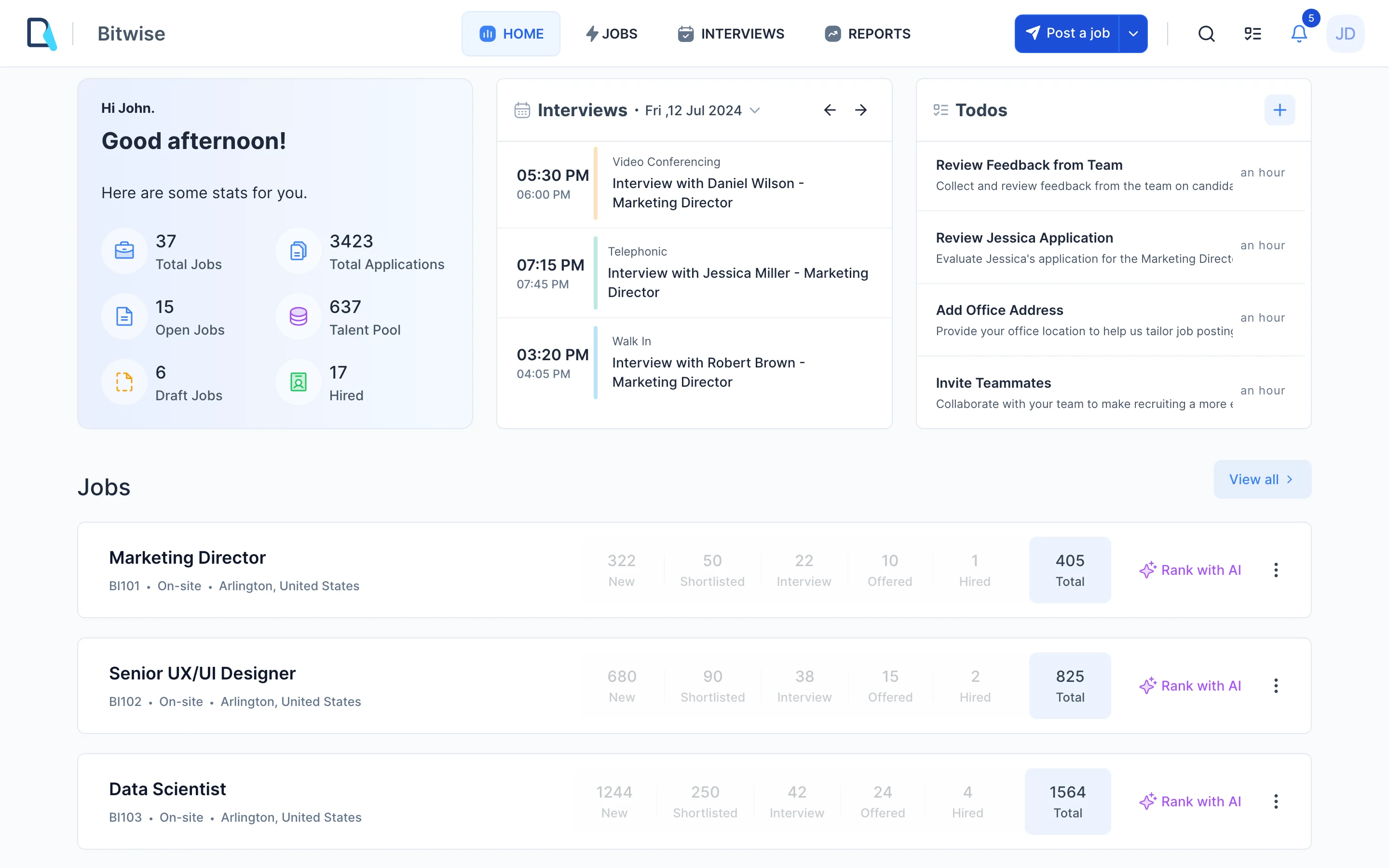
Recooty is an AI-powered recruitment software designed to source and hire better candidates faster. It offers an industry-leading AI-powered Applicant Tracking System (ATS).

Recooty’s AI-driven ATS includes features like job postings on 250+ job boards, candidate matching, social sharing and team collaboration tools.

It also provides branded career page, intergrated interview scheduler and email support for communication with simple interface.

It comes with 24/7 support, affordable pricing and AI-powered interview question and job description generator to ease your recruitment and hiring experience.

What We Loved

Recooty is designed to be simple, without sacrificing its great features. It gives small teams the power of big ones, with automation, clean UX, and all-in-one control, and no IT or big budget required.

Key Features

  • AI Resume Parsing and Matching – Instantly ranks and suggests candidates that best fit to job.
  • AI Resume Parsing – Pull out skills, experience, rank applicants automatically
  • Automated Job Posting – Post to 250+ job boards with one submission
  • SEO-Optimized Job Descriptions – AI Job Descriptions generator provides you with SEO-Optimized and are customized for increased visibility
  • AI Interview Question and Answer Generator – Quickly generate role-specific questions based on the job title of the position.
  • Easy to Apply Candidate Applications – Application forms are mobile optimised
  • No-Code Career Pages – Branded, mobile-optimized portals with no tech setup at all
  • Candidate Communication Tools – Prebuilt email templates and reminders and alerts
  • Interview Scheduling Tools – Integrates with Google Calendar to make the scheduling process a piece of cake
  • Collaboration Tools – Add comments, share feedback, do a shortlist as you go, in real time
  • Pool of talent management – Save and manage your previous applicants for future vacancies
  • Bulk data upload – Streamline bulk upload of resumes and applicant data
  • Compatible with Google Calendar & Slack – Automated calendar pull and reminders
  • Insightful Data – Keep a pulse on your hiring pipeline at each stage
  • Analytics & Reporting – Monitor your time-to-hire, job post action, source quality
  • Candidate Portal – Simple CV upload and messaging platform
  • Favorable Customer Support – Chat, knowledge base, and onboarding help


Integration Capabilities

  • Job Boards: Indeed, LinkedIn, Glassdoor, ZipRecruiter, DrJobs, Jooble, Adzuna Google for Jobs and 100 more.
  • Employee Background Checks- Checkr
  • Onboarding- Docusign
  • Communication Apps: Slack, Google Calendar.
  • API Access: Restricted, with limited users reporting data export restrictions.


Evaluation of User Interface and User Experience

  • Dashboard: Simple, well-documented, and easy to use.
  • Ease of use: Very intuitive and easy to use.
  • Accessibility: Friendly to non-developers, with available support for onboarding.


Our Experience Using It

We tried Recooty during two hiring drives a tech startup and a retail chain.

The tech role was written thanks to Recooty’s free AI job description generator that immediately generates a well-written, SEO-friendly JD according to the role. It ranks lot higher than normal job posts on Google and other job boards.

We shared it to 250+ job boards (including Indeed, Google for Jobs, and LinkedIn) in one click. The AI-based resume parser filtered and shortlisted the best resumes automatically, thereby reducing many hours.

For the retail hiring team, Recooty helped launch a fully branded career page in under 5 minutes. The team loved the visual editor-no coding, no devs.

Applicants applied via mobile-optimized forms, and synchronizing interview scheduling with Google Calendar was a breeze.

We even tried Recooty’s AI Interview Question Generator during recruiting for a junior marketing position.

Once the title was typed in the tool provided a pool of competency-based structured questions. It made interview preparation fast and uniform.

Pros

  • Very intuitive to use for non-technical users
  • AI tools already in place (JD builder, Grill)
  • One-click job board posting (250+ integrations)
  • Great support and onboarding resources
  • Ideal for fast growing SMBs


Cons

  • No native mobile app (yet)
  • Simple reportage


What is the recruitment software pricing?

  • Starter Plan: $79/month (annually) - Core features + job board posting
  • Standard Plan: $149 a month (billed annually) Includes up to 100,000 contacts. Automation The ability to collaborate with your team Integrations with third-party apps
  • Premier Plan: Custom (For agencies and enterprise use)
  • Trial: Work with all of premium-preview... Software installed a trial version, it is? 
    15 days are available that is often so-called trial version.
  • Transparency: No hidden fees; advanced API or support could cost extra


Cost-Effectiveness Comparison

Market Position: Competitive pricing for SMBs, cheaper than industry standard ATS systems.

Value: Good for SMBs with low hiring volumes; missing some advanced features that enterprises need.


Impact on Hiring Workflows

  • Fast and Time Efficient: 90% faster posting and screening
  • Collaboration: Your team will get on the same page fast with dashboards, notes and more
  • Candidate Experience: Seamless, mobile-optimized forms and auto-emails


What Real Users Say

“Recooty makes it all easy. We just post it once and it goes everywhere, -no need to manually touch Indeed or ZipRecruiter.”
– Construction Business Owner

“Its design is so easy. Everyone can use it-even non-tech hiring managers.”
– Mid-Sized Tech Firm Recruiter

“Customer support was great and we love using it as both our ATS and branded career page.”
– Software Startup Recruiters and HR Lead

“Its’s Just amazing it helped Our Team Hiring 40 peoples within just 10 days which usually take more than 1 or 2 months”
– Software Startup at Bay Area

 Real-World Suitability

Business Type

Fit

Why

Startups

Easy setup, low cost, full automation in one place

Retail Chains

Fast job posting, branded portals, entry-level hiring at scale

Tech SMBs

AI sourcing + AI resume parsing + collaboration

Enterprise

advanced analytics, less suited for complex workflows


Final Thoughts

Recooty shines as the best AI applicant tracking system for lean Recruiters and HR teams. From AI-generated JDs to one-click job board distribution and smart candidate scoring, it delivers premium features without the complexity or cost. It’s perfect for SMBs and fast-growing startups that need to recruit smarter, faster, and more efficiently.

2. Gem, Best AI-First All-in-One Recruiting Platform

Zoho recruit

Gem is an AI-first recruiting platform that brings sourcing, CRM, ATS, scheduling, and analytics into one place, with AI built into every step rather than bolted on.

It was the tool we saw cited most across 2026 buyer guides, and the depth backs up the hype for mid-market and enterprise teams.

What We Loved

Everything shares the same candidate data. Sourcing, outreach, and analytics talk to each other, so candidates stop falling through the cracks between tools.

Key Features

  • AI Sourcing – Predictive candidate matching across a large talent graph
  • Auto-Sequenced Outreach – AI schedules messages with send-time and response prediction
  • Talent CRM – A category-leading database that keeps past candidates warm
  • Pipeline Analytics – Funnel, conversion, and DEI reporting that shows where candidates drop off
  • Scheduling Automation – Interview coordination inside the same platform
  • Built-in ATS – Full applicant tracking with sourcing attached

Our Experience Using It

We used Gem for a multi-role sourcing push. The AI sequences did most of the outreach chasing, and the analytics gave us a clean read on which sources actually converted.

It is clearly built for teams that source at volume. For a five-person shop it felt like more platform than we needed.

Pros

  • Truly all-in-one, replaces three or four tools
  • Category-leading talent CRM
  • Some of the best reporting on this list

Cons

  • Built for mid-market and enterprise budgets
  • Pricing is quote-based and not published

Pricing Snapshot

  • Custom quote only; Gem does not publish public rates
  • Pricing scales with team size and the modules you turn on (sourcing, CRM, ATS, scheduling)
  • Sized for an annual mid-market or enterprise contract

Best For

Mid-market and enterprise teams that source heavily and want one platform.

Final Thoughts


Gem is the strongest AI-first all-in-one on this list. If sourcing and candidate relationships drive your hiring, it earns its place at the top. 

3. Greenhouse

Greenhouse

Greenhouse is another AI-powered ATS that streamlines the entire hiring process, from sourcing and screening to structured interviews and onboarding.

It uses AI-powered tools like automated outreach, skill-based resume parsing, and bias-reducing interview prompts. Greenhouse’s unique selling point is its focus on creating a positive candidate experience.

It also offers a platform that is more than an ATS, providing a hiring platform that supports every hiring step, from sourcing to onboarding.

What We Loved

Greenhouse excels at what enterprise hiring teams need most: structure, data, and customization. It’s built for scale, with powerful analytics, AI candidate sourcing, and standardized scorecards that support collaborative decision-making.

Key Features

  • Structured Hiring Workflows – Build custom pipelines with defined interview kits
    
  • Scorecards & Interview Kits – Align hiring managers with consistent evaluation criteria
  • AI-Powered Talent Matching – Built-in recommendations and job description tools
  • Custom Reporting & Dashboards – Analyze hiring funnel, source quality, DEI metrics
  • Job Board Posting – Publish jobs across multiple boards and track applicant flow
  • Team Collaboration – Shared feedback, alerts, and reminders in real time
  • Candidate Communication Tools – Automated email templates and notifications
  • Calendar Integration – Sync with Google/Outlook for seamless scheduling
  • Mobile Accessibility – Responsive web and app access
  • Third-Party Integrations – Integrates with Recruiters and HRIS, background check, CRM, Slack, and more
  • Onboarding Integrations – Extend hiring workflows into post-offer systems
  • AI Roadmap Investment – Continuous innovation, including AI debrief summaries and outreach prioritization


Our Experience Using It

We tested Greenhouse for a high-growth SaaS client expanding into three global markets. The system handled multiple requisitions, departments, and time zones without skipping a beat.

The structured interview scorecards made it easy to align recruiters, hiring managers, and stakeholders across time zones.

Greenhouse’s analytics dashboard was deep and customizable-far beyond what most SMBs would need. We loved the ability to measure conversion rates across every stage, from sourcing to offer acceptance.

With DEI tracking embedded into candidate flow reports, diversity hiring was measurable, not guesswork.

However, the setup process was hefty. Implementing structured workflows, scorecards, permission models, and calendar logic took nearly two weeks.

Support was responsive, but much of the configuration required dedicated admin time or implementation partners.

The built-in AI was useful-but not revolutionary.  Greenhouse’s AI features felt less focused on saving everyday recruiter time.

AI Features

  • Built-in AI for Talent Matching: Automates candidate sourcing, helps draft job descriptions, and identifies top talent faster.
  • Automated Workflows: Reduces manual tasks by automating repetitive processes and suggesting next steps.
  • AI-Powered Insights: Analyzes prospect sentiment and engagement to prioritize outreach and accelerate hiring.
  • Continuous AI Roadmap: Greenhouse is actively expanding AI capabilities, with plans for an AI assistant to optimize every stage of hiring.
 

Integration Capabilities

  • HR and Business Systems: Integrates with Recruiters and HRMS, payroll, performance management, and background check services.
  • Third-Party Tools: Extensive integration with calendars, job boards, and recruitment vendors, though limited direct social media integration.
  • Automated Data Transfer: Syncs candidate and job data across systems, reducing manual entry and errors.

User Interface and Experience Assessment

  • Intuitive Interface: Highly rated for ease of use and navigation, with a clean, modern design.
  • Customization: Supports custom dashboards and workflows, but some users find setup complex and time-consuming.
  • Accessibility: Suitable for both technical and non-technical users, with strong support resources.
 

Pros

  • Enterprise-grade analytics and reporting
  • Interview standardization with scorecards and kits
  • Deep integration ecosystem
  • Strong candidate data tracking


Cons

  • Steep learning curve for non-enterprise teams
  • Implementation requires planning, time, and training
  • AI tools are evolving, but not as recruiter-friendly.
  • Pricing isn’t transparent and can scale steeply


Best For

Large and global teams with high hiring volume, dedicated TA operations, and a need for structured, repeatable hiring processes.

Pricing Snapshot

Greenhouse does not publicly list pricing. Based on industry comparisons and user feedback:

  • Estimated Range: Starts around $6,000–$12,000/year, depending on feature modules
  • Add-Ons: Implementation, CRM modules, onboarding, and advanced analytics
  • Free Trial: Not typically offered; consultative demo and custom quote process.
 

Impact on Hiring Workflows

  • Efficiency: Once set up, reduces bias, increases hiring consistency.
  • Collaboration: Strong internal coordination with shared feedback and interview planning.
  • Candidate Experience: Professional, branded, and organized.
  • Limitations: Demands upfront investment in time, training, and admin support,
 

 Real-World Suitability

Business Type

Fit

Why

Startups

Too complex, costly, and feature-heavy for lean teams

SMBs

⚠️

Only if analytics and structured workflows are must-haves

Enterprises

Built for global coordination, team scale, and structured evaluation

High-Volume Hiring

Custom pipelines, scorecards, analytics = efficient scaling


What Real Users Say

“Greenhouse is easy to learn, easy to use, and the analytic capabilities are amazing!”
– Enterprise Recruiters and HR Manager

“Everything you need is easily accessible. We moved from spreadsheets to true structure.”
– Tech Company TA Lead

“Greenhouse negatively impacts our ability to post jobs accurately and attract talent… too many steps and clicks.”
– Remote-first Hiring Manager

Final Thoughts

Greenhouse is a structured powerhouse-perfect for enterprises that demand precision, control, and performance tracking across global hiring operations. But the flip side is clear: it’s complex, expensive, and slow to implement.

If your team has dedicated resources, enterprise-size headcount, and long-term planning cycles, Greenhouse delivers the infrastructure. But for growing companies and agile teams? It’s often too much, too soon.

4. Ashby - Best AI Applicant Tracking System for High-Volume Tech Hiring

ashby-dashboard

What We Loved

Ashby is sleek, data-rich, and optimized for fast-scaling tech companies. Its all-in-one platform bundles applicant tracking, scheduling, sourcing, and analytics-wrapped in a modern UI that makes recruiters feel like operators.

Key Features

  • All-in-One ATS + Scheduling + Sourcing – Unified workspace for full hiring workflows
  • Advanced Analytics & Dashboards – Deep metrics across hiring funnels, DEI, time-to-fill
  • AI Debrief Generator – Summarizes feedback into structured hiring notes
  • Scorecard-Based Interviews – Standardizes evaluation to reduce bias
  • Sourcing Tools & Chrome Extension – Capture candidates from GitHub, LinkedIn, etc.
  • Custom Automation Pipelines – Triggered workflows for emails, scheduling, follow-ups
  • Calendar & Panel Syncing – Self-serve interview links, availability filters, reminders
  • Diversity Tracking – Track representation across hiring stages
  • Candidate CRM – Nurture passive candidates with sequences and tagging
  • BI-Grade Reporting Tools – Custom dashboards, exportable reports
  • Slack & Zoom Integration – Native alerts, reminders, and interviews via tools teams already use
  • Fairness-First AI Design – Transparency around AI recommendations and decision impact


Our Experience Using It

We deployed Ashby during a hiring sprint for a Series B tech company scaling its engineering and sales headcount across the U.S.

The analytics impressed us immediately-real-time funnel breakdowns, source performance metrics, even DEI tracking by job and team.

The AI debrief generator was unique-it pulled multiple scorecards into one coherent summary, saving hiring managers time and bringing alignment faster.

Sourcing workflows were also strong; the Chrome extension made adding passive candidates from LinkedIn seamless.

But the experience wasn’t without friction. While Ashby is modern and well-architected, it feels built for recruiters and ops pros-not everyday hiring managers.

The UI, while elegant, has a learning curve. The customization options were powerful, but setting up pipelines, scorecards, and workflows took effort.

And, unlike Recooty, it didn’t come pre-loaded with AI-generated job descriptions or a built-in interview question generator-both of which saved us significant time in Recooty.

Pros

  • Deep, custom analytics tailored for scaling
  • Structured workflows that improve fairness and consistency
  • Solid sourcing tools with passive pipeline building
  • Modern UI and quick Chrome integrations


Cons

  • Steep learning curve for non-recruiters
  • Setup takes time-more system, less plug-and-play
  • No built-in JD or interview generator like Recooty
  • Higher cost for small teams or startups


Best For

Data-driven tech teams with internal recruiting operations and high-volume, fast-cycle hiring.

Pricing Snapshot

  • Startup Plan: ~$300/month for up to 10 employees
  • Growth Plans: Scale up per employee bracket ($400–$900/month)
  • Custom Enterprise: Quote-based, with analytics-only packages also available
  • Annual Discounts: Up to 10% off on longer commitments

    Note: Ashby offers monthly flexibility, but can grow costly as headcount increases.

 Real-World Suitability

Business Type

Fit

Why

Startups

⚠️

Great features, but higher cost and complexity

Tech Scaleups

Excellent for sourcing, sequencing, analytics

SMBs

⚠️

Better if hiring operations are mature

Enterprises

Modular structure fits layered orgs and TA teams

Impact on Hiring Workflows

  • Efficiency: High, if you invest time in setup
  • Automation: Strong with sequences, but manual build required
  • Candidate Experience: Excellent coordination through calendar sync
  • Limitations: No native JD builder or question generator; UI needs training for wider teams


What Real Users Say

“Using Ashby was like getting into a Ferrari-fast, smooth, and powerful. But it needed a skilled driver.”
– Tech Startup Head of Talent

“Love the analytics and candidate debriefs. It gives us clarity on where the funnel breaks.”
– Recruiting Ops Manager

“It’s powerful, but I wouldn’t hand it to a non-recruiter. Training is a must.”
– Founder & Hiring Manager


Final Thoughts

Ashby is built for tech-forward recruiting teams that care deeply about measurement, sourcing strategy, and fairness. It thrives in environments with high-volume, high-velocity hiring cycles and dedicated recruiting ops resources.

But where Ashby offers power, it often demands time. And for fast-paced Recruiters and HR teams juggling 5–10 open roles without an in-house recruiter, it can feel overengineered. Setup takes effort. Training is needed. Even sourcing flows require manual sequencing.

5. Workable - Best AI Applicant Tracking System for Global Sourcing and Quick Setup

Workable

What We Loved

Workable is a robust, plug-and-play applicant tracking system that’s known for international sourcing power and a clean user interface. It suits businesses hiring across borders who want speed, scale, and a low learning curve.

Key Features

  • Global Job Board Syndication – Distributes jobs to 200+ free and premium boards

  • AI-Powered Sourcing – Smart candidate suggestions based on job title and history

  • One-Click Job Posting – Fast distribution across channels including social and internal boards

  • Interview Scheduling – Auto-syncs with Google/Outlook calendars

  • Team Collaboration Tools – Share notes, ratings, and evaluations with hiring teams

  • Customizable Pipelines – Visualize and tailor hiring stages

  • Branded Career Pages – No-code editor with basic templates

  • Candidate Self-Scheduling – Interview availability tools reduce back-and-forth

  • Native Mobile App – Manage pipelines and message candidates on the go

  • Analytics Dashboard – Track time-to-fill, candidate sources, stage conversions

  • Third-Party Integrations – Connects with tools like Zoom, Slack, Google Workspace

Our Experience Using It

We used Workable with a fast-scaling startup that needed international visibility for software roles in the US, UK, and Germany. 

The job distribution was impressive-posting to multiple local and global boards in seconds.

The AI sourcing worked decently. It provided a handful of candidate matches, mostly from its own resume database. 

Interview scheduling with candidate self-selection was smooth, and the mobile app made approvals and communication flexible.

However, when it came to customization and deeper automation, we hit limitations. For example, there was no built-in AI job description generator, and resume parsing wasn’t as precise or insightful as what we’d experienced with Recooty.

Additionally, its UI was clean-but lacked the kind of intuitive automation prompts that make small teams truly fast.

Workable was clearly optimized for breadth and speed-not depth. Which works for global teams, but for leaner Recruiters and HR departments, it often results in paying for more than you actually use.

HRIS & Onboarding Capabilities

  • Core Recruiters and HR functions: time-off management, employee file storage, organizational charts, e-signatures, payroll prep & integration

  • Advanced onboarding: included in Premium, with custom workflows and documents

Integration Ecosystem

  • Native connections: LinkedIn, Slack, Trello, Microsoft Excel, Gmail, Outlook, Zoom capterra.com.

  • RESTful API for custom integrations.

User Experience

  • Modern UI noted for ease of use and low learning curve; visual appeal praised across sources.

  • Mobile/browser performance occasionally cited as slower getapp.com.

Pros

  • Lightning-fast global job posting

  • Easy to learn, intuitive interface

  • Mobile access and self-scheduling boost candidate experience

  • Smart sourcing and integrations for global hiring

Cons

  • No built-in JD generator or interview question AI

  • Resume parsing feels limited and shallow

  • Automation is surface-level compared to Recooty

  • Higher pricing tiers unlock core functionality


Best For

Mid-sized and global companies needing fast, wide job distribution and easy setup across borders.

Pricing Snapshot

  • Starter: $149/month (billed annually) – Basic ATS features

  • Standard: $299/month – Adds AI sourcing, calendar sync, and basic automation

  • Premier: Custom pricing – For larger teams with advanced needs

  • Free Trial: 15 days

    Note: AI sourcing is only included in mid-tier plans and above. Resume parsing and automation tools may require additional modules or integrations.

 Real-World Suitability

Business Type

Fit

Why

Startups

⚠️

Easy to start, but core AI features cost more

SMBs

Good if you need global sourcing with simple workflows

Global Teams

Ideal for multi-country recruitment

Enterprises

⚠️

Lacks advanced analytics and customization for large hiring ops

Impact on Hiring Workflows

  • Efficiency: High for job posting; moderate for screening

  • Candidate Experience: Strong-mobile, self-scheduling, clean branding

  • Limitations: AI is present but limited; lacks automation depth for parsing and JD creation

What Real Users Say

“Workable helped us post globally in minutes. It’s one of the easiest ATSs we’ve used.”
– Hiring Lead, SaaS Startup

“Love the mobile app. I can screen and respond while traveling.”
– Recruiter, Consulting Firm

“Wish it had better resume parsing or auto-JD features. We still copy-paste from templates.”
– Recruiters and HR Generalist, Remote-first Business

Final Thoughts

Workable lives up to its name-it’s smooth, fast, and functional. For teams that prioritize wide job visibility, mobile coordination, and quick setup, it performs exceptionally well.

But here’s the catch: its AI is more about sourcing than automation. You’ll still be manually writing JDs. You’ll still need to scan through resumes. And you’ll likely need to upgrade to get tools many other platforms include from the start.

That’s where Recooty shines. With AI-powered job description generation, resume ranking, and a built-in interview question generator, it goes beyond visibility-it drives decision-making. You don’t just find candidates faster, you evaluate them smarter. All without hidden upgrade fees or clunky admin panels.

So if you want real AI-backed recruiting, not just global reach, Recooty offers more automation, more value, and a more complete hiring experience-right out of the box.

6. Zoho Recruit - Best AI Applicant Tracking System for Enterprise-Scale Recruitment

Workable

Zoho Recruit offers AI-powered ATS for sourcing and hiring candidates.

Some of its features include job postings, candidate management, CRM, and team collaboration tools.

It comes with an AI assistant Zia, a personal AI assistant, to find matching jobs, register candidates to your portal, and track existing applications.

What We Loved

Zoho Recruit offers a feature-rich ecosystem that fits large organizations with complex, multi-role hiring needs. It shines with structured workflows, AI-driven recommendations, and multi-channel sourcing power-all integrated into the broader Zoho suite.

Key Features

  • AI-Powered Candidate Matching (Zia) – Recommends top-fit candidates based on job and resume data
  • AI Job Description Generator – Uses Zia to auto-generate polished JDs
  • Workflow Automation & Blueprints – Personalised hiring pipeline, conditional logic and trigger tasks
  • Automatic scheduling – Syncing your calendar for interviews and availability tracking
  • Resume Parsing – Parses resume from email or upload and extract structured data
  • Custom Career Pages – White label portals and candidate management
  • Multi-Channel Job Posting – Post to 150+ job boards across the web
  • Social Recruiting – Sourcing in LinkedIn, Facebook and Twitter
  • Mobile App – Stay in Control and Keep the Candidates and Tasks in your Pocket!
  • Candidate Portal – Profile management, status checks for applicants
  • GDPR + Compliance Tools – tools that will make you HIPAA-ready in the areas of data privacy and role-based permissions
  • Advanced Reporting & Dashboards – Visual pipeline metrics, sourcing insights, time-to-fill
  • Pre-Employment Testing – Tailor and deliver tests before the interview
  • ATS + CRM in One – Recruiter CRM helps manage clients, requisitions, and placements


Our Experience Using It

Our team tested Zoho Recruit in an enterprise environment, where volume and complexity demanded custom workflows.

We built Blueprints with multi-branch hiring stages, automated emails, and alerts that triggered based on candidate behavior.

Zia, the AI assistant, offered job description suggestions and candidate ranking-but the experience was mixed. While the JD generator was functional, it lacked the sharpness and clarity.

Similarly, Zia’s candidate matching was helpful for bulk roles, but felt less precise for niche hires.

Onboarding the system took several days, including syncing with Zoho CRM and building out workflow automations. It’s powerful-no doubt-but expect a learning curve and setup time.

Pros

  • Best-in-class workflow automation with Blueprints
  • AI tools (Zia) built-in for sourcing, JD writing, and ranking
  • Compliance features ideal for global teams
  • Integrates deeply with Zoho ecosystem (CRM, Recruiters and HRMS, email)

Cons

  • Zia AI is hit or miss-some features underwhelming
  • Interface can be cluttered; onboarding isn’t instant
  • Pricing not as transparent or SMB-friendly
  • Advanced customization may require admin support or tech help

Pricing Snapshot

  • Free Plan: Basic ATS with limited features
  • Standard: ₹1,000/user/month – Job posting, basic automation
  • Professional: ₹2,500/user/month – Zia AI, assessments, integrations
  • Enterprise: ₹5,000+/user/month – Full automation, advanced analytics, compliance tools
  • Free Trial: 15 days

    Note: While affordable on paper, cost adds up quickly for teams with more users, and advanced features often live behind higher tiers.

 Real-World Suitability

Business Type

Fit

Why

Startups

❌

Complex to set up, AI features overkill, admin-heavy

SMBs

⚠️

Viable only if they have internal tech help or Zoho suite in use

Enterprises

✅

Perfect for global teams needing structure, compliance, and AI tools

Agencies

✅

Recruiter CRM helps with client/candidate matching and reports


Impact on Hiring Workflows

  • Efficiency: Once set up, workflows can trigger automations that save time
  • Collaboration: Great for large teams and approval workflows
  • Candidate Experience: Decent portals, but not as fast or elegant 
  • Limitations: Requires time to configure; Zia’s AI lacks polish in real use cases

What Real Users Say

“Zoho Recruit is far and away the best… Tons of features… maybe $25 a month.”
– Reddit user (Agency recruiter)

“Anything Zoho ‘ia’ (aka Zia) is absolutely terrible.”
– Reddit user feedback on AI features

“Once configured, it runs like a machine. But getting there took a full week of setup and training.”
– Enterprise Recruiters and HRIS Lead

Final Thoughts

Zoho Recruit is a powerful AI applicant tracking system-when you have the resources to fully implement and maintain it. The platform is ideal for enterprise hiring teams that need workflow automation, strict compliance, and CRM-level functionality.

7. Pinpoint - Best AI Applicant Tracking System for Compliance-First Hiring

Pinpoint

What We Loved

Pinpoint delivers a reliable, GDPR-friendly applicant tracking system with strong employer branding features. It’s tailored for in-house talent teams looking to tighten up processes, reduce bias, and remain audit-ready.

Key Features

  • Branded Careers Site Builder – Custom, mobile-ready pages to promote culture and roles
  • Structured Interview Workflows – Standardized processes to reduce bias
  • GDPR & Data Privacy Compliance – Full data logging, retention controls, and role-based permissions
  • DEI Reporting Tools – Track and analyze diversity metrics across hiring funnels
  • Feedback Sharing & Collaboration – Interview scorecards, notes, and approvals
  • Candidate Communication Tools – Personalized email sequences and rejection templates
  • Job Board Distribution – Post to major boards with tracking
  • Interview Scheduling – Calendar sync, reminders, and availability tools
  • Referral Program Tracking – Capture internal referrals and track source performance
  • Custom Reporting – Exportable dashboards with visual summaries
  • Tagging & Candidate Filtering – Organize and search talent pools easily
  • ATS & CRM in One – Manage pipelines for current and future openings

Our Experience Using It

We used Pinpoint for a highly regulated healthcare client needing airtight compliance and structured hiring processes.

It performed exceptionally well on the compliance front-retention periods, data logging, and permission management made audits simple.

Their career page builder was visually impressive, and DEI tracking tools gave meaningful insight into funnel fairness.

Internal teams appreciated the centralized feedback sharing, and structured scoring led to consistent evaluations.

But despite its strengths, Pinpoint lacks key AI functionality.

There’s no smart resume parsing, no job description generator, and no AI interview question tool-making sourcing, shortlisting, and prep a slower, more manual process.

Setup also took time. Their team was supportive, but getting branding assets in place and permissions sorted required nearly a week.

In contrast, Recooty took less than an hour to deploy, with AI features already integrated and ready to go.

Pros

  • Excellent for compliance-driven industries
  • Strong branding options with mobile-first careers pages
  • DEI and bias tracking tools built in
  • Easy internal collaboration with role-based permissions


Cons

  • No AI resume parsing or scoring
  • No job description or interview automation
  • Slower setup due to compliance configurations
  • Less intuitive than Recooty for small teams


Best For

In-house Recruiters and HR teams in regulated industries who need full control over privacy, DEI, and process compliance.

Pricing Snapshot

  • Custom Quote Required
    • Pricing based on company size and features
    • Starting estimates suggest ~£600–£1,000/month for mid-sized teams
  • Free Trial: Not publicly offered
  • Implementation Support: Included with most plans, but setup still takes time

In contrast, Recooty offers clear, tiered pricing15-day free trials, and no setup fees-making it far more accessible for SMBs and startups.

 Real-World Suitability

Business Type

Fit

Why

Startups

Overbuilt for small, fast teams

SMBs

⚠️

Only useful if compliance is top priority

Healthcare/Finance

Ideal for regulated, audit-heavy hiring

HR Teams with Legal Needs

Strong data governance and bias tracking

Impact on Hiring Workflows

  • Efficiency: High on compliance; low on sourcing speed
  • Candidate Experience: Polished application flows
  • Limitations: No AI tools, slower initial rollout, less support for fast, high-volume hiring

What Real Users Say

“The compliance controls and DEI reporting made it a perfect fit for our organization.”
– Head of Talent, NHS Partner Firm

“I like the structure it enforces-but I really wish it had better automation or smarter tools to speed up shortlisting.”
– Talent Acquisition Manager, FinTech Company

“Clean design and great career pages. But we still needed another tool for resume parsing.”
– Mid-Market Recruiters and HR Consultant

Final Thoughts

Pinpoint is built for precision, control, and process compliance. It’s the right choice when your hiring must be audit-ready, bias-proof, and legally defensible. If you’re a healthcare org, financial services firm, or public institution, you’ll value its meticulous structure.

But for lean teams or fast-moving companies? The lack of automation becomes frustrating. Manual resume screening, no AI-powered JD generation, and limited sourcing automation slow things down significantly.

8. Pin - Best Full-Stack AI Recruiter

Pinpoint

Pin is the breakout AI recruiting tool of 2026. It works less like software and more like an autonomous recruiter that sources, messages, schedules, and manages your pipeline in one flow.

It is built for lean teams that need to move fast.

What We Loved

The speed. Pin reports a roughly two-week average time-to-fill against a six-week industry average, and the AI outreach did most of the chasing we usually do by hand.

Key Features

  • 850M+ Candidate Profiles – A large pool for sourcing out of the box
  • AI Outreach Sequences – Pin reports a 48 percent response rate
  • AI Match Recommendations – High reported acceptance rate on matches
  • Automated Scheduling – Books interviews without back-and-forth
  • Single Workflow – Sourcing through scheduled interviews in one place

Our Experience Using It

We tested Pin on a hard-to-fill role and the autonomous outreach moved faster than our manual process. It surfaced and messaged candidates while we focused elsewhere.

It is newer, so integrations and enterprise compliance are still maturing.

Pros

  • Removes most manual sourcing and scheduling
  • Big candidate pool out of the box
  • Great for lean teams that need speed

Cons

  • Newer product, integrations still maturing
  • Less proven for heavy enterprise compliance

Pricing Snapshot

  • Quote-based; Pin does not publish public rates
  • Tailored to seat count and sourcing volume
  • Contact their team for a current quote

Best For

Startups and agencies that want sourcing and outreach handled for them.

Final Thoughts

Pin is the most exciting new full-stack AI recruiter we tested. If speed is your bottleneck, it is worth a serious look.

9. hireEZ - Best AI Sourcing for Passive Candidates

Manatal

hireEZ is the tool to reach when the people you want are not applying. It indexes 750M+ profiles across 45+ platforms, matches them with AI, then helps you reach out.

It is an outbound sourcing engine, not a full system of record.

What We Loved

The depth of the passive pool. For hard technical roles it surfaced people we would never have found through inbound applications or a manual candidate sourcing process.

Key Features

  • AI Matching – Ranks candidates across 750M+ passive profiles from 45+ platforms
  • Contact Finding – Pulls verified contact details
  • Outbound Sequencing – Automated multi-step outreach
  • Market Insights – Talent data for hard-to-fill roles
  • ATS Integrations – Connects to major ATS platforms

Our Experience Using It

We used hireEZ for an executive search and the reach was the standout. The AI matching plus contact finding meant sourcing and outreach lived in one tool.

You still need an ATS underneath it as your system of record.

Pros

  • Massive passive-candidate reach
  • Sourcing and outreach in one place
  • Strong for executive and technical search

Cons

  • A sourcing engine, not a full ATS
  • Enterprise pricing with reported renewal increases

Pricing Snapshot

  • Quote-based, per seat, billed annually
  • Roughly $169 to $199 per seat/month and up
  • Median annual contract near $13,000 (Vendr buyer data)
  • Deals range from about $6,600 to $48,000

Best For

Teams that live on outbound sourcing.

Final Thoughts

hireEZ is the best AI sourcing tool for passive candidates. Pair it with an ATS and it covers the top of your funnel cold.

10. Juicebox (PeopleGPT) - Best Plain-English Candidate Search

Manatal

Juicebox is the easiest sourcing tool to learn, because you describe the person you want in plain English instead of building Boolean strings. Its PeopleGPT engine searches 800M+ profiles from 30+ sources.

It removes the biggest barrier to sourcing: the query syntax.

What We Loved

We typed “senior React engineer in Austin who has worked at a seed-stage startup” and got a usable shortlist. No AND, OR, or parentheses.

Key Features

  • PeopleGPT Search – Natural-language candidate search
  • 800M+ Profiles – Aggregated from 30+ sources
  • AI Outreach Drafting – Email templates generated for you
  • Talent Insights – Market and project organization tools
  • AI Agent – Optional add-on that runs searches in the background

Our Experience Using It

We handed Juicebox to a non-technical hiring manager and they ran a real search on day one. The shortlist quality was solid for a first pass.

It focuses on sourcing, so you pair it with an ATS for tracking.

Pros

  • Anyone can run a search immediately
  • Large, varied profile pool
  • Fast to a first shortlist

Cons

  • Sourcing only, needs an ATS alongside it
  • ATS integrations sit on the Enterprise tier

Pricing Snapshot

  • Free: $0 for one seat with limited searches
  • Starter/Growth: from about $139 per seat/month, unlimited searches and exports
  • Pro: up to about $199 per seat/month with team features
  • AI Agent add-on: about $199/month; ATS integrations on Enterprise

Best For

Recruiters who want sourcing without Boolean.

Final Thoughts


Juicebox is the best plain-English sourcing tool we tested. For teams that find Boolean a barrier, it is a fast win.

11. Manatal - AI Matching on a Budget for Small Teams

Manatal

Manatal is a leading AI Recruitment Software designed to source and hire candidates faster.

It offers a powerful ATS and CRM in a single recruitment platform. Manatal simplifies the recruitment process with its AI-powered recommendation engine, which recommends the most suitable jobs for your candidates and the most suitable candidates for your jobs within seconds.

It also offers features like automated triggers, anonymous hiring, a generative AI assistant, and fully customizable recruitment workflows.

What We Loved 

Manatal presents itself as an AI-powered ATS designed for small and mid-sized companies. It brings together core applicant tracking, basic CRM capabilities, and light automation-all inside a clean, easy-to-navigate interface.

Key Features

  • AI-Powered Candidate Recommendations – Matches candidates to job descriptions
  • Social Media Enrichment – Adds public LinkedIn and Facebook data to candidate profiles
  • Customizable Pipelines – Drag-and-drop UI for job stages
  • Resume Parsing – Extracts structured data from uploaded CVs
  • Team Collaboration – Notes, comments, and permissions for hiring managers
  • Job Board Distribution – One-click posting to multiple boards
  • Branded Career Page – Basic editor with your logo and colors
  • Email Automation – Template-based outreach and candidate follow-ups
  • Talent Pool Management – Tagging and segmentation for future use
  • Reports & Analytics – Time-to-hire, source performance, pipeline drop-off

Our Experience Using It

We ran Manatal through a series of tests while hiring for entry-level roles in a services-based SMB.

The AI candidate suggestion tool was helpful-it flagged relevant resumes based on keyword and role alignment.

The social media enrichment was a nice touch, adding public insights from platforms like LinkedIn directly to candidate cards.

The pipeline interface was drag-and-drop simple, and the resume parser worked reliably for English resumes.

However, we encountered limitations with non-English CVs and found that customization was minimal beyond basic layout and tagging.

What stood out: for the pricing tier, Manatal offered decent value. But it still lacks the holistic AI integration that’s become essential in 2026.

There’s no AI job description generator, no built-in interview question bank, and no advanced automation flows.

In comparison, Recooty offers all of these-and more-without requiring third-party add-ons or data enrichment layers. It simply works, right out of the box.

Pros

  • Clean interface with drag-and-drop pipelines
  • AI matching works well for standard roles
  • Social enrichment is a helpful differentiator
  • Affordable for small businesses

Cons

  • No job description generator
  • No AI interview question builder
  • Resume parser struggles with multilingual or complex layouts
  • AI matching depends heavily on keyword similarity


Best For

Small companies with tight budgets looking for entry-level AI support without deep customization needs.

Pricing Snapshot

  • Professional: $19/user/month – Basic ATS features
  • Enterprise: $39/user/month – Adds CRM tools, API access
  • Free Trial: 14 days
  • Annual Discount: Yes

    Manatal’s pricing is attractive, but Recooty’s flat SMB-friendly pricing model provides greater value per dollar, especially considering its native AI suite and career page tools.


Integrations

  • Native Integrations – LinkedIn Jobs, Indeed, ZipRecruiter, Gmail, Outlook, Mailchimp, Microsoft Teams, BambooHR, Zapier (on Custom/Plus tiers).
  • API & Developer Tools – Open API available on Enterprise Plus/Custom plans for bespoke integrations.

UI & Experience

  • Clean, user-friendly, drag-and-drop workflows, minimal training required.
  • Mobile app available; some users mention occasional janky UI elements and speed issues

AI Features

  • Candidate matching, scoring, advanced resume parsing, social profile building 
  • Note: AI works best in English; less accurate for other languages.

 Real-World Suitability

Business Type

Fit

Why

Startups

Good entry-level ATS if cost is a key concern

SMBs

Suitable if hiring is limited and not heavily customized

Global Teams

⚠️

Resume parsing and language support limitations

Enterprise

Lacks scalability, automation depth, and integrations

Impact on Hiring Workflows

  • Efficiency: Helpful for shortlisting, but lacks deeper automations
  • Candidate Experience: Smooth but not heavily customizable
  • Limitations: No AI support for JDs or interviews; limited scalability

What Real Users Say

“I love how easy Manatal is to use. The social data enrichments really add context to profiles.”
– SMB Recruiter, Retail Industry

“The AI suggestions are useful, but not always accurate-especially for niche roles.”
– Talent Manager, Software Firm

“Resume parsing is okay, but anything that’s not standard breaks formatting.”
– Recruiters and HR Assistant, BPO Company

Final Thoughts

Manatal is a solid budget ATS with useful AI features for early-stage recruiters. It simplifies shortlisting and keeps hiring organized for growing companies with simple workflows.

Manatal is a leading AI Recruitment Software designed to source and hire candidates faster.

It offers a powerful ATS and CRM in a single recruitment platform. Manatal simplifies the recruitment process with its AI-powered recommendation engine, which recommends the most suitable jobs for your candidates and the most suitable candidates for your jobs within seconds.

It also offers features like automated triggers, anonymous hiring, a generative AI assistant, and fully customizable recruitment workflows.

What We Loved 

Manatal presents itself as an AI-powered ATS designed for small and mid-sized companies. It brings together core applicant tracking, basic CRM capabilities, and light automation-all inside a clean, easy-to-navigate interface.

Key Features

  • AI-Powered Candidate Recommendations – Matches candidates to job descriptions
  • Social Media Enrichment – Adds public LinkedIn and Facebook data to candidate profiles
  • Customizable Pipelines – Drag-and-drop UI for job stages
  • Resume Parsing – Extracts structured data from uploaded CVs
  • Team Collaboration – Notes, comments, and permissions for hiring managers
  • Job Board Distribution – One-click posting to multiple boards
  • Branded Career Page – Basic editor with your logo and colors
  • Email Automation – Template-based outreach and candidate follow-ups
  • Talent Pool Management – Tagging and segmentation for future use
  • Reports & Analytics – Time-to-hire, source performance, pipeline drop-off

Our Experience Using It

We ran Manatal through a series of tests while hiring for entry-level roles in a services-based SMB.

The AI candidate suggestion tool was helpful-it flagged relevant resumes based on keyword and role alignment.

The social media enrichment was a nice touch, adding public insights from platforms like LinkedIn directly to candidate cards.

The pipeline interface was drag-and-drop simple, and the resume parser worked reliably for English resumes.

However, we encountered limitations with non-English CVs and found that customization was minimal beyond basic layout and tagging.

What stood out: for the pricing tier, Manatal offered decent value. But it still lacks the holistic AI integration that’s become essential in 2026.

There’s no AI job description generator, no built-in interview question bank, and no advanced automation flows.

In comparison, Recooty offers all of these-and more-without requiring third-party add-ons or data enrichment layers. It simply works, right out of the box.

Pros

  • Clean interface with drag-and-drop pipelines
  • AI matching works well for standard roles
  • Social enrichment is a helpful differentiator
  • Affordable for small businesses

Cons

  • No job description generator
  • No AI interview question builder
  • Resume parser struggles with multilingual or complex layouts
  • AI matching depends heavily on keyword similarity


Best For

Small companies with tight budgets looking for entry-level AI support without deep customization needs.

Pricing Snapshot

  • Professional: $19/user/month – Basic ATS features
  • Enterprise: $39/user/month – Adds CRM tools, API access
  • Free Trial: 14 days
  • Annual Discount: Yes

    Manatal’s pricing is attractive, but Recooty’s flat SMB-friendly pricing model provides greater value per dollar, especially considering its native AI suite and career page tools.


Integrations

  • Native Integrations – LinkedIn Jobs, Indeed, ZipRecruiter, Gmail, Outlook, Mailchimp, Microsoft Teams, BambooHR, Zapier (on Custom/Plus tiers).
  • API & Developer Tools – Open API available on Enterprise Plus/Custom plans for bespoke integrations.

UI & Experience

  • Clean, user-friendly, drag-and-drop workflows, minimal training required.
  • Mobile app available; some users mention occasional janky UI elements and speed issues

AI Features

  • Candidate matching, scoring, advanced resume parsing, social profile building 
  • Note: AI works best in English; less accurate for other languages.

 Real-World Suitability

Business Type

Fit

Why

Startups

Good entry-level ATS if cost is a key concern

SMBs

Suitable if hiring is limited and not heavily customized

Global Teams

⚠️

Resume parsing and language support limitations

Enterprise

Lacks scalability, automation depth, and integrations

Impact on Hiring Workflows

  • Efficiency: Helpful for shortlisting, but lacks deeper automations
  • Candidate Experience: Smooth but not heavily customizable
  • Limitations: No AI support for JDs or interviews; limited scalability

What Real Users Say

“I love how easy Manatal is to use. The social data enrichments really add context to profiles.”
– SMB Recruiter, Retail Industry

“The AI suggestions are useful, but not always accurate-especially for niche roles.”
– Talent Manager, Software Firm

“Resume parsing is okay, but anything that’s not standard breaks formatting.”
– Recruiters and HR Assistant, BPO Company

Final Thoughts

Manatal is a solid budget ATS with useful AI features for early-stage recruiters. It simplifies shortlisting and keeps hiring organized for growing companies with simple workflows.

13. Deel Hire - Best AI ATS for Global Hiring

BambooHR

What We Loved

BambooHR combines recruiting with broader Recruiters and HR functionality-making it a solid option for companies looking to tie hiring directly into onboarding, payroll, and employee management. Its user interface is clean, and the onboarding tools are especially well-liked.

Key Features

  • Job Posting & Distribution – Publish openings to job boards and social platforms
  • Applicant Tracking – Visualize candidate progress through pipeline stages
  • Interview Scheduling – Sync with calendar tools for streamlined interview booking
  • Candidate Communication – Auto-triggered emails and status updates
  • Team Collaboration – Shared permissions, hiring alerts, and internal messaging
  • Digital Offer Letters – Custom templates with built-in e-signature workflows
  • Onboarding Tools – Transition hires directly into employee records
  • Mobile Hiring App – Review candidates and take actions on the go
  • Customizable Reports – Track candidate sources, hiring funnels, time-to-fill
  • HR & Payroll Integration – One system for people management post-hire
  • AI Features (Limited) – Chatbot support, eNPS AI topic summaries, survey analysis

Our Experience Using It

We implemented BambooHR for a mid-sized client with a growing people team looking to centralize hiring, onboarding, and Recruiters and HR tasks.

The onboarding tools stood out-offer letters, e-signatures, and employee file transitions were smooth and built-in.

The visual ATS pipeline was user-friendly, and interview scheduling worked well through calendar sync. But when it came to AI functionality, BambooHR fell short of our expectations.

There’s no AI JD builder, resume parsing, or interview question generator-all of which are built directly into Recooty out-of-the-box.

Even small things-like having to manually write job descriptions, or not being able to parse resumes at upload-slowed us down.

And for teams that are more focused on recruiting than Recruiters and HR/payroll, the platform felt skewed toward post-hire workflows.

Another challenge? Pricing opacity. Getting a quote required back-and-forth calls, and key features like performance tracking or onboarding required expensive add-ons. This is where Recooty’s transparent, fixed plans felt refreshing.

AI Features

  • Ask BambooHR: AI-powered chat interface for instant answers to Recruiters and HR questions.
  • eNPS AI Topic Summaries: AI parses free responses in eNPS surveys to extract themes and topics.
  • Activation: AI features are not turned on by default and must be activated in settings.

Integration Capabilities

  • Job Boards and Social Networks: Indeed, ZipRecruiter, Glassdoor, LinkedIn, and more.
  • HR and Payroll Integrations: Over 150 integration partners, including Gusto and other benefits platforms.
  • Customizable Tech Stack: Allows companies to build a seamless Recruiters and HR tech ecosystem.

User Interface and Experience Assessment

  • Dashboard and Navigation: Intuitive, easy-to-use interface with clear workflows and search capabilities.
  • Accessibility: Suitable for non-technical users and available via desktop and mobile app.
  • Limitations: No built-in video interviewing; advanced AI candidate matching is limited.

Pros

  • No AI job descriptions or resume parsing
  • No interview question generator
  • Opaque pricing with expensive add-ons
  • ATS features feel secondary to Recruiters and HR tools


Cons

  • Steep learning curve for non-recruiters
  • Setup takes time-more system, less plug-and-play
  • No built-in JD or interview generator like Recooty
  • Higher cost for small teams or startups


Best For

Organizations that prioritize onboarding and employee lifecycle management over robust recruiting automation.

Pricing Snapshot

  • Pricing Not Publicly Listed
    • Core Recruiters and HR system: ~$6–8 per employee/month (based on reports)
    • Initiation Fee: Often ~$400 one-time setup
    • Add-Ons: Payroll, onboarding, time tracking, and performance tools cost extra
  • No Free Plan
  • Free Trial: Not offered; demo request required

Note: In comparison, Recooty’s pricing is flatpublic, and includes key AI features without locking them behind add-ons.

 Real-World Suitability

Business Type

Fit

Why

Startups

High setup fees, limited AI, no free trial

SMBs

⚠️

Good for Recruiters and HR teams; weak AI recruiting tools

Mid-Sized Orgs

Strong if post-hire Recruiters and HR tools are a top priority

HR-Focused Teams

Best for companies wanting one Recruiters and HR system end-to-end

Impact on Hiring Workflows

  • Efficiency: Strong for offer and onboarding; weak on sourcing and screening
  • Candidate Experience: Clear email flows, e-signatures, mobile-friendly
  • Limitations: No AI sourcing, no resume ranking, no smart JD writing

What Real Users Say

“It does what you advertise. It does set me free. It makes it so much easier to do the work that I’m passionate about.”
– Recruiters and HR Manager, Tech Company

“We hired 110 people in two weeks for our COVID clinics. That would have been impossible without BambooHR onboarding.”
– Healthcare Recruiters and HR Manager

“We literally saved thousands by switching-but wished we had more AI in the hiring part.”
– Chief of Staff, Manufacturing Company

Final Thoughts

BambooHR is a strong choice if your focus extends beyond recruiting into onboarding, payroll, and overall Recruiters and HR management. It’s clean, stable, and great for digitizing the post-hire experience.

But as an AI applicant tracking system, it leaves a lot on the table. No resume parsing. No smart JD creation. No AI-powered question generator. And that’s a major gap-especially in 2026, where hiring speed and automation matter more than ever.

14. SmartRecruiters - Best for Enterprise-Scale Global Hiring and Collaboration

SmartRecruiters

What We Loved 

SmartRecruiters is a robust recruitment platform tailored for large, global hiring teams. With multi-language support, native CRM tools, and deep integrations, it’s well-suited for enterprise companies managing high-volume hiring across countries and departments.

Key Features

  • End-to-End Talent Acquisition Suite – Combines ATS, CRM, and sourcing tools
  • Global Job Distribution – Post to hundreds of local and global job boards
  • Candidate Relationship Management – Nurture leads and passive candidates
  • Collaborative Hiring Tools – Feedback loops, scoring, and approval workflows
  • Multi-Language Support – Designed for multinational, multi-region teams
  • Mobile Recruiting – iOS and Android apps for on-the-go access
  • API and Marketplace Integrations – Connect with payroll, background checks, Recruiters and HRIS
  • Offer & Hiring Approvals – Centralized templates, approvals, and e-signature
  • Custom Pipelines – Tailor hiring stages for different teams or countries
  • Analytics & Compliance Dashboards – DEI tracking, hiring KPIs, GDPR readiness
  • Marketplace of Add-Ons – 600+ partner integrations available
  • Internal Mobility – Promote and track internal hiring initiatives

Our Experience Using It

We implemented SmartRecruiters with a global logistics firm hiring in 12 countries. The multi-language UI, centralized compliance tools, and global job posting features made it ideal for a dispersed Recruiters and HR team.

Recruiters from different regions were able to collaborate in real time using scorecards and role-based permissions.

Its CRM component helped engage passive talent and track relationships across campaigns.

Reporting was enterprise-ready-visual dashboards gave clear insights into funnel health, sourcing ROI, and time-to-fill.

But with all its power, SmartRecruiters was complex to roll out. Setting up different workflows, assigning team roles, and building the approval chains took days of onboarding, with help from their solutions team.

It works beautifully for enterprises-but it’s more than most small or medium companies will ever need.

And while SmartRecruiters positions itself as modern, we found that AI tools were largely absent from the core experience.

Pros

  • Excellent for multinational hiring coordination
  • Native CRM and DEI tools
  • Strong global compliance and language support
  • Deep integration ecosystem for enterprise Recruiters and HR stacks

Cons

  • Long setup and onboarding period
  • No built-in AI tools for screening or JD generation
  • Expensive and complex for small or mid-sized teams
  • Heavy reliance on paid add-ons for expanded functionality


Best For

Enterprises with multi-location hiring teams, dedicated recruiting ops, and complex hiring compliance needs.

Pricing Snapshot

  • Enterprise-Only Pricing
    • No public pricing listed
    • Custom quote required based on volume, geography, and modules
  • Free Trial: Not available
  • Marketplace Add-Ons: Some integrations require separate licenses

Meanwhile, Recooty’s transparent pricingAI features included at all tiers, and no add-on dependency make it a radically simpler-and more cost-effective-choice for SMBs.

 Real-World Suitability

Business Type

Fit

Why

Startups

Overbuilt, expensive, and hard to implement

SMBs

⚠️

Only useful if managing large international teams

Enterprises

Designed for structured, global, and collaborative hiring at scale

Agencies/Consulting Firms

CRM tools are beneficial, but require operational maturity

Impact on Hiring Workflows

  • Efficiency: Strong after setup; slow at the beginning
  • Candidate Experience: Clean, branded, and consistent globally
  • Limitations: No native AI automation for screening or JD creation

What Real Users Say

“We run 100+ requisitions a month globally-SmartRecruiters helps centralize it all.”
– Head of Talent, Global Retail Brand

“Great compliance and workflow control, but rollout was months, not weeks.”
– VP of People, Logistics Firm

“Wish it came with AI support for job descriptions or interview planning. Everything is a plugin or third-party tool.”
– Tech Hiring Manager, EMEA

Final Thoughts

SmartRecruiters is a powerful recruitment engine. If your company hires in multiple countries, has complex compliance needs, and employs dozens of recruiters, it’s an excellent platform.

But for growing businesses or lean Recruiters and HR teams that want smart automationfaster go-live, and built-in AI support, it’s too much-and not enough where it matters.

15. LeverTRM - Best for CRM-Powered Recruitment and Talent Nurturing

Lever

What We Loved 

LeverTRM combines applicant tracking with a built-in recruitment CRM to help companies manage both active applicants and passive candidates. Its focus on pipeline nurturing makes it ideal for teams doing high-volume or proactive talent outreach.

Key Features

  • Recruitment CRM (TRM) – Nurture passive candidates and manage pipelines
  • ATS + CRM in One – Full integration of sourcing, interviewing, and tracking
  • Email Sequences – Multi-step outreach for passive candidates
  • Automated Interview Scheduling – Calendar sync with availability tracking
  • Visual Hiring Pipelines – Custom stages for each role
  • Internal Mobility Support – Promote internal candidates with visibility tools
  • Reporting & Dashboards – Track time-to-fill, diversity, source ROI
  • Collaboration Tools – Team evaluations, scorecards, and feedback in real-time
  • Customizable Workflows – Adjust interview flows and permissions by department
  • Offer Management – Digital offer letters and e-signatures
  • Integration Marketplace – Connect with background checks, Recruiters and HRIS, Slack, and more
  • DEI Reporting – Visualize diversity metrics throughout the funnel

Our Experience Using It

We tested LeverTRM with a company hiring for both engineering and customer success roles across North America and Europe.

What stood out was the TRM component-we built targeted outreach campaigns and used email sequences to engage passive talent over time.

The visual pipeline was clean and customizable. Scorecards allowed hiring managers to align quickly, and the DEI dashboards provided helpful insights.

Internal referrals and mobility tracking also gave us ways to engage existing talent.

However, the experience leaned heavily toward outbound recruiting and long-term relationship management.

It’s a great fit if you already have a talent team running sequences, campaigns, and proactive pipelines.

But for lean teams focused on filling roles now, it was too much. There’s no AI-generated JD builder, no built-in resume ranking or parsing with intelligent filtering, and no interview question automation.

Pros

  • Seamless CRM + ATS system for talent nurturing
  • Strong outreach automation with email sequencing
  • Clean UI with collaborative tools and scorecards
  • Great for companies with large talent pools and referrals

Cons

  • No native AI tools for JD, resume parsing, or question generation
  • TRM features can be overwhelming for lean teams
  • Setup and CRM training required for non-recruiters
  • Heavier system than most SMBs need


Best For

Mid-size to enterprise companies with dedicated sourcing teams and long-term hiring pipelines.

Pricing Snapshot

  • Custom Pricing Only
    • No public plans available
    • Pricing varies based on size, usage, and CRM feature needs
  • Free Trial: Not available
  • Demo Required: Contact sales team for walkthrough and quote

In contrast, Recooty provides transparent pricingfree trials, and complete feature access from day one-no demo required, no delays.

 Real-World Suitability

Business Type

Fit

Why

Startups

Overkill unless you’re building a full sourcing team

SMBs

⚠️

Only suitable if passive outreach and referrals are strategic

Enterprises

Ideal for managing complex, multi-regional pipelines

Talent Acquisition Teams

Strong TRM features with deep analytics and DEI metrics


Impact on Hiring Workflows

  • Efficiency: Strong in long-term outreach; less helpful for urgent hiring
  • Candidate Experience: Clean comms and scheduling, but no dynamic AI screening
  • Limitations: Lacks JD and resume automation, requires CRM fluency

What Real Users Say

“It’s not just an ATS-it’s a talent machine. Our recruiters use it daily to stay on top of passive talent.”
– Head of Talent, SaaS Company

“We love the nurture campaigns and internal mobility tools, but wish it had smarter resume screening.”
– Senior Recruiter, Mid-Market Tech Firm

“Great CRM features, but it’s too much for our size. We ended up not using half of what we paid for.”
– Operations Manager, Startup

Final Thoughts

LeverTRM is a powerful platform-especially for enterprise teams running long-term talent pipelines. The CRM features are impressive, and if passive candidate engagement is a core part of your strategy, it’s a strong investment.

But for most small to mid-sized companies, it’s more platform than you need. And it still lacks the very tools that accelerate hiring: AI job description creationresume parsing and ranking, and automated interview question generation.

16. Breezy HR - Best for Visual Hiring Pipelines and Collaborative Workflows

breezyHR

What We Loved 

Breezy Recruiters and HR is a drag-and-drop ATS known for its highly visual hiring pipelines, team collaboration tools, and quick job board posting. It’s especially popular among small businesses and agencies that want a simple way to manage candidates visually without technical setup.

Key Features

  • Kanban-Style Hiring Pipelines – Drag-and-drop interface for each job stage
  • Multi-Channel Job Posting – Syndicate to 50+ job boards (free and paid)
  • Branded Career Pages – Customize themes and layouts for company branding
  • Automated Candidate Emails – Email templates with stage-based triggers
  • Scheduling & Calendar Sync – Integrated with Google and Outlook calendars
  • Interview Guides & Scorecards – Create custom evaluation templates
  • Candidate Video Responses – Optional one-way or live video interviews
  • Team Collaboration – Comments, tagging, and score-sharing
  • Referrals & Sourcing Tools – Share job links or use sourcing extension
  • Pipeline Analytics – Track conversion rates and hiring bottlenecks
  • Mobile-Friendly Interface – Responsive UI across devices


Our Experience Using It

We tested Breezy Recruiters and HR while supporting a small marketing agency hiring across design and sales roles.

The Kanban-style interface made it easy to visualize candidates at each stage. The team used scorecards and comments to collaborate, and interview scheduling was frictionless.

The career page builder was functional, though limited in customization. We appreciated the simplicity of the setup-it was easy for non-technical recruiters to jump in and start managing roles in under an hour.

But the experience started to feel shallow when we needed deeper automation or intelligent screening.

Breezy Recruiters and HR doesn’t offer AI-powered job description generators, resume parsing with ranking, or a smart interview question builder-all of which come standard in Recooty.

Also, Breezy’s sourcing tools are mostly manual-chrome extension, referrals, and job sharing-while other applicant tracking system like Recooty streamlines sourcing through AI-matching and automated job board distribution to 250+ channels.

AI / Automation

  • Automated scheduling and reminders streamline recruiter workflows
  • Candidate scoring & bulk reference functionality, enabling fairer, metric-driven shortlisting
  • Custom reporting capabilities, though initial setup may require technical know‑how.

Integrations

  • Works with Microsoft 365, Salesforce, and other Recruiters and HR systems via API
  • Users mention CRM sync and export capabilities, though third-party compatibility is described as “less extensive”.

UI & UX

  • Enterprise-focused dashboard offering extensive menus and navigation, though described as “dated” and potentially overwhelming hirevire.com.
  • Moderate to steep learning curve; time‑to‑value affected by initial training
  • Mobile support exists, but it is not as polished as desktop

Pros

  • Extremely easy to use with zero setup hurdles
  • Visual pipelines are great for team coordination
  • Interview scheduling and templates are well-designed
  • Good option for recruiters who prefer visual tools

Cons

  • No AI tools for JD creation or resume parsing
  • Basic analytics compared to Recooty
  • Limited in-depth customization for scaling teams
  • Smaller board reach (50+) vs Recooty (250+)


Best For

Small agencies or teams looking for a clean, visual ATS that’s easy to use but not focused on automation or AI.

Pricing Snapshot

  • Bootstrap Plan: Free for 1 active job
  • Startup: $189/month – Unlimited positions, branded career site
  • Growth: $329/month – Adds automation and scheduling
  • Business: Custom pricing for advanced workflows
  • Free Trial: Available on paid plans

Recooty’s transparent pricing tiers start lower, include all major AI features by default, and cover more job boards-making it a stronger value for fast-scaling SMBs.

 Real-World Suitability

Business Type

Fit

Why

Startups

Simple setup and easy pipelines

SMBs

Works well if hiring volume is light and visual workflows are preferred

Agencies

Good for collaborative client work

Scaling Teams

⚠️

Limited automation and AI for high-speed hiring

Impact on Hiring Workflows

  • Efficiency: High for tracking and coordination; limited in screening
  • Candidate Experience: Smooth scheduling and branded pages
  • Limitations: No native AI, limited sourcing automation, smaller board reach

What Real Users Say

“We love how clean and drag-and-drop everything is. It’s great for visual people.”
– Hiring Manager, Creative Agency

“The pipelines help us keep track, but we still manually write JDs and review every resume.”
– Recruiter, Retail Firm

“Would be perfect if it had more AI features like JD suggestions or smart filters.”
– Recruiters and HR Coordinator, Startup

Final Thoughts

Breezy Recruiters and HR gets the basics right-and looks good doing it. For teams that want a visual, collaborative ATS with zero onboarding friction, it’s a solid pick. It makes hiring manageable for small agencies and marketing teams who don’t need deep automation.

But for growing teams that need to move fast, post everywhere, and screen smart, Breezy hits its limits.


18. Loxo - Best Recruiting CRM and Sourcing for Agencies

iSmartRecruit

Loxo blends an ATS, a recruiting CRM, and AI sourcing, which makes it a strong fit for agencies that manage clients and candidates at the same time.

It puts sourcing, tracking, and outreach in one tool.

What We Loved

Having sourcing, the ATS, and outreach in one tool meant we were not paying for or switching between three.

Key Features

  • AI Sourcing – Candidate matching and discovery
  • ATS plus CRM – Tracking and relationship management together
  • Built-in Outreach – Email, SMS, and calls in one place
  • Data Enrichment – Contact details and credits
  • Agency Management – Pipeline and client tools

Our Experience Using It

We ran an agency workflow through Loxo and the all-in-one setup was the win. Sourcing flowed straight into the ATS and outreach.

In-house teams may not need the CRM depth, and reviewers report automatic annual price increases.

Pros

  • All-in-one for agencies
  • Strong sourcing
  • Good value for the feature set

Cons

  • In-house teams may not need the CRM depth
  • Reviewers report automatic annual price increases

Pricing Snapshot

  • Free: $0 for a single user
  • Basic: from $169 per user/month (about $10,140/year for a five-person team)
  • Professional: typically $250 to $400 per user/month equivalent, custom-quoted
  • Enterprise: custom, multi-year; about 5 percent annual increases reported

Best For

Recruiting and staffing agencies.

Final Thoughts

Loxo is a strong all-in-one AI ATS for agencies that want sourcing, tracking, and outreach in one place.

19. iSmartRecruit – Best AI-Powered Recruitment Software for Modern Hiring Teams

iSmartRecruit

iSmartRecruit offers a powerful AI-driven recruitment platform designed to simplify hiring for agencies, SMBs, and enterprises alike.

Some of its core capabilities include job postings, candidate sourcing, resume parsing, recruitment CRM, and AI-assisted automation for faster, smarter hiring.

It comes with an advanced AI assistant that recommends top candidates, generates job descriptions, automates repetitive tasks, and ensures a seamless recruiter and candidate experience.

What We Loved

iSmartRecruit strikes the perfect balance between power and usability. Unlike overly complex systems, it delivers enterprise-grade features without the heavy onboarding curve. It is especially strong in AI-based candidate matching, multilingual recruiting, and its built-in CRM for client and candidate relationship management. The platform also supports recruitment agencies with vendor management and white-label branding, making it flexible across different business models.

Key Features

  • AI Candidate Matching – Recommends best-fit candidates instantly based on resumes and job descriptions
  • AI Job Description Generator – Helps craft engaging and accurate job postings effortlessly
  • Automation Workflows – Email triggers, task assignments, and smart pipelines to reduce manual effort
  • Resume Parsing & Bulk Import – Extracts and structures candidate details from multiple formats and channels
  • Vendor Management System – Collaborate with external partners and track vendor performance
  • Recruitment CRM – Manage client relationships, candidate databases, and placements in one place
  • Custom Career Pages – Fully branded portals for job postings and candidate applications
  • Multilingual Recruiting – Supports 20+ languages for global hiring teams
  • Collaboration Tools – Notes, comments, and task assignments for recruiters and hiring managers
  • Interview Scheduling – Integrated calendar syncing and smart scheduling assistant
  • Candidate Portal – Applicants can track status, update details, and engage directly
  • Data Security & Compliance – GDPR-ready with role-based permissions and secure data handling
  • Analytics & Reporting – Real-time dashboards on pipeline health, sourcing effectiveness, and recruiter KPIs
  • AI Chatbot (Latest) – Assists candidates with FAQs, pre-screening, and application updates
  • Video Interviewing (Latest) – Built-in structured video assessments with feedback capture
  • Diversity & Inclusion Insights (Latest) – AI tools to minimise bias and track diversity metrics

Our Experience Using It

We found iSmartRecruit to be a refreshing alternative to heavier platforms. Setup was straightforward, with intuitive workflows that didn’t require extensive training.

The AI candidate matching was highly accurate, especially for niche roles, and the new AI chatbot improved candidate engagement by answering common queries instantly. Video interviewing was smooth and well-integrated, helping to reduce scheduling conflicts.

Multilingual support and global compliance tools made it particularly suitable for international hiring. Unlike some systems, reports and analytics were instantly digestible, providing clear insights into recruiter productivity and time-to-hire metrics.

Pros

  • AI-powered tools for candidate matching, JD writing, and chatbot assistance
  • Multilingual capabilities for global recruitment
  • Strong CRM for managing clients and candidates together
  • Easy-to-use interface with minimal setup time
  • White-label options for agencies
  • Advanced analytics and diversity insights

Cons

  • A mobile app could offer more advanced features
  • Custom integrations may require support team assistance
  • Some advanced AI tools are available only on higher plans

Pricing Snapshot

  • Free Trial: Available
  • Standard Plan: Affordable entry point with core ATS features
  • Professional Plan: Includes AI-powered tools, CRM, and automation
  • Enterprise Plan: Advanced analytics, video interviewing, chatbot, and compliance suite

Real-World Suitability

Business TypeFitWhy
StartupsEasy to implement, automation saves time, affordable plans
SMBsScales with business growth, multilingual support for regional hiring
EnterprisesStrong compliance, automation, and advanced analytics
AgenciesWhite-label branding, CRM, and vendor management built in


Impact on Hiring Workflows

  • Efficiency: Automation eliminates repetitive tasks, freeing recruiters to focus on strategy
  • Collaboration: Recruiters and hiring managers can easily share notes, tasks, and feedback
  • Candidate Experience: Smooth portals, an AI chatbot, and video interviewing enhance engagement
  • Scalability: Works equally well for boutique agencies and global corporations

What Real Users Say

“iSmartRecruit made our agency operations seamless. Candidate matching is spot on, and the CRM saves us hours every week.” – Recruitment Agency Director

“AI chatbot and multilingual support have been game changers for our international hiring team.” – HR Manager, Global Enterprise

“Simple, effective, and powerful. It has everything we need without the clutter.” – SMB Recruiter

Final Thoughts

iSmartRecruit is one of the most balanced recruitment platforms available today. It combines AI-driven precision with human-centric design, making hiring smarter and faster without overwhelming recruiters.

With its latest features like AI chatbot, video interviewing, and diversity insights, iSmartRecruit stays ahead of industry needs. It’s ideal for agencies, SMBs, and enterprises looking for a recruitment system that scales with them while keeping the candidate experience at the forefront.

20. JazzHR - Best for Budget-Conscious SMB Hiring

jazzHR

What We Loved 

JazzHR is a well-established, small-business-friendly platform that focuses on delivering core ATS functionality at a budget-friendly price. Its simplicity and modular pricing make it accessible for teams just starting out with structured hiring.

Key Features

  • Job Posting & Syndication – Post to multiple boards including Glassdoor, LinkedIn, and ZipRecruiter
  • Custom Hiring Pipelines – Build workflows tailored to your team’s process
  • Interview Scheduling – Google and Outlook calendar sync for easy booking
  • Candidate Messaging – Email templates and mass communication tools
  • Career Page Builder – Embed branded job listings on your site
  • Resume Management – Upload, tag, and organize CVs within job folders
  • Team Collaboration – Share notes, assign tasks, and gather feedback
  • Offer Management – Send digital offer letters with e-signatures
  • Compliance Tools – EEO questionnaires and data collection
  • Reporting & Analytics – Pre-built reports for pipeline and hiring insights

Our Experience Using It

We deployed JazzHR while working with an early-stage tech startup needing a basic but reliable system for job postings and interview coordination.
It delivered what was expected: fast job distribution, easy pipeline customization, and lightweight candidate management.

Setup was easy. The UI was intuitive. And most hiring managers found the tagging, interview scheduling, and feedback tools helpful.

That said, JazzHR hasn’t evolved much in the AI automation space.

There’s no resume parsing or ranking, no job description generator, and no interview question automation-tools that now come standard in platforms like Recooty.

Also, JazzHR’s features like e-signatures, reporting, and referrals often live behind add-on modules or higher-tier plans.

In comparison, Recooty’s transparent pricing includes core automation at every level, without gating critical functionality behind upsells.

Pros

  • Very easy to set up and use
  • Affordable for small teams or first-time ATS buyers
  • Clean interface and job board syndication
  • Modular pricing makes scaling flexible

Cons

  • No AI features built-in (JD writing, parsing, screening)
  • Limited sourcing automation and filtering
  • Add-ons required for e-signatures, referrals, and advanced reporting
  • Feature set may feel basic for teams scaling quickly


Best For

Small businesses and early-stage startups looking for a low-cost entry into structured hiring workflows.

Pricing Snapshot

  • Hero Plan: $49/month – Basic job posting (1 job active at a time)
  • Plus Plan: $239/month – Unlimited jobs, interviews, assessments
  • Pro Plan: Custom quote – Advanced features and integrations
  • Free Trial: Available for 21 days
  • Modular Add-Ons: Background checks, e-signatures, referrals, and more

Recooty offers more core features by default, including AI tools, and doesn’t push basic capabilities behind modular upgrades-making it better value at every stage of growth.

Real-World Suitability

Business Type

Fit

Why

Startups

Low cost and simplicity make it ideal for early adoption

SMBs

Works well for teams hiring 2–10 roles per month

Agencies

⚠️

Lacks CRM and automation depth

Growth-Stage Teams

⚠️

May feel limited without AI or automation for scale

Impact on Hiring Workflows

  • Efficiency: Good for simple processes; limited for high-volume hiring
  • Candidate Experience: Professional, mobile-friendly forms and emails
  • Limitations: No automation, no smart parsing or ranking, less AI innovation

What Real Users Say

“Great for keeping it simple. We started hiring with no system-JazzHR gave us structure.”
– Operations Lead, Small Consulting Firm

“Wish it did more of the heavy lifting-no parsing, no suggestions, just manual everything.”
– Recruiter, SaaS Startup

“Good pricing. But once we hit 30 roles/month, we felt boxed in by its capabilities.”
– Recruiters and HR Generalist, Manufacturing Team

Final Thoughts

JazzHR does its job-and for many small teams, that’s enough. It’s a safe entry point into applicant tracking with reliable posting, pipeline visibility, and team communication.

But the hiring landscape in 2026 demands automation, intelligence, and speed

21. Paradox (Olivia) - Best Conversational AI Recruiting Assistant

clearcompany

Paradox is built around Olivia, a conversational AI assistant that talks to candidates, screens them, books interviews, and answers questions over chat and text. It is the tool to reach for when you hire at high volume or for hourly roles.

It works less like an ATS you click through and more like an assistant that runs the front of your funnel for you.

What We Loved

The automation of the boring parts. Olivia handled screening questions and interview scheduling over text, so candidates moved forward at midnight without anyone on our side lifting a finger.

Key Features

  • Conversational AI (Olivia) – Screens, answers questions, and engages candidates over chat and SMS
  • Automated Scheduling – Books and reschedules interviews without back-and-forth
  • AI Screening – Asks knockout and qualification questions automatically
  • High-Volume Hiring Tools – Built for hourly, retail, and frontline roles
  • Career Site Assistant – A chat-first apply experience that lifts conversion
  • Multilingual Support – Engages candidates in many languages

Our Experience Using It

We tested Paradox on a high-volume hourly scenario, and the chat-first apply flow was the standout. Candidates finished applications by texting, and Olivia scheduled interviews on its own.

It is clearly an enterprise tool. There is no self-serve plan, so smaller teams will not get in without a sales process.

Pros

  • Removes manual screening and scheduling at scale
  • Excellent for high-volume and hourly hiring
  • Strong candidate engagement over text

Cons

  • Enterprise-only, with no self-serve or trial
  • Overkill and out of budget for small teams

Pricing Snapshot

  • Quote-based, enterprise-negotiated; no public pricing
  • Third-party estimates start around $30,000 to $60,000+ per year for mid-to-large deployments
  • Large enterprise contracts can run $50,000 to $500,000+ per year
  • No self-serve tier and no free trial

Best For

Enterprises with high-volume, hourly, or frontline hiring.

Final Thoughts

Paradox is the best conversational AI recruiting assistant we tested. If you process thousands of applicants, Olivia pays for itself in saved screening and scheduling time, but it is firmly an enterprise buy.

22. Eightfold AI - Best AI Talent Intelligence Platform

iCIMS

Eightfold is a deep-learning talent intelligence platform that matches people to roles on skills and potential, not just keywords. It spans recruiting, internal mobility, and workforce planning for large enterprises.

It is one of the most AI-native tools on this list, built around a large talent model rather than bolted-on features.

What We Loved

The matching went beyond keywords. Eightfold inferred adjacent skills and surfaced candidates a keyword search would miss, including internal employees for open roles.

Key Features

  • Deep-Learning Matching – Scores candidates on skills and potential, not just resume keywords
  • Talent Intelligence – A skills graph across external and internal talent
  • Internal Mobility – Surfaces existing employees for open roles
  • Diversity Insights – Bias-aware matching and DEI analytics
  • Career Site Personalization – Tailors job recommendations to each visitor
  • Workforce Planning – Skills-based planning across the org

Our Experience Using It

We ran enterprise roles through Eightfold and the skills inference was the highlight. It recommended strong internal candidates we had overlooked.

The power comes with weight. Implementation took planning, and the pricing puts it out of reach for anyone but large organizations.

Pros

  • Best-in-class skills-based AI matching
  • Strong internal mobility and DEI tooling
  • Built for enterprise scale and workforce planning

Cons

  • Enterprise-only pricing and a multi-month rollout
  • Too heavy for SMBs

Pricing Snapshot

  • Quote-based, roughly $7 to $10 per employee per month (analyst estimates)
  • Large-org contracts typically $150,000 to $500,000+ per year
  • Implementation commonly $5,000 to $50,000 with a 3 to 6 month rollout
  • No public pricing; figures are third-party estimates

Best For

Large enterprises that want skills-based AI matching and internal mobility.

Final Thoughts

Eightfold AI is the best talent intelligence platform we tested. For enterprises serious about skills-based hiring and internal mobility, the AI is genuinely ahead of the field, at an enterprise price to match.

23. Teamtailor - Best for Employer Branding and Candidate Engagement

teamtailor-screenshot-1

What We Loved 

Teamtailor is a modern, visually polished recruiting platform known for its career site builder, candidate nurturing, and branding tools. It’s designed to help companies turn their hiring process into a marketing asset, with a heavy emphasis on candidate experience and employer brand presentation.

Key Features

  • No-Code Career Site Builder – Drag-and-drop interface to create branded job portals
  • Talent Pools – Tag and group candidates for future roles
  • Automated Triggers – Move candidates, send emails, or notify team members based on stage
  • Job Ad Templates – Customize listings with rich media and pre-set layouts
  • Internal Notes & Collaboration – Feedback, tagging, and review requests
  • GDPR Compliance Tools – Data expiration, consent management, and audit trails
  • Campaigns & Landing Pages – Create targeted hiring campaigns with trackable results
  • Analytics Dashboard – Monitor visitor traffic, conversion rates, and sourcing
  • Mobile-Friendly Interface – Optimized for both recruiters and applicants on the go
  • ATS Core Tools – Job board posting, interview scheduling, candidate pipelines

Our Experience Using It

We deployed Teamtailor while working with a European consumer tech brand heavily focused on employer branding

Their team built beautiful landing pages with employee videos, testimonials, and themed campaigns. It helped them attract passive talent and personalize the candidate journey.

The automation triggers were a highlight-moving candidates, sending updates, and notifying stakeholders without manual effort. 

The career page templates were also standout, enabling full customization with no dev time.

But the system leaned toward branding and candidate marketing more than recruitment operations. 

Teamtailor lacks AI-generated job descriptionsintelligent resume parsing, and automated interview question generation-the kind of AI features Recooty includes natively.

For lean teams or companies focused on filling roles quickly, Recooty’s automation-first design creates more value-especially when you’re hiring 10 roles, not designing 10 landing pages.

Pros

  • Beautiful, customizable career pages with no-code editor
  • Automation triggers to reduce manual admin
  • Great for employer branding and talent engagement
  • GDPR-ready with transparent data handling

Cons

  • No resume scoring or parsing intelligence
  • No AI-based JD or interview tools
  • Focused more on candidate experience than recruiter efficiency
  • May feel bloated for teams not focused on branding


Best For

Companies prioritizing employer branding, design-rich job portals, and personalized candidate engagement over fast, AI-supported hiring.

Pricing Snapshot

  • Custom Quote Only – Based on company size and feature usage
  • Career Site & Branding – Included, but premium support and onboarding may be charged
  • Free Trial: Not listed publicly
  • Implementation Time: Varies based on customization needs

Recooty, by comparison, is ready to launch in minutes, includes all core AI features out-of-the-box, and doesn’t require branding experts to run. It’s ideal for teams focused on execution over decoration.

Real-World Suitability

Business Type

Fit

Why

Startups

⚠️

Great for branding, but lacks AI depth

Design-Focused Teams

Perfect for employer brand and storytelling

Fast-Growth SMBs

⚠️

Looks great, but less efficient for high-speed hiring

Enterprise Recruiters and HR Teams

Works well if TA and branding teams collaborate

Impact on Hiring Workflows

  • Efficiency: Medium-great for automation, limited on screening
  • Candidate Experience: Highly polished and engaging
  • Limitations: Lacks AI parsing, no smart JD or interview tools

What Real Users Say

“It’s hands down the best-looking careers site tool I’ve ever used.”
– Talent Lead, Direct-to-Consumer Startup

“We love how we can run campaigns just like marketing does.”
– Employer Brand Manager, Nordic SaaS Company

“Teamtailor is great for engagement, but we still need another tool to write JDs and handle resume scoring.”
– Recruiter, Remote Recruiters and HR Team

Final Thoughts

Teamtailor is a designer’s dream ATS. For teams with marketing resources, it turns hiring into a storytelling experience-with immersive landing pages, elegant branding, and automated engagement.

But great branding doesn’t always equal better hiring speed. And for teams without designers or time to build custom pages, the visual focus can feel like extra work.

24. Rippling Recruiting - Best for Recruiters and HR+IT Unified Workflow in a Single Ecosystem

Rippling Recruiting

What We Loved 

Rippling Recruiting is an extension of the broader Rippling Recruiters and HR and IT platform, offering hiring tools tightly integrated into payroll, benefits, identity management, and onboarding. It’s best for companies already using Rippling to centralize people operations.

Key Features

  • End-to-End Recruiters and HR Platform – Combines ATS, onboarding, payroll, and IT provisioning

  • Unified Employee Profiles – Hiring data feeds directly into Recruiters and HR and IT systems

  • Job Creation & Posting – Sync roles with department and location workflows

  • Interview Scheduling – Integrated calendar and smart reminders

  • Internal Collaboration – Notes, ratings, and hiring team coordination

  • Offer Letter Automation – Custom templates with e-signature support

  • Workflow Automation – Move candidates across stages with triggered actions

  • Analytics & Visibility – Centralized reporting across recruiting and onboarding

  • Integrated Onboarding – Seamlessly transitions new hires into payroll, benefits, and device setup

  • Multi-Role Hiring Permissions – Tailored access control across departments

Our Experience Using It

We implemented Rippling Recruiting with a high-growth company already using Rippling for payroll and IT provisioning. 

The biggest strength was unification-when a candidate was hired, their info flowed instantly into onboarding, device management, and benefits without manual entry.

It was ideal for scaling fast with minimal Recruiters and HR handoff. Offer letters, calendars, and access permissions all lived in one place. 

Recruiters, Recruiters and HR, and IT worked from the same profiles, saving time on transitions.

But in terms of recruiting power alone, Rippling fell short. There’s no native AI job description writer, no resume parsing with intelligent scoring, and no built-in interview question generator

Sourcing felt basic, and collaboration tools were helpful-but limited compared to more modern recruiting-first platforms.

That’s where Recooty clearly outpaces it-with tools that streamline sourcing, writing, filtering, and interview planning using actual automation, not just integrated forms.

Pros

  • Seamless Recruiters and HR and IT automation post-hire

  • Excellent for end-to-end employee management

  • Single system reduces handoffs and errors

  • Great fit if already using Rippling for Recruiters and HR ops

Cons

  • No advanced AI sourcing or parsing tools

  • No job description or interview automation

  • ATS features feel basic unless paired with full Rippling suite

  • Not ideal for teams only focused on hiring


Best For

Companies already using Rippling for payroll, onboarding, and IT provisioning who want to centralize recruiting within the same platform.

Pricing Snapshot

  • Available as part of Rippling platform

    • Recruiting is not sold standalone

    • Pricing depends on modules and employee count

  • Free Trial: Not publicly listed

  • Implementation: Guided setup as part of Recruiters and HR system onboarding

    In contrast, Recooty can be used standalone, with no Recruiters and HR system dependency, faster setup, and AI features included across all plans-making it far more flexible and recruiter-friendly.

Real-World Suitability

Business Type

Fit

Why

Startups (on Rippling)

Best for those already in the Rippling ecosystem

Tech Companies

IT provisioning + onboarding link is valuable

Standalone Hiring Teams

Too limited without broader Recruiters and HR use

Recruiters Needing AI

Missing core automation tools

Impact on Hiring Workflows

  • Efficiency: High post-offer; limited pre-hire intelligence

  • Candidate Experience: Consistent, branded, but basic automation

  • Limitations: Lacks resume parsing, smart filtering, or JD writing tools

What Real Users Say

“Once we hire, everything flows instantly-laptop shipped, payroll enrolled, email set up.”
– People Ops Lead, VC-Backed Startup

“It’s not for recruiters-it’s for Recruiters and HR teams that already live in Rippling.”
– Talent Lead, Tech Company

“We still used another tool to write JDs and manage screening. Rippling Recruiting just ties it together.”
– Recruiters and HR Coordinator, Mid-Market SaaS Firm

Final Thoughts

Rippling Recruiting makes sense-if you’re already using Rippling. The magic is in the integration: one system, one flow, one experience from hire to onboard.

But if you’re just looking for a fast, powerful, and AI-driven way to hire, it’s not enough.

That’s exactly why Recooty wins. It offers all the AI automation Rippling lacks-like smart JD generation, intelligent resume parsing, and tailored interview question builders-without tying you to a broader Recruiters and HRIT suite. You can be up and hiring in minutes, not modules.

If your team values speed, simplicity, and smart automation, Recooty is the far better choice.

25. VidCruiter - Best for Structured, Video-Based Hiring at Scale

Vid cruiter

What We Loved 

VidCruiter stands out as a video-first recruitment platform built for companies that need highly structured, compliance-ready interviewing at scale. It offers a suite of configurable video tools, ideal for government, education, and healthcare sectors.

Key Features

  • Pre-Recorded Video Interviews – Candidates answer structured questions asynchronously
  • Live Video Interviewing – Integrated scheduling and real-time interviews with scorecards
  • Structured Evaluation Tools – Use standardized rating rubrics for fairness and compliance
  • Automated Reference Checks – Digitally collect and verify past employment info
  • Workflow Builder – Define multi-stage hiring paths with automation logic
  • Role-Based Access & Permissions – Ensure data security and segmented workflows
  • Document Collection & Signatures – Digitally gather IDs, contracts, and forms
  • Custom Branding – Add logos, employer videos, and intro messages to candidate experiences
  • Candidate Portal – Secure access for applicants to submit video, docs, and forms
  • Integration Capabilities – Connects with other Recruiters and HR platforms, SSO, and ATS tools

Our Experience Using It

We implemented VidCruiter in a high-volume public-sector education hiring campaign involving multiple campuses.

The structured video interviews were a game changer for consistency.

Candidates could complete assessments on their own time, and hiring teams rated submissions with built-in rubrics, making compliance easy.

Automated reference checks and document workflows also saved administrative time, especially for roles that required certifications or background validation.

The workflow builder allowed us to create tailored sequences across different departments.

However, VidCruiter is very video-centric. While it excels at structured interviews and evaluations, it lacks core automation tools for sourcing and screening.

There’s no resume parsing, no AI-driven JD generator, and no interview question creation tools-features that Recooty provides natively.

In fast-moving roles, VidCruiter’s structured rigidity felt slow. And for lean teams, setting up multi-step video flows often meant extra effort compared to Recooty’s ready-to-use templates and automation blocks.

Pros

  • Excellent for structured, video-based hiring
  • Strong compliance tools for public-sector hiring
  • Automated reference checking reduces admin load
  • Customizable workflows with detailed access controls

Cons

  • No AI features for resume parsing or JD creation
  • Video-first approach doesn’t suit all hiring types
  • Setup can be time-consuming for non-standard workflows
  • Lacks simplicity and speed compared to Recooty


Best For

Public-sector or enterprise teams conducting structured, high-volume hiring where video and compliance are top priorities.

Pricing Snapshot

  • No Public Pricing
    • Quote-based, often tailored to government or large-scale use
    • Modular pricing for video interviews, reference checks, workflow tools
  • Free Trial: Typically not available
  • Implementation Support: Included, but requires onboarding time

VidCruiter often requires formal demos and consultation to even access a quote-unlike Recooty, which offers clear, flat pricing, instant sign-up, and a free 15-day trial.

 Real-World Suitability

Business Type

Fit

Why

Startups

Overly complex and expensive for lean teams

SMBs

⚠️

May help for highly regulated roles; too rigid for fast hiring

Public Sector / Education

Strong compliance, structured workflows, and audit-ready hiring

Video-Centric Hiring

Ideal for roles requiring asynchronous evaluation


Impact on Hiring Workflows

  • Efficiency: High for video interviews, low for sourcing or automation
  • Candidate Experience: Structured, branded, but not casual or mobile-first
  • Limitations: Lacks core AI tools; limited resume parsing or automation for screening

What Real Users Say

“We can interview hundreds at once without scheduling conflicts-that’s the power of asynchronous video.”
– Recruitment Manager, University Recruiters and HR

“VidCruiter’s workflows helped us stay fully compliant and consistent during large-scale government recruitment.”
– Head of Talent, Public Service Department

“Good for structure, but not agile enough for startup-style hiring or tech roles.”
– Tech Ops Lead, Private Consulting Firm

Final Thoughts

VidCruiter is highly specialized-and that’s both its strength and limitation. If you need structured video workflows, compliance controls, and formal evaluation processes, it delivers. But for most fast-moving teams, it’s too heavy, too rigid, and too slow.

25. Recruit CRM - Best ATS and CRM for Recruitment Agencies

Jobvite

Recruit CRM is an agency-focused platform that blends an ATS and a CRM, with AI resume matching and GPT-powered tools for sourcing and outreach. It is built for staffing and search firms that manage clients and candidates side by side.

It puts the agency workflow, from client to placement, in one system.

What We Loved

The agency fit. Recruit CRM tracked clients, candidates, and deals together, and the AI resume matching ranked applicants against job descriptions cleanly.

Key Features

  • AI Resume Matching – Ranks candidates against job descriptions automatically
  • GPT-Powered Tools – AI writing for outreach, job posts, and summaries
  • ATS plus CRM – Candidate tracking and client management together
  • Email Sequencing – Automated multi-step candidate and client outreach
  • Candidate Sourcing – A Chrome extension to source from anywhere on the web
  • Deal and Hotlist Tracking – Pipeline tools built for agency placements

Our Experience Using It

We ran an agency-style workflow through Recruit CRM and the combined ATS and CRM was the win. The GPT tools sped up outreach, and the sourcing extension pulled candidates from LinkedIn quickly.

It is purpose-built for agencies, so corporate in-house teams may not need the client-management depth.

Pros

  • Strong all-in-one ATS and CRM for agencies
  • AI matching and GPT tools built in
  • Transparent, public pricing with an unlimited free trial

Cons

  • Built for agencies, less suited to corporate in-house teams
  • Some features (open API, candidate matching limits) are gated by plan

Pricing Snapshot

  • Pro: from about $85 to $100 per user per month
  • Business: higher tier with more matching, sequencing, and custom fields
  • Enterprise: custom, with full API access and higher limits
  • Up to 20 percent discount on annual billing, plus an unlimited free trial

Best For

Recruitment and staffing agencies that want ATS and CRM in one.

Final Thoughts

Recruit CRM is the best agency-focused AI ATS and CRM on this list. For search and staffing firms, the combination of client management, AI matching, and transparent pricing is hard to beat.

26. Ceipal ATS - Best for Staffing Firms and End-to-End Workflow Customization

ceipal ats

What We Loved 

Ceipal ATS is purpose-built for staffing agencies and recruitment firms that require detailed workflows, multi-layered reporting, and deep integrations across job boards, VMS systems, and CRMs. It offers a vast feature set tailored for agency operations.

Key Features

  • Vendor Management System (VMS) Integration – Connects directly to job orders from VMS partners
  • Candidate Relationship Management (CRM) – Nurture and track client and candidate interactions
  • AI Matching & Ranking – Recommends candidates based on resume and job fit
  • Job Posting Automation – Distributes listings to 50+ integrated boards
  • Resume Parsing – Converts CVs into structured fields
  • Onboarding & Compliance Tracking – Document templates, E-Verify, and background checks
  • Email Integration – Two-way sync with Gmail/Outlook
  • Reporting Dashboards – Custom views of sourcing, placements, and recruiter activity
  • Mobile App Access – Manage candidates and jobs on the go
  • Custom Workflows & Permissions – Tailor access by role and department
  • Timesheets & Invoicing – Built-in billing module for contract staffing
  • DEI Compliance & Analytics – Tools to track and report on diversity efforts

Our Experience Using It

We worked with a recruiting firm that staffed technical roles across North America and APAC.

Ceipal’s VMS integration was the standout-it allowed recruiters to pull job orders directly from vendor platforms, saving time and reducing manual entry.

The AI candidate matching feature did reasonably well at shortlisting resumes based on job fit, and the CRM helped manage candidate-client interactions across cycles.

Onboarding automation with document collection and compliance tools also streamlined hiring for contract roles.

However, Ceipal was heavy to set up. Building workflows, configuring permissions, and syncing with job boards took several days-even with support.

The UI felt outdated compared to modern ATS platforms, and while it offers AI tools, they lacked the polish and immediacy we’ve experienced in platforms like Recooty.

Most notably, Ceipal doesn’t include a built-in job description generator, interview question builder, or plug-and-play templates-meaning recruiters spend more time crafting collateral from scratch.

Pros

  • Excellent for staffing and vendor-based recruiting
  • Full CRM + ATS with onboarding and invoicing
  • Strong compliance and diversity reporting tools
  • VMS integration reduces redundant admin

Cons

  • Complex and time-consuming setup
  • Outdated UI compared to modern platforms
  • Lacks AI-generated JD and interview content tools
  • Better suited to agencies than internal Recruiters and HR teams


Best For

Staffing agencies and contract recruiters managing high-volume job orders, placements, and back-office functions.

Pricing Snapshot

  • Custom Pricing – Based on features and user volume
  • Modular Add-Ons – VMS, billing, onboarding tools available at additional cost
  • Free Trial: Demo available upon request

Recooty, on the other hand, provides all key hiring tools-AI JD generator, resume parsing, interview question builder-without extra modules or upsells, and is ready to use in under an hour.

Real-World Suitability

Business Type

Fit

Why

Staffing Agencies

Designed for recruiter-client workflows

Enterprises

VMS and onboarding tools support complex ops

Startups/SMBs

Too complex for internal hiring needs

Lean Recruiters and HR Teams

Overbuilt for most internal roles

Impact on Hiring Workflows

  • Efficiency: Strong once configured; setup takes time
  • Candidate Experience: Depends on how well workflows are customized
  • Limitations: Lacks native AI automation for JD creation or interview prep

What Real Users Say

“Ceipal helps our recruiters stay on top of client requests and candidate flow in one place.”
– Ops Manager, Staffing Agency

“The VMS sync is incredibly helpful. But the interface needs serious modernization.”
– Senior Recruiter, Consulting Firm

“It does everything-but takes effort to learn and manage. Not ideal for startups.”
– Recruiters and HR Partner, Offshore Staffing Firm

Final Thoughts

Ceipal is an agency-grade platform. It’s made for firms that live inside job boards, VMS portals, and CRM workflows. If your team fills 50+ roles a month with layered contracts and billing needs, Ceipal is a fit.

But if you’re focused on fast, high-quality direct hiring, it’s more complex than you need.

What are the features of an applicant tracking system ATS?

1. AI Candidate Matching

The AI candidate matching feature in an ATS (Applicant Tracking System) leverages artificial intelligence to evaluate and rank candidates based on how well their skills, experience, and qualifications align with the job description.

The system generates a matching score by analyzing keywords, job titles, education, and previous roles, providing recruiters with a clear, data-driven view of the best-suited applicants. 

This feature streamlines the hiring process, saving time and enhancing decision-making by highlighting top talent efficiently.

2. AI Candidate Summary

The AI Candidate Summary feature in ATS automatically generates concise overviews of candidate profiles. 

It scans resumes, and other application materials to highlight key qualifications, skills, and experiences relevant to the job.

This feature saves recruiters time by providing quick insights into a candidate’s suitability, helping them make more informed decisions faster while streamlining the shortlisting process.

3. Talent Pool

Talent Pool feature allows companies to maintain a database of qualified candidates for future job openings. 

It enables HR teams to categorize and store potential hires based on skills, experience, and other criteria, ensuring that when a relevant position becomes available, suitable candidates can be quickly sourced.

Talent Pool improves recruitment efficiency by reducing the time spent searching for new candidates and building long-term relationships with top talent.

4. AI Candidate Engagement

The AI Candidate Engagement feature in an Applicant Tracking System (ATS) enhances communication and interaction with candidates throughout the recruitment process. 

It automates personalized messages, follow-ups, and updates, ensuring timely responses and a smoother candidate experience.

By engaging candidates with tailored content, reminders, and updates, this feature helps maintain interest, reduce drop-offs, and improve overall candidate satisfaction, leading to a more efficient and successful hiring process.

5. AI Resume Parsing

The AI Resume Parsing feature uses artificial intelligence to automatically extract and analyze key information from resumes. 

It efficiently pulls out details such as a candidate’s skills, work experience, education, and contact information, converting unstructured data into structured formats.

This helps recruiters quickly assess qualifications, improves matching candidates to job requirements, and reduces the time spent manually reviewing resumes, making the recruitment process faster and more accurate.

6. AI Job Description Generator

The AI Job Description Generator creates well-structured and optimized job descriptions. 

By analyzing similar roles, industry standards, and required skills, it generates tailored descriptions that attract qualified candidates. 

It saves time, ensures consistency in job postings, and increases the likelihood of attracting the right talent by aligning the job description with market trends and keywords that candidates are searching for.

7. AI Interview Question Generator

The AI Interview Question Generator tool creates tailored interview questions based on the job description, candidate profile, and required competencies. 

It ensures that questions are relevant, structured, and aligned with the skills and experiences needed for the role.

This saves time in creating questions manually and ensures a fair and consistent evaluation of all candidates.

8. AI HR Email Template Generator

The AI HR Email Template Generator creates customized and professional email templates for various HR communications. 

Whether it’s for interview invitations, offer letters, rejection notices, or follow-ups, this tool generates personalized and context-specific emails. 

It saves HR teams time, ensures consistency in communication, and enhances the candidate experience by providing clear, engaging, and well-crafted messages throughout the hiring process.

Trends in AI-Powered ATS

The latest trends in AI for Applicant Tracking Systems (ATS) in 2026 are transforming the talent landscape and optimizing hiring processes. 

The integration of AI in ATS has become essential for efficient, unbiased, and candidate-centric recruitment. 

Predictive analytics in AI for ATS is one of the most important trends. 

AI can forecast future events, including candidate behavior, performance, retention, and turnover, by using data and algorithms. 

It can also offer advice and insights on how to enhance your talent pipeline and hiring process.

Enhanced Applicant Experience is a significant trend in AI for Applicant Tracking Systems (ATS). 

The use of AI in ATS can significantly improve the candidate experience during the hiring process. 

One of the ways AI enhances the applicant experience is by offering prompt responses. 

This is often facilitated through AI-powered chatbots that can provide immediate feedback and answers to candidate queries, reducing wait times and improving communication efficiency.

AI-powered Job Description Generator is a transformative tool that leverages artificial intelligence to create comprehensive and effective job descriptions. By analyzing data from various sources, it identifies key skills, responsibilities, and qualifications required for a specific role. 

This tool not only saves time and effort but also ensures that the job descriptions are unbiased, precise, and tailored to attract the right candidates. 

It’s a significant step towards automating and optimizing the recruitment process, making it more efficient and data-driven.

These trends are shaping the future of recruitment, making AI a crucial component of modern ATS. 

However, the effectiveness of AI in ATS largely depends on the quality of the data it’s trained on. 

Therefore, businesses should ensure they’re using high-quality, unbiased data to train their AI systems.

Customization Tips: Tailoring Your ATS to Fit Your Brand and Workflow

Choosing the right applicant tracking system is just the beginning – the real magic happens when you make it feel like your own.

From branded career pages to smart tagging and workflow design, here are customization tips that will help you turn any ATS (especially a smart one like Recooty) into a true extension of your company’s culture and hiring strategy.

Customize Your Career Pages

Your ATS should support fully branded, mobile-optimized career pages – because your candidate journey starts before they click “Apply.”

What to do:

  • Upload your company logo, brand colors, and fonts
  • Add team photos, videos, and office images
  • Customize the language and tone in your job ads
  • Include testimonials from employees
  • Optimize with AI-generated job descriptions (Recooty provides this natively)

📌 Tip: Recooty offers a drag-and-drop builder with no-code templates. You can create a branded career portal in under 30 minutes-no developer needed.


Automate and Personalize Your Workflows

Look for automation settings like triggersalerts, and stage-based communications. These keep hiring moving without human error or delays.

What to configure:

  • Email sequences for each hiring stage
  • Calendar sync with Google or Outlook for interviews
  • Status-based auto-replies (“Thanks, we received your application.”)
  • Reminders for pending feedback or overdue reviews
  • Job-specific workflows with pre-set questions and scoring guides

📌 Recooty supports automated reminders, personalized templates, and smart scheduling built right into the workflow.


Use Filters, Tags & Talent Pools

If your ATS lets you tag or label candidates, use it to your advantage. It’s an underrated way to build internal pipelines and speed up future hiring.

How to use tags:

  • Label great-but-not-hired candidates as “Keep for later”
  • Add tags like “design-skilled”“remote-only”, or “available Q3”
  • Filter resumes quickly based on those labels
  • Organize talent pools by department, region, or skill

📌 Recooty’s built-in talent pool management helps you create folders, tag profiles, and resurface strong candidates in seconds.


Smart AI Customization

Many modern ATS platforms claim to be “AI-powered,” but few deliver customizable AI that adapts to your hiring preferences.

If your ATS has true AI capabilities:

  • Use AI-generated job descriptions to save time and improve reach
  • Let resume parsing and ranking do the shortlisting for you
  • Generate role-specific interview questions with just a few clicks
  • Train the AI by marking top candidates and adjusting feedback patterns

📌 Recooty stands out here – it includes all of these natively, without plugins or third-party integrations. One click, and your JD, questions, and shortlist are ready.


Branded Communication Templates

Every candidate interaction reflects your employer brand. Customize your emails, reminders, and rejection notes accordingly.

What to set up:

  • Welcome messages for applicants
  • Interview invites with your tone and company intro
  • Rejection letters with soft, constructive feedback
  • Offer letter templates that reflect your brand’s voice

📌 Recooty gives you reusable templates and lets you personalize every message per job or team.

Visual Prompts (Optional Enhancements)

If your ATS supports rich content, embed visual prompts that make your hiring pages stand out.

Try adding:

  • Branded job banners or icons
  • Employee spotlight videos
  • Interactive FAQs or “Why Join Us” widgets
  • Dynamic salary sliders or location maps

Recooty’s editor lets you embed images, links, and widgets – or even embed Recooty’s AI Job Description Generator directly into your website as a hiring tool.

What are the common recruiting challenges? and how to Troubleshoot them?

ATS Setup Issues

The Problem:
Initial setup is too complex. Hiring stages, permissions, and workflows need admin-level knowledge.

Solution:
Choose an ATS with plug-and-play templates and guided setup.

Recooty Advantage:
Recooty offers pre-built pipelinesjob templates, and role-based access settings ready out of the box. You can be up and hiring within 30 minutes-no IT or training needed.

Quick Fixes:

  • Use onboarding checklists or tutorials (Recooty provides in-app tips)
  • Start with default workflows, then customize
  • Assign permissions by team (recruiter, manager, coordinator)


Job Board Integration Glitches

The Problem:
Jobs don’t appear on external job boards, or listings expire without alerts.

Solution:
Use an ATS with native job board integrations and real-time sync.

Recooty Advantage:
Recooty automatically distributes listings to 250+ global job boards, including Google Jobs, LinkedIn, and Glassdoor. No need to manually refresh or repost.

Quick Fixes:

  • Reconnect API or board credentials if integration stalls
  • Recooty users can contact support and get issues resolved fast – typically under 1 business day

Manual Resume Review Overload

The Problem:
Recruiters have to open every resume manually and sort through irrelevant applicants.

Solution:
Use resume parsing and AI-based ranking to shortlist candidates instantly.

Recooty Advantage:
Recooty’s AI parses and ranks resumes automatically, letting you filter by skill match, experience, or job-specific tags – saving hours of review time.

Quick Fixes:

  • Use filters (keywords, skills, location) to narrow applicant lists
  • Adjust job requirements in the JD to reduce unqualified submissions
  • Activate Recooty’s smart scoring to rank resumes as they arrive

Candidate Ghosting Due to UI Flaws

The Problem:
Candidates abandon the application mid-way or don’t respond after interviews are scheduled.

Solution:
Simplify application flows and improve communication timing.

Recooty Advantage:
Recooty offers mobile-optimized application formssmart reminders, and branded emails that keep candidates engaged and informed.

Quick Fixes:

  • Shorten the application to essential questions
  • Use Recooty’s built-in reminders and auto-responses
  • Personalize emails with the applicant’s name and role to build trust

Weak Reporting or Analytics

The Problem:
You can’t see where bottlenecks happen or which sources drive quality hires.

Solution:
Use a platform with real-time dashboards and easy-to-read conversion funnels.

Recooty Advantage:
Recooty gives you simple, visual hiring metrics – including time-to-hire, job board ROI, stage drop-offs, and recruiter activity – without needing Excel or BI tools.

Quick Fixes:

  • Review weekly analytics to spot stalled jobs
  • Use source tracking to double down on high-performing job boards
  • Share recruiter metrics with managers to optimize collaboration

Compliance & Privacy Gaps

The Problem:
Data retention, consent, or GDPR/EEOC compliance isn’t clearly handled.

Solution:
Your ATS should automate data expiry, consent collection, and anonymization.

Recooty Advantage:
Recooty is GDPR-ready, supports data retention rules, and offers custom disclaimers in job applications – protecting both candidates and your company.

Quick Fixes:

  • Set up data retention timelines in settings
  • Include a privacy disclaimer in job listings
  • Recooty will automatically purge inactive candidate data per your configuration

Communication Breakdowns

The Problem:
Candidates don’t receive timely updates. Internal teams lose track of who’s responsible.

Solution:
Automated, stage-based communication and role-based task assignment.

Recooty Advantage:
With automated email templatescalendar sync, and team notes, Recooty ensures everyone stays in the loop – including your candidates.

Quick Fixes:

  • Use Recooty’s default email templates for quick scheduling, rejection, and follow-ups
  • Assign jobs to hiring managers with notification triggers
  • Add reminders for reviewers who haven’t scored candidates yet

Audience Persona Guide: Find the Right ATS for Your Business Type

Not every company needs a full-blown enterprise suite, just like not every startup should rely on spreadsheets forever. The key is choosing an ATS that fits your hiring style, team structure, and growth pace.

Here’s a breakdown of key company personas and the type of ATS that fits best – with clear context on where Recooty truly shines.

Startups & Founder-Led Hiring

Company Profile:

  • 5–30 employees
  • Founders or ops team managing hiring
  • 1–2 open roles at a time
  • No dedicated Recruiters and HR department

Needs:

  • Quick job posting
  • Easy candidate tracking
  • Branded careers page
  • Budget-friendly, all-in-one tool

Best Fit:
Recooty – Instant setup, built-in job board distribution, and plug-and-play AI features make it ideal for lean, early-stage teams. No extra tools or training required.

SMBs with a Growing Recruiters and HR Team

Company Profile:

  • 30–200 employees
  • 1–2 in-house recruiters or an Recruiters and HR generalist
  • 3–10 roles open at any time
  • Mix of tech, marketing, and customer support roles

Needs:

  • Branded JDs
  • Resume parsing
  • Interview coordination
  • Basic analytics and automation

Best Fit:
Recooty – AI-generated JDs, smart resume scoring, team scheduling, and affordable pricing hit all the right notes for small Recruiters and HR teams scaling fast.


Mid-Market TA Teams

Company Profile:

  • 200–1,000 employees
  • Dedicated recruiters and hiring managers
  • 10–30 open requisitions across multiple departments
  • Emphasis on structured hiring and performance metrics

Needs:

  • Interview kits and scoring
  • Source tracking and DEI reporting
  • Hiring pipeline visibility
  • Sourcing automation

Best Fit:
Recooty (Still very capable, though analytics may be basic for complex orgs)

Also consider PinpointGreenhouse, or Lever for heavy CRM or reporting needs.

Recooty remains better if you prioritize ease of use and automation over depth of customization.


Enterprises & Global Brands

Company Profile:

  • 1,000+ employees
  • Dozens of recruiters and coordinators
  • Hiring across regions and business units
  • Multi-language, compliance-driven needs

Needs:

  • Custom workflows
  • Approvals, integrations, and structured scorecards
  • DEI dashboards, internal mobility, and layered analytics
  • High security and audit compliance

Best Fit:
GreenhouseSmartRecruitersWorkday, or Pinpoint

Recooty
 (Better suited for leaner teams)
Recooty can still support smaller divisions or satellite teams within large enterprises – especially for regional hiring where fast execution matters.


Recruitment Agencies & Consultants

Company Profile:

  • External hiring teams with multiple clients
  • Multiple open roles per client
  • Need for sourcing, referrals, and notes across placements

Needs:

  • CRM integration
  • Client-specific pipelines
  • Tags, filters, and reuse of candidate pools
  • High-volume resume management

Best Fit:
CeipaliSmartRecruit, or JobAdder

Recooty – Great for resume filtering and interview prep, but not designed for client CRM-style hiring.

Remote-First & Distributed Teams

Company Profile:

  • Fully remote or hybrid orgs
  • Hiring globally
  • No in-office interviews
  • Tools must support async coordination

Needs:

  • Video-friendly interview scheduling
  • Mobile-ready application forms
  • Smart email triggers
  • Candidate self-scheduling

Best Fit:
Recooty – Remote-ready by default, with mobile-friendly UX, interview sync, and AI tools that help screen faster without meetings.


Nonprofits & Education Organizations

Company Profile:

  • Small to medium operations
  • Often rely on grants or public funding
  • Need to streamline hiring with limited resources
  • Compliance and accessibility may be important

Needs:

  • Structured interviews
  • Easy scheduling
  • Public job board posting
  • GDPR or DEI support

Best Fit:
Recooty – Affordable, user-friendly, and includes accessible hiring workflows

Also consider VidCruiter for structured interviews or Pinpoint for compliance-heavy institutions


Final Call

If you see yourself in:

✅ A startup
✅ A fast-growing SMB
✅ A remote-first team
✅ A team that wants results, not bloat

Then Recooty is your best bet. It offers the ai resume parsing, AI automation, job board reach, and workflow simplicity that most real-world teams need – without overwhelming features, complex pricing, or extra tools to buy.

Conditional Logic & Workflow Automation: Let Your ATS Think Ahead

Modern hiring isn’t just about collecting resumes – it’s about triggering the right action at the right moment, automatically.

That’s where conditional logic comes into play.

Whether it’s sending a reminder to candidates who didn’t complete their application, or automatically progressing top-scoring resumes to the next stage, ATS platforms with built-in conditional logic take a huge burden off your recruiting team.


What Is Conditional Logic in an ATS?

Conditional logic refers to if-this-then-that automation inside your hiring process.

Examples:

  • If a candidate skips an application step → Then send a reminder email
  • If a resume scores above 90% match → Then move candidate to shortlist
  • If a candidate has not replied in 5 days → Then alert hiring manager
  • If a candidate reaches final interview → Then trigger offer email template
  • If job has 30+ applicants → Then pause external listings

How Recooty Uses Conditional Logic to Save You Time

Recooty supports intelligent, pre-built logic that removes recruiter busywork without needing advanced configuration.

Examples from Recooty:

  • Auto-email reminders to candidates with incomplete applications
  • Stage-based email triggers (“Thanks for applying”, “You’re shortlisted”, “Let’s schedule an interview”)
  • Interview reminders for hiring managers and candidates, synced to calendars
  • Resume filter + AI score logic that flags top candidates for immediate review
  • Conditional interview question generation based on job title or department
  • Auto-decline or “keep in talent pool” flags based on hiring decisions

These automations are designed to work right out of the box – no coding or workflow mapping needed.


Other ATS Examples with Conditional Logic

Why Conditional Logic Matters

✅ Speeds up hiring
✅ Reduces human error
✅ Keeps candidates informed
✅ Helps recruiters stay organized
✅ Ensures no applicant gets “stuck” in the pipeline

And most importantly: it helps you focus on decisions, not logistics.

Final Tip

Choose an ATS like Recooty that offers pre-mapped, intelligent automation with the flexibility to scale. You’ll spend less time on manual actions and more time hiring the right people.

Final Thoughts: Choosing the Best AI Applicant Tracking System in 2026

After testing and reviewing 25 top platforms hands-on – from global enterprise suites like SmartRecruiters and Greenhouse, to lean, design-heavy tools like Teamtailor – our verdict is clear:

The best AI applicant tracking system in 2026 depends on how you hirehow fast you need to move, and how much support your team really needs.

If you’re managing high-volume hiring across departments, need layered workflows, and have a dedicated recruiting operations team, platforms like Greenhouse or Pinpoint may serve you well – though they come with longer onboarding, steeper learning curves, and modular add-ons.

But for 90% of real-world recruiters, hiring managers, and founders, the goal isn’t building a recruitment command center – it’s getting the right people into the right seats fast, with clarity, confidence, and automation doing the heavy lifting.

Why We Recommend Recooty

After testing every tool in this list, Recooty stands out as the best applicant tracking system for SMBs, startups, and fast-moving teams that want a smarter, easier way to recruit.

Here’s why:

  • AI from day one – Job descriptions, resume scoring, interview question generation – all included
  • Built for speed – Live in 5 minutes, no IT team needed
  • Affordable and transparent – No surprise costs, no hidden features
  • Truly all-in-one – Post jobs, parse resumes, manage pipelines, collaborate, hire

While others focus on dashboards and integrations, Recooty focuses on outcomes. It helps you fill roles faster, improve candidate experience, and make every recruiter on your team more effective.

Every ATS Has Strengths – But One Delivers Simplicity + Intelligence

Whether you choose a heavyweight ATS or a lightweight solution, the best applicant tracking software is the one that fits your team’s workflow, scales with your growth, and doesn’t get in your way.

  • For startups: Recooty is fast, focused, and powerful

  • For growing Recruiters and HR teams: Recooty simplifies complexity with smart automation

  • For recruiters on a budget: Recooty packs more AI than most tools 5x the price

  • For anyone tired of spreadsheets: Recooty is a no-brainer upgrade

Ready to Streamline Your Hiring?

If you’ve made it this far, one thing’s clear: you care about hiring smarter. And so do we.

We tested these 25 applicant tracking systems so you wouldn’t have to – and our entire Recruiters and HR team walked away with one shared opinion:

Recooty gives you everything you need to recruit faster, better, and with zero clutter.

It’s the best AI applicant tracking system for small teams, growing businesses, and even recruitment agencies that want to get serious results without a serious learning curve.


What You Can Do Next

 Try Recooty for Yourself
Start your free 15-day free trial – no credit card required
Get access to AI job descriptions, resume parsing, interview tools, and more – instantly.

Read More Comparisons
→ ATS Tools Compared Head-to-Head
From Workable vs. Recooty to SmartRecruiters vs. Recooty – we’ve broken it all down.

Share This Guide With Your Team
→ Send this post to your Recruiters and HR, ops, or founder group chat You’ll look like the smartest person in the room.

Not Ready Yet?
Use our free AI JD Generator
Test the power of Recooty’s AI with a job title – and get a killer job description in seconds.

Final Line From Our Team to Yours

Recruiting is hard enough. Your tools shouldn’t make it harder.

So whether you’re hiring your first employee or your hundredth, choose a system that’s as smart, simple, and scalable as you need it to be.

Choose Recooty.

Book a demo today and experience better hiring today.

How is AI being used in recruiting?

Frequently asked questions

Several AI-powered recruiting tools stand out in 2026 that offer AI-enabled features for project management and collaboration, including AI prompts for recruiters to describe positions and engage with applicants. Some of them are Recooty, Greenhouse, Manatal, Zoho Recruit, and TeamTailor.

Key Features in an AI-Powered ATS (2026):

  • Resume Screening: AI analyzes resumes and cover letters, extracting relevant data and ranking candidates.
  • Candidate Matching: AI compares profiles to job requirements and corporate culture.
  • Predictive Analytics: Forecasting candidate behavior, performance, and retention.
  • Bias Reduction: Objective standards and data-driven techniques minimize bias in hiring decisions.

Minimal technical expertise is required. ATS platforms are designed for user-friendly operation, with intuitive interfaces. HR professionals can effectively use AI-powered ATS tools without extensive technical skills.

AI-driven ATSs are valuable across various industries, including technology, finance, healthcare, and retail. Any sector with recruitment needs can benefit from streamlined processes and improved candidate experiences.

When I adopted an AI-powered ATS like Recooty, I immediately noticed how it streamlined our hiring: automated job posting across 250+ board, AI-generated job descriptions, resume parsing, candidate matching, branded pages, automated emails and interview scheduling—it pulled everything together under one roof. It delivered faster hires, better-quality applicants, and a much smoother candidate experience. Plus, the real-time analytics helped me continuously iterate and improve our hiring strategy

In day-to-day use, AI handled résumé parsing and auto-ranking, generated SEO-optimized job posts instantly, helped me build branded career pages without coding, automated interview scheduling, and fired off communication at the right stages. That meant I wasn’t tied to spreadsheets or clunky email threads, I could move candidates through stages quickly and predictably .

From my evaluation process, critical features included: AI résumé parsing, AI matching & scorecards, AI-generated job descriptions, multi-board job distribution, branded and mobile career pages, prebuilt communication templates, calendar & Zoom integrations, automated pipelines, talent pooling, and real-time analytics dashboards. Recooty included all of these in its core system, which validated my selection quickly .Accordion Content

I’ve seen Recooty’s AI read résumé data—skills, roles, experience—and automatically compare candidates against the job criteria, then produce a ranked list. Over time, every time I tag hires or preferences, the system learns and refines its scoring, so subsequent matches get even more accurate—helping me consistently bring the best-fit candidates forwardAccordion Content

Each resume I receive is automatically parsed: contact info, education, work history, and skills are extracted into structured fields using NLP and AI. That eliminated manual profile entry for me. I could search, filter and score candidates almost instantly no more manual resume comb-throughs .

I’ve used Recooty’s AI JD generator many times: I input the key role responsibilities, skills, and level, and within seconds it outputs a polished, SEO-optimized description tailored to the role—even suggests variants. With built-in templates and 700+ options, I could craft consistent, compelling job ads fast and deploy them instantly on multiple outlets .Accordion Content

AI screening automatically filters out mismatched applications and surfaces those with strong matches. In my dashboard, I immediately see who fits best. Screening questions or knockout criteria are applied early, so by the time I review, only qualified candidates remain. This dramatically cuts review time and ensures I’m focused on interview-ready applicantsAccordion Content

I started using scoring metrics, anonymized templates, and structured candidate summaries via Recooty to ensure standardized evaluation. The AI reinforces objective criteria like skills, experience over personal names or backgrounds. This helped reduce bias and maintain fairness in evaluation across the team

In my setup I configured auto-replies for applications, stage-based email reminders, feedback follow-ups, and automatic talent pool migrations. Those automations run invisibly behind the scenes, so I spend far less time sending emails or tracking responses manually—yet everything stays on scheduleAccordion Content

I selected an ATS that posts to over 250 boards including glassdoor, indeed, LinkedIn, Google Jobs, and industry-specific sites with just one click. It integrates with Gmail/Outlook calendars, Zoom links for virtual interviews, and optionally Slack or MS Teams for real-time notifications. This centralized sourcing and scheduling made the process seamlessAccordion Content

Our entire hiring team works inside the ATS: we share candidate scorecards, leave notes, assign ratings, and vote on applicants—all within one interface. Role-based access ensures clarity around who does what, and notifications alert reviewers about pending actions. It keeps collaboration transparent and efficient .Accordion Content

Absolutely. I configured my availability slots, and candidates selected their interviews directly. The system synced those bookings with my Google/Outlook calendar, sent confirmation emails, and prevented double-bookings. The whole process ran without me needing to chase or coordinate manually .Accordion Content

Candidates benefit from mobile-friendly application forms, consistent branded messaging, timely status updates, and self-scheduling. I’ve seen higher completion rates, more positive feedback on application clarity, and fewer drop-offs when everything feels smooth and respectfulAccordion Content

From the  very start, I appreciated Recooty’s clean visual pipeline view, clear action buttons (like pending feedback), and intuitive navigation. Even non-technical team members picked it up quickly—no manual training required .Accordion Content

I used Recooty’s drag‑and‑drop, no-code builder to create a custom career page in under 30 minutes—complete with logo, brand colors, company story, video, and testimonials. This helped us attract more engaged, higher-quality candidates who resonated with our values and cultureAccordion Content

Recooty uses tiered pricing: a free/basic plan after a 14–15-day trial, then ($79/month ) Starter

($149/month), Business , and custom Enterprise pricing. Each tier scales up active job limits, users, analytics, and add-on feature

Jump To Section

    Author's Profile

    Shubham Joshi – Strategic HR Business Partner | Talent Recruitment & Management Specialist | People & Culture Architect LinkedIn

    Shubham Joshi is a dynamic HR Business Partner with over 8 years of experience in aligning people strategy with business goals, driving high-performance cultures, and...

    View Full Profile →