




Free website tools are useful when they remove a specific obstacle for visitors. Start with the action you want to improve, such as finding a job, completing an application, asking a question, or joining an email list. Test the full journey before keeping a tool, because extra scripts and widgets can add maintenance and slow the page.

Key takeaways
- Use a small stack: one hiring or conversion tool, one measurement tool, one performance tool, and one accessibility check.
- Check every free plan before publishing because limits, branding, storage, integrations, and data-use terms change.
- A fast, readable, keyboard-friendly page is more valuable than a page filled with pop-ups and animations.
- Test the visitor journey on mobile, slow connections, keyboard navigation, and a screen reader where possible.
- Track meaningful actions such as job views, application starts, application completions, contact requests, and newsletter confirmations.
- Recooty’s view: the best website tool is the one that removes a user problem without adding another maintenance burden.
Free website tools for a stronger careers page: a 2026 quality checklist
The original recommendations focus on adding functionality. The missing layer is quality control. A chat widget can create engagement while slowing the page. A form can collect leads while creating privacy risk. A job widget can increase applications while producing a poor mobile experience. Evaluate the outcome and the cost of each tool together.
| Website need | Tool category | What to test | Success signal |
|---|---|---|---|
| Publish open roles | ATS or job widget | Job details, filters, mobile application, confirmation, and source tracking | More qualified application starts and completions |
| Measure search visibility | Google search performance reports | Queries, impressions, clicks, indexing, and job or page appearance | Clearer query-to-page alignment and improved qualified traffic |
| Measure real-user experience | Core Web Vitals report | LCP, INP, CLS, device and URL-group performance | Fewer slow or unstable page experiences |
| Check accessibility | WAVE or another WCAG testing tool | Labels, headings, contrast, alternative text, keyboard flow | Fewer barriers plus human review of the journey |
| Collect feedback | Survey or form tool | Required fields, consent, confirmation, and export | Useful answers without unnecessary personal data |
| Answer routine questions | Chat or help widget | Load impact, escalation, privacy notice, and transcript handling | Faster answers without abandoned applications |
Google’s search performance reports can show queries, impressions, clicks, indexing, and Core Web Vitals reports. WebAIM’s WAVE tools can identify many accessibility issues, but WAVE also explains that no automated tool can determine true accessibility on its own. Use these tools to find problems, then test with real users and common assistive-technology journeys.
A safe way to test free website tools
- Record the current page speed, accessibility issues, application completion, and support workload.
- Add one tool at a time and give it a clear job to perform.
- Check consent, data retention, third-party scripts, cookie behavior, and administrator access.
- Test desktop, mobile, keyboard navigation, slow network conditions, and the confirmation flow.
- Compare results after enough visits or submissions to avoid reacting to one unusual day.
- Remove the tool if it does not improve a defined user or business outcome.
Free does not mean costless. Your team may still pay with page weight, maintenance, training, vendor branding, data exposure, or missed applications. Keep a short inventory of every third-party script and review it when a tool or privacy policy changes.
Internal linking and conversion path
Connect the page to a useful next step instead of scattering unrelated calls to action. A visitor who wants to hire should be able to move to job posting, a career page, or the relevant recruitment software without searching. A visitor who wants to learn should find a relevant guide, not a dead-end pop-up.
1. Recooty
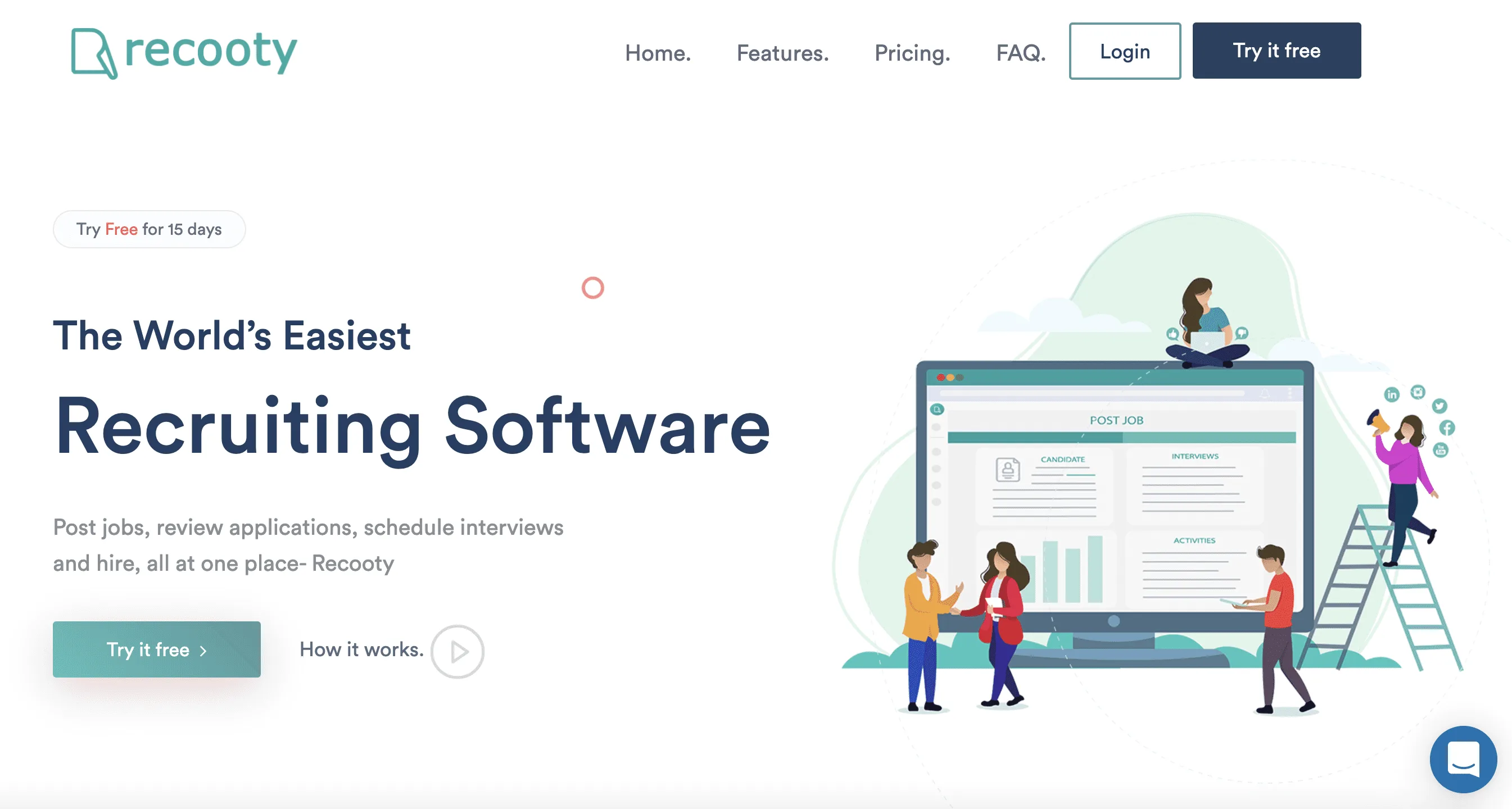
Recooty is a modern recruiting tool that automates hiring and helps you find, engage and hire the best talents easily.
Recooty’s job widget lets you publish all the live jobs directly on your website, the applicants can easily apply from there. All the applications can be seen on Recooty’s dashboard, so you can shortlist applicants, schedule interviews & hire the best ones easily.
No matter whatever platform you use for your website, Recooty has made it flexible enough to be integrated on any platform. All you have to do is, visit their website, click on sign up, fill in all the credentials required, click on create a free account, and you’re all set to go! Recooty is also integrated with the world’s top-most job boards like Zip Recruiter, Google job board, Facebook Jobs, etc which gives massive exposure to your company’s jobs.
Recooty provides such brilliant features and has amazing customer support, all for free!
It’s an amazing tool for your website and will definitely help you build a great team for your company.
2. Getsitecontrol
Does your website look boring, monotonous, non-interactive and every other negative adjective that totally describes the low or reduced customer engagement? If yes, then here’s is the perfect tool for you to make your website look interesting and doesn’t let your users leave without taking an action.
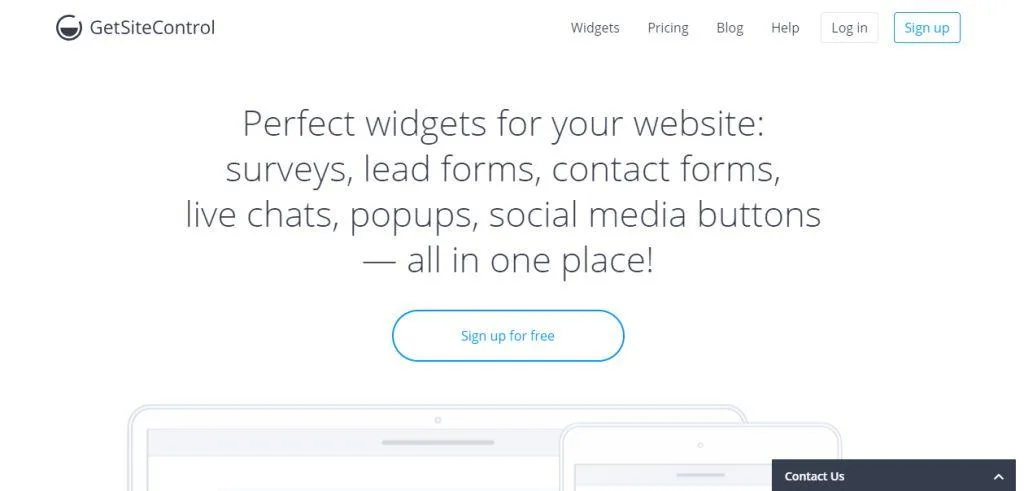
Getsitecontrol is a simple, easy to use set of widgets that can be efficiently used for the optimization of your website. It lets the owner of the website add interesting elements that engage website visitors efficiently and helps to increase the interaction with them.
Some of their most important and interesting engagement tools are-
- Chat widget
This widget lets you add live chat to your website to talk to your website’s visitors in real-time and guide them through all the problems they face.
- Subscribe widget
This is a customizable opt-in form that will help you get more e-mail subscribers and gather more and more leads to your website
- Survey widget
The survey widget lets you add a simple survey to your website, using which get instant feedback on your product features, marketing strategy, price policy, and various other aspects.
- Contact widget
A contact widget is a customizable contact form for your website and a great platform for communicating with the visitors of your websites.
- Promo widget
A promo widget is a customizable website notification that can be added to your website and guides the users on what page should they visit next.
- Share widget
Share widgets can be used to create sharing buttons, bars or popups for your websites.
- Follow widget
This widget lets you add various social media ‘follow’ buttons to your website.
Getsitecontrol is a simple- yet quite effective, easily accessible and super affordable tool that you can use to make your website one of its own kind.
3. Tawk.to
Visitors often need a quick way to ask about a product, role, or application. A live chat option can answer those questions without requiring a phone call.
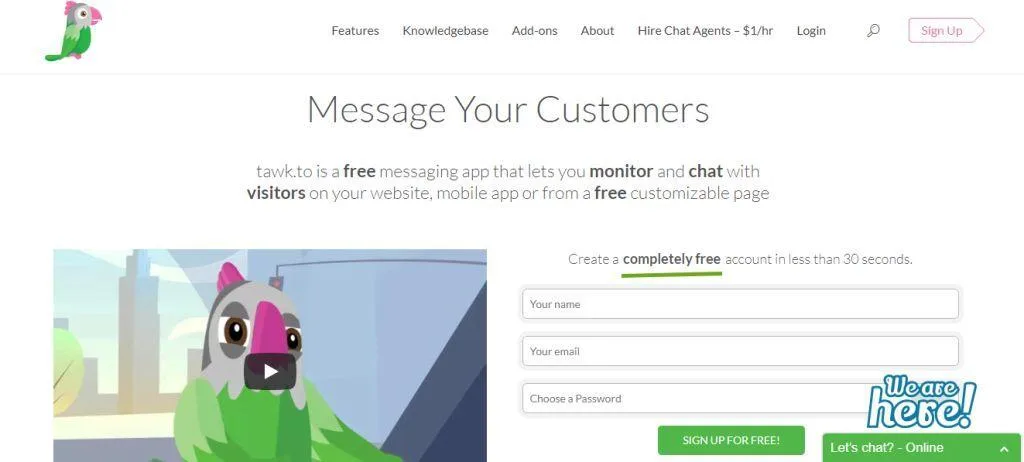
Tawk.to is a free, live chat app that lets you take care and interact through chats with the visitors of your website. It is absolutely free of cost and is designed to maximize the effectiveness in online customer engagement for your website by enabling multiple websites on a single dashboard interface to chat with the visitors of your website. Tawk.to lets, you communicate to the visitors of your website and stay connected to them anywhere, anytime and through any device.
This app builds a strong bridge between the user and the owner and it’s a must-have for every website.
4. MailChimp
Various other features, recruiting, communication, now it’s all about marketing, which is the most important thing in a business which needs to be done accurately and efficiently for proper growth of any business. Here we are with an awesome tool, Mailchimp.
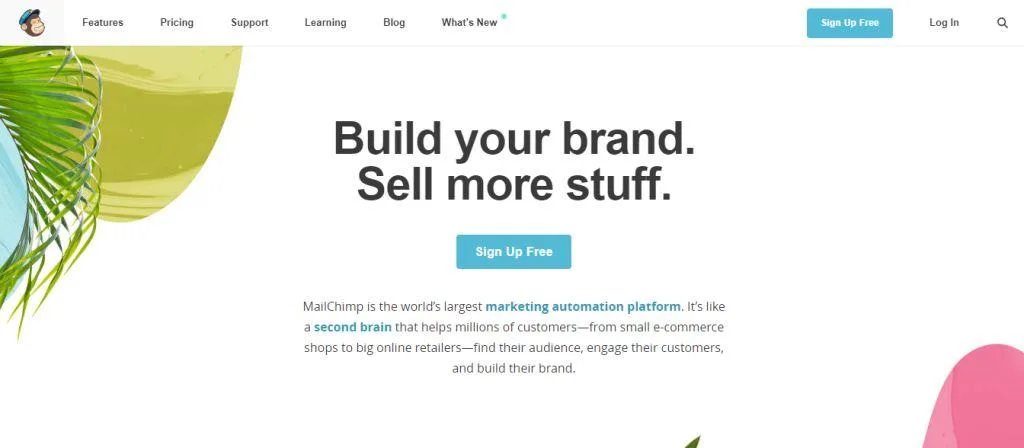
MailChimp is the World’s largest Marketing Automation platform that helps thousands of companies, from small e-commerce sites to big online retailer stores, find their target audience, engage them and build their brand. It allows you to integrate your MailChimp account with your website and send out email campaigns to a list of email subscribers. This list is free initially, up to 2000 subscribers, which is why it is the newsletter service of choice for thousands of businesses.
Pro Tip: Need to build an effective email list for free?
Here are 7 Easy Ways to Build a Free Email List
5. Typeform
You need to know your customers thoroughly to make sure and provide the best of the service. This knowing process can be easily done with simple tools like forms, surveys, polls, quizzes, etc. Here is a tool that lets you include all of this on your website, easy and simple.
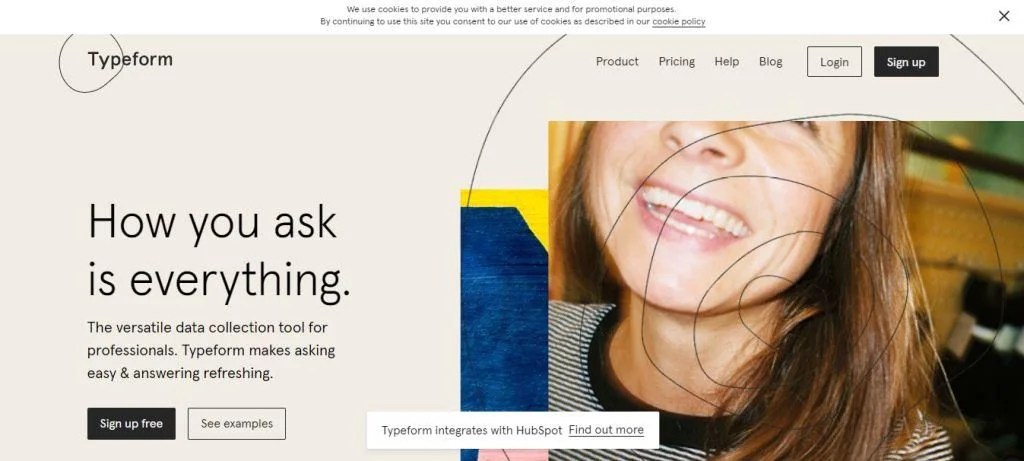
Typeform is a tool that has made online data collection reimagined and interesting. It uses a drag and drop interface to create any kind of form, surveys, polls, and questionnaires which are both, beauty and utility in a single box. The basic version of Typeform is free and the upgraded versions are very cheap and completely affordable. Typeform makes the interaction with the customers and knowing them a fun process which in turn helps and increases customer engagement with the website.
Typeform makes asking for the website owners easy and answering for the website visitors refreshing.
Measure the complete visitor journey
Tool dashboards can create false confidence. A chat tool may report thousands of opens while contributing few completed applications. A form may collect entries that the recruiting team cannot follow up with, and a page-speed tool may show a good lab score while mobile visitors still struggle.
Use this path for each important page:
- Discover: how did the visitor arrive, and what query or source brought them?
- Understand: could the visitor tell what the company, role, or offer is within a few seconds?
- Act: could they complete the intended action without confusion or unnecessary fields?
- Continue: did they receive a clear confirmation and next step?
- Learn: did the action produce a useful outcome, such as a qualified applicant or relevant subscriber?
This is especially important for a branded careers page. Keep the employer story, role requirements, application process, and contact path easy to find.
A job description generator can turn responsibilities and requirements into a clear first draft. Measure a recruiting page like a recruiting asset, not a generic marketing page.
Choose tools by the problem they solve
Start with one defined visitor or business problem, then add the smallest tool that can help. Recheck speed, accessibility, privacy, completion rates, and maintenance after installation. Remove any tool that adds work without improving the journey.
Research sources
- Google search performance reporting for search performance, indexing, job data, and Core Web Vitals reporting.
- Google’s Core Web Vitals documentation for LCP, INP, and CLS guidance and thresholds.
- WebAIM WAVE for automated accessibility checks and human-evaluation guidance.
- W3C Web Accessibility Initiative tool-selection guidance on combining automated and manual evaluation.
- Google Core Web Vitals report help on field data and URL-group reporting.
Source: https://recooty.com/blog/top-5-free-tools-that-can-make-your-website-stand-out/
Frequently Asked Questions
Which free tools should I add to my website first?
Start with measurement, performance, and accessibility checks before adding engagement widgets. For a careers page, add a reliable job and application path, then use Google’s search performance reports, Core Web Vitals, and an accessibility checker to find friction.
Can free website tools slow down a website?
Yes. Third-party scripts, chat widgets, pop-ups, tracking tags, and external fonts can increase page weight or delay interaction. Test before and after installation with both real-user data and a controlled page test.
Are free website tools safe for collecting candidate information?
Only when the provider, settings, consent, retention, access controls, and export process fit your obligations. Collect the minimum information needed and avoid sending sensitive candidate data to a tool that was not designed for it.
How do I know if a website tool is working?
Define one outcome before installation, such as more completed applications, fewer support questions, faster page interaction, or better accessibility. Compare that outcome with the tool’s maintenance cost and remove it if the result is not useful.
Is an automated accessibility score enough?
No. Automated tools can identify many technical issues, but they cannot judge every real user experience. Pair automated checks with keyboard testing, screen-reader checks, clear content, and feedback from people with disabilities where possible.
Jump To Section
Author's Profile

Recooty


Recooty is one of the fastest-growing Applicant Tracking Systems, helping businesses of all sizes streamline their hiring process. Through its content, Recooty shares expert insights...
View Full Profile →