

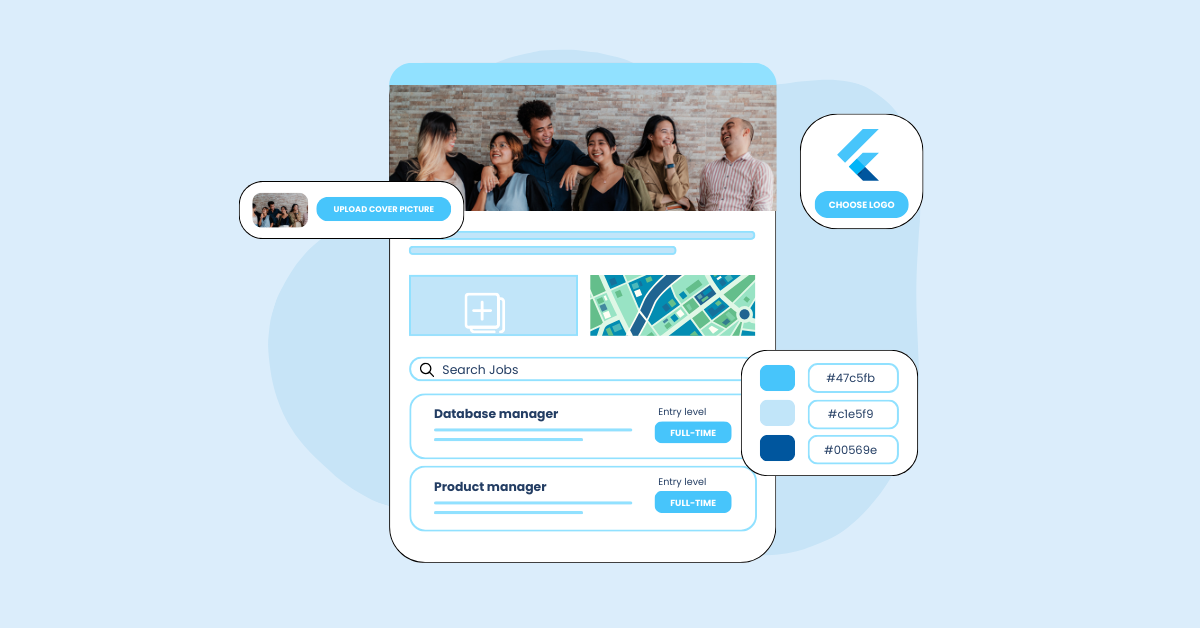


A branded career page gives candidates one reliable place to learn about your company, find open roles and decide whether to apply. Recooty connects the page to your recruiting workflow, so you can publish jobs, update openings and collect applications without building a separate site from scratch. The page still needs clear job information and an honest view of the employee experience.

Key takeaways
- Candidates should quickly understand what your company does, what the role involves and what happens after they apply.
- Branding helps recognition, while accurate job details and a simple mobile application build trust.
- Keep job pages connected to the same recruiting system that manages applications and candidate communication.
- Include real information about work, benefits, location, work pattern and hiring stages instead of general promises.
- Track job clicks, application starts, completion, mobile completion, source and candidate questions.
- Recooty lets you create a careers page without coding and keeps published roles connected to your hiring workflow.
What candidates look for on a career page
Candidates usually want to see current openings, a plain-English description of the company, the work experience, benefits and reasons people stay. They also want to know whether the role matches their location, schedule, skills and expectations. Put that information close to the job search rather than hiding it behind several pages.
Use employee stories, photographs or short videos when they answer a real question. Explain who is shown, when the material was created and whether the example represents every team. A page earns more trust when it includes honest trade-offs, such as travel, shift work or a fast-changing environment.
How to create a branded career page with Recooty
Recooty’s career page workflow is designed for teams that want to publish openings without coding. The steps below describe the setup from the existing product guide. Check the current dashboard labels if the interface has changed.
1. Create a Recooty account
Open free signup and create an account. After you verify your email, Recooty takes you to the dashboard where you can complete your company details and manage jobs.
2. Complete your company profile
Choose “Complete Your Profile” in the dashboard and add the details candidates need. Include your company logo, a short description, your mission, values and relevant employee benefits. Keep the language specific. “We support flexible work” is more useful when you explain what flexibility means for the role.
3. Post your job openings
Create each opening with a clear title, responsibilities, required skills, experience, location and employment type. Separate required qualifications from preferences so candidates can judge their fit. When you publish a role, it appears on the careers page. Select “View Careers Page” in the dashboard to check the candidate view.
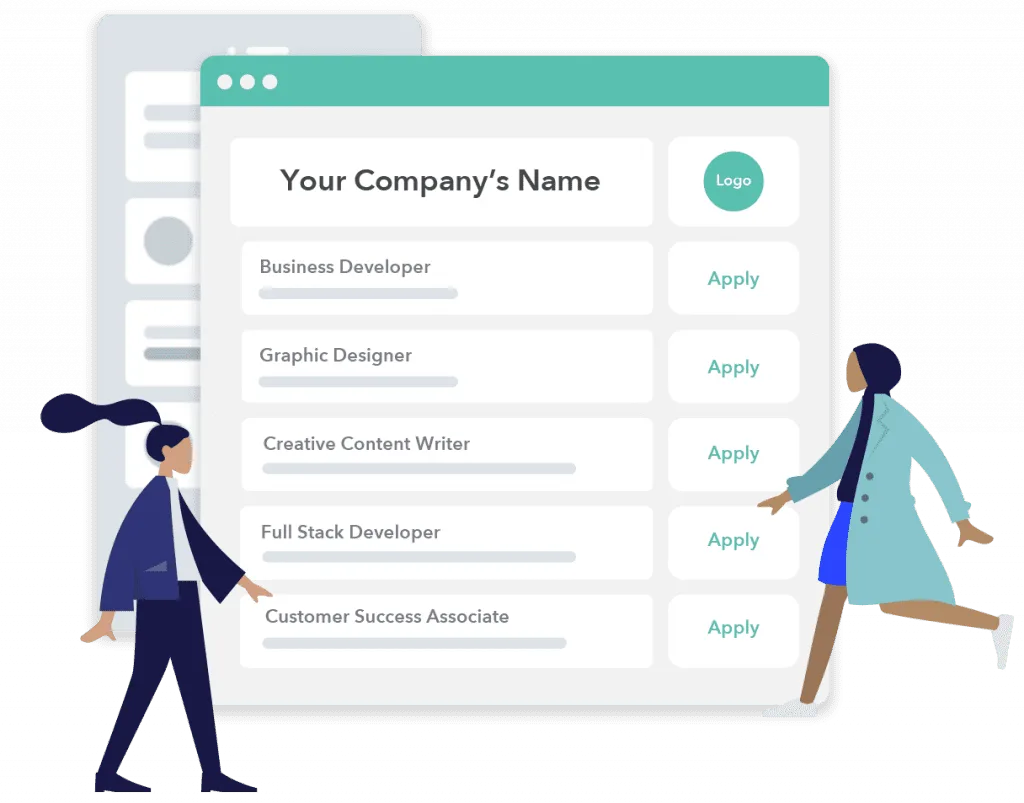
Before sharing the page, apply on a phone and desktop. Check the confirmation, the next-step message and every required field. Review the page after a role closes so candidates do not apply to an outdated opening.
Benefits of using Recooty for your careers page
Lower page maintenance effort
Building and maintaining a careers page can require design and development time. Recooty provides a hosted page connected to your recruiting workflow, so a small team can publish roles without maintaining a separate job database. Review the current pricing and plan limits before choosing a subscription.
Keep job listings current
When you create or edit a position in Recooty, the careers page can reflect the change through the same workflow. Deactivating a filled role helps prevent candidates from applying to a job that is no longer available. Confirm how status changes and candidate notifications work in your account.
Give candidates an organized job search
Candidates can view open roles together, select a position and read its details before applying. A useful job page explains responsibilities, skills, experience, location and employment type. Keep the route from job list to application short, and write an informative confirmation after submission.
Review applications consistently
The original product guide describes a candidate rating feature that compares application keywords and skills with job requirements. Treat that rating as a review aid rather than a final decision. Recruiters and hiring managers should check the evidence, consider equivalent experience and record the reason for moving a candidate forward or out.
Improve job discovery
The original guide says Recooty integrates with Google for Jobs so published roles can appear when candidates search. Verify the current integration and required job data, then check a live role for title, location, employment type and closing status. Search visibility helps only when the page gives candidates enough information to decide.
What career-page examples often leave out
Career-page roundups show attractive designs, but a small or growing team also needs a page it can maintain and measure. Recruitee’s career-page examples, Jobspage’s 2026 examples and Sprad’s conversion guide emphasize employer value proposition, authentic proof, easy job discovery and a low-friction application.
Use the framework below to connect the page promise to candidate action. The Omni Candidate Experience Report 2026 reports that 55% of candidates say clear job descriptions build trust, 34% say finding relevant opportunities could be improved, 49% would withdraw from a process that takes too long and 54% want clear updates. Use your own analytics to see where your candidates experience those problems.
| Career-page element | What to add | What to measure |
|---|---|---|
| Employer promise | A plain-English mission and specific reasons to join | Page engagement and applicant quality |
| Role clarity | Responsibilities, work pattern, location, pay context and success in 90 days | Job clicks, starts and candidate questions |
| Culture proof | Employee stories, team context and honest working practices | Return visits and candidate feedback |
| Hiring transparency | Stages, expected timeline and interview format | Withdrawal rate and time between stages |
| Application flow | Mobile form, accessible labels and a useful confirmation | Start-to-completion and mobile completion |
| Talent community | Job alerts or an interest form | Qualified subscribers and later applications |
For related guidance, see how to choose the right ATS for your business, how to create a career page that converts, the employee value proposition guide and enhancing candidate experience with AI in hiring. If you use an AI job-description tool, review the output for unsupported benefits, unnecessary requirements and language that does not describe the real role.
Publish, test and improve the page
Treat the careers page as part of hiring operations. Before launch, test the candidate view on a phone, confirm the details with the hiring manager and submit a test application. Each month, review visits, role clicks, application starts, completion, device-level drop-off and questions candidates ask. Update the page when the work, benefits or hiring process changes.
Recooty can reduce the technical work of creating a branded careers page, but your team still supplies the information that makes candidates trust it. Start with one accurate role, check the full candidate journey and use the results to improve the next opening.
Frequently Asked Questions
What should a branded career page include?
Include a clear company description, current jobs, role responsibilities, location and work pattern, required skills, benefits, hiring stages and a simple application. Add employee proof when it reflects the real experience.
Can I create a Recooty careers page without coding?
The product guide describes Recooty’s branded careers page as a no-code setup. Create an account, complete your company profile and post jobs through the dashboard. Verify current plan limits and page options in your account.
How does a careers page improve candidate experience?
It gives candidates one place to find relevant roles, understand the work and apply. Keeping the page connected to the recruiting workflow also helps your team update filled roles and send clear next steps.
How should I measure a career page?
Track source, page visits, job clicks, application starts, completion, mobile completion, time to apply, candidate questions and later hiring-stage conversion. Review quality as well as application volume.
Source: https://recooty.com/blog/how-to-create-a-branded-career-page-with-recooty/
Jump To Section
Author's Profile

Recooty


Recooty is one of the fastest-growing Applicant Tracking Systems, helping businesses of all sizes streamline their hiring process. Through its content, Recooty shares expert insights...
View Full Profile →