


Use the seven platforms below as a starting shortlist for US hiring. The best choice depends on your hiring volume, workflow, integrations, candidate experience, and data requirements, so test the same role and candidate sample in every finalist before you buy.

Key takeaways
- Compare ATS platforms with the same role, test candidates, workflow, and reporting questions.
- Treat AI matching, screening, summaries, and recommendations as decision support until their inputs, limits, and review controls are clear.
- Evaluate candidate experience on mobile, accessibility, application completion, communication, and response time.
- Include implementation, support, integrations, extra users, job distribution, data export, and migration in total cost.
- For US hiring, confirm data processing, permissions, retention, auditability, and state or industry requirements with the vendor and your advisers.
- Recooty’s view: an ATS ranking is only useful when the reader can reproduce the evaluation and understand the trade-offs behind each recommendation.
AI hiring software USA: how to validate ATS rankings before you buy
The existing list uses features, pricing, usability, and reviews as comparison signals. Add a repeatable test so the final decision is not driven by a polished demo or a vendor’s headline claim. Evaluate the complete journey from approved requisition to candidate decision and early onboarding handoff.
| Evaluation area | Test | Evidence to capture |
|---|---|---|
| Role setup | Create the same role from the same approved brief | Time to publish, fields required, approval path, and version history |
| Candidate intake | Submit standard, nontraditional, and incomplete test resumes | Parse accuracy, searchability, false negatives, and manual correction effort |
| AI recommendations | Review suggested matches or summaries against the scorecard | Inputs, explanation, override path, and consistency across test cases |
| Collaboration | Give a hiring manager a candidate to review and score | Permissions, notifications, feedback completion, and audit trail |
| Candidate experience | Apply from a phone, request help, and receive an update | Completion time, accessibility, clarity, and response quality |
| Analytics | Ask five real recruiting questions | Definitions, filters, export options, and whether reports match source data |
| Exit and portability | Export candidate records and close the role | Data format, attachments, notes, consent history, and deletion process |
This test adds information competitors often leave out. A platform may have strong AI features but weak export controls. Another may have fewer features but a clearer workflow and higher adoption. Score both the capability and the operational cost of using it.
A 100-point US ATS scorecard
Use these weights as a starting point and adjust them for your organization.
| Criterion | Weight | Strong result |
|---|---|---|
| Workflow fit | 20 | Stages, approvals, scorecards, and permissions match how your team hires |
| Candidate experience | 15 | Fast, accessible, mobile-friendly application and clear communication |
| AI usefulness and control | 15 | Relevant recommendations, clear inputs, human review, and correction path |
| Reporting and ROI | 15 | Source, stage, time, quality, offer, and cost data are defined and exportable |
| Integrations | 10 | Calendar, email, HRIS, job boards, assessments, and onboarding connect reliably |
| Security and compliance | 10 | Access, retention, consent, auditability, and processing terms are documented |
| Implementation and support | 10 | A lean team can launch, train users, and resolve issues quickly |
| Total cost | 5 | Subscription, add-ons, services, seats, and migration are transparent |
Use the scorecard with how to choose the right ATS and compare results with recruiting metrics. The goal is a defensible decision, not a perfect universal ranking.
A 14-day ATS pilot for US hiring teams
- Days 1 to 2: define the role, scorecard, success metrics, data fields, and reviewers.
- Days 3 to 5: configure the job, career page, stages, notifications, and permissions.
- Days 6 to 9: run test applications and review parsing, matching, scheduling, communication, and accessibility.
- Days 10 to 12: create reports, export records, test correction and deletion, and inspect support response.
- Days 13 to 14: compare total effort, candidate feedback, quality signals, and cost with the current process.
Do not expand after a successful demo. Expand after the system proves that it improves a measured bottleneck without creating a larger risk elsewhere.
How to read this USA ATS shortlist
The products below cover different hiring models. Compare them using the same role, candidate sample, scorecard, reporting questions, support request, and total-cost assumptions. A small team may value a short setup and simple collaboration, while an enterprise may need deeper permissions, integrations, and audit controls.
For enterprise teams, Zoho Recruit stands out with its scalable infrastructure and comprehensive talent management capabilities.
The descriptions summarize the capabilities and limitations recorded in the working comparison. Confirm current pricing, product limits, integrations, support, and AI behavior directly with each vendor before making a decision.
Top 7 Applicant Tracking Systems (ATS) in the USA
Here are the top 7 ATS software in the USA in 2026, based on their features, pricing, usability and reviews.
1. Recooty
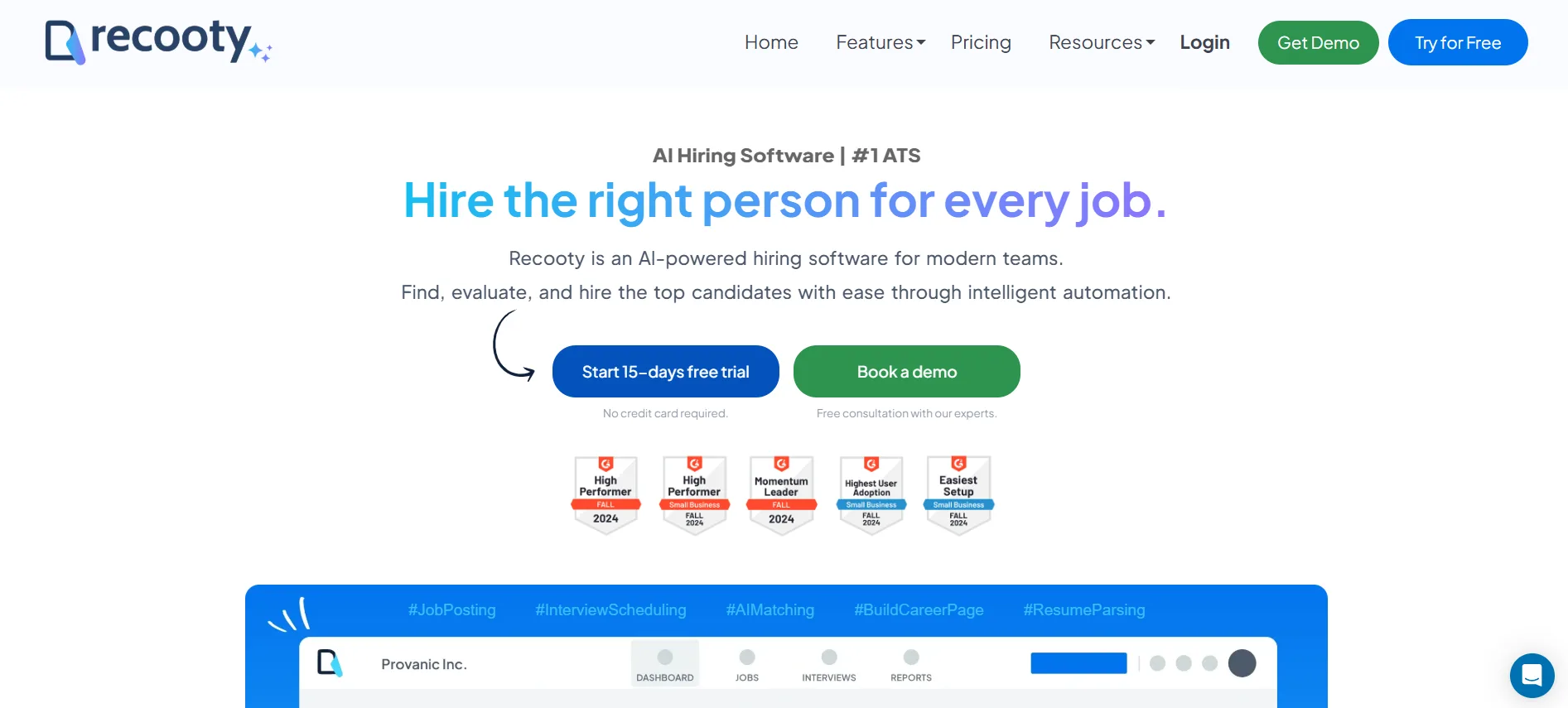
Recooty is an easy-to-use ATS with tools for job distribution, candidate tracking, interview scheduling, talent pools, and a branded careers page. Confirm current job-board coverage, pricing, and support terms for your hiring locations.
You can also schedule interviews and build talent pools. A Gartner-related listing is one reference point, but your team should still validate the current product and fit in a pilot.
It is affordable, equipped with the latest features, perfect for all small and medium-sized enterprises, provides 24/7 support and constantly updates its features.
What We Loved
Recooty delivers enterprise-grade features at startup-friendly prices, making advanced recruiting accessible to every team size.
What are the core functionalities of the ATS?
- AI resume parsing and ranking
- Job postings on 250+ job boards
- Branded career page builder
- AI-powered candidate matching
- Resume parsing and bulk upload
- Team collaboration tools
- Interview scheduling (integrated with Google Calendar)
- Automated candidate communication workflow automation
- Analytics and custom reporting
- GDPR-compliant data security
- Branded careers page
- Interview scheduling automation
- Talent pool management
- 24/7 customer support
Pros
- Rated #1 by Gartner 2026 & 2026
- Extremely affordable pricing
- Perfect for SMBs and enterprises
- Constantly updated features
Cons
- Limited advanced reporting
- Fewer integrations than enterprise platforms
- Learning curve for complex workflows
Best For
Small to medium-sized businesses seeking powerful, affordable recruiting automation without complexity.
The platform may suit small and medium-sized teams that want job distribution, candidate matching, collaboration, and scheduling in one workflow. Confirm the current feature set and pricing during a pilot.
2. Zoho Recruit
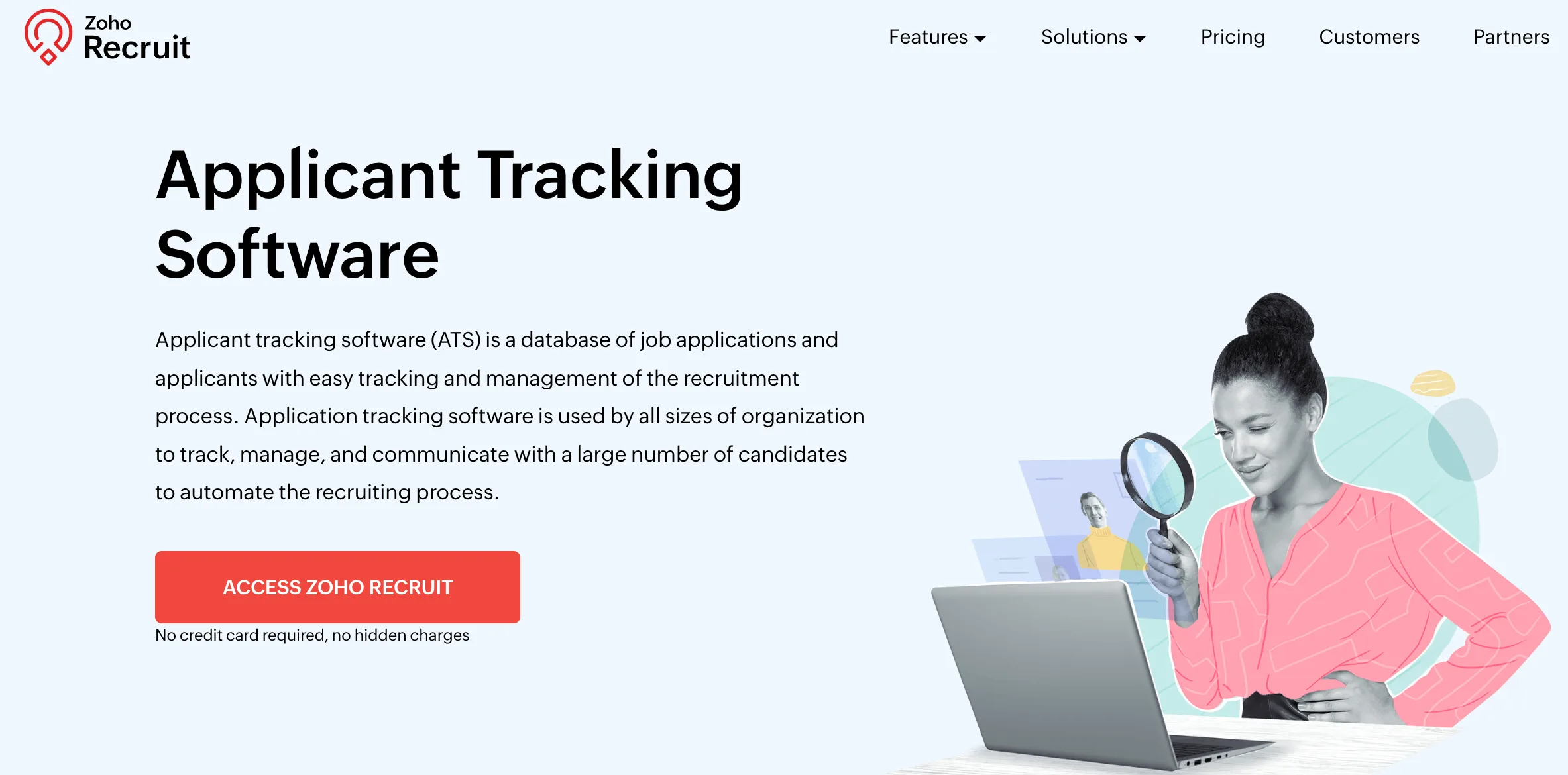
Zoho Recruit provides ATS software features like candidate matching, resume parser, and ChatGPT-integrated job description recommendations and recruitment solutions at affordable rates. It also provides specific solutions based on organization type and industry.
Some of its pros are that it is affordable and ideal for small and medium-sized enterprises but it has limited features and support for free users.
What We Loved
Zoho Recruit’s AI assistant Zia transforms complex hiring workflows into streamlined, intelligent processes for large organizations.
Key Features
- AI-powered candidate matching (Zia)
- Workflow automation and blueprints
- Multi-channel job posting (150+ boards)
- Custom career pages
- Advanced reporting and dashboards
- GDPR compliance tools
Pros
- Comprehensive AI assistant integration
- Affordable for SMBs
- Scalable enterprise features
- ChatGPT-integrated job descriptions
Cons
- Limited features for free users
- Complex interface for beginners
- Support restrictions (24/5)
Best For
Enterprise teams and growing companies needing scalable AI-powered recruiting with comprehensive workflow automation.
Zoho Recruit may suit organizations that need configurable workflows and a broad set of automation options. Test the interface with the people who will review candidates every day.
3. Freshteam by Freshworks
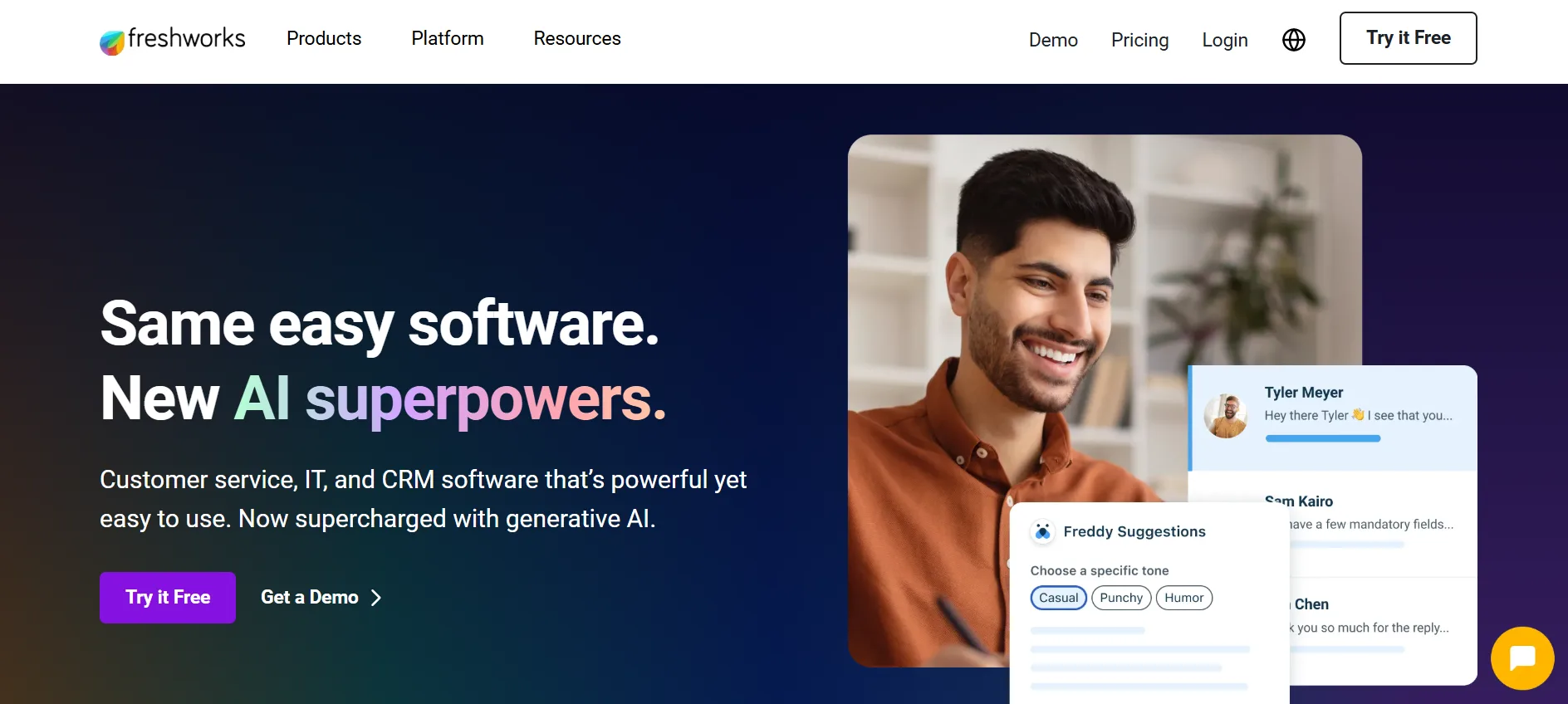
Freshteam by Freshworks provides recruitment CRM services with AI-powered features to attract candidates, manage their profiles and track application progress.
One of the pros is its AI-powered recruitment CRM, which has onboarding and employee database management features. Some of its cons are its delayed customer support, complex user interface and complicated job offer procedures.
What We Loved
Freshteam brings together recruiting, onboarding, and employee management in one easy-to-use platform.
Key Features
- Applicant tracking with Kanban view
- Free plan for teams under 50 employees
- Employee onboarding and time-off tracking
- Customizable career site
- Mobile apps for iOS and Android
- Automated interview scheduling
Pros
- Very simple, beginner-friendly interface
- Integrated HRIS features at no added cost
- Free plan for small teams
- Fast onboarding
Cons
- Limited customization for complex workflows
- Paid plans become expensive as headcount grows
- Customer support can be slow during peak times
Best For
Startups and SMBs needing integrated HR and ATS solutions without technical overhead.
Freshteam may suit startups and small teams that want recruiting and basic employee-management functions together. Confirm plan limits and support response times as headcount grows.
4. Workable
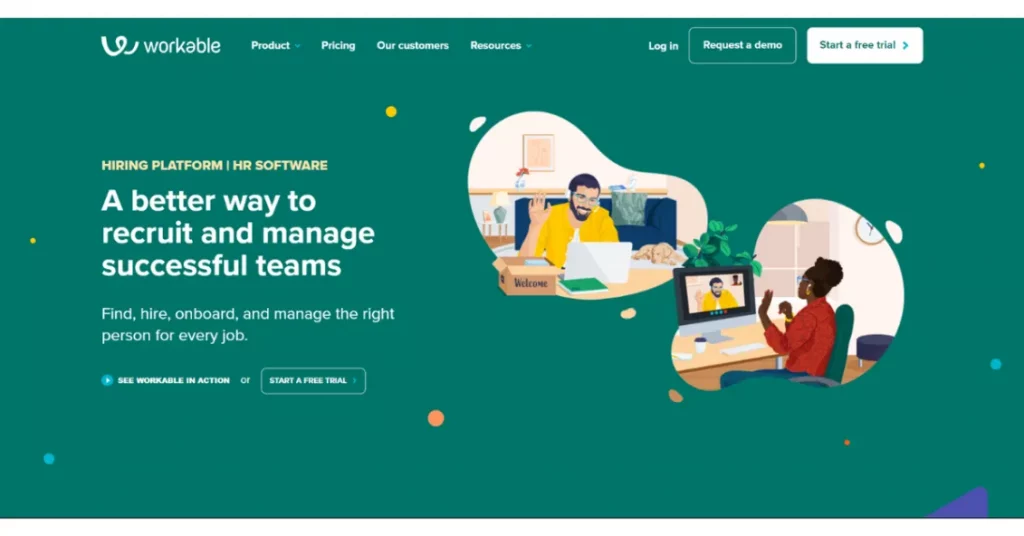
Workable provides various features for recruiting procedures, like AI-recommended job descriptions, job postings on multiple job boards, a careers page, and many more. It also assists the HR team in their day-to-day functions, some of which include payroll and documentation management, e-sign documents, and offers.
It provides a variety of features. But its interface is cluttered, the software can be glitchy, and it is expensive.
What We Loved
Workable combines powerful recruiting tools with user-friendly design, making it perfect for growing businesses worldwide.
Key Features
- 200+ job board integrations
- AI-powered candidate recommendations
- Video interview capabilities
- Customizable hiring pipelines
- Multi-language support
- Mobile recruiting app
Pros
- Excellent global job board network
- Strong AI-powered features
- Comprehensive HR platform
- Outstanding customer support
Cons
- Higher pricing for advanced features
- Limited customization options
- Complex interface for beginners
Best For
Small to medium businesses seeking comprehensive recruiting tools with global reach and AI-powered candidate matching.
Workable may suit teams that need broad job-board coverage and a larger set of recruiting tools. Verify current pricing, integrations, and any feature limits before comparing total cost.
5. Manatal
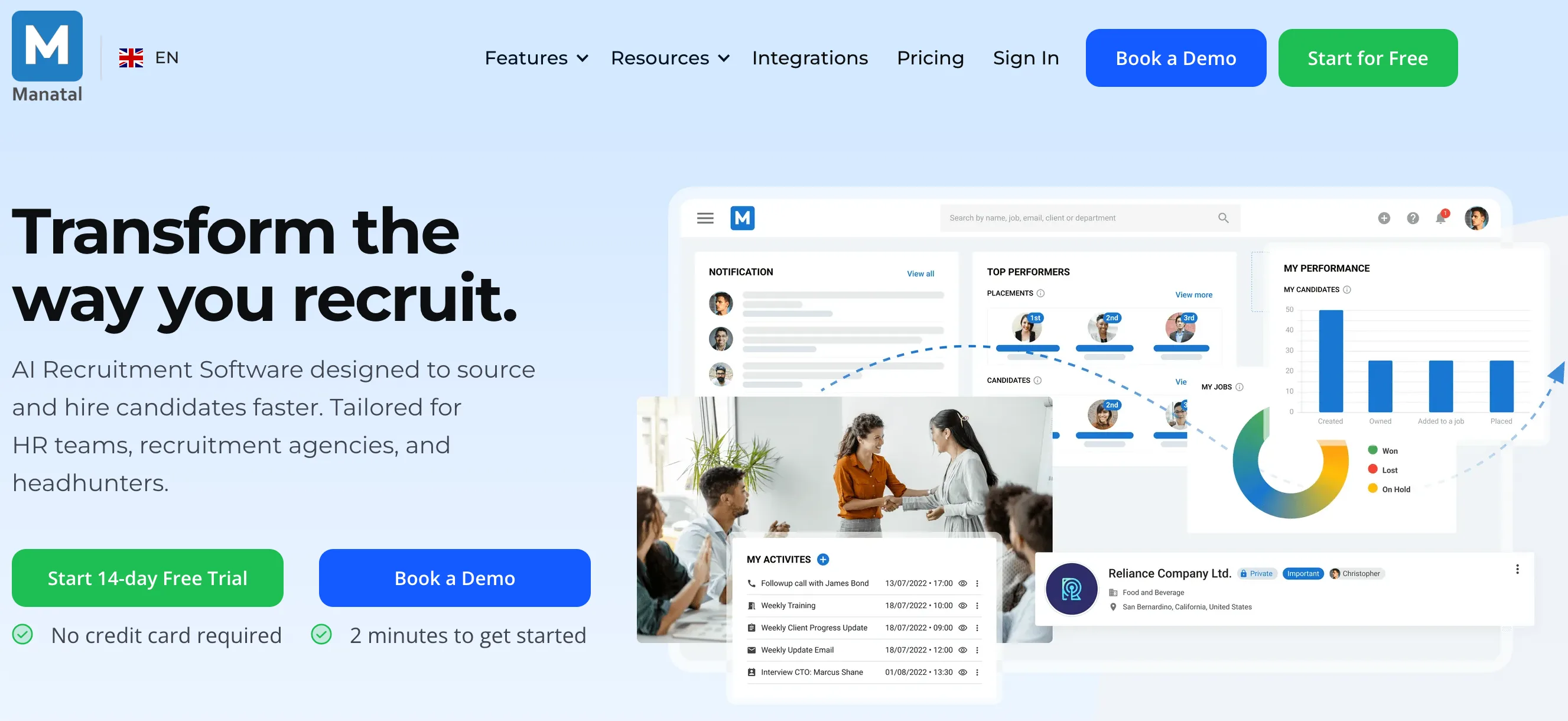
Manatal is another recruitment software which provides AI recommendations, candidate sourcing, ATS, recruitment CRM, branded career page, and different integration options.
Manatal provides good features but due to its restricted support, that is, 24/5, complex interface and hiked prices, are some of its cons.
What We Loved
Manatal delivers advanced AI recruiting features at affordable prices, making sophisticated hiring accessible to budget-conscious teams.
Key Features
- AI-powered candidate scoring
- Social media profile enrichment
- Drag-and-drop pipeline management
- Automated resume parsing
- Multi-platform job posting
- Built-in collaboration tools
Pros
- Affordable AI-powered features
- Excellent candidate database
- Intuitive drag-and-drop interface
- Strong social media integration
Cons
- Limited support (24/5 only)
- Complex interface for beginners
- Pricing increases with team size
Best For
Small to medium businesses wanting AI-powered recruiting capabilities without enterprise-level costs.
Manatal may suit teams looking for candidate sourcing, enrichment, and pipeline tools at a lower starting complexity. Test data quality and support for the workflows you need.
6. SmartRecruiters
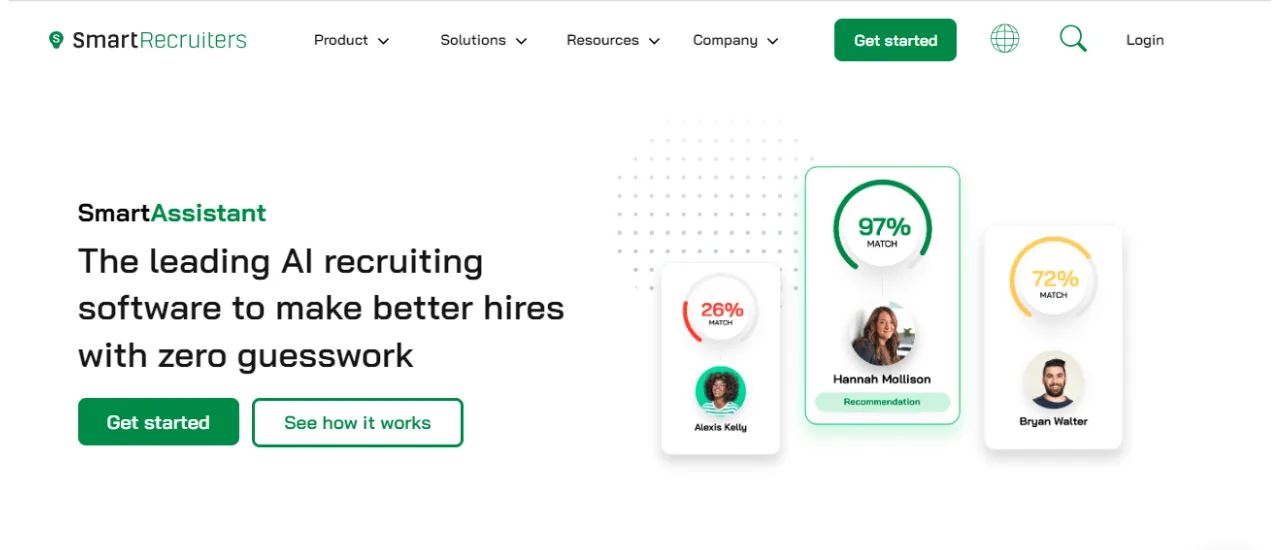
Smart Recruiters is another ATS platform which provides job advertising & distribution, AI recommendations, text recruiting and CRM features among others for faster and better hiring.
Some of its pros are its easy interface and customer support. However, one might face glitches in candidate management and issues in integration.
What We Loved
SmartRecruiters offers end-to-end recruiting for global organizations, combining robust applicant tracking with recruitment marketing and analytics.
Key Features
- Real-time candidate tracking
- Automated job postings to multiple boards
- Career page builder
- Candidate scorecards and CRM
- AI-driven matching and screening
- Advanced analytics and reporting
Pros
- Excellent workflow automation
- Strong collaboration tools
- Comprehensive integration ecosystem
- Powerful analytics suite
Cons
- Complex setup for smaller teams
- Higher cost than SMB-focused ATS
- Some advanced features gated to premium plans
Best For
Large and scaling businesses expanding into multiple countries.
SmartRecruiters may suit larger organizations that need structured workflows, collaboration, and reporting across many roles. Plan for a more involved setup than an SMB-focused ATS.
7. GoHire
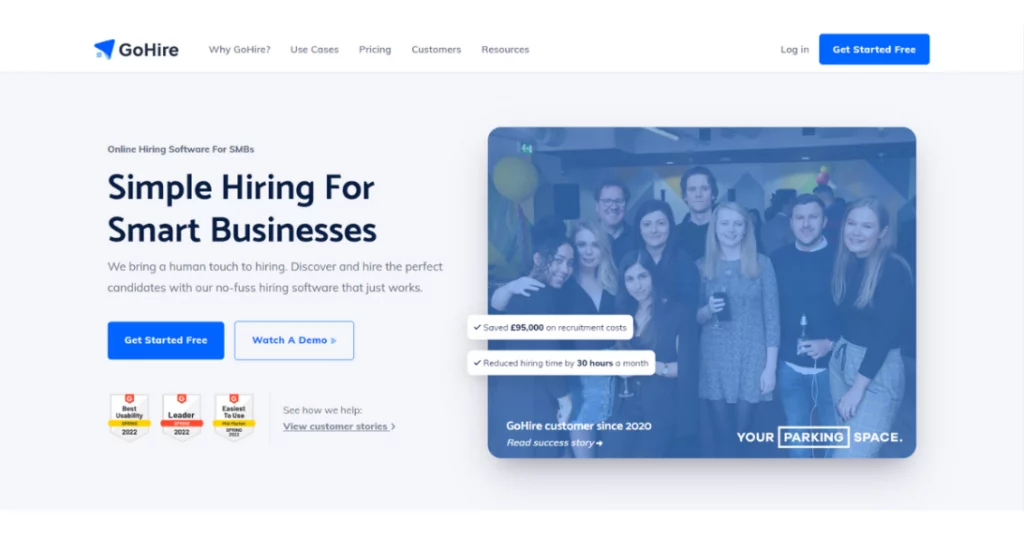
GoHire provides ATS software with other features like candidate screening & experience, multi-posting on different job boards, and career site software.
Its user interface is simple. However, its customer support services are delayed, its application is slow and it has limited integrations.
What We Loved
GoHire makes recruiting fast and simple, offering robust features at a price growing teams can afford.
Key Features
- Easy job posting and candidate sourcing
- Resume parsing and rating
- Interview scheduling automation
- Customizable workflows and pipelines
- Team collaboration tools
- Analytics and reporting dashboard
Pros
- Intuitive, clean interface
- Affordable pricing plans
- Strong collaboration support
- Good reporting tools
Cons
- Limited customization for power users
- Integrations with job boards occasionally unreliable
- Customer support can be inconsistent
Best For
Startups and SMBs that need recruiting automation without complexity or high costs.
GoHire may suit startups and small businesses that need core recruiting automation without a complex implementation. Check integration reliability and support response times during the trial.
How to test ATS claims before you choose
Claims such as “faster hiring,” “better candidate quality,” or “bias-free matching” are hypotheses to test. Ask how each result was measured, compared with which baseline, across which roles, and over what period. Keep vendor-reported performance separate from your own pilot results.
Use the same role brief, candidate sample, evaluation rubric, and reporting window for every finalist. Record the result and the human effort needed to obtain it. A feature that saves screening minutes may still add work through corrections, review, or candidate support.
AI in employment can affect who is discovered, screened, interviewed, or rejected. The NIST AI Risk Management Framework can help your team identify and monitor those risks. The EEOC guidance on employment tests and selection procedures also stresses job-related criteria and consistent application. Ask vendors how their system supports those responsibilities.
Choosing an ATS for your US hiring team
Choose the platform that improves a defined hiring bottleneck while keeping candidate communication, human review, reporting, and data controls understandable. Run the pilot, document the trade-offs, and revisit the scorecard when your hiring volume or compliance needs change.
Research sources
- NIST AI Risk Management Framework for identifying, measuring, and managing risks in AI-enabled systems.
- EEOC Employment Tests and Selection Procedures on job-related criteria, business necessity, and selection procedures.
- EEOC guidance on applying selection criteria consistently for equal employment considerations.
- Google JobPosting structured-data documentation for job-page publishing and structured-data requirements.
- TechnologyAdvice’s 2026 ATS comparison for a current example of evaluating ATS fit, features, and pricing.
Source: https://recooty.com/blog/top-applicant-tracking-systems-ats-of-usa-in-2026/
Frequently Asked Questions
Options in this shortlist include Recooty, Freshteam, Zoho Recruit, and Workable, along with enterprise-focused platforms. Treat the list as a starting point and compare each finalist against your own workflow.
The better fit depends on your team. Compare both with the same role, candidate sample, collaboration steps, integrations, support questions, and full cost. Recooty may suit teams that prioritize a simpler workflow, while Workable may suit teams that need its broader recruiting tools.
Check resume parsing, candidate tracking, job posting, communication, interview scheduling, analytics, integrations, permissions, export, and support. Test each feature with a real hiring scenario and confirm that the system remains usable as your team grows.
There is no single best ATS for every US employer. Choose based on workflow fit, hiring volume, role complexity, candidate experience, integrations, reporting, data controls, support, and total cost. Validate the shortlist with a real-role pilot.
The best option is the one that improves a defined task while keeping inputs, recommendations, review steps, and outcomes understandable. Test parsing, matching, summaries, scheduling, reporting, and human override rather than choosing by AI branding alone.
Give every finalist the same job brief, test candidates, interview rubric, reporting questions, and time limit. Record what worked, what failed, how much manual correction was required, and what the vendor actually charged.
Ask about access controls, data location, retention, deletion, consent, audit logs, subprocessors, security controls, accommodation support, AI evaluation, and how the system helps you apply job-related criteria consistently. Match the review to your locations and industry.
Use at least two weeks or one complete hiring cycle, whichever gives enough evidence to test role setup, candidate intake, interviews, reporting, communication, export, and support. A short demo cannot reveal adoption or downstream data quality.
Jump To Section
Author's Profile

Shubham Joshi – Strategic HR Business Partner | Talent Recruitment & Management Specialist | People & Culture Architect


Shubham Joshi is a dynamic HR Business Partner with over 8 years of experience in aligning people strategy with business goals, driving high-performance cultures, and...
View Full Profile →